3.8editor score
AI job application tracker and interview prep for software engineers
AI Interview AssistantFreemium, Free
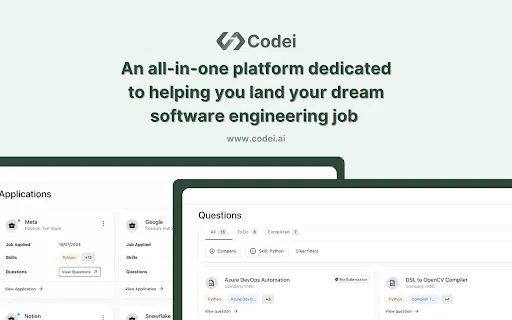
AI job application tracker and interview prep for software engineers
AI Interview AssistantEditorial score: 3.8
Freemium, Free
Compare AI products across 459 workflows using traffic estimates, features, and alternatives.
“Coding Interview AI”·152 results
Start overAI job application tracker and interview prep for software engineers
AI job application tracker and interview prep for software engineers

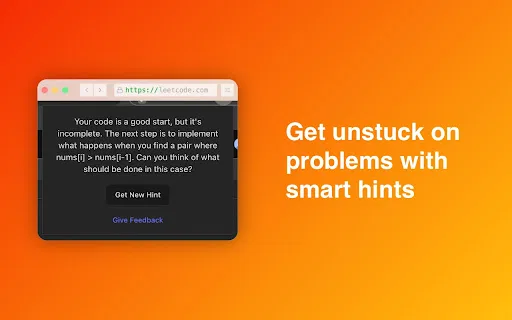
ChatGPT feedback right inside LeetCode

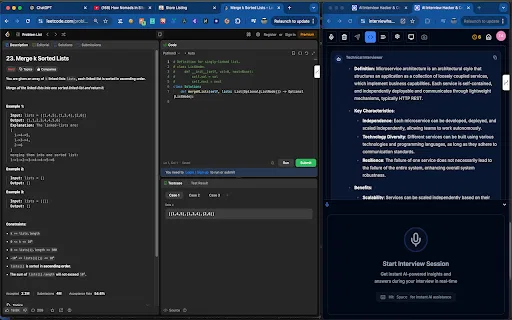
Real-time AI copilot for coding and job interviews
Real-time AI copilot for coding and job interviews

Real-time AI coding help for technical interviews
Real-time AI coding help for technical interviews

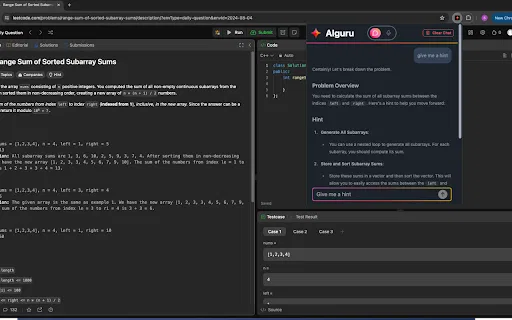
AI coding-interview tutor that reads your LeetCode problem and coaches you to the answer
AI coding-interview tutor that reads your LeetCode problem and coaches you to the answer

An AI tutor that walks you through LeetCode problems instead of solving them for you
An AI tutor that walks you through LeetCode problems instead of solving them for you

An AI mentor that coaches, not spoils, your LeetCode practice
An AI mentor that coaches, not spoils, your LeetCode practice

A lightweight Chrome extension that opens InterviewHacker.ai in a resizable popup during interviews
A lightweight Chrome extension that opens InterviewHacker.ai in a resizable popup during interviews
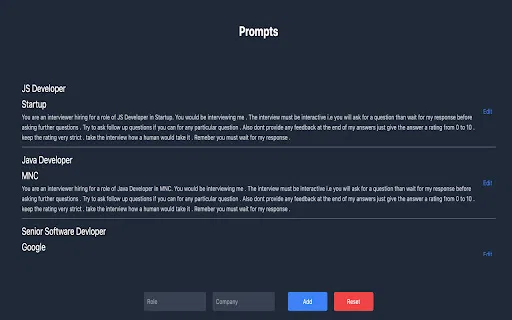
A free Chrome extension that runs structured interviews in ChatGPT using your own custom prompts
A free Chrome extension that runs structured interviews in ChatGPT using your own custom prompts

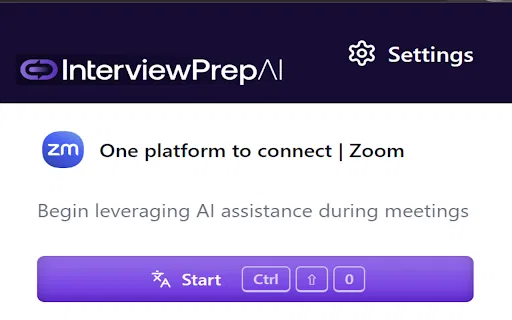
AI interview copilot and live transcription in your browser
AI interview copilot and live transcription in your browser

Acedit is a Chrome extension that acts as an AI interview coach. It combines three things job seekers usually piece together separately: real-time prompts that appear during online interviews, an interactive interview simulator for low-stakes practice, and AI-generated materials such as personalized practice questions and tailored cover letters. The extension is made by the team behind acedit.ai and integrates with the job sites people already use.
Acedit is a Chrome extension that acts as an AI interview coach. It combines three things job seekers usually piece together separately: real-time prompts that appear during online interviews, an interactive interview simulator for low-stakes practice, and AI-generated materials such as personalized practice questions and tailored cover letters. The extension is made by the team behind acedit.ai and integrates with the job sites people already use.

Automate the repetitive parts of coding with ChatGPT
Automate the repetitive parts of coding with ChatGPT

AI coding companion for the full DevOps lifecycle, right inside Chrome

AI programming assistant that enhances your browser with code help and optimization
AI programming assistant that enhances your browser with code help and optimization

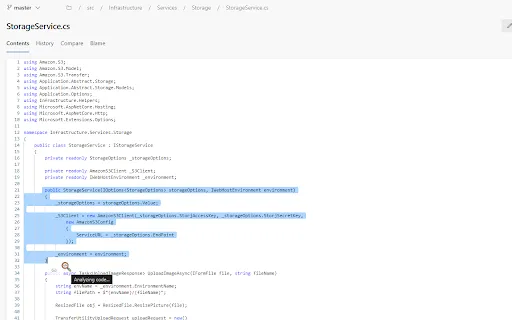
AI-powered code review and cleanup right inside your browser
AI-powered code review and cleanup right inside your browser

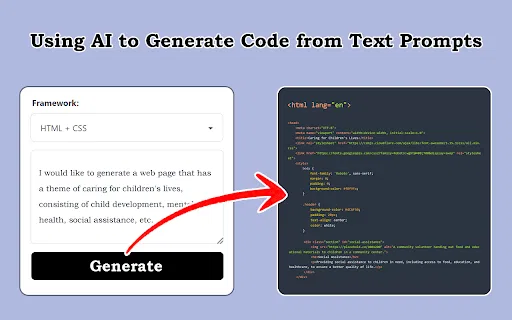
Turn screenshots, design drafts and prompts into front-end code
Turn screenshots, design drafts and prompts into front-end code

An AI agent copilot that runs sourcing, outreach and interviews end to end
An AI agent copilot that runs sourcing, outreach and interviews end to end

Chrome extension for scheduling and tracking Jobma video interviews

Discreet real-time AI answers for technical job interviews
Discreet real-time AI answers for technical job interviews

An AI career copilot in your browser sidebar

AI interview intelligence that records, transcribes and turns conversations into structured hiring notes
AI interview intelligence that records, transcribes and turns conversations into structured hiring notes

A ChatGPT sidebar for LinkedIn, Indeed and SimplyHired
A ChatGPT sidebar for LinkedIn, Indeed and SimplyHired

Run any code snippet you find online without leaving the page
Run any code snippet you find online without leaving the page

See AI-generated code run instantly, right inside your browser
See AI-generated code run instantly, right inside your browser