01
NanonetsOfficial
221.8K/mo
AI agents that run document-heavy business processes end to end
AI WorkflowEditorial score: 4.5Free Trial, Paid, Contact for Pricing41% direct

Free Trial, Paid, Contact for Pricing
DocsLoop records 860 monthly visits with -94.9% month-over-month growth and Free Trial, Paid pricing. InvoiceDataExtraction.com records 43,037 monthly visits with -8.5% growth and Freemium, Paid pricing.
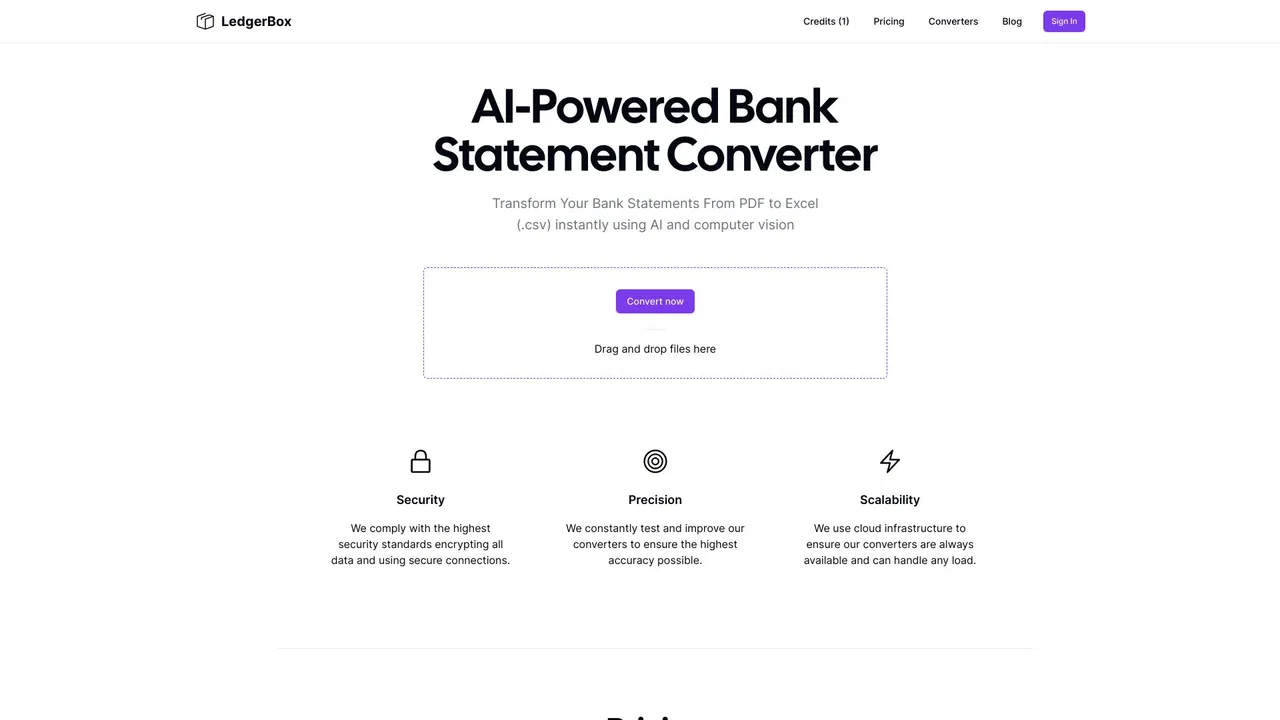
Turn PDF bank statements and invoices into clean Excel or CSV rows

Turn invoices into Excel with AI that flags what you should double-check
| Dimension / Metric | | |
|---|---|---|
| Official Domain | docsloop.com | invoicedataextraction.com |
| Pricing Model | Free Trial, Paid | Freemium, Paid |
| Monthly Visits | 860 (860) | 43.04K (43,037) |
| MoM Traffic Delta | -15.88K (-94.9%) | -4K (-8.5%) |
| Primary Market & Share | 🇺🇸 United States (100%) | 🇺🇸 United States (10.9%) |
| Direct Visits / mo | 340 | 17.68K |
| User Rating | 4.1 | 4.3 |
| Supported Platforms | Website | Website |
Turn PDF bank statements and invoices into clean Excel or CSV rows
No bank list or template needed. Each page is read as an image, so any bank's PDF layout can work; you get date, description, amount, category, bank name, account number, statement date and opening/closing balance.
Pull invoice number, issue and due date, vendor and customer with tax IDs, line items with quantity, unit price and total, and tax rate per line from supplier and customer invoices.
The tool un-wraps multi-line PDF rows, normalises dates to a single format such as YYYY-MM-DD, and keeps one signed Amount column so money in is positive and money out is negative.
Drop a PDF and get page one back in about 5–20 seconds without creating an account. Previews are processed in memory and never stored.
Turn invoices into Excel with AI that flags what you should double-check
Describe the fields you need in ordinary language, or just upload the files and let the AI infer the columns — no zone mapping or templates.
A panel of AI agents must agree on each value; disagreements are flagged with a note on what to check, so you only verify uncertain values.
Every row records the file and page it came from, and a results viewer opens the row next to the original document for one-click checking.
Single PDFs up to 5,000 pages and batches up to 6,000 files, with several jobs running at once, so a backlog goes in as one job.
AI agents that run document-heavy business processes end to end

AI document parsing that turns PDFs and emails into structured data
AI document parsing that turns PDFs and emails into structured data

Bank statement converter that checks its own work
Bank statement converter that checks its own work

AI-powered data extraction from invoices, IDs, receipts and any business document
AI-powered data extraction from invoices, IDs, receipts and any business document

AI bookkeeping that keeps receipts, invoices and statements organized automatically
AI bookkeeping that keeps receipts, invoices and statements organized automatically

Every receipt and invoice, caught and filed automatically
Every receipt and invoice, caught and filed automatically

Turn PDF and scanned bank statements into balanced, import-ready CSV, Excel, QBO or OFX
Turn PDF and scanned bank statements into balanced, import-ready CSV, Excel, QBO or OFX
Turn PDF bank statements into clean Excel or CSV files in seconds

Turn bank statements into clean, transaction-ready spreadsheets in minutes
Turn bank statements into clean, transaction-ready spreadsheets in minutes

AI document data extraction and workflow automation for any file format
AI document data extraction and workflow automation for any file format
Turn PDF bank statements into reconciled Excel, CSV, or QuickBooks rows
Turn PDF bank statements into reconciled Excel, CSV, or QuickBooks rows