01
CapCutOfficial
54.7M/mo
Extensive free video editing effects and timeline tools, but lacks dedicated automated workflows for repurposing long recordings.
AI Video EditorEditorial score: 4.5Freemium+13.2%
 #1
EditWithAva (Ava) records 908 monthly visits with +1,388.5% month-over-month growth and Free Trial, Contact for Pricing pricing. Vmaker AI records 511,776 monthly visits with +10.5% growth and Freemium, Paid, Free pricing.

AI video editing agent that turns your raw footage into publish-ready cuts

Record, edit and repurpose videos with AI shorts, subtitles and avatar generation
| Dimension / Metric | | |
|---|---|---|
| Official Domain | editwithava.com | vmaker.com |
| Pricing Model | Free Trial, Contact for Pricing | Freemium, Paid, Free |
| Monthly Visits | 908 (908) | 511.78K (511,776) |
| MoM Traffic Delta |
|---|
| +847 (+1,388.5%) |
| +48.42K (+10.5%) |
| Primary Market & Share | 🌐 Global (—) | 🇺🇸 United States (14.4%) |
|---|
| Direct Visits / mo | 349 | 126.76K |
|---|
| User Rating | 3.9 | 4.3 |
|---|
| Supported Platforms | Website | Website |
|---|
AI video editing agent that turns your raw footage into publish-ready cuts
Describe the cut you want in plain language and Ava assembles it from your own footage instead of you trimming clips by hand.
Ask Ava what your raw material supports and get direction advice on angles and structure before committing to an edit.
Subtitles, b-roll inserts, sound effects and AI voiceover are added automatically during the edit pass.
Request alternate hooks, aspect ratios or scripts so a single shoot yields several publishable versions.
Record, edit and repurpose videos with AI shorts, subtitles and avatar generation
Upload podcasts, webinars or interviews and let AI find the best moments, reframe speakers and produce captioned shorts for YouTube, TikTok and Instagram.
Record screen and webcam at up to 4K, then move footage directly into the AI editor for finishing.
Generate accurate subtitles in more than 35 languages with 10+ animation styles and translation into 100+ languages.
Turn text prompts, audio files, documents such as PDFs and Word files, or existing video into avatar-presented videos without editing from scratch.
Extensive free video editing effects and timeline tools, but lacks dedicated automated workflows for repurposing long recordings.
#1Comprehensive browser-based video editing suite with robust subtitles and effects, but less focused specifically on automated podcast clipping.

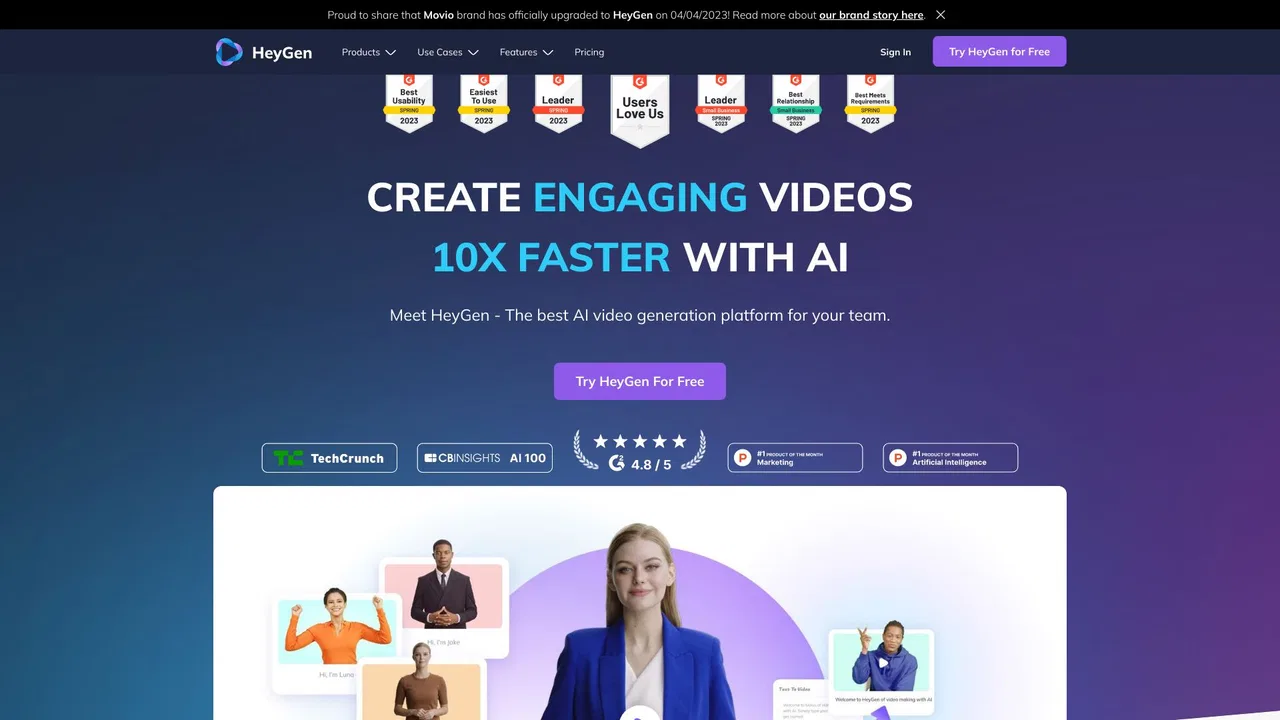
SpecialistIndustry leader in photorealistic AI avatar generation, but lacks traditional screen recording and video clipping workflows.
 #3
Advanced text-to-video generation and collaborative editing timelines, but less specialized for one-click screen recording and quick clipping.

Exceptional AI highlight detection and viral clip generation, but lacks screen recording and custom avatar studio tools.

Edit video and podcasts by editing text

Professional AI video creation studio with frontier models
Advanced AI agent for marketing video generation and scripting, but less focused on standard screen recording and basic clipping.

Strong repurposing workflow for turning webinars into social clips, but offers fewer built-in screen recording and editing features.
Powerful mobile-first AI captioning and speaking video editing, but lacks desktop screen recording and advanced multi-clip repurposing pipelines.

Turn long footage into ready-to-post shorts with AI clipping, voice and captions
Extensive free video editing effects and timeline tools, but lacks dedicated automated workflows for repurposing long recordings.
Comprehensive browser-based video editing suite with robust subtitles and effects, but less focused specifically on automated podcast clipping.
SpecialistIndustry leader in photorealistic AI avatar generation, but lacks traditional screen recording and video clipping workflows.
Advanced text-to-video generation and collaborative editing timelines, but less specialized for one-click screen recording and quick clipping.
Exceptional AI highlight detection and viral clip generation, but lacks screen recording and custom avatar studio tools.
Advanced AI agent for marketing video generation and scripting, but less focused on standard screen recording and basic clipping.
Strong repurposing workflow for turning webinars into social clips, but offers fewer built-in screen recording and editing features.
Powerful mobile-first AI captioning and speaking video editing, but lacks desktop screen recording and advanced multi-clip repurposing pipelines.
The AI video editor you talk to
Turn long footage into ready-to-post shorts with AI clipping, voice and captions