01
4.2M/mo
SpecialistExcels at automatically generating flashcards and practice quizzes from study notes, but lacks freehand drawing features.
AI Flashcard MakerEditorial score: 4.3Free+5.4%
Goodnotes records 3,227,341 monthly visits with +10.8% month-over-month growth and Freemium, Free Trial pricing. Live Minder records 0 monthly visits with 0% growth and Freemium pricing.

Handwritten notes, PDF markup, and AI study tools on one canvas
Bring your reminders and to-dos to your iPhone Lock Screen
| Dimension / Metric | | |
|---|---|---|
| Official Domain | goodnotes.com | liveminder.vibin.llc |
| Pricing Model | Freemium, Free Trial | Freemium |
| Monthly Visits | 3.23M (3,227,341) | 0 (0) |
| MoM Traffic Delta |
|---|
| +314.75K (+10.8%) |
| 0 (0%) |
| Primary Market & Share | 🇺🇸 United States (33.8%) | 🌐 Global (—) |
|---|
| Direct Visits / mo | 1.64M | 0 |
|---|
| User Rating | 4.4 | 4.3 |
|---|
| Supported Platforms | Website | Website |
|---|
Handwritten notes, PDF markup, and AI study tools on one canvas
Low-latency ink with palm rejection, cross-out to erase, and handwriting-to-text conversion keeps writing close to pen on paper.
Import contracts, papers, or textbooks and mark them up by hand, with searchable annotations and clean exports.
Search across typed text, handwriting, and sketches, and turn notes into summaries, mind maps, or structured plans.
Work together in shared notebooks, documents, and whiteboards simultaneously, without version conflicts or file ping-pong.
Bring your reminders and to-dos to your iPhone Lock Screen
Your Apple Reminders appear as persistent Live Activities on the Lock Screen, Always-On Display, Dynamic Island and in notifications, so the next thing you owe someone is always in view.
Complete, create and delete reminders directly from the live notification, skipping the step of opening the Reminders app entirely.
Ask the built-in generative AI integration to draft shopping lists, ingredient lists or to-dos, so a vague intention becomes a structured checklist in seconds.
Everything reads from and writes to Apple Reminders through iCloud, keeping your iPhone, iPad and other Apple devices aligned without a separate account.
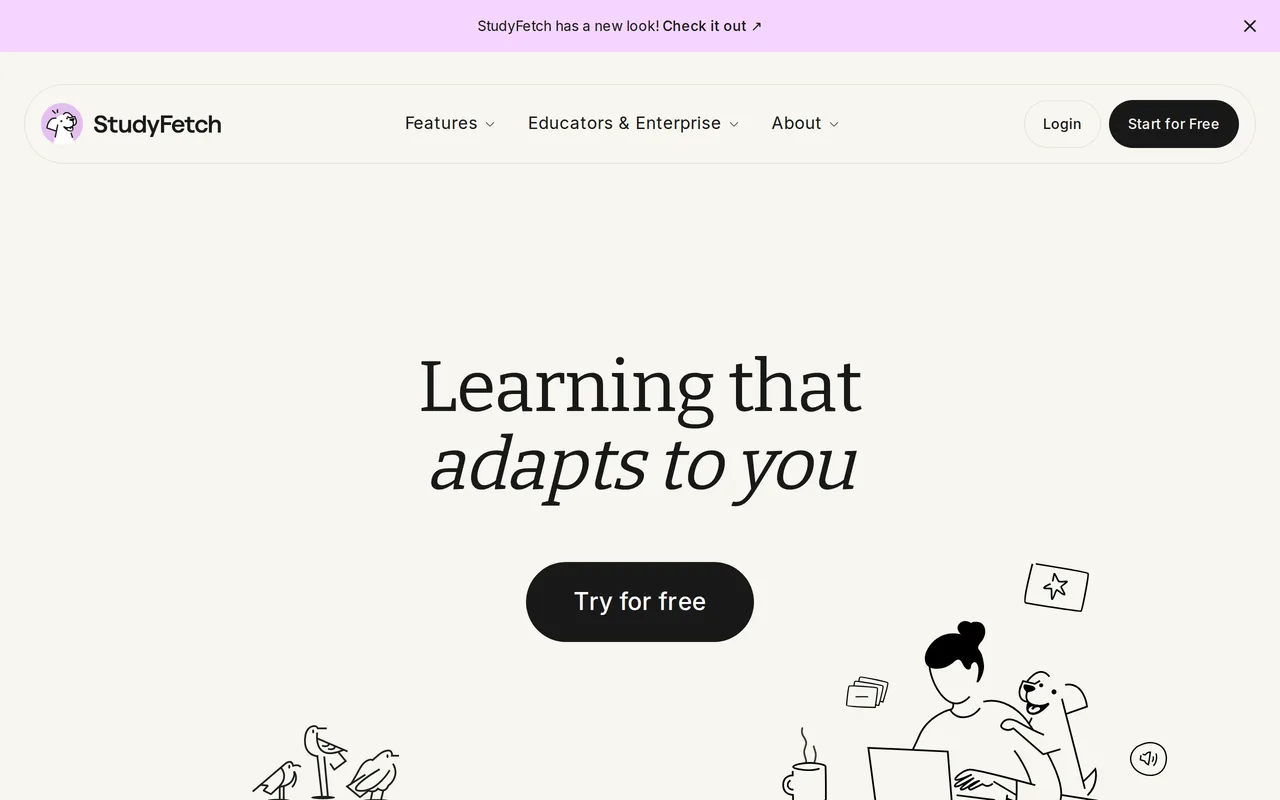
SpecialistExcels at automatically generating flashcards and practice quizzes from study notes, but lacks freehand drawing features.

SpecialistTurns course materials into interactive AI study tools, but focuses less on handwritten digital notebooks.
 #2

SpecialistStronger online PDF editing and AI chat capabilities, but lacks tablet-optimized handwritten note-taking workflows.
 #3
SpecialistConverts notes and PDFs into quizzes and flashcards, but lacks stylus-based handwriting and sketching tools.

Provides gorgeous structured block-based document editing, but is built for typed text rather than handwritten notes.

The AI super app for work — tasks, projects, calendar and meetings in one place
A visual AI planner built for every neurotype

Organizes notes into interconnected typed objects rather than traditional notebooks, but lacks handwritten ink support.

AI daily planner that turns your calendars and tasks into one clear plan
SpecialistUses an infinite visual canvas for note organization, but lacks Goodnotes' paper templates and PDF annotation polish.

ADHD-friendly AI assistant for notes, email and tasks
Offers spatial whiteboards for organizing complex research, but lacks Goodnotes' freehand handwriting stylus support.
SpecialistExcels at automatically generating flashcards and practice quizzes from study notes, but lacks freehand drawing features.
SpecialistTurns course materials into interactive AI study tools, but focuses less on handwritten digital notebooks.
SpecialistStronger online PDF editing and AI chat capabilities, but lacks tablet-optimized handwritten note-taking workflows.
SpecialistConverts notes and PDFs into quizzes and flashcards, but lacks stylus-based handwriting and sketching tools.
Provides gorgeous structured block-based document editing, but is built for typed text rather than handwritten notes.
The AI super app for work — tasks, projects, calendar and meetings in one place
A visual AI planner built for every neurotype
Organizes notes into interconnected typed objects rather than traditional notebooks, but lacks handwritten ink support.
AI daily planner that turns your calendars and tasks into one clear plan
SpecialistUses an infinite visual canvas for note organization, but lacks Goodnotes' paper templates and PDF annotation polish.
ADHD-friendly AI assistant for notes, email and tasks
Offers spatial whiteboards for organizing complex research, but lacks Goodnotes' freehand handwriting stylus support.


