01
CapCutOfficial
54.7M/mo
Offers a similarly robust multi-track video timeline and AI tools, but with stronger mobile apps and templates.
AI Video EditorEditorial score: 4.5Freemium+13.2%
 #1
Userdoc records 0 monthly visits with -100% month-over-month growth and Free Trial, Paid, Contact for Pricing pricing. VEED.IO records 8,011,728 monthly visits with +1.8% growth and Freemium, Free Trial, Paid, Contact for Pricing pricing.

AI requirements workspace that turns ideas and legacy code into software specs
Generate, edit, subtitle and dub on-brand videos in one browser workflow
| Dimension / Metric | | |
|---|---|---|
| Official Domain | userdoc.fyi | veed.io |
| Pricing Model | Free Trial, Paid, Contact for Pricing | Freemium, Free Trial, Paid, Contact for Pricing |
| Monthly Visits | 0 (0) | 8.01M (8,011,728) |
| MoM Traffic Delta |
| -764 (-100%) |
| +138.18K (+1.8%) |
| Primary Market & Share | 🌐 Global (—) | 🇮🇳 India (14.6%) |
|---|
| Direct Visits / mo | 0 | 2.98M |
|---|
| User Rating | 4.3 | 4.2 |
|---|
| Supported Platforms | Website | Website |
|---|
AI requirements workspace that turns ideas and legacy code into software specs
Describe a feature in plain language and get suggested user stories, epics and acceptance criteria you can refine and expand.
Generate and maintain personas, user journeys and flows so the team keeps a shared picture of who the software serves.
Reverse-engineer existing frontend, API, backend and database layers into readable functional specifications and API docs.
Produce tech stack overviews, development plans and coding standards that AI editors and coding agents can follow.
Generate, edit, subtitle and dub on-brand videos in one browser workflow
Turn a script or idea into a talking-head, explainer or product video using text-to-video, image-to-video, AI avatars, lip sync and eye-contact correction — no filming required.
Auto-generate styled captions, translate videos into other languages and dub them with AI voices, with unlimited subtitle generation on paid plans under a 50-hour fair-use limit.
Save colours, fonts, logos and voice so every generated or edited video comes out looking like your brand rather than generic AI output.
Start from templates and ad formats tuned for Instagram, TikTok and YouTube, then resize and repurpose the same asset across channels.
Offers a similarly robust multi-track video timeline and AI tools, but with stronger mobile apps and templates.
#1Delivers powerful desktop-class video editing with rich AI enhancements, but requires software installation unlike VEED's browser platform.
 #2

SpecialistFocuses heavily on cutting-edge generative AI video models and cinematic effects rather than everyday screen recording and subtitles.
 #3

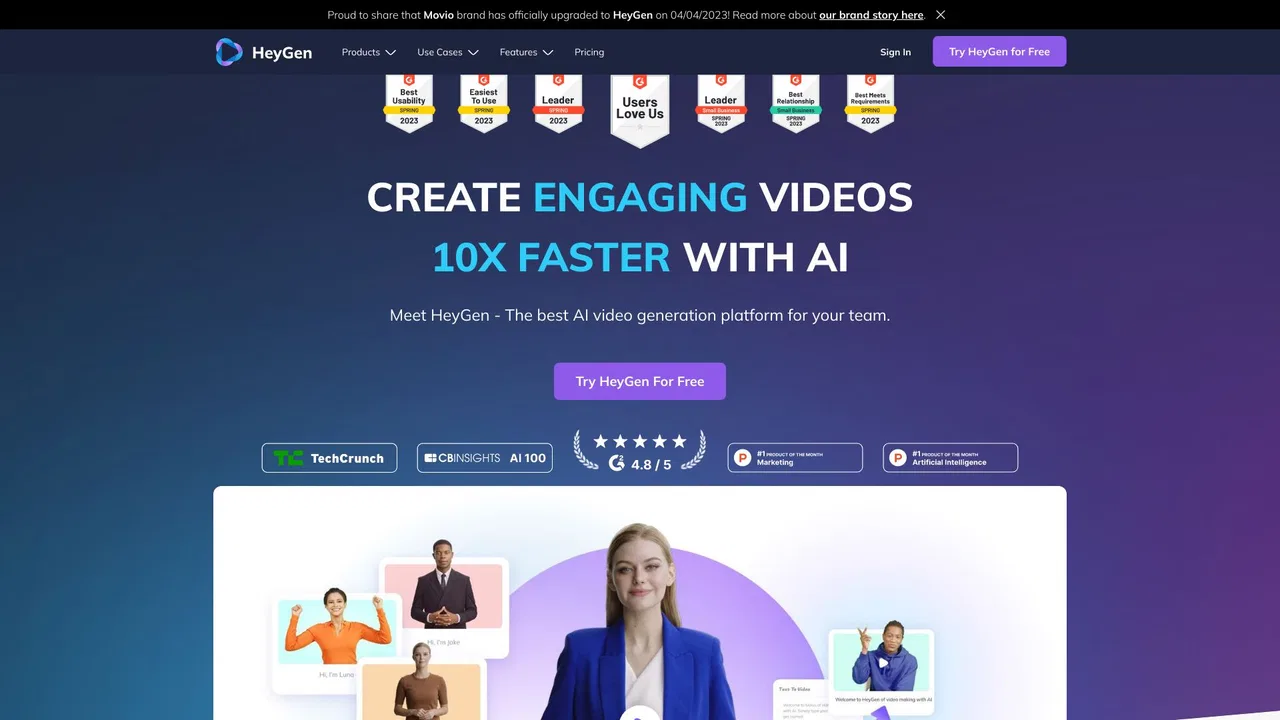
SpecialistExcels at generating photorealistic AI avatar presenter videos, but offers less comprehensive general video editing suites than VEED.
Emphasizes automated prompt-to-video script generation and stock media assembly, whereas VEED leans more toward manual editing.

Provides intuitive online video editing and collaboration tools, but lacks some of VEED's advanced AI avatar features.

SpecialistStudio-quality podcast and video recording, editing, and publishing in your browser

Edits video primarily through a text transcript rather than a traditional timeline, offering superior audio cleanup tools.
SpecialistSpecializes in corporate training videos via talking AI avatars, while VEED provides a broader suite of editing tools.

SpecialistTurn long videos into viral short clips with AI, in one click.
SpecialistAI that edits your video like a professional editor would

SpecialistAI captions and edits that turn raw footage into viral shorts in minutes
Offers a similarly robust multi-track video timeline and AI tools, but with stronger mobile apps and templates.
Delivers powerful desktop-class video editing with rich AI enhancements, but requires software installation unlike VEED's browser platform.
SpecialistFocuses heavily on cutting-edge generative AI video models and cinematic effects rather than everyday screen recording and subtitles.
SpecialistExcels at generating photorealistic AI avatar presenter videos, but offers less comprehensive general video editing suites than VEED.
Emphasizes automated prompt-to-video script generation and stock media assembly, whereas VEED leans more toward manual editing.
Provides intuitive online video editing and collaboration tools, but lacks some of VEED's advanced AI avatar features.
SpecialistStudio-quality podcast and video recording, editing, and publishing in your browser
Edits video primarily through a text transcript rather than a traditional timeline, offering superior audio cleanup tools.
SpecialistSpecializes in corporate training videos via talking AI avatars, while VEED provides a broader suite of editing tools.
SpecialistTurn long videos into viral short clips with AI, in one click.
SpecialistAI that edits your video like a professional editor would
SpecialistAI captions and edits that turn raw footage into viral shorts in minutes