Website-Schwachstellen mit einem Klick und einer KI-Sicherheitssuite prüfen
Vergleiche KI-Produkte für 459 Workflows anhand von Traffic-Schätzungen, Funktionen und Alternativen.
“Code Vulnerabilities”·112 Ergebnisse
Neu starten
Website-Schwachstellen mit einem Klick und einer KI-Sicherheitssuite prüfen

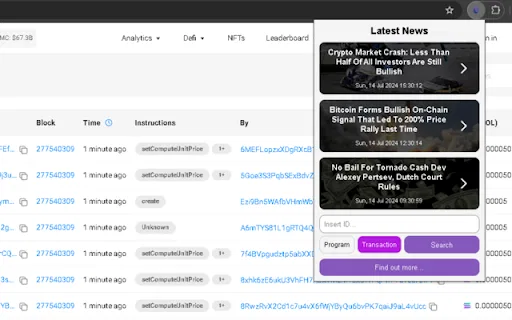
KI-Vertrauensscores für Solana-Smart-Contracts und -Transaktionen

Echtzeit-Cloud-Sicherheitswarnungen und kontextbezogene Insights direkt in Ihrer Konsole

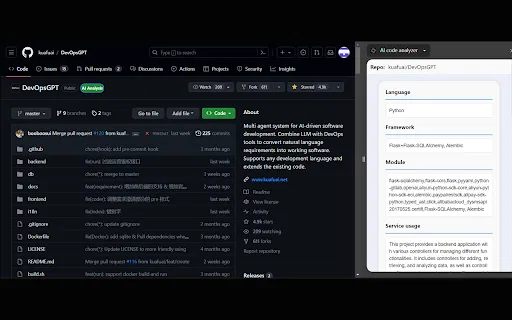
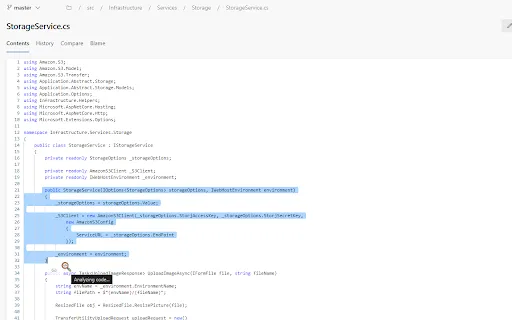
AI code analyzer is a free Chrome extension that uses KuaFuAI to break down unfamiliar code. Highlight or paste a snippet and it quickly tells you what the code does, which programming language and framework it uses, how its modules are organized, and how the overall structure fits together.

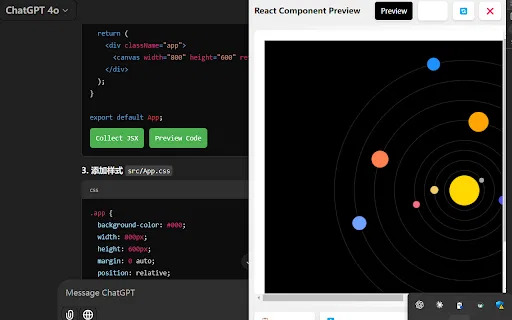
AI Code Preview is a free Chrome extension for developers who work with AI coding assistants. It detects code blocks in AI responses and renders them in a live preview supporting HTML, CSS, JavaScript, React components, and Vue single-file components, with one-click copy and download.

Verwandelt jedes Codeprojekt in eine saubere Markdown-Kontextdatei für LLMs

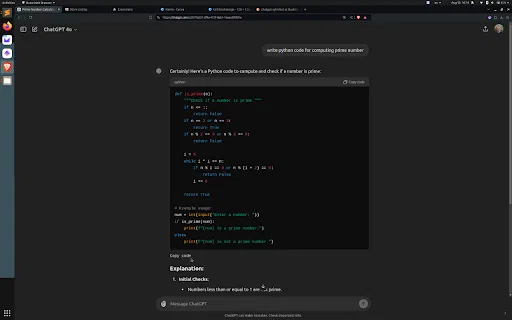
ChatGPT-Codeblöcke von unten kopieren, ganz ohne Scrollen

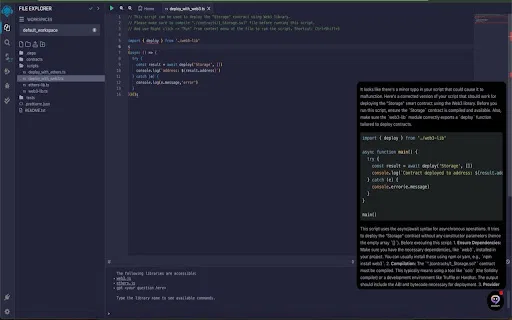
KI-Codeprüfung und Smart-Contract-Vorschläge im Remix IDE

KI-Code-Review und Optimierung direkt im Browser

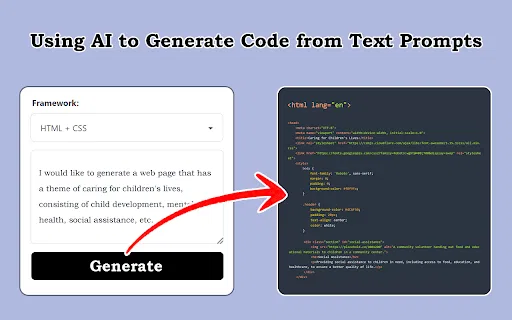
Screenshots, Designentwürfe und Prompts in Frontend-Code verwandeln

Automatisches Code-Review für Microsoft Power Apps Canvas-Lösungen

KI-Programmierassistent, der Ihren Browser um Codehilfe und Optimierung erweitert

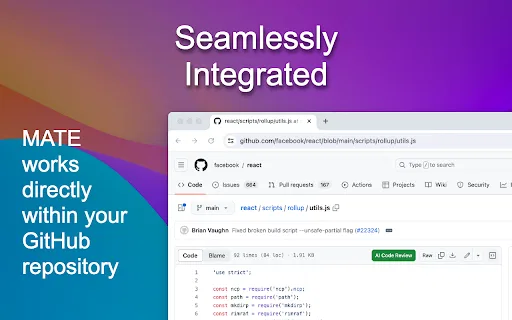
Kostenlose KI-Code-Reviews direkt in deinen GitHub-Dateien

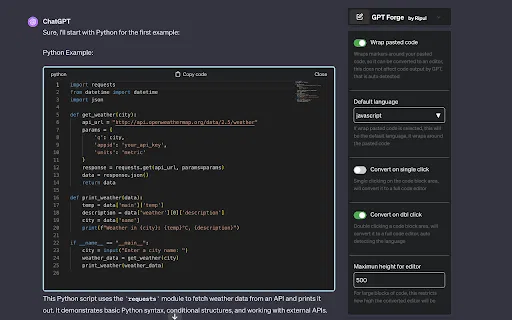
ChatGPT-Codeblöcke in echte, editierbare Code-Editoren verwandeln

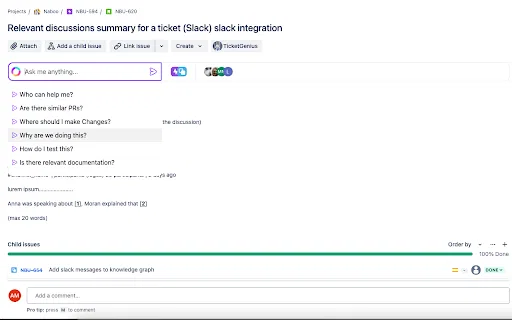
Kontextbewusster KI-Chat direkt im Ticket

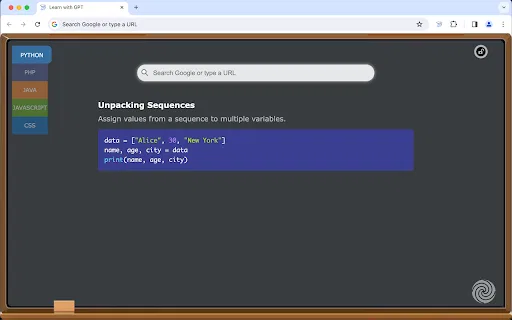
Bei jedem neuen Tab ein von ChatGPT erzeugter Coding-Tipp

IOCs und CVEs beim Browsen mit Threat Intelligence anreichern

Browser-Erweiterung, die Threat Intelligence auf jeder Seite hervorhebt und nutzbar macht

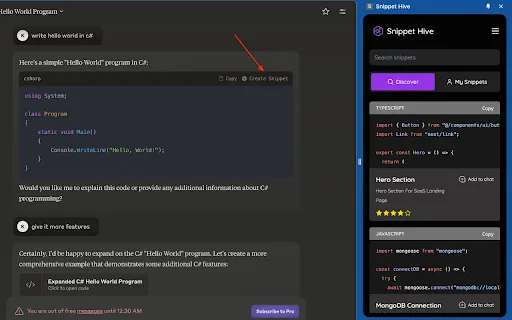
KI-generierte Code-Snippets direkt im Browser speichern, suchen und wiederverwenden.

JDoodle for Chrome is a free browser extension that adds a lightweight IDE to any webpage. Highlight a code snippet, right-click, and run it through JDoodle's cloud execution service without opening a new tab — with AI-powered language detection and a searchable history of everything you have executed.

Claude-Codeschnipsel als sofort nutzbares Projekt herunterladen

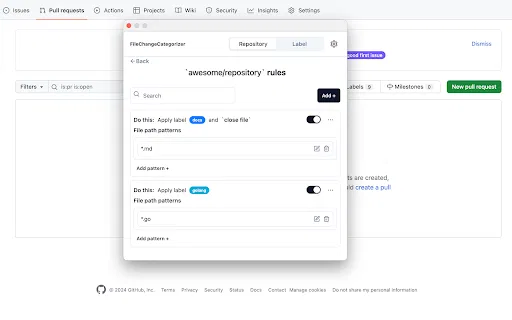
FileChangeCategorizer is a lightweight Chrome extension that adds automatic file categorization to GitHub commit histories and pull request diffs. You define the rules once, and every changed file gets grouped and labelled the moment you open a pull request, so large diffs stop looking like an undifferentiated wall of paths.

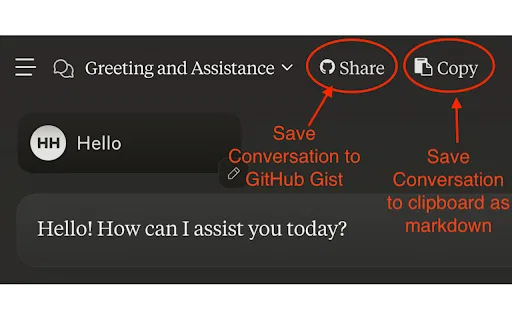
Claude-Unterhaltungen mit einem Klick in GitHub Gists sichern

Rechtsklick auf ein beliebiges Element und XPath sofort kopieren