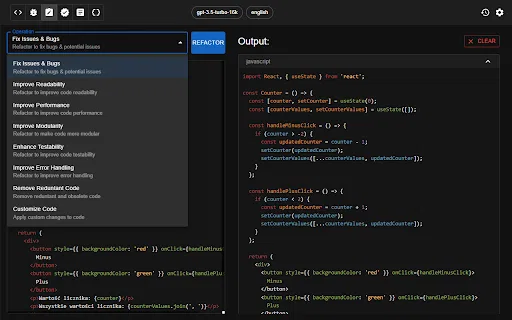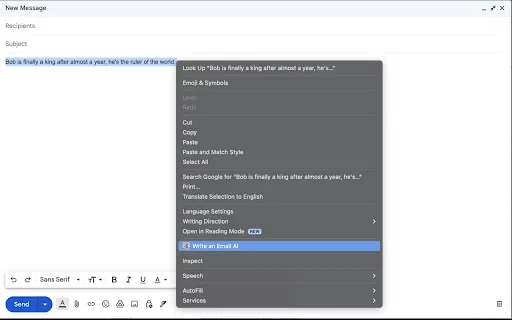
ChatGPT-gestützte Chrome-Erweiterung zum Generieren, Prüfen und Refactoring von Code

Vergleiche KI-Produkte für 459 Workflows anhand von Traffic-Schätzungen, Funktionen und Alternativen.
“Code refactoring”·110 Ergebnisse
Neu starten
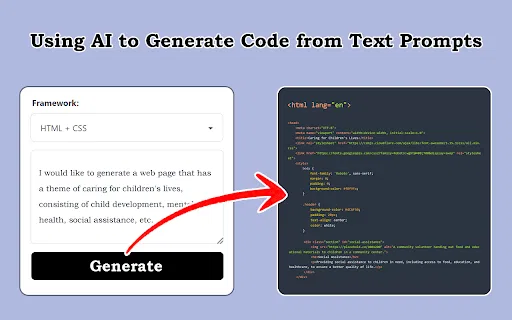
ChatGPT-gestützte Chrome-Erweiterung zum Generieren, Prüfen und Refactoring von Code

Claude-Codeschnipsel als sofort nutzbares Projekt herunterladen

KI-Assistent, der ausgewählten Code per Tastenkürzel umschreibt

KI-Code-Review und Optimierung direkt im Browser

Verwandelt jedes Codeprojekt in eine saubere Markdown-Kontextdatei für LLMs

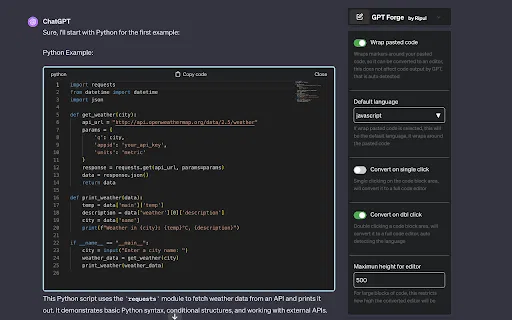
ChatGPT-Codeblöcke in echte, editierbare Code-Editoren verwandeln

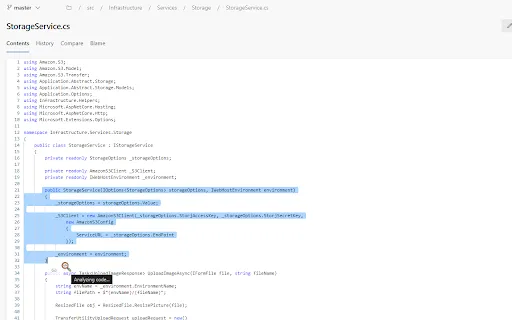
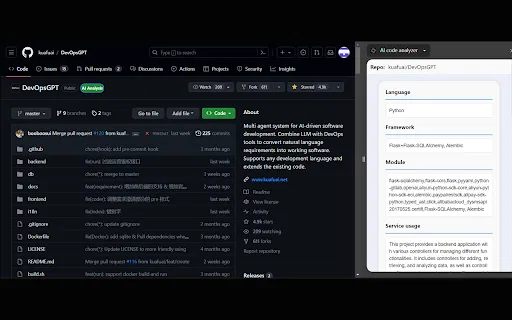
AI code analyzer is a free Chrome extension that uses KuaFuAI to break down unfamiliar code. Highlight or paste a snippet and it quickly tells you what the code does, which programming language and framework it uses, how its modules are organized, and how the overall structure fits together.

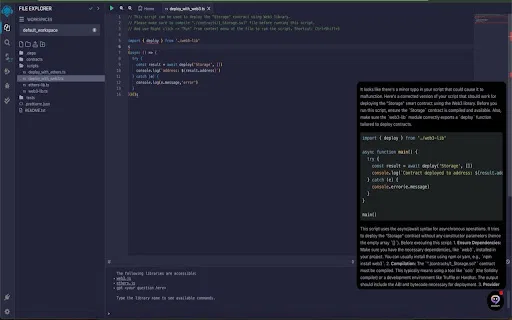
KI-Codeprüfung und Smart-Contract-Vorschläge im Remix IDE

Automatisches Code-Review für Microsoft Power Apps Canvas-Lösungen

Pull-Request-Diffs mit Operationserkennung und KI-Zusammenfassungen für 30 % weniger zu lesenden Code

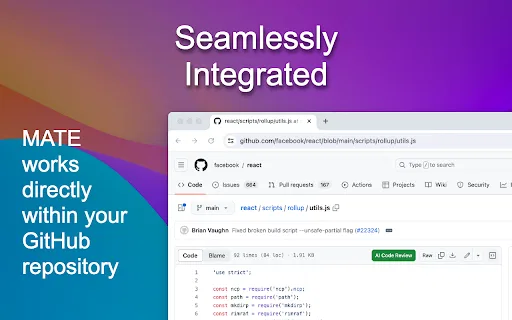
Kostenlose KI-Code-Reviews direkt in deinen GitHub-Dateien

KI-Programmierassistent, der Ihren Browser um Codehilfe und Optimierung erweitert

Automatisiere die repetitiven Teile des Programmierens mit ChatGPT

Screenshots, Designentwürfe und Prompts in Frontend-Code verwandeln

Ein GitHub-Repo in eine Datei bündeln und in Claude Projects einspeisen

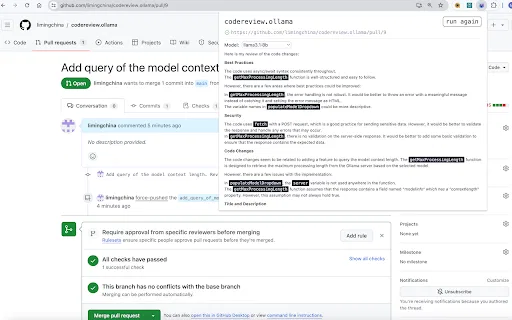
GitHub-Pull-Requests und GitLab-Merge-Requests mit lokalen LLMs automatisch prüfen

Leetcoach is a free Chrome extension that adds a ChatGPT chat window directly to LeetCode. It automatically knows which problem you are working on and what your current solution looks like, so you can discuss your approach and get instant feedback without copy-pasting code into a separate chat tab. The window sits in the bottom-right corner with a minimal interface, letting you use the assistant as much or as little as you like.

TestChimp is a QA workflow platform and Chrome extension that connects test planning, manual test sessions, automated Playwright tests, and production behaviour into one traceable loop. QA teams capture manual runs in the browser with screenshots and notes, generate Smart Tests from recorded actions, and measure coverage across requirements, APIs, and real user flows.

KI-Coding-Assistent für den gesamten DevOps-Zyklus, direkt in Chrome

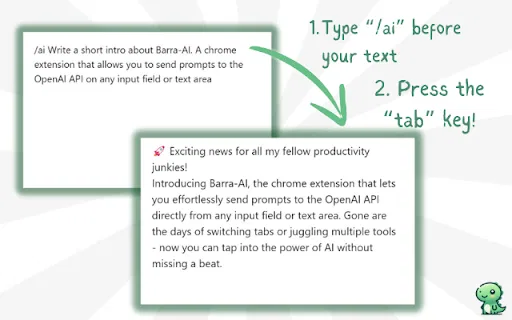
KI in jedem Textfeld per Slash-Befehl aufrufen

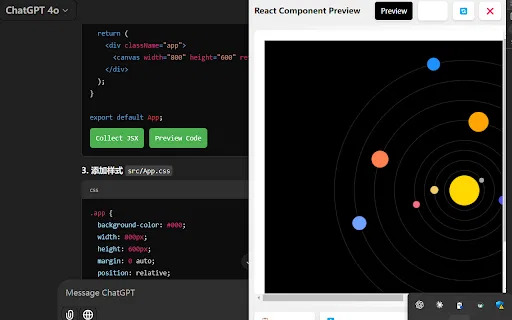
AI Code Preview is a free Chrome extension for developers who work with AI coding assistants. It detects code blocks in AI responses and renders them in a live preview supporting HTML, CSS, JavaScript, React components, and Vue single-file components, with one-click copy and download.

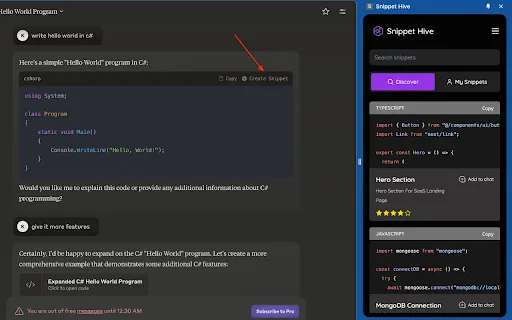
KI-generierte Code-Snippets direkt im Browser speichern, suchen und wiederverwenden.

JDoodle for Chrome is a free browser extension that adds a lightweight IDE to any webpage. Highlight a code snippet, right-click, and run it through JDoodle's cloud execution service without opening a new tab — with AI-powered language detection and a searchable history of everything you have executed.

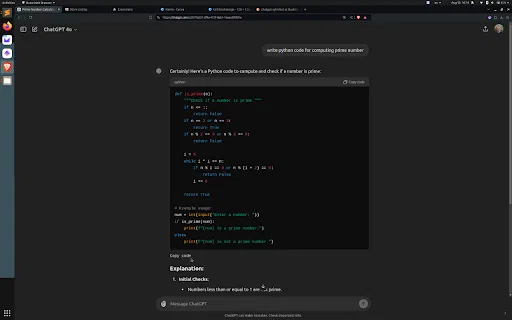
ChatGPT-Codeblöcke von unten kopieren, ganz ohne Scrollen