




3.8Redaktionswert
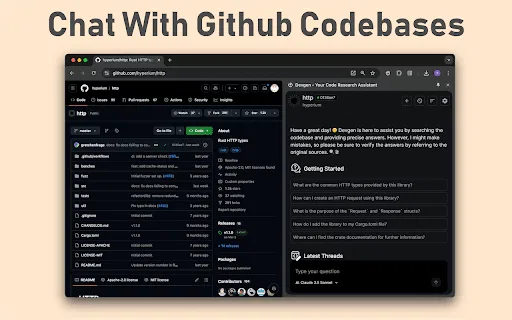
Ein KI-Seitenpanel, das Fragen zu jedem GitHub-Repository beantwortet
KI-GitHubFreemium
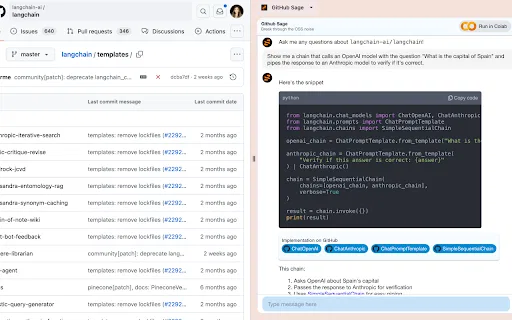
Ein KI-Seitenpanel, das Fragen zu jedem GitHub-Repository beantwortet
KI-GitHubRedaktionswert: 3.8
Freemium
Vergleiche KI-Produkte für 459 Workflows anhand von Traffic-Schätzungen, Funktionen und Alternativen.
“Github”·41 Ergebnisse
Neu startenEin KI-Seitenpanel, das Fragen zu jedem GitHub-Repository beantwortet
Ein KI-Seitenpanel, das Fragen zu jedem GitHub-Repository beantwortet

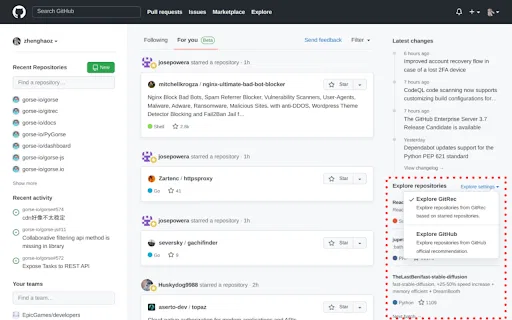
Open-Source-Empfehlungssystem für GitHub-Repositories auf Basis von Gorse

Ein GitHub-Repo in eine Datei bündeln und in Claude Projects einspeisen
Ein GitHub-Repo in eine Datei bündeln und in Claude Projects einspeisen

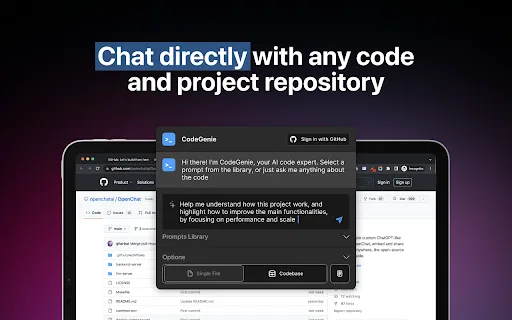
Chatte mit jedem GitHub-Repository und verstehe die Codebasis sofort
Chatte mit jedem GitHub-Repository und verstehe die Codebasis sofort

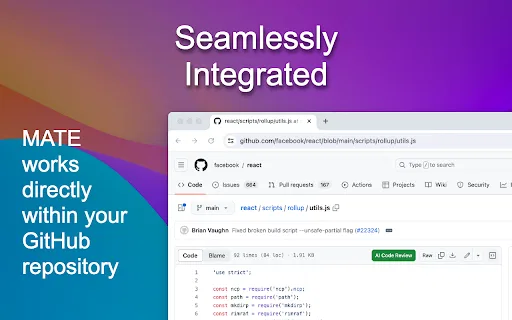
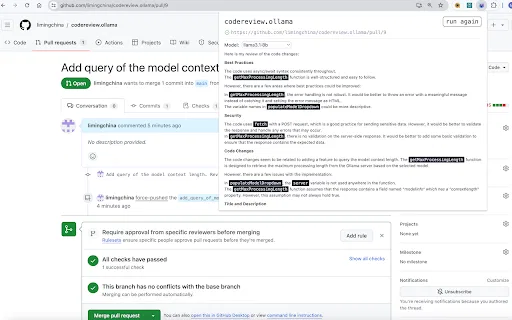
Kostenlose KI-Code-Reviews direkt in deinen GitHub-Dateien
Kostenlose KI-Code-Reviews direkt in deinen GitHub-Dateien

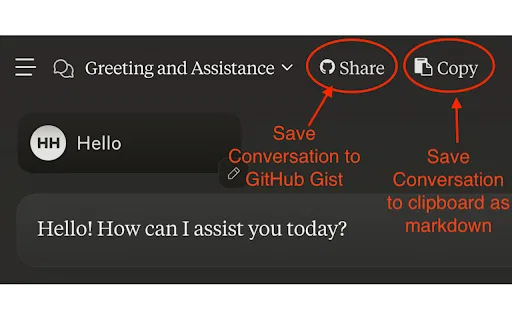
Claude-Unterhaltungen mit einem Klick in GitHub Gists sichern

Chatte aus dem Browser mit GitHub-Codebasen, Issues und Pull Requests
Chatte aus dem Browser mit GitHub-Codebasen, Issues und Pull Requests

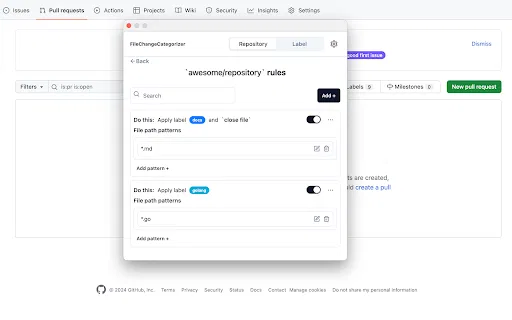
FileChangeCategorizer is a lightweight Chrome extension that adds automatic file categorization to GitHub commit histories and pull request diffs. You define the rules once, and every changed file gets grouped and labelled the moment you open a pull request, so large diffs stop looking like an undifferentiated wall of paths.
FileChangeCategorizer is a lightweight Chrome extension that adds automatic file categorization to GitHub commit histories and pull request diffs. You define the rules once, and every changed file gets grouped and labelled the moment you open a pull request, so large diffs stop looking like an undifferentiated wall of paths.

GitHub-Pull-Requests und GitLab-Merge-Requests mit lokalen LLMs automatisch prüfen
GitHub-Pull-Requests und GitLab-Merge-Requests mit lokalen LLMs automatisch prüfen

Coding-Fragen stellen und Text aus jeder Seite holen, ohne den Browser zu verlassen
Coding-Fragen stellen und Text aus jeder Seite holen, ohne den Browser zu verlassen

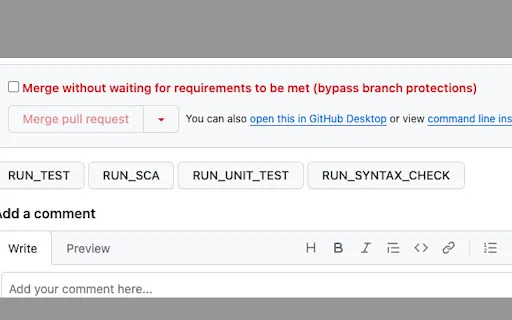
Sonic Buttons is a free Chrome extension that adds configurable buttons to GitHub pull request pages, letting developers insert pipeline-trigger comments with a single click instead of typing them repeatedly.
Sonic Buttons is a free Chrome extension that adds configurable buttons to GitHub pull request pages, letting developers insert pipeline-trigger comments with a single click instead of typing them repeatedly.

Entwickler-Insights zu LinkedIn und GitHub, direkt im Browser
Entwickler-Insights zu LinkedIn und GitHub, direkt im Browser

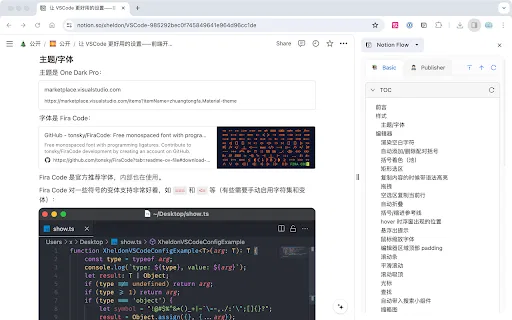
Notion-Inhaltsverzeichnis in der Seitenleiste plus Notion-zu-GitHub-Blog-Workflow
Notion-Inhaltsverzeichnis in der Seitenleiste plus Notion-zu-GitHub-Blog-Workflow

KI-Bewerbungstracker und Interviewvorbereitung für Softwareentwickler
KI-Bewerbungstracker und Interviewvorbereitung für Softwareentwickler

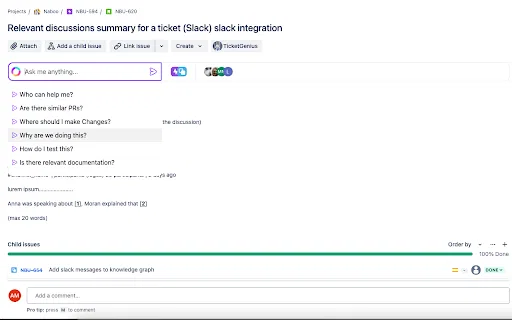
Kontextbewusster KI-Chat direkt im Ticket

Pull-Request-Diffs mit Operationserkennung und KI-Zusammenfassungen für 30 % weniger zu lesenden Code
Pull-Request-Diffs mit Operationserkennung und KI-Zusammenfassungen für 30 % weniger zu lesenden Code

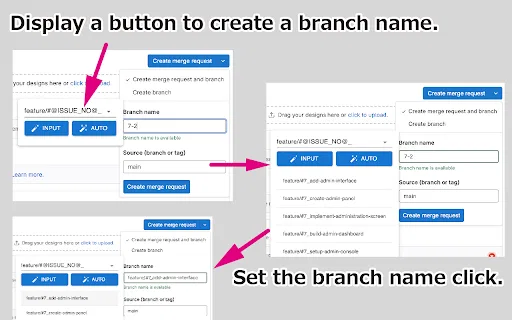
Erzeuge saubere Branch-Namen aus GitLab- und GitHub-Issue-Titeln
Erzeuge saubere Branch-Namen aus GitLab- und GitHub-Issue-Titeln

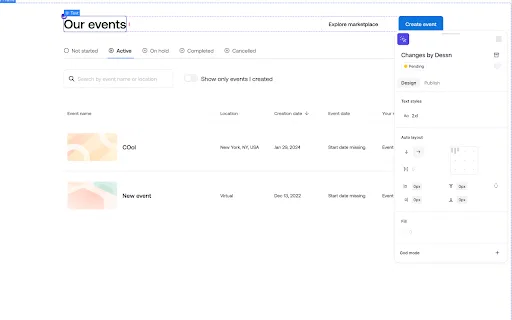
Direkt auf der Produktions-Codebasis gestalten – auf einer gemeinsamen Leinwand
Direkt auf der Produktions-Codebasis gestalten – auf einer gemeinsamen Leinwand

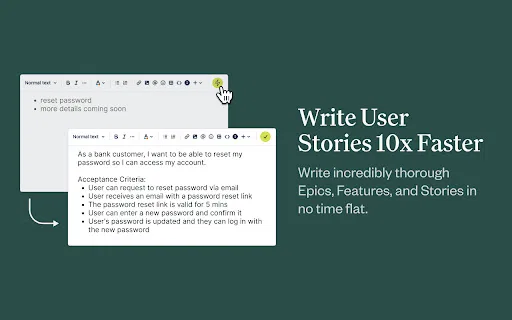
Jira- und Azure-DevOps-User-Stories aus dem Kontext Ihres Produkts generieren
Jira- und Azure-DevOps-User-Stories aus dem Kontext Ihres Produkts generieren

Swordfish AI is a Chrome extension that reveals verified cell phone numbers, direct dials and email addresses for the professionals you are trying to reach. Recruiters, sales teams and trust-and-safety reviewers use it to uncover the mobile number behind a LinkedIn, GitHub or Google profile in a single click, instead of sending InMails that go unanswered. Numbers are cross-checked against several specialised B2B data networks at the moment you request them, and the vendor says it covers more than 80 million US mobile numbers. It works alongside LinkedIn Recruiter, GitHub, Stack Overflow and search engines, and can also bulk-enrich a CSV exported from your ATS or CRM.
Swordfish AI is a Chrome extension that reveals verified cell phone numbers, direct dials and email addresses for the professionals you are trying to reach. Recruiters, sales teams and trust-and-safety reviewers use it to uncover the mobile number behind a LinkedIn, GitHub or Google profile in a single click, instead of sending InMails that go unanswered. Numbers are cross-checked against several specialised B2B data networks at the moment you request them, and the vendor says it covers more than 80 million US mobile numbers. It works alongside LinkedIn Recruiter, GitHub, Stack Overflow and search engines, and can also bulk-enrich a CSV exported from your ATS or CRM.

UniJump is a free, open-source Chrome extension that opens a ChatGPT chat interface on any website with a keyboard shortcut — CMD+J on Mac, ALT+J on Windows. It also adds a built-in paraphraser for rewriting selected text, requires no signup, and its source code is published on GitHub.
UniJump is a free, open-source Chrome extension that opens a ChatGPT chat interface on any website with a keyboard shortcut — CMD+J on Mac, ALT+J on Windows. It also adds a built-in paraphraser for rewriting selected text, requires no signup, and its source code is published on GitHub.

Notion AI auf jeder Seite, die du liest

Videozen is a Chrome extension for recording your screen, a browser tab or your webcam in HD, then turning the raw footage into polished video. It captures microphone and system audio, supports landscape, portrait and square aspect ratios, saves locally or to the cloud, and generates a shareable link instantly. Stored recordings can be edited with built-in tooling and shared straight to Slack, Jira or GitHub, while companion AI features drafted by Proshort convert text, a URL or an idea into video and auto-detect clips inside long recordings.
Videozen is a Chrome extension for recording your screen, a browser tab or your webcam in HD, then turning the raw footage into polished video. It captures microphone and system audio, supports landscape, portrait and square aspect ratios, saves locally or to the cloud, and generates a shareable link instantly. Stored recordings can be edited with built-in tooling and shared straight to Slack, Jira or GitHub, while companion AI features drafted by Proshort convert text, a URL or an idea into video and auto-detect clips inside long recordings.

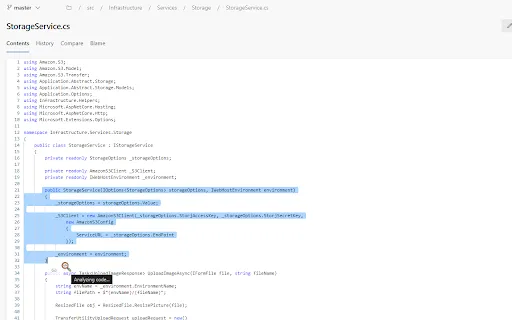
KI-Code-Review und Optimierung direkt im Browser
KI-Code-Review und Optimierung direkt im Browser