01
5886.7万/月
無料・オープンソースリアルタイムの文法修正、トーン調整、著作性の追跡、チーム向けスタイルガイドを提供するクロスプラットフォームAIライティングアシスタント。
AI Writing Assistants編集部スコア:4.4フリーミアム直接流入 43%

フリーミアム
SpellType は月間 258 訪問、前月比成長率 +821.4%、料金体系フリーミアム、有料を記録しています。Typeahead は月間 10,384 訪問、成長率 +22.8%、料金体系有料を記録しています。

Typeahead is a system-wide AI autocomplete app for Mac that completes your sentences inside the apps you already use, running entirely on your machine so your writing is never sent to a server.
| 項目 / 指標 |  | |
|---|---|---|
| 公式ドメイン | spelltype.app | typeahead.ai |
| 料金モデル | フリーミアム、有料 | 有料 |
| 月間訪問数 | 258 (258) | 1.04万 (10,384) |
| 前月比トラフィック増減 | +230 (+821.4%) | +1930 (+22.8%) |
| 主要市場とシェア | 🇹🇷 トルコ (100%) | 🇺🇸 アメリカ合衆国 (64.5%) |
| 月間ダイレクト訪問数 | 86 | 4149 |
| ユーザー評価 | 4.3 | 4.3 |
| 対応プラットフォーム | ウェブサイト | ウェブサイト |
Mac上で完全にローカル動作する無料のプライベートAI補完
入力中に候補が現れ、Tabで採用、続けて入力すれば消えます。執筆の流れを止めません。
小さなモデルがMac上で動作します。入力したテキスト、プロンプト、補完履歴はベンダーに送信されず、画面収録権限も使用しません。
候補は端末上で生成されるため、インターネット接続がなくても自動補完が使えます。
プロンプト欄やエンジン選択、アプリごとの調整はありません。macOSの権限を一度許可すれば、対応アプリは自動的に処理されます。
Typeahead is a system-wide AI autocomplete app for Mac that completes your sentences inside the apps you already use, running entirely on your machine so your writing is never sent to a server.
Faint ghost text completes the word or sentence you are typing right at the cursor. Tab accepts the entire suggestion, the right arrow takes just the next word, and Esc dismisses it so you stay in control.
The model runs on your Mac rather than in the cloud. Typeahead never sends your writing to a server and keeps working offline after setup, which makes it suitable for work email and sensitive documents.
It reads what is on screen and what you copied to the clipboard, so replies fit the thread you are actually answering rather than being generic filler.
Set a voice per app, professional in Mail and friendly in Messages, choose from seven color-blind-safe highlight shades, and tune suggestion timing to instant, balanced or only when you pause.
無料・オープンソースリアルタイムの文法修正、トーン調整、著作性の追跡、チーム向けスタイルガイドを提供するクロスプラットフォームAIライティングアシスタント。
30以上の言語に対応するAI文法・スペル・スタイルチェッカー

無料・オープンソース自動補完・リサーチ・Chrome拡張を備えたAIライティングアシスタント
無料・オープンソース自動補完・リサーチ・Chrome拡張を備えたAIライティングアシスタント

無料・オープンソースWordPress 向け AI 執筆とサイト管理

無料・オープンソース入力するあらゆる場所で文を完成させるAIライティングアシスタント
無料・オープンソース入力するあらゆる場所で文を完成させるAIライティングアシスタント
特化型あらゆるアプリで使えるmacOSネイティブのAIライティングアシスタント
無料・オープンソースあらゆるmacOSアプリで使えるAIライティングアシスタント

無料・オープンソースParagraphAI is an AI writing assistant and keyboard that fixes grammar, drafts replies and generates polished text in 40+ languages across apps and devices.
無料・オープンソースParagraphAI is an AI writing assistant and keyboard that fixes grammar, drafts replies and generates polished text in 40+ languages across apps and devices.

無料・オープンソースSlashit is a desktop text expander for Mac and Windows that layers AI rewriting on top of classic snippet automation. Type a short trigger such as /projectchat and it expands into a full message, complete with dynamic placeholders that pull in the right names, dates, or project details. Highlight any text in Gmail, Slack, Notion, or your CRM, press the Magical hotkey, and it rewrites the selection in place using your saved instruction and preferred model — no copy-paste cycle, no switching tabs. Clipboard history keeps recently copied snippets available for reuse.
無料・オープンソースSlashit is a desktop text expander for Mac and Windows that layers AI rewriting on top of classic snippet automation. Type a short trigger such as /projectchat and it expands into a full message, complete with dynamic placeholders that pull in the right names, dates, or project details. Highlight any text in Gmail, Slack, Notion, or your CRM, press the Magical hotkey, and it rewrites the selection in place using your saved instruction and preferred model — no copy-paste cycle, no switching tabs. Clipboard history keeps recently copied snippets available for reuse.
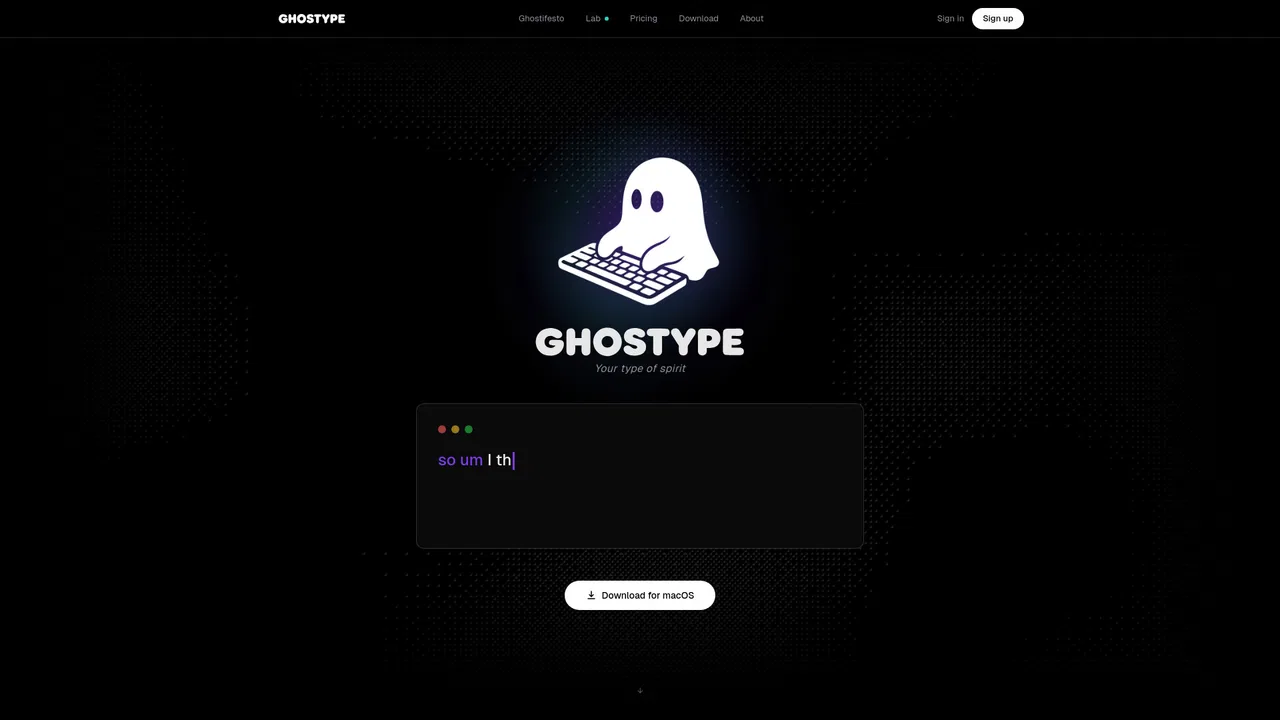
無料・オープンソースGHOSTYPE is a macOS voice input layer that replaces typing with speech and then cleans the result with AI. You hold a hotkey, talk naturally, and polished text lands directly in whatever app has focus — email, chat, code editor or notes — with per-app tone profiles so a Slack message and a client email do not sound the same.
無料・オープンソースGHOSTYPE is a macOS voice input layer that replaces typing with speech and then cleans the result with AI. You hold a hotkey, talk naturally, and polished text lands directly in whatever app has focus — email, chat, code editor or notes — with per-app tone profiles so a Slack message and a client email do not sound the same.