AI開発者ツール編集部スコア:4.3
無料
459 種類のワークフローで、アクセス推計・機能・代替製品を比較できます。
“Source code export” · コーディング・開発·120 件
最初から
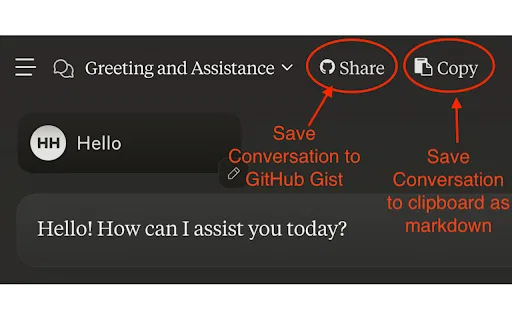
数クリックで Claude の会話を PDF・Markdown・CSV・JSON に出力
数クリックで Claude の会話を PDF・Markdown・CSV・JSON に出力

GitHubリポジトリを1つのファイルにまとめてClaude Projectsへ

Claude のコードスニペットをそのまま使えるプロジェクトとしてダウンロード
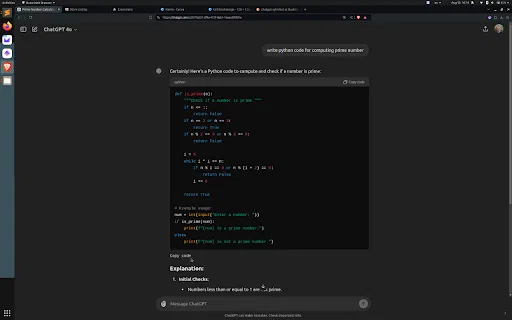
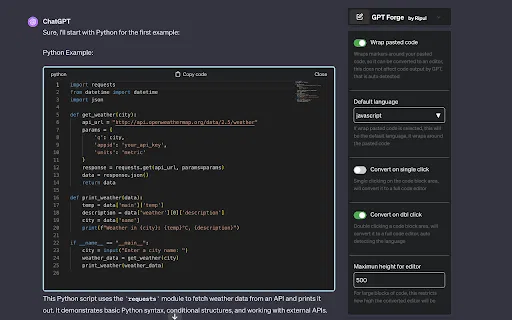
スクロールせずにChatGPTのコードブロックを下端からコピー
コードプロジェクトをLLM向けのMarkdownコンテキストファイルに変換

JDoodle for Chrome is a free browser extension that adds a lightweight IDE to any webpage. Highlight a code snippet, right-click, and run it through JDoodle's cloud execution service without opening a new tab — with AI-powered language detection and a searchable history of everything you have executed.
JDoodle for Chrome is a free browser extension that adds a lightweight IDE to any webpage. Highlight a code snippet, right-click, and run it through JDoodle's cloud execution service without opening a new tab — with AI-powered language detection and a searchable history of everything you have executed.

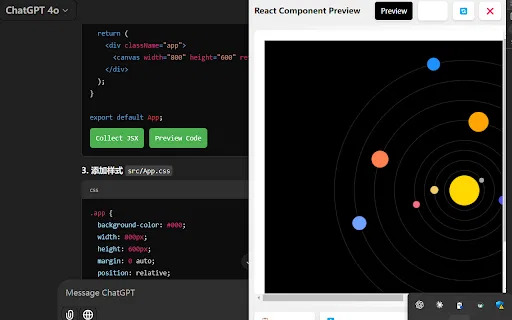
AI Code Preview is a free Chrome extension for developers who work with AI coding assistants. It detects code blocks in AI responses and renders them in a live preview supporting HTML, CSS, JavaScript, React components, and Vue single-file components, with one-click copy and download.
AI Code Preview is a free Chrome extension for developers who work with AI coding assistants. It detects code blocks in AI responses and renders them in a live preview supporting HTML, CSS, JavaScript, React components, and Vue single-file components, with one-click copy and download.


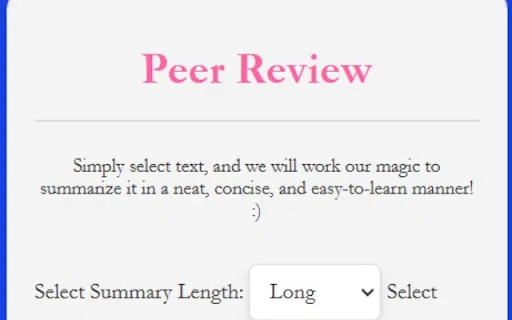
テキストを選択してワンクリックで要約。ブラウザのGemini APIが支えます

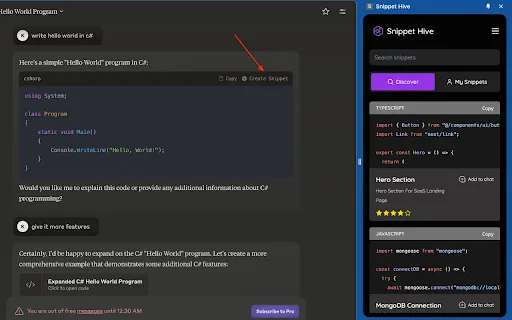
AI が生成したコードスニペットをブラウザ上で保存・検索・再利用。

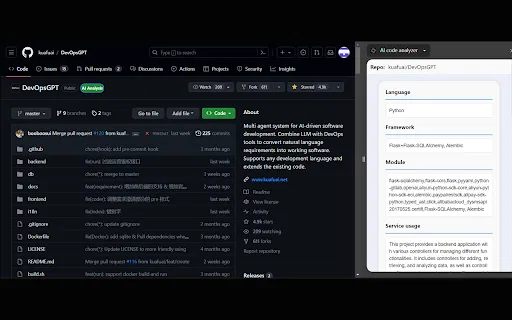
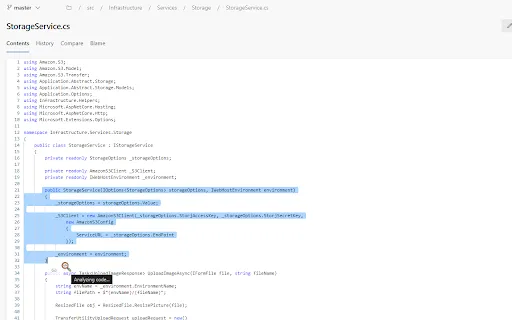
AI code analyzer is a free Chrome extension that uses KuaFuAI to break down unfamiliar code. Highlight or paste a snippet and it quickly tells you what the code does, which programming language and framework it uses, how its modules are organized, and how the overall structure fits together.
AI code analyzer is a free Chrome extension that uses KuaFuAI to break down unfamiliar code. Highlight or paste a snippet and it quickly tells you what the code does, which programming language and framework it uses, how its modules are organized, and how the overall structure fits together.

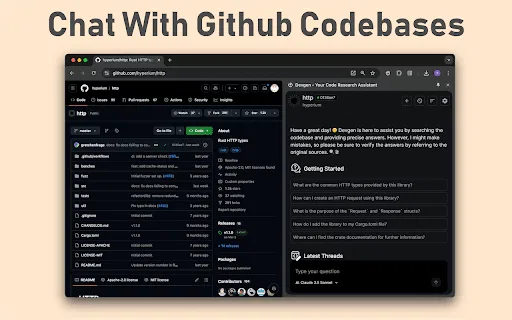
ブラウザからGitHubのコードベース、イシュー、プルリクエストとチャット


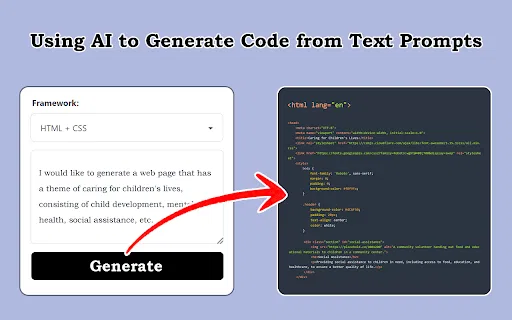
スクリーンショット・デザイン・プロンプトをフロントエンドコードに変換

ブラウザの中で完結するAIコードレビューと最適化

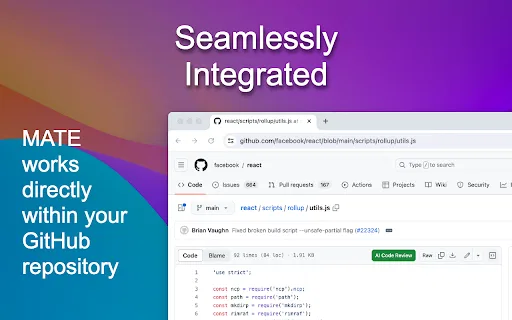
GitHub のファイル画面でそのまま使える無料の AI コードレビュー

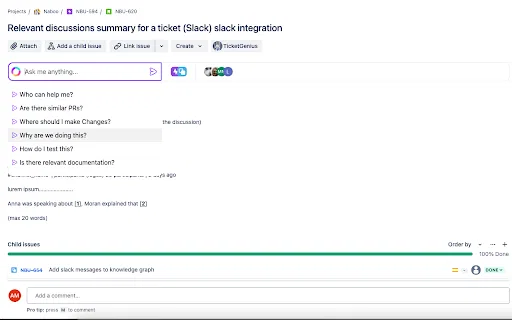
チケットの中に住む文脈理解型AIチャット

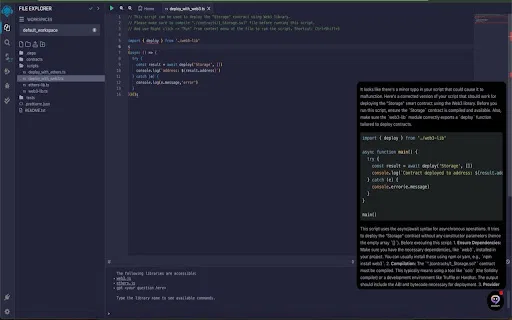
Remix IDE 内で AI によるコード監査とスマートコントラクト提案

TestChimp is a QA workflow platform and Chrome extension that connects test planning, manual test sessions, automated Playwright tests, and production behaviour into one traceable loop. QA teams capture manual runs in the browser with screenshots and notes, generate Smart Tests from recorded actions, and measure coverage across requirements, APIs, and real user flows.
TestChimp is a QA workflow platform and Chrome extension that connects test planning, manual test sessions, automated Playwright tests, and production behaviour into one traceable loop. QA teams capture manual runs in the browser with screenshots and notes, generate Smart Tests from recorded actions, and measure coverage across requirements, APIs, and real user flows.

ブラウザにコード支援と最適化を加える AI プログラミングアシスタント


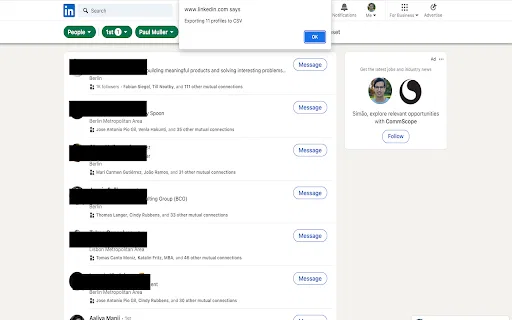
Zester Zest is a Chrome extension that turns the LinkedIn profiles you can see on screen into a CSV file you can download. The idea is to grab the people you are already browsing, export them in a spreadsheet-friendly format, and then upload that file to the Zester platform to help build your network, spot relevant connections, and prepare more personalized outreach.
Zester Zest is a Chrome extension that turns the LinkedIn profiles you can see on screen into a CSV file you can download. The idea is to grab the people you are already browsing, export them in a spreadsheet-friendly format, and then upload that file to the Zester platform to help build your network, spot relevant connections, and prepare more personalized outreach.

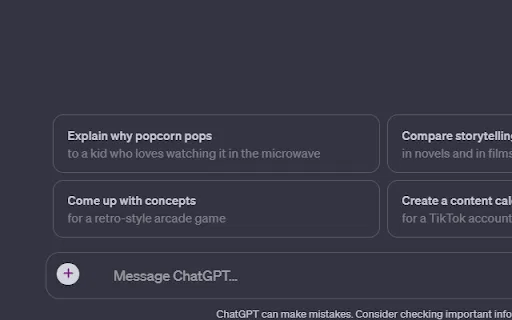
ChatExt is a free Chrome extension that adds file upload and download buttons to the ChatGPT interface, letting you attach up to 10 files at once and save generated code or CSV output.
ChatExt is a free Chrome extension that adds file upload and download buttons to the ChatGPT interface, letting you attach up to 10 files at once and save generated code or CSV output.