




284.5万/月
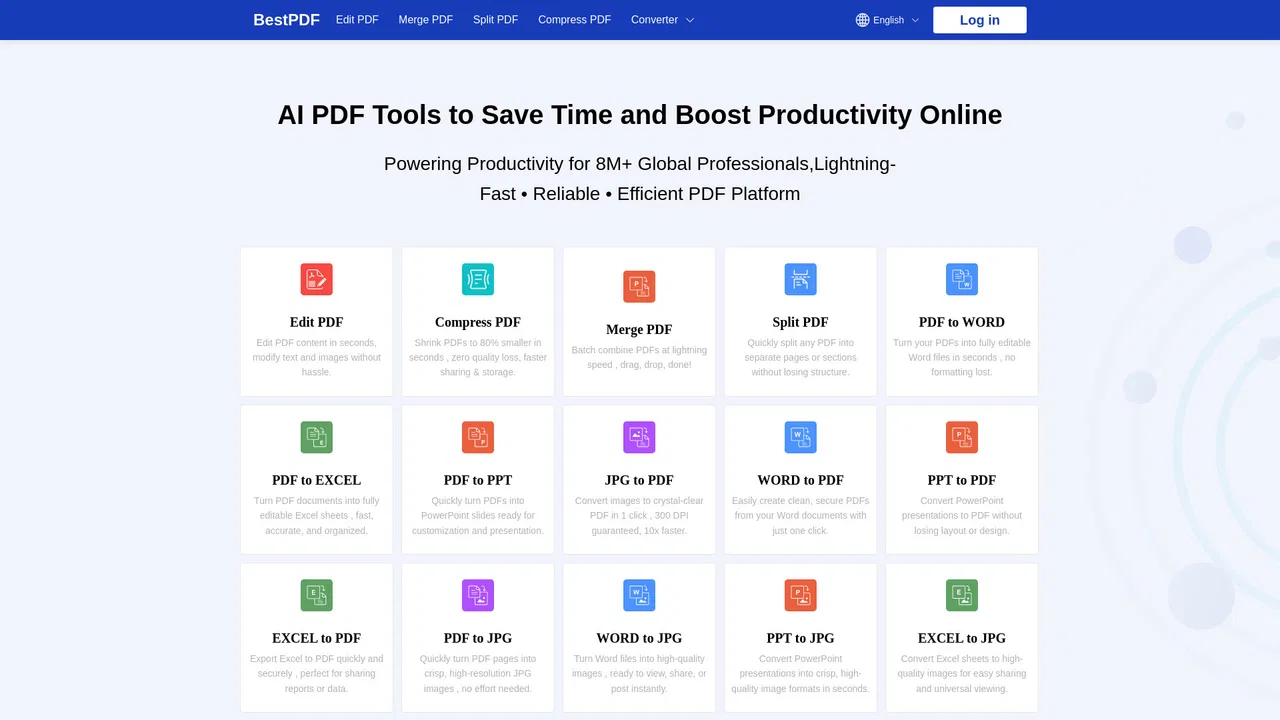
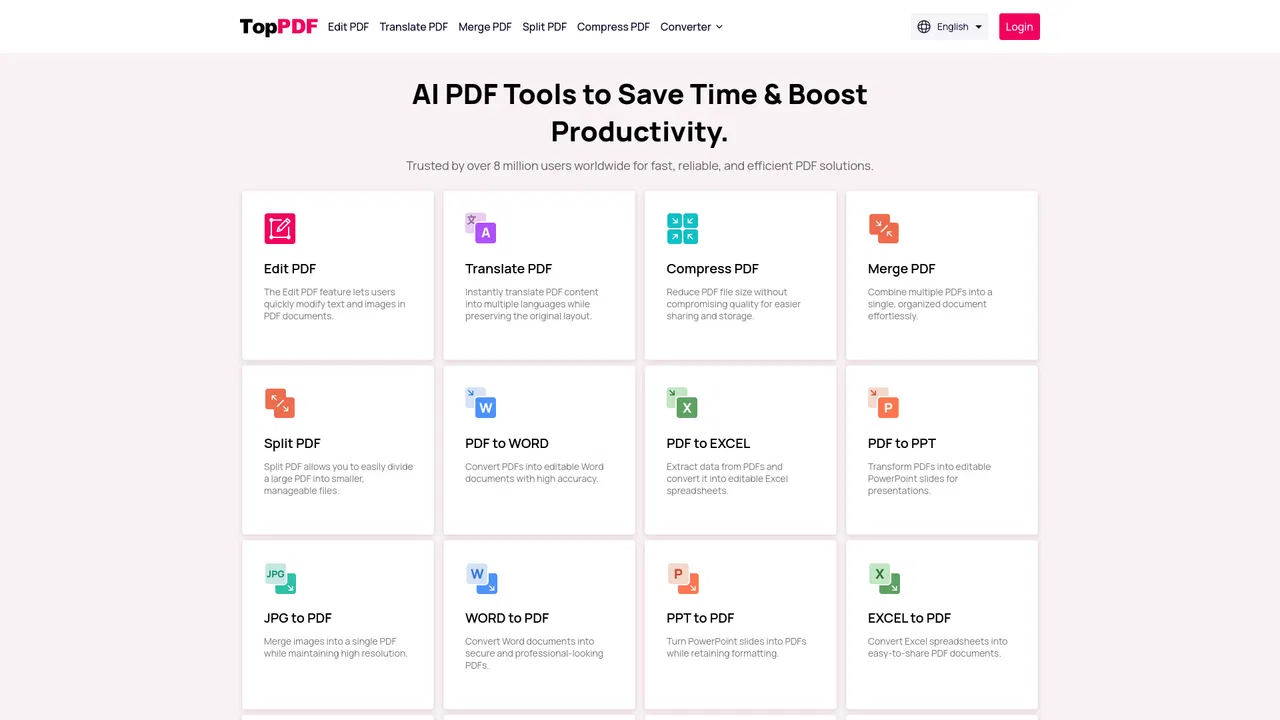
すべてのデバイスで使える無料のAI PDFエディター
無料
459 種類のワークフローで、アクセス推計・機能・代替製品を比較できます。
“JSON compression” · 画像認識・解析·21 件
最初からすべてのデバイスで使える無料のAI PDFエディター

あらゆるデバイスで使える無料のAI PDF編集・変換・閲覧ツール
メール・PDF・各種ドキュメントを構造化JSONに変換するLLMベースのパーサー
メール・PDF・各種ドキュメントを構造化JSONに変換するLLMベースのパーサー

あらゆる文書をAI対応のMarkdownや構造化JSONに変換

AI チャット・クイズ・請求書作成を備えたオールインワンのオンライン PDF 編集ツール

Windows・Mac・iOS 向けの AI 搭載 PDF エディタ
AI ライティング支援を備えた無料のオンライン PDF 編集・変換・翻訳ツール。
文書の編集・変換・圧縮・翻訳をまとめて行うオールインワン AI PDF ツール


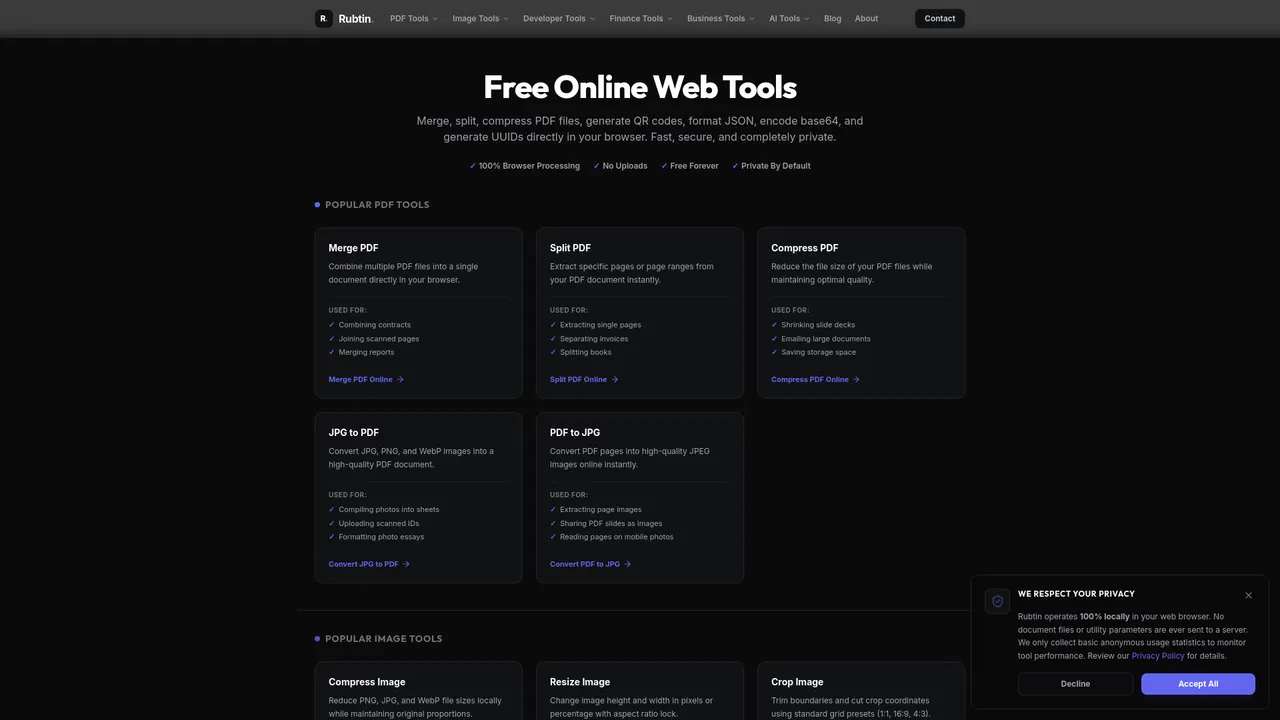
PDF・画像・開発・AI ツールを 100 以上そろえたプライバシー重視のブラウザツールキット
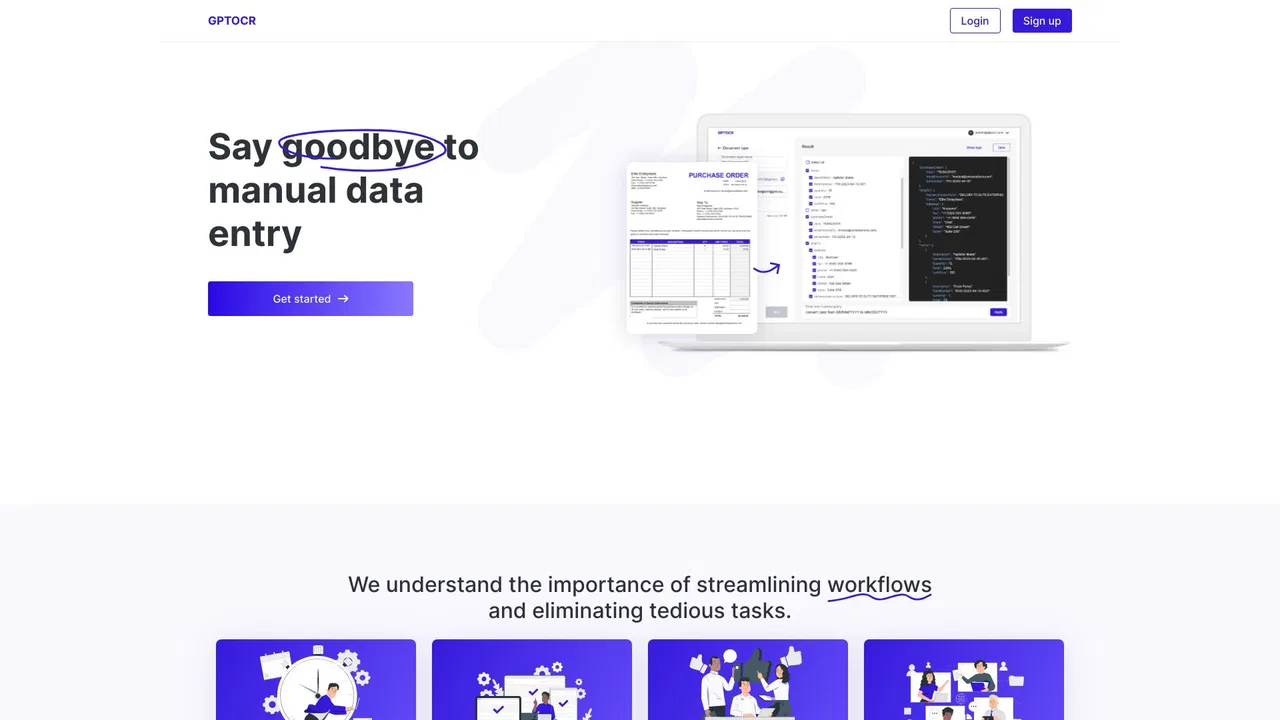
GPTOCR uses generative AI to read documents and return clean, structured JSON instead of raw text, replacing manual data entry with automated extraction your systems can consume directly.
GPTOCR uses generative AI to read documents and return clean, structured JSON instead of raw text, replacing manual data entry with automated extraction your systems can consume directly.

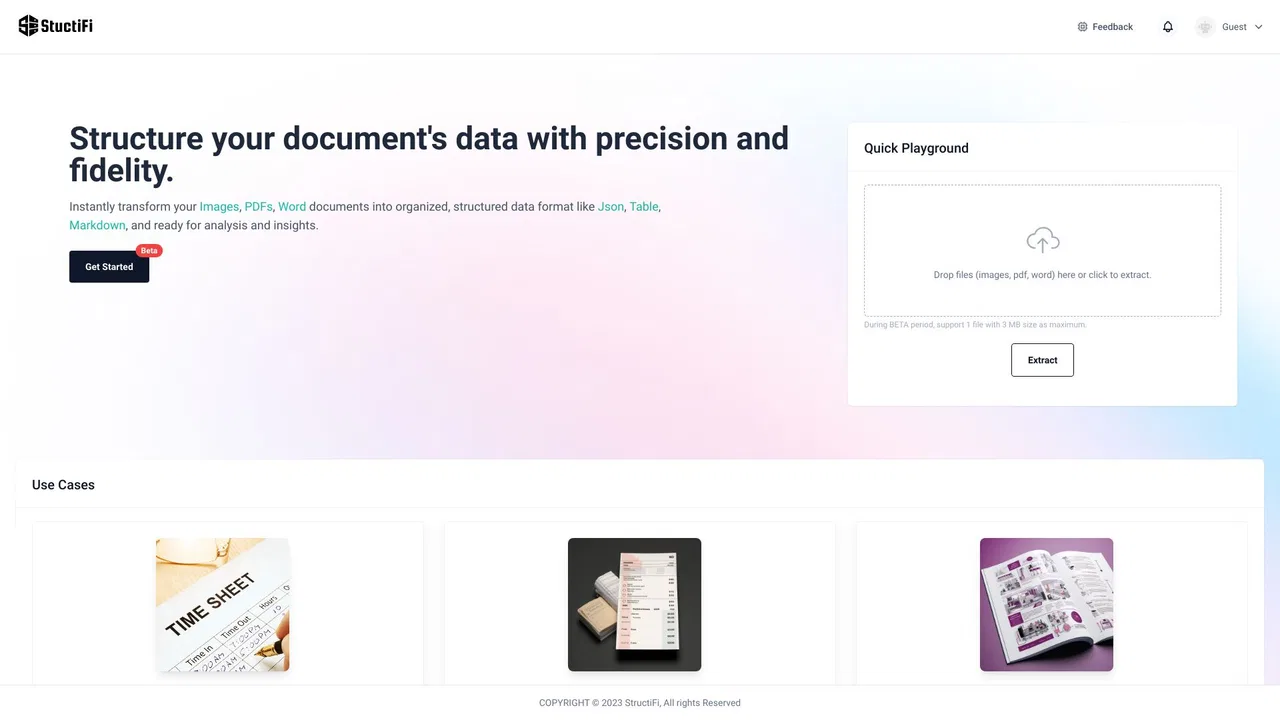
StructiFi is a browser-based AI extraction tool that turns images, PDFs and Word documents into structured JSON, tables, Markdown or Excel-ready data without manual retyping.

フィンテックの収入確認とオンボーディングを支えるIRS税務記録の即時検証

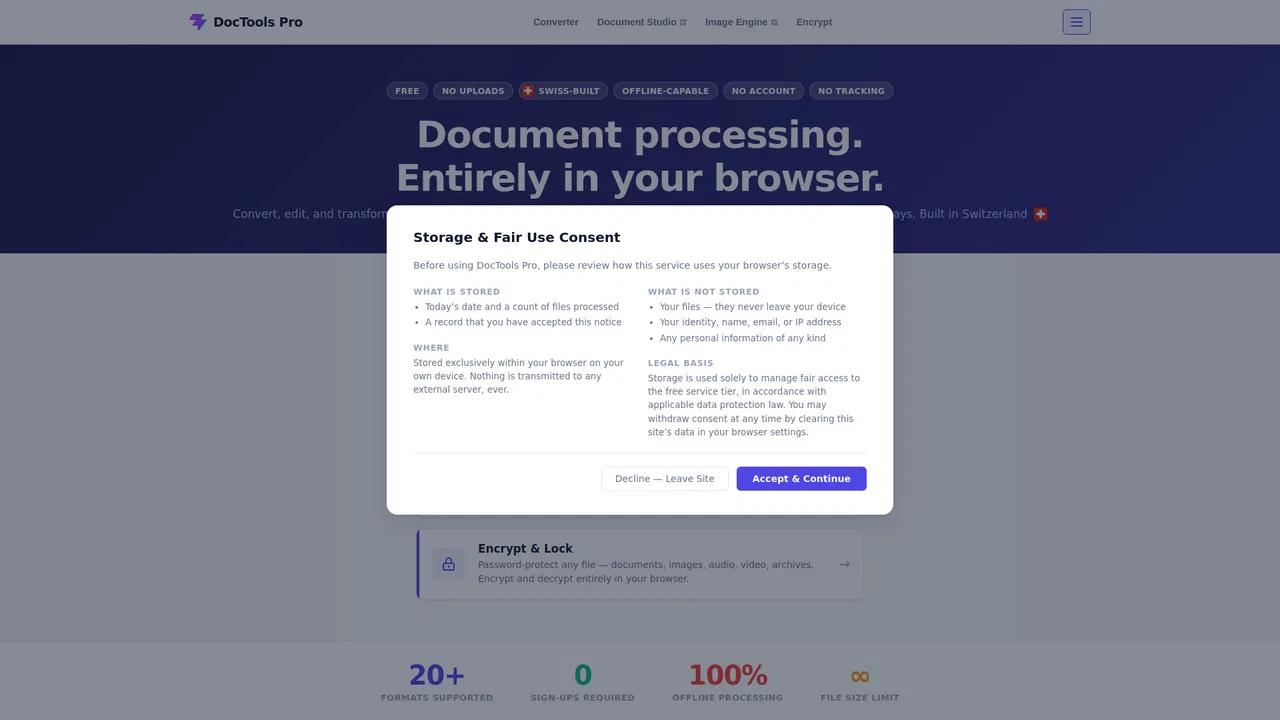
DocTools Pro is a free, browser-based toolkit for everyday document and image jobs: merging and splitting PDFs, converting between 20+ formats, compressing files, running OCR, removing image backgrounds and password-protecting anything. It is built in Switzerland and designed around local processing — files are handled in your browser's memory and never uploaded to a server, so there is no account, no file-size cap and nothing stored on the provider's side.
DocTools Pro is a free, browser-based toolkit for everyday document and image jobs: merging and splitting PDFs, converting between 20+ formats, compressing files, running OCR, removing image backgrounds and password-protecting anything. It is built in Switzerland and designed around local processing — files are handled in your browser's memory and never uploaded to a server, so there is no account, no file-size cap and nothing stored on the provider's side.
24 種類の無料オンライン PDF ツール — 変換・結合・圧縮・編集・保護をブラウザで完結
PDF Converter is a free online toolkit for converting files to and from PDF and editing PDFs in the browser. It handles Word, Excel, PowerPoint, JPG and PNG conversions, offers OCR for scanned files, and includes merge, split, rotate, compress, watermark, numbering, and e-signature tools.
PDF Converter is a free online toolkit for converting files to and from PDF and editing PDFs in the browser. It handles Word, Excel, PowerPoint, JPG and PNG conversions, offers OCR for scanned files, and includes merge, split, rotate, compress, watermark, numbering, and e-signature tools.
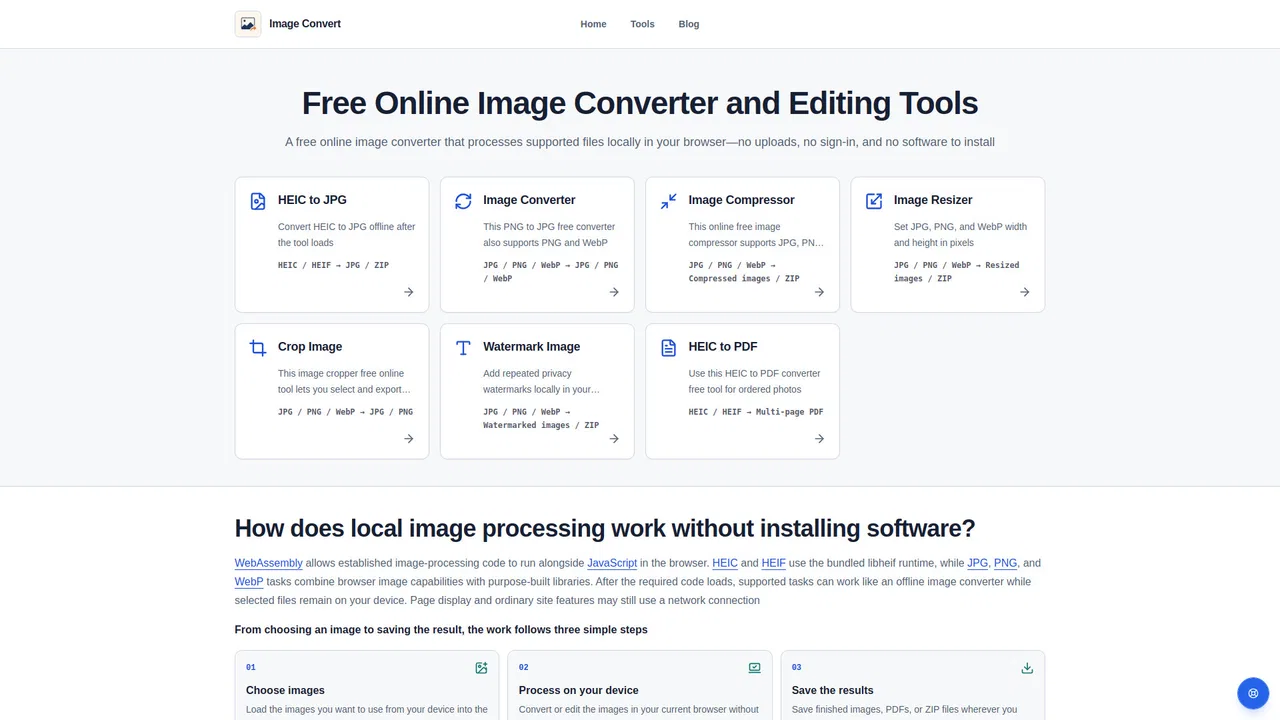
ブラウザ内で安全に画像を変換・編集

LightPDF is an AI-driven PDF workspace, delivered as a Chrome extension plus a web app, that lets you chat with documents, summarize long files, run OCR on scanned pages and handle everyday PDF jobs such as converting, merging, compressing, signing and annotating. It bundles a chatbot for PDFs, Office files, URLs and videos together with a full PDF toolkit and 1-year cloud storage, so you can stay inside the browser instead of juggling separate converters and editors.
LightPDF is an AI-driven PDF workspace, delivered as a Chrome extension plus a web app, that lets you chat with documents, summarize long files, run OCR on scanned pages and handle everyday PDF jobs such as converting, merging, compressing, signing and annotating. It bundles a chatbot for PDFs, Office files, URLs and videos together with a full PDF toolkit and 1-year cloud storage, so you can stay inside the browser instead of juggling separate converters and editors.

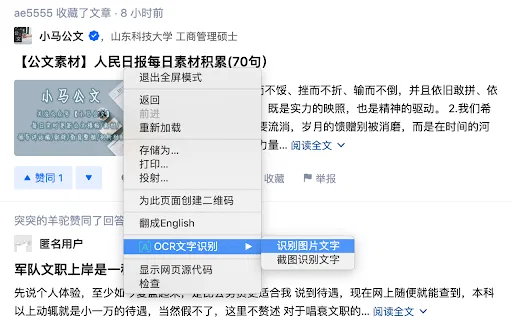
OCR Text Recognition is a lightweight Chrome extension that turns images and screenshots into selectable text via the right-click menu. Right-click any image on a page and choose 'Recognize image text' to pull the words out; right-click anywhere else and choose 'Screenshot Recognition Text' to select a screen region and read it. There is no account, no dashboard and no clutter — it is a single-purpose browser utility for grabbing text you cannot select.
OCR Text Recognition is a lightweight Chrome extension that turns images and screenshots into selectable text via the right-click menu. Right-click any image on a page and choose 'Recognize image text' to pull the words out; right-click anywhere else and choose 'Screenshot Recognition Text' to select a screen region and read it. There is no account, no dashboard and no clutter — it is a single-purpose browser utility for grabbing text you cannot select.