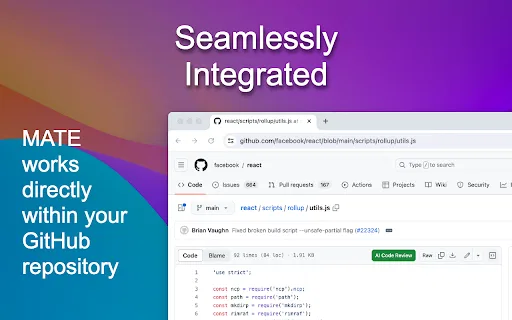
GitHub のファイル画面でそのまま使える無料の AI コードレビュー
AI コードレビュー編集部スコア:4.5
無料
459 種類のワークフローで、アクセス推計・機能・代替製品を比較できます。
“Code Reliability”·104 件
最初からGitHub のファイル画面でそのまま使える無料の AI コードレビュー
ブラウザの中で完結するAIコードレビューと最適化

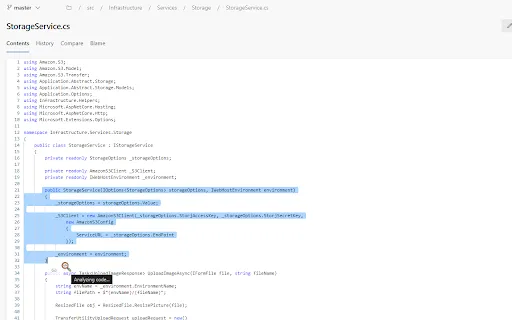
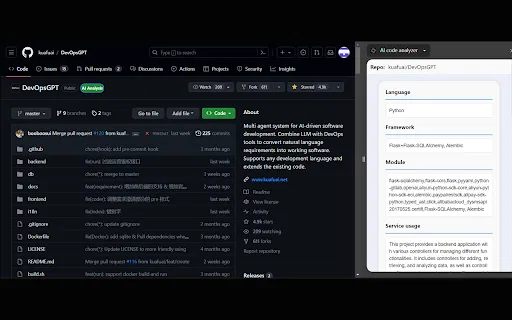
AI code analyzer is a free Chrome extension that uses KuaFuAI to break down unfamiliar code. Highlight or paste a snippet and it quickly tells you what the code does, which programming language and framework it uses, how its modules are organized, and how the overall structure fits together.
AI code analyzer is a free Chrome extension that uses KuaFuAI to break down unfamiliar code. Highlight or paste a snippet and it quickly tells you what the code does, which programming language and framework it uses, how its modules are organized, and how the overall structure fits together.

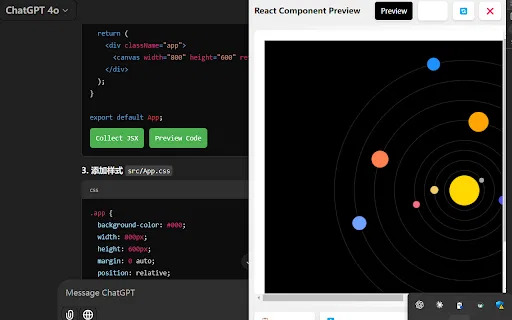
AI Code Preview is a free Chrome extension for developers who work with AI coding assistants. It detects code blocks in AI responses and renders them in a live preview supporting HTML, CSS, JavaScript, React components, and Vue single-file components, with one-click copy and download.
AI Code Preview is a free Chrome extension for developers who work with AI coding assistants. It detects code blocks in AI responses and renders them in a live preview supporting HTML, CSS, JavaScript, React components, and Vue single-file components, with one-click copy and download.

Microsoft Power Appsのキャンバスアプリ向け自動コードレビュー

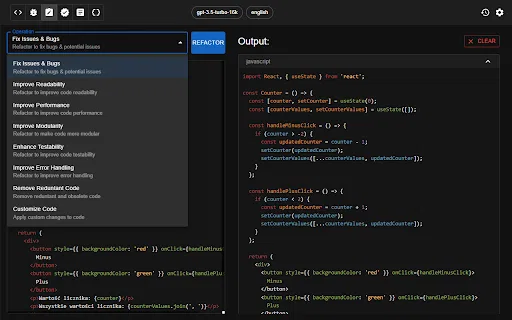
コード生成・レビュー・リファクタリングを支援するChatGPT活用のChrome拡張

TestChimp is a QA workflow platform and Chrome extension that connects test planning, manual test sessions, automated Playwright tests, and production behaviour into one traceable loop. QA teams capture manual runs in the browser with screenshots and notes, generate Smart Tests from recorded actions, and measure coverage across requirements, APIs, and real user flows.
TestChimp is a QA workflow platform and Chrome extension that connects test planning, manual test sessions, automated Playwright tests, and production behaviour into one traceable loop. QA teams capture manual runs in the browser with screenshots and notes, generate Smart Tests from recorded actions, and measure coverage across requirements, APIs, and real user flows.

操作種別を認識する PR 差分と AI 要約で、読むコードを約 30% 削減



Pega 開発者向け AI コパイロット — ブラウザ上でロジックを点検し、コメントを補い、疑問に答えます。
Pega 開発者向け AI コパイロット — ブラウザ上でロジックを点検し、コメントを補い、疑問に答えます。

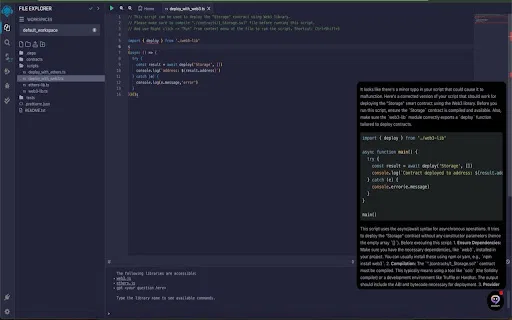
Remix IDE 内で AI によるコード監査とスマートコントラクト提案

ブラウザにコード支援と最適化を加える AI プログラミングアシスタント
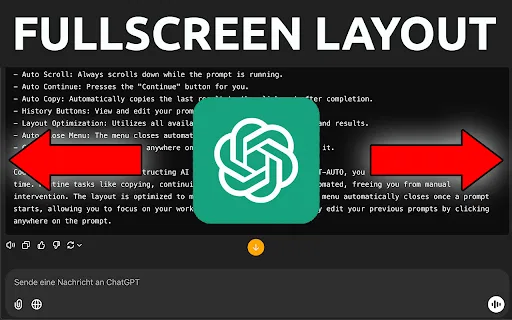
ChatGPT での繰り返しコーディング作業を自動化

Boozang is a browser-based, codeless test automation platform for building, debugging, and running end-to-end UI and API tests. You record or author tests directly in the browser with natural-language selectors, replay them in CI, and rely on AI-assisted repair and audit to keep suites stable.
Boozang is a browser-based, codeless test automation platform for building, debugging, and running end-to-end UI and API tests. You record or author tests directly in the browser with natural-language selectors, replay them in CI, and rely on AI-assisted repair and audit to keep suites stable.

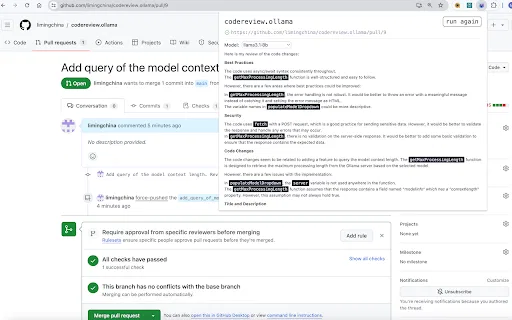
ローカルLLMでGitHubのPRとGitLabのMRレビューを自動化

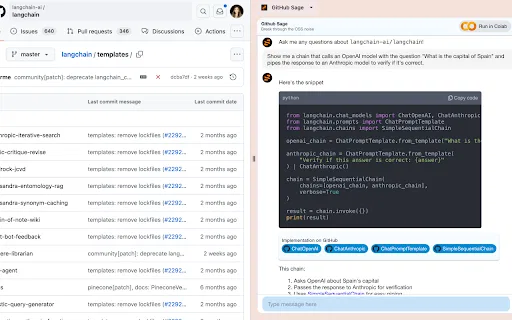
任意の GitHub リポジトリについて答える AI サイドパネル

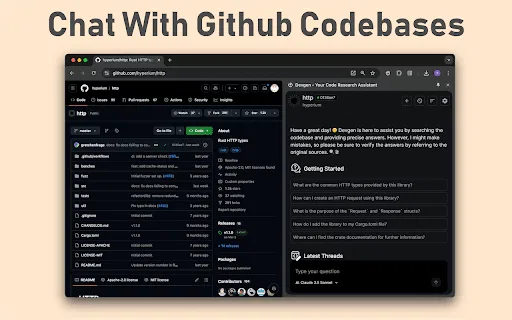
ブラウザからGitHubのコードベース、イシュー、プルリクエストとチャット
コードプロジェクトをLLM向けのMarkdownコンテキストファイルに変換


Full Picture is a browser extension that uses OpenAI's language models to summarize any article, flag unsupported claims and bias, rate its reliability, and hand you research keywords to read past a one-sided story.
Full Picture is a browser extension that uses OpenAI's language models to summarize any article, flag unsupported claims and bias, rate its reliability, and hand you research keywords to read past a one-sided story.

JDoodle for Chrome is a free browser extension that adds a lightweight IDE to any webpage. Highlight a code snippet, right-click, and run it through JDoodle's cloud execution service without opening a new tab — with AI-powered language detection and a searchable history of everything you have executed.
JDoodle for Chrome is a free browser extension that adds a lightweight IDE to any webpage. Highlight a code snippet, right-click, and run it through JDoodle's cloud execution service without opening a new tab — with AI-powered language detection and a searchable history of everything you have executed.
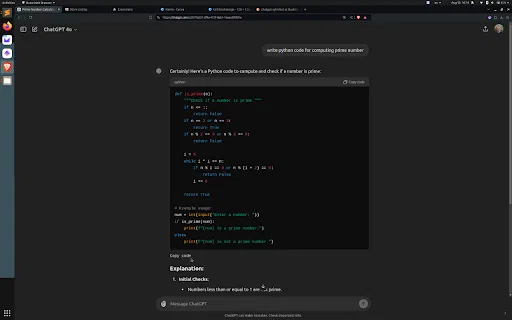
スクロールせずにChatGPTのコードブロックを下端からコピー