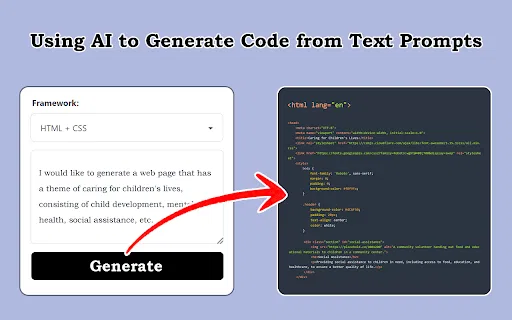
スクリーンショット・デザイン・プロンプトをフロントエンドコードに変換
AIコード生成編集部スコア:3.8
フリーミアム、有料
459 種類のワークフローで、アクセス推計・機能・代替製品を比較できます。
“Code conversion”·47 件
最初からスクリーンショット・デザイン・プロンプトをフロントエンドコードに変換

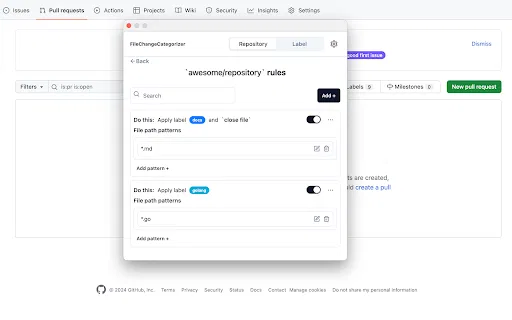
FileChangeCategorizer is a lightweight Chrome extension that adds automatic file categorization to GitHub commit histories and pull request diffs. You define the rules once, and every changed file gets grouped and labelled the moment you open a pull request, so large diffs stop looking like an undifferentiated wall of paths.
FileChangeCategorizer is a lightweight Chrome extension that adds automatic file categorization to GitHub commit histories and pull request diffs. You define the rules once, and every changed file gets grouped and labelled the moment you open a pull request, so large diffs stop looking like an undifferentiated wall of paths.


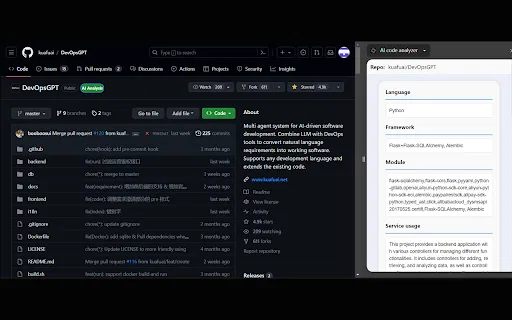
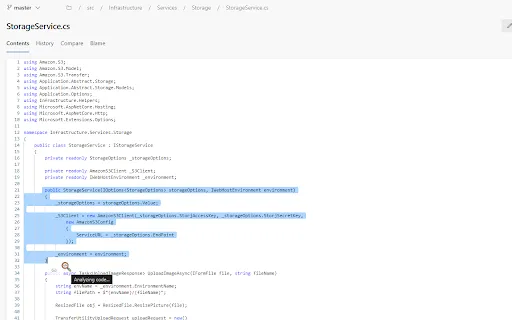
AI code analyzer is a free Chrome extension that uses KuaFuAI to break down unfamiliar code. Highlight or paste a snippet and it quickly tells you what the code does, which programming language and framework it uses, how its modules are organized, and how the overall structure fits together.
AI code analyzer is a free Chrome extension that uses KuaFuAI to break down unfamiliar code. Highlight or paste a snippet and it quickly tells you what the code does, which programming language and framework it uses, how its modules are organized, and how the overall structure fits together.


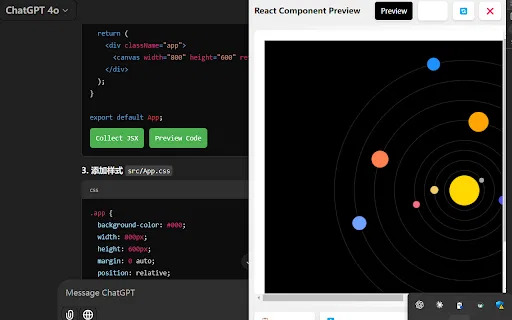
AI Code Preview is a free Chrome extension for developers who work with AI coding assistants. It detects code blocks in AI responses and renders them in a live preview supporting HTML, CSS, JavaScript, React components, and Vue single-file components, with one-click copy and download.
AI Code Preview is a free Chrome extension for developers who work with AI coding assistants. It detects code blocks in AI responses and renders them in a live preview supporting HTML, CSS, JavaScript, React components, and Vue single-file components, with one-click copy and download.


数クリックで Claude の会話を PDF・Markdown・CSV・JSON に出力
数クリックで Claude の会話を PDF・Markdown・CSV・JSON に出力

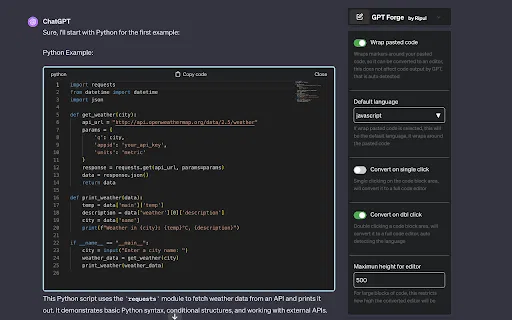
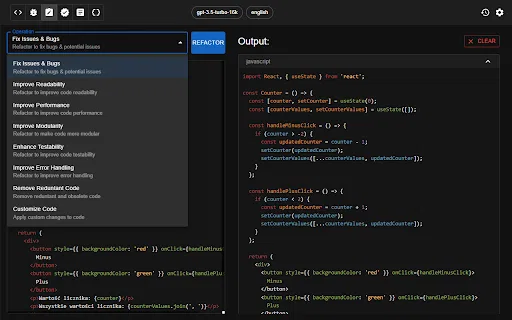
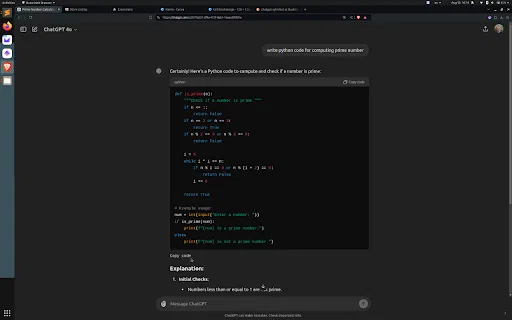
コード生成・レビュー・リファクタリングを支援するChatGPT活用のChrome拡張

Cookieを同期して、JsonifyのAIエージェントがログイン済みページからデータを収集。

ブラウザの中で完結するAIコードレビューと最適化

画像・PDF・動画を100以上の言語の編集可能なテキストに変える AI OCR 拡張機能
画像・PDF・動画を100以上の言語の編集可能なテキストに変える AI OCR 拡張機能

Pega 開発者向け AI コパイロット — ブラウザ上でロジックを点検し、コメントを補い、疑問に答えます。
Pega 開発者向け AI コパイロット — ブラウザ上でロジックを点検し、コメントを補い、疑問に答えます。

ChatGPT・GPTのメッセージ内に画像とYouTube動画をそのまま表示
ChatGPT・GPTのメッセージ内に画像とYouTube動画をそのまま表示

JDoodle for Chrome is a free browser extension that adds a lightweight IDE to any webpage. Highlight a code snippet, right-click, and run it through JDoodle's cloud execution service without opening a new tab — with AI-powered language detection and a searchable history of everything you have executed.
JDoodle for Chrome is a free browser extension that adds a lightweight IDE to any webpage. Highlight a code snippet, right-click, and run it through JDoodle's cloud execution service without opening a new tab — with AI-powered language detection and a searchable history of everything you have executed.

OpenAIで音声やマイクの音をテキスト化するChrome拡張
スクロールせずにChatGPTのコードブロックを下端からコピー
コードプロジェクトをLLM向けのMarkdownコンテキストファイルに変換


Map My Blog is a free Chrome extension from Proxi that scans a blog post, extracts the places it mentions, and converts them into an embeddable interactive map. The map can be refined in Proxi's no-code editor, branded to match your site, and embedded back into the article. Proxi also reports on engagement, time spent on the map and audience preferences so publishers can see whether the format is driving conversions.
Map My Blog is a free Chrome extension from Proxi that scans a blog post, extracts the places it mentions, and converts them into an embeddable interactive map. The map can be refined in Proxi's no-code editor, branded to match your site, and embedded back into the article. Proxi also reports on engagement, time spent on the map and audience preferences so publishers can see whether the format is driving conversions.

ブラウザにコード支援と最適化を加える AI プログラミングアシスタント


表・コード・LaTeXを保ったままChatGPTの会話をMarkdownに書き出す
表・コード・LaTeXを保ったままChatGPTの会話をMarkdownに書き出す