01
5886.7만/월
무료 / 오픈소스실시간 문법 교정, 어조 조정, 저작 이력 추적, 팀 스타일 가이드를 제공하는 크로스 플랫폼 AI 글쓰기 어시스턴트입니다.
AI Writing Assistants에디터 평점: 4.4무료+유료직접 유입 43%

무료+유료
GalilAI는 월간 방문 0, 전월 대비 성장률 —, 무료+유료 가격 모델을 기록합니다. Typeahead는 월간 방문 10,384, 성장률 +22.8%, 유료 가격 모델을 기록합니다.

Typeahead is a system-wide AI autocomplete app for Mac that completes your sentences inside the apps you already use, running entirely on your machine so your writing is never sent to a server.
| 항목 / 지표 |  | |
|---|---|---|
| 공식 도메인 | chromewebstore.google.com | typeahead.ai |
| 가격 모델 | 무료+유료 | 유료 |
| 월간 방문 수 | 0 (0) | 1.04만 (10,384) |
| 전월 대비 트래픽 변화량 | 0 (—) | +1.93천 (+22.8%) |
| 주요 시장 및 점유율 | 🌐 글로벌 (—) | 🇺🇸 미국 (64.5%) |
| 월 직접 방문 수 | 0 | 4.15천 |
| 사용자 평점 | 4.2 | 4.3 |
| 지원 플랫폼 | 브라우저 확장 프로그램 | 웹사이트 |
주제를 브라우저 안에서 바로 초안으로
주제만 입력하면 쓸 만한 초안을 얻습니다. 대개 글쓰기에서 가장 어려운 부분입니다.
짧은 이메일 문구부터 긴 블로그 콘텐츠까지 하나의 확장으로 여러 글쓰기 작업을 처리합니다.
주제를 설명하고, GalilAI가 초안을 쓰고, 당신이 조정하고, 마지막에 마무리합니다. 의도적으로 단순한 흐름입니다.
Chrome 웹스토어에서 설치해 브라우저에서 실행되므로 별도 계정이나 데스크톱 앱이 필요 없습니다.
Typeahead is a system-wide AI autocomplete app for Mac that completes your sentences inside the apps you already use, running entirely on your machine so your writing is never sent to a server.
Faint ghost text completes the word or sentence you are typing right at the cursor. Tab accepts the entire suggestion, the right arrow takes just the next word, and Esc dismisses it so you stay in control.
The model runs on your Mac rather than in the cloud. Typeahead never sends your writing to a server and keeps working offline after setup, which makes it suitable for work email and sensitive documents.
It reads what is on screen and what you copied to the clipboard, so replies fit the thread you are actually answering rather than being generic filler.
Set a voice per app, professional in Mail and friendly in Messages, choose from seven color-blind-safe highlight shades, and tune suggestion timing to instant, balanced or only when you pause.
무료 / 오픈소스실시간 문법 교정, 어조 조정, 저작 이력 추적, 팀 스타일 가이드를 제공하는 크로스 플랫폼 AI 글쓰기 어시스턴트입니다.

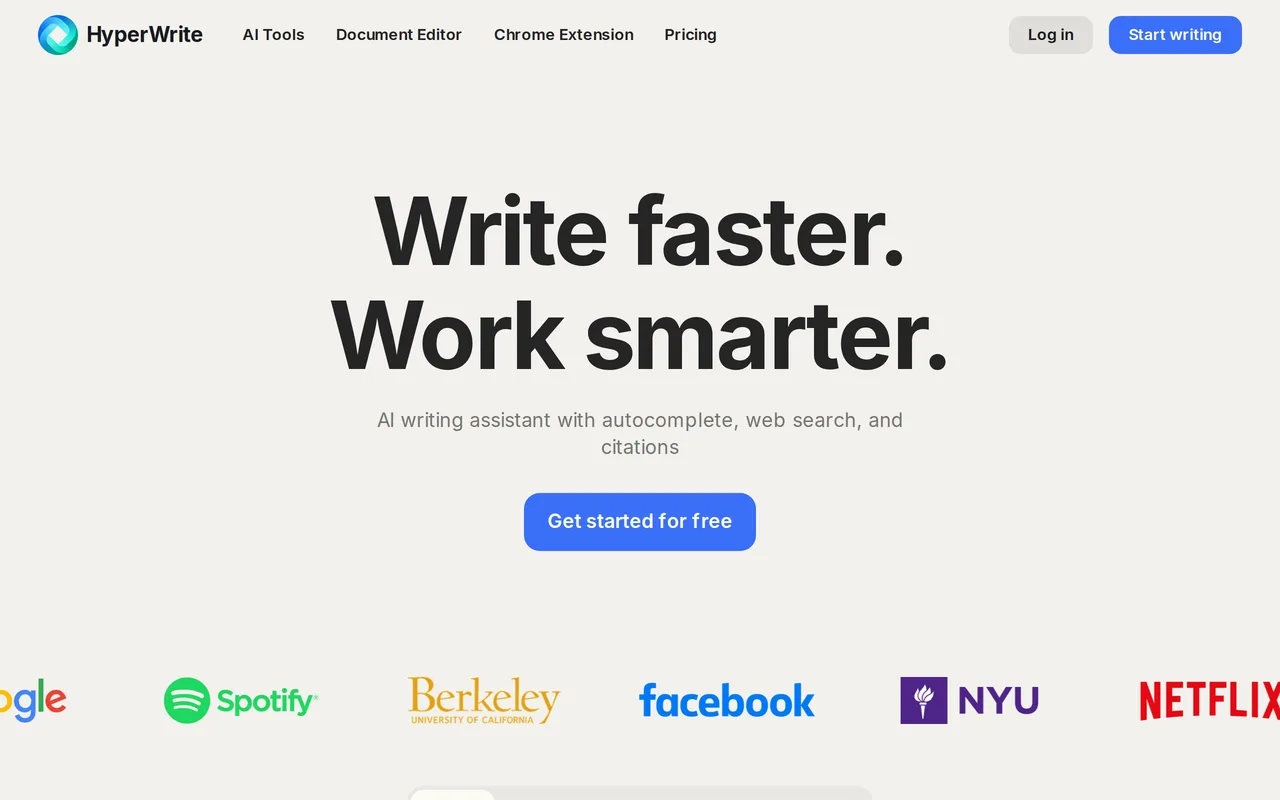
무료 / 오픈소스자동완성, 리서치, Chrome 확장을 갖춘 AI 글쓰기 도우미
무료 / 오픈소스자동완성, 리서치, Chrome 확장을 갖춘 AI 글쓰기 도우미

무료 / 오픈소스WordPress를 위한 AI 글쓰기와 사이트 관리

WriteMail.ai is an AI email writing assistant that turns a few rough key points into a polished, correctly toned email. It handles new messages as well as replies, supports dozens of languages, and offers tone, length and style controls plus a Chrome extension and desktop apps for getting drafts out of the browser faster.
WriteMail.ai is an AI email writing assistant that turns a few rough key points into a polished, correctly toned email. It handles new messages as well as replies, supports dozens of languages, and offers tone, length and style controls plus a Chrome extension and desktop apps for getting drafts out of the browser faster.

무료 / 오픈소스입력하는 모든 곳에서 문장을 완성해주는 AI 글쓰기 도우미
무료 / 오픈소스입력하는 모든 곳에서 문장을 완성해주는 AI 글쓰기 도우미

특화 강점모든 앱 위에서 작동하는 macOS 네이티브 AI 글쓰기 도우미
무료 / 오픈소스모든 macOS 앱에서 쓸 수 있는 AI 글쓰기 도우미

무료 / 오픈소스ParagraphAI is an AI writing assistant and keyboard that fixes grammar, drafts replies and generates polished text in 40+ languages across apps and devices.
무료 / 오픈소스ParagraphAI is an AI writing assistant and keyboard that fixes grammar, drafts replies and generates polished text in 40+ languages across apps and devices.
적절한 톤의 이메일을 몇 초 만에 — 무료로 브라우저에서 바로

무료 / 오픈소스Slashit is a desktop text expander for Mac and Windows that layers AI rewriting on top of classic snippet automation. Type a short trigger such as /projectchat and it expands into a full message, complete with dynamic placeholders that pull in the right names, dates, or project details. Highlight any text in Gmail, Slack, Notion, or your CRM, press the Magical hotkey, and it rewrites the selection in place using your saved instruction and preferred model — no copy-paste cycle, no switching tabs. Clipboard history keeps recently copied snippets available for reuse.
무료 / 오픈소스Slashit is a desktop text expander for Mac and Windows that layers AI rewriting on top of classic snippet automation. Type a short trigger such as /projectchat and it expands into a full message, complete with dynamic placeholders that pull in the right names, dates, or project details. Highlight any text in Gmail, Slack, Notion, or your CRM, press the Magical hotkey, and it rewrites the selection in place using your saved instruction and preferred model — no copy-paste cycle, no switching tabs. Clipboard history keeps recently copied snippets available for reuse.