3.9에디터 평점
Pega 개발자를 위한 AI 코파일럿 — 브라우저에서 로직을 점검하고 주석을 제안하며 질문에 답합니다.
AI 코드 리뷰무료

Pega 개발자를 위한 AI 코파일럿 — 브라우저에서 로직을 점검하고 주석을 제안하며 질문에 답합니다.
AI 코드 리뷰에디터 평점: 3.9
무료
459개 워크플로에서 트래픽 추정치, 기능, 대안을 비교하세요.
“Low-code development”·결과 42개
처음으로Pega 개발자를 위한 AI 코파일럿 — 브라우저에서 로직을 점검하고 주석을 제안하며 질문에 답합니다.
Pega 개발자를 위한 AI 코파일럿 — 브라우저에서 로직을 점검하고 주석을 제안하며 질문에 답합니다.


Boozang is a browser-based, codeless test automation platform for building, debugging, and running end-to-end UI and API tests. You record or author tests directly in the browser with natural-language selectors, replay them in CI, and rely on AI-assisted repair and audit to keep suites stable.
Boozang is a browser-based, codeless test automation platform for building, debugging, and running end-to-end UI and API tests. You record or author tests directly in the browser with natural-language selectors, replay them in CI, and rely on AI-assisted repair and audit to keep suites stable.



Microsoft Power Apps 캔버스 솔루션을 위한 자동 코드 리뷰
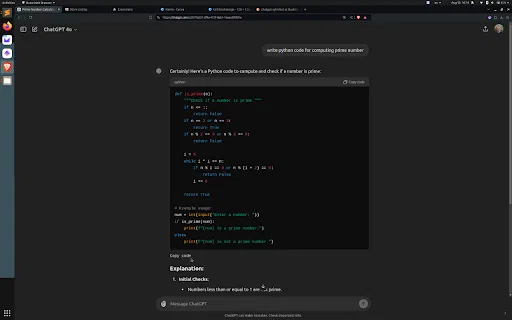
스크롤 없이 ChatGPT 코드 블록 아래쪽에서 바로 복사

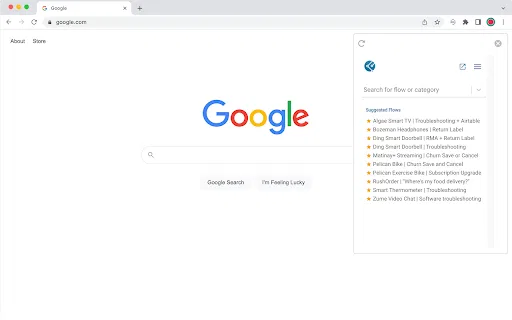
FlowEQ is a no-code workflow automation platform that turns complex, recurring troubleshooting and back-office processes into guided decision trees. It embeds inside the tools teams already use — Salesforce, Zendesk, Freshdesk, Zoho and 100+ business apps — and orchestrates each step so agents and staff follow the correct path every time, while automating the rote work behind the scenes.
FlowEQ is a no-code workflow automation platform that turns complex, recurring troubleshooting and back-office processes into guided decision trees. It embeds inside the tools teams already use — Salesforce, Zendesk, Freshdesk, Zoho and 100+ business apps — and orchestrates each step so agents and staff follow the correct path every time, while automating the rote work behind the scenes.

JDoodle for Chrome is a free browser extension that adds a lightweight IDE to any webpage. Highlight a code snippet, right-click, and run it through JDoodle's cloud execution service without opening a new tab — with AI-powered language detection and a searchable history of everything you have executed.
JDoodle for Chrome is a free browser extension that adds a lightweight IDE to any webpage. Highlight a code snippet, right-click, and run it through JDoodle's cloud execution service without opening a new tab — with AI-powered language detection and a searchable history of everything you have executed.

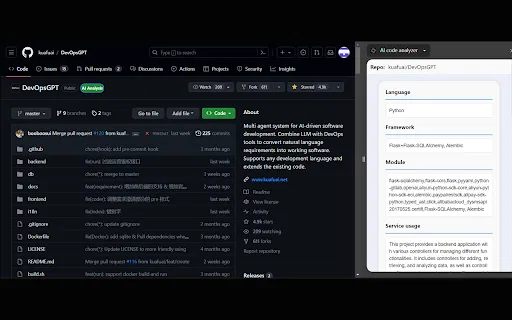
AI code analyzer is a free Chrome extension that uses KuaFuAI to break down unfamiliar code. Highlight or paste a snippet and it quickly tells you what the code does, which programming language and framework it uses, how its modules are organized, and how the overall structure fits together.
AI code analyzer is a free Chrome extension that uses KuaFuAI to break down unfamiliar code. Highlight or paste a snippet and it quickly tells you what the code does, which programming language and framework it uses, how its modules are organized, and how the overall structure fits together.

Minecraft Bedrock 문서, 검색, 치트시트를 클릭 한 번에 열 수 있는 무료 Chrome 확장 프로그램입니다.

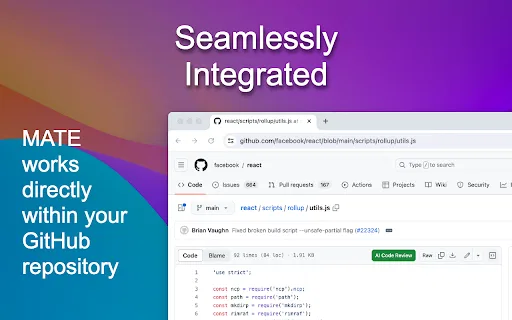
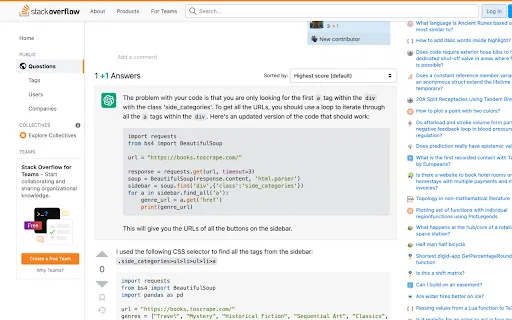
GitHub 파일 페이지에서 바로 쓰는 무료 AI 코드 리뷰

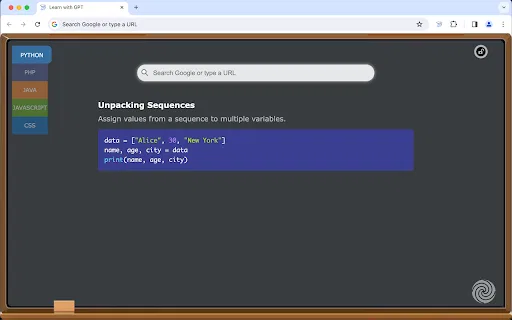
새 탭을 열 때마다 ChatGPT가 생성한 코딩 팁 한 줄

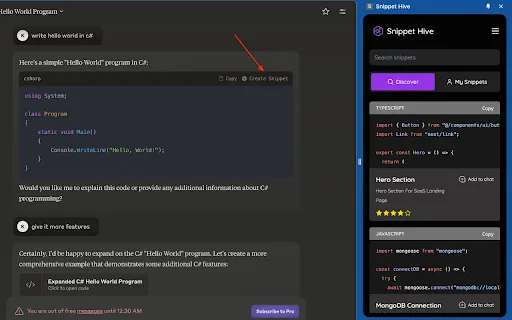
AI가 생성한 코드 스니펫을 브라우저에서 저장·검색·재사용하세요.

A companion Chrome extension from Yoom Inc. that lets you record and configure the 'operate a browser' operations used inside Yoom's no-code hyper-automation workflows, so repetitive web tasks can run unattended.
A companion Chrome extension from Yoom Inc. that lets you record and configure the 'operate a browser' operations used inside Yoom's no-code hyper-automation workflows, so repetitive web tasks can run unattended.

TestChimp is a QA workflow platform and Chrome extension that connects test planning, manual test sessions, automated Playwright tests, and production behaviour into one traceable loop. QA teams capture manual runs in the browser with screenshots and notes, generate Smart Tests from recorded actions, and measure coverage across requirements, APIs, and real user flows.
TestChimp is a QA workflow platform and Chrome extension that connects test planning, manual test sessions, automated Playwright tests, and production behaviour into one traceable loop. QA teams capture manual runs in the browser with screenshots and notes, generate Smart Tests from recorded actions, and measure coverage across requirements, APIs, and real user flows.

AI 지원 코딩과 Theta 네트워크 스마트 계약을 위한 브라우저 확장 프로그램.
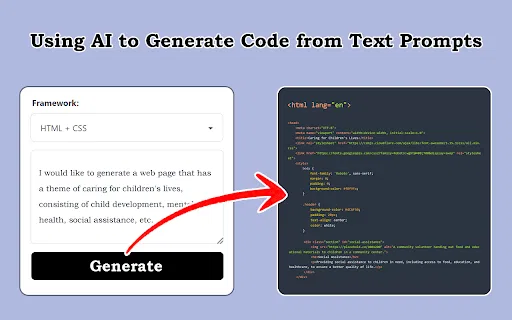
스크린샷, 디자인 시안, 프롬프트를 프런트엔드 코드로 변환

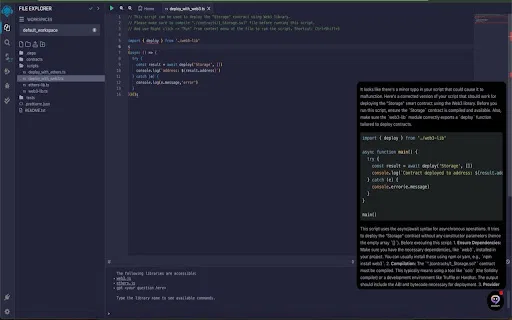
Remix IDE 안에서 AI 코드 감사와 스마트 컨트랙트 제안

Zapt AI App Creator is a Chrome extension that turns your best ChatGPT, Claude or Gemini conversations into reusable AI apps. Capture a proven prompt workflow and turn it into a shareable, repeatable tool — no coding required.
Zapt AI App Creator is a Chrome extension that turns your best ChatGPT, Claude or Gemini conversations into reusable AI apps. Capture a proven prompt workflow and turn it into a shareable, repeatable tool — no coding required.


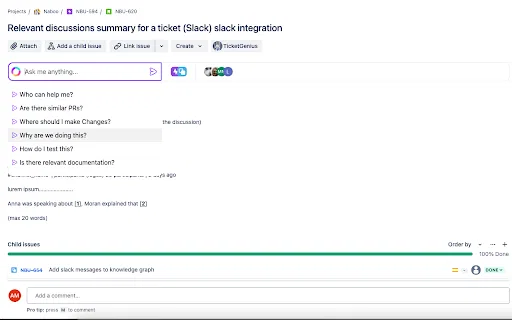
티켓 안에서 동작하는 문맥 인식 AI 채팅

Browse AI: Fast Web Scraping and Monitoring is a Chrome extension that turns any website into a structured data source without writing code. You point at the data you want, train a robot in a couple of minutes, and then run it on a schedule, download results as a spreadsheet, or stream them into other apps through Zapier, webhooks or a REST API.
Browse AI: Fast Web Scraping and Monitoring is a Chrome extension that turns any website into a structured data source without writing code. You point at the data you want, train a robot in a couple of minutes, and then run it on a schedule, download results as a spreadsheet, or stream them into other apps through Zapier, webhooks or a REST API.

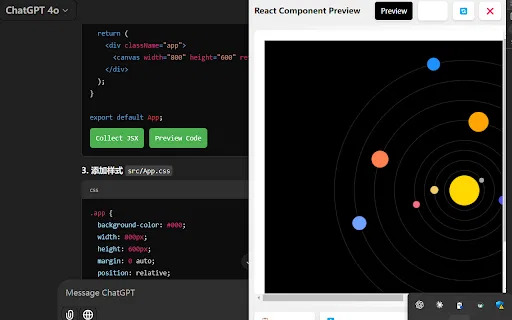
AI Code Preview is a free Chrome extension for developers who work with AI coding assistants. It detects code blocks in AI responses and renders them in a live preview supporting HTML, CSS, JavaScript, React components, and Vue single-file components, with one-click copy and download.
AI Code Preview is a free Chrome extension for developers who work with AI coding assistants. It detects code blocks in AI responses and renders them in a live preview supporting HTML, CSS, JavaScript, React components, and Vue single-file components, with one-click copy and download.