01
Grammarly官方原廠
5886.7萬/月
專項更強提供即時文法糾錯、語氣校準、寫作來源追蹤與團隊風格指南的跨平台 AI 寫作助理。
AI Writing Assistants編輯評分:4.4免費增值43% 直接流量

免費增值
FormalizeIt 每月有 0 次造訪,月增率 —,定價模式為免費增值。Mailbutler Smart Assistant 每月有 47,200 次造訪,成長率 -8.7%,定價模式為免費增值、免費試用、付費。

直接在收件匣中撰寫、摘要與潤飾郵件的 AI 助手
| 面向/指標 |  | |
|---|---|---|
| 官方網域 | chromewebstore.google.com | mailbutler.io |
| 定價模式 | 免費增值 | 免費增值、免費試用、付費 |
| 每月造訪次數 | 0 (0) | 4.72萬 (47,200) |
| 月流量變化量 | 0 (—) | -4513 (-8.7%) |
| 主要市場與市佔 | 🌐 全球 (—) | 🇺🇸 美國 (26.9%) |
| 每月直接造訪 | 0 | 1.83萬 |
| 使用者評分 | 1.8 | 4.5 |
| 支援平台 | 瀏覽器擴充功能 | 網站 |
用 OpenAI 把粗糙的 Gmail 草稿變成專業得體的郵件
按鈕直接加入 Gmail 撰寫視窗,無需切換分頁或複製貼上,就能改寫正在寫的草稿。
改寫以專業與尊重為目標,把生硬或過於隨意的措辭調整為更適合同事、主管與客戶的表達。
透過你自己的 API 憑證連接 OpenAI,用量成本透明且完全由你掌控。
除 API 金鑰外沒有需要設定的選項,也沒有新的寫作介面要學,它在熟悉的 Gmail 撰寫框內工作。
直接在收件匣中撰寫、摘要與潤飾郵件的 AI 助手
把幾個關鍵字或重點變成一封完整可寄出的郵件,並按正面、負面或中性語氣生成回覆。
把冗長的郵件往來濃縮為重點,讓你快速掌握脈絡並直接回覆,無須逐封重讀。
在你點擊寄出前,助手會重寫並修正你的郵件文法、拼字與措辭。
結合跟進建議與開啟、點擊追蹤,告訴你哪些郵件最緊急,並可代你草擬跟進內容。
專項更強提供即時文法糾錯、語氣校準、寫作來源追蹤與團隊風格指南的跨平台 AI 寫作助理。
兼具代理、郵件與文件的 AI 生產力套件

專項更強WriteMail.ai is an AI email writing assistant that turns a few rough key points into a polished, correctly toned email. It handles new messages as well as replies, supports dozens of languages, and offers tone, length and style controls plus a Chrome extension and desktop apps for getting drafts out of the browser faster.
專項更強WriteMail.ai is an AI email writing assistant that turns a few rough key points into a polished, correctly toned email. It handles new messages as well as replies, supports dozens of languages, and offers tone, length and style controls plus a Chrome extension and desktop apps for getting drafts out of the browser faster.
幾秒內寫出得體、語氣到位的專業郵件

專項更強ParagraphAI is an AI writing assistant and keyboard that fixes grammar, drafts replies and generates polished text in 40+ languages across apps and devices.
專項更強ParagraphAI is an AI writing assistant and keyboard that fixes grammar, drafts replies and generates polished text in 40+ languages across apps and devices.
專項更強幾秒寫出得體、語氣恰當的郵件——免費,直接在瀏覽器中使用
幾秒內把草稿變成得體專業的電子郵件
專項更強在 Gmail 與 Outlook 中依你本人語氣撰寫郵件的 AI 助手
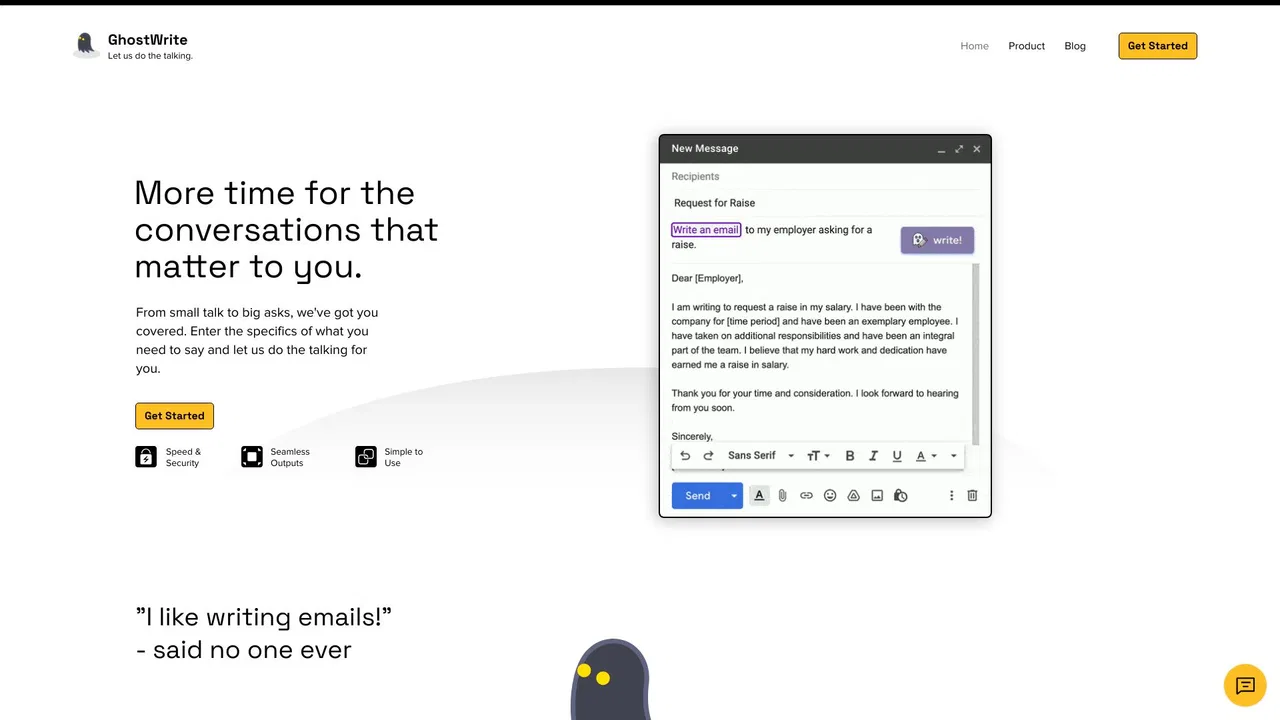
只給幾條重點,AI 幫你寫好整封信
專項更強在 Outlook 收件匣中執行 ChatGPT 提示詞——摘要、標亮並分流郵件
專項更強在 Outlook 收件匣中執行 ChatGPT 提示詞——摘要、標亮並分流郵件