Phiên âm, tóm tắt và trả lời bằng AI ngay trong cuộc họp và phỏng vấn
So sánh sản phẩm AI trong 459 quy trình bằng lưu lượng ước tính, tính năng và các lựa chọn thay thế.
“Interview transcript” · Lập trình & Phát triển·23 kết quả
Bắt đầu lại
Phiên âm, tóm tắt và trả lời bằng AI ngay trong cuộc họp và phỏng vấn

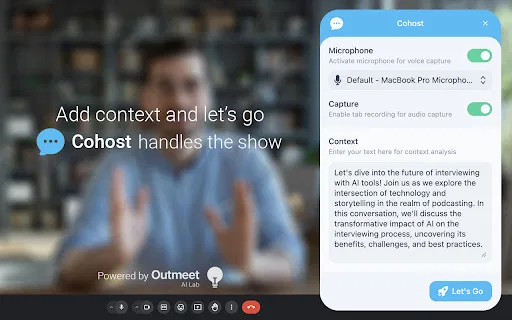
Tiện ích Chrome chuyển âm thanh và giọng nói từ mic thành văn bản bằng OpenAI

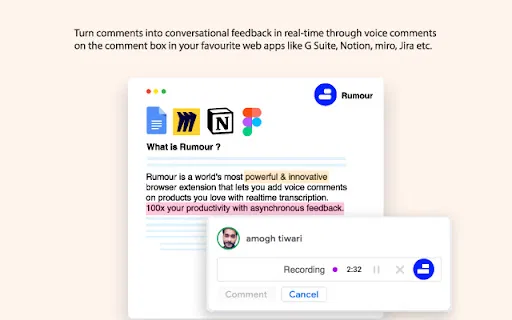
Rumour is a lightweight Chrome extension that turns typed comments into spoken ones. Drop a voice note into the comment box of G Suite, Notion, Miro, Jira and other web tools, and Rumour automatically converts your speech into text while translating it into more than ten languages.

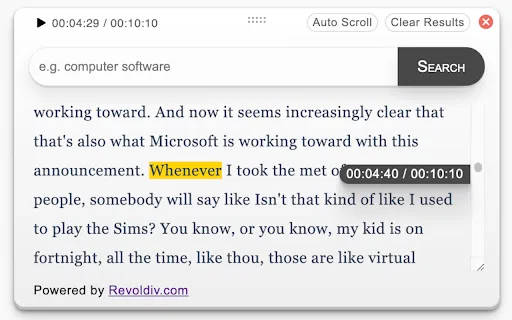
Chuyển văn bản AI và biên tập media lấy bản gỡ băng làm trung tâm

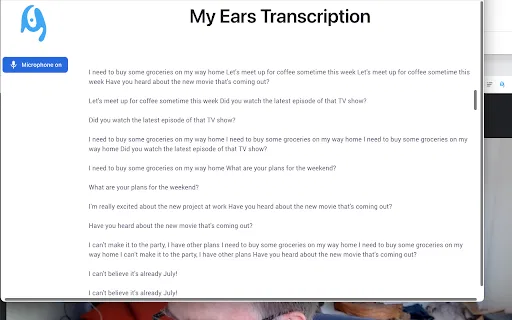
Chuyển giọng nói thành văn bản riêng tư ngay trong trình duyệt cho mọi tab Chrome

Tiện ích Chrome thêm bản tóm tắt và bản ghi OpenAI vào YouTube

Đọc chính tả nhấn-để-nói cho mọi ô nhập liệu trên Chrome bằng khóa OpenAI Whisper của riêng bạn

Biến mọi âm thanh piano trên web thành bài học dạng thác nước tương tác

Biến khóa học Coursera thành tóm tắt ChatGPT và ghi chú có mốc thời gian

Speech to Text by cantonese.ai is a Chrome extension that converts WhatsApp voice messages into text so you can skim long audio messages instead of listening to every one, saving time and improving productivity.

Công cụ ghi màn hình AI biến video thành cập nhật nhóm và công việc

Hỗ trợ AI cho ghi chép và mã hóa ngay trong EMR của bạn

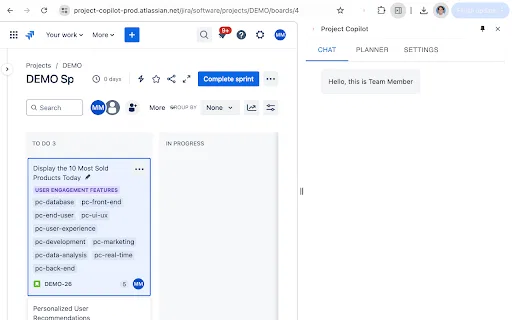
Thành viên nhóm AI biến hội thoại Agile thành backlog sẵn dùng

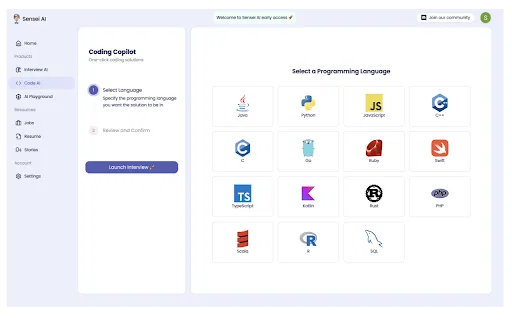
Sensei AI Coding Copilot is a Chrome extension that works alongside the Sensei AI interview copilot to help candidates during live technical interviews. It delivers real-time hints, suggestions and step-by-step code explanations across all major programming languages, and integrates with platforms like LeetCode, HackerRank and CodeSignal.

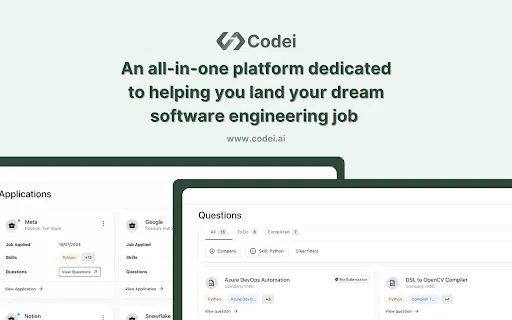
Công cụ theo dõi ứng tuyển và luyện phỏng vấn bằng AI cho kỹ sư phần mềm

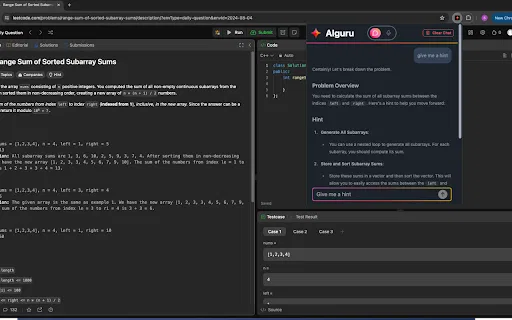
Gia sư phỏng vấn lập trình AI đọc bài LeetCode của bạn và dẫn bạn đến đáp án

Gia sư AI dẫn bạn qua bài toán LeetCode thay vì giải hộ

Mời ứng viên ATS vào bài kiểm tra Glider không cần tích hợp

Leetcode Buddy is a Chrome extension that acts as an AI mentor for LeetCode practice. Rather than handing you solutions, it asks targeted questions and offers progressive hints, guiding you toward the answer using a Socratic approach. Powered by the latest GPT-4 and Anthropic Claude models, it adapts to your skill level, explains core computer-science concepts and algorithms, and helps you build genuine problem-solving intuition for technical interviews.

Trợ lý AI điều chỉnh CV và thư xin việc cho từng vị trí ứng tuyển

Chia sẻ màn hình dựa trên đồng thuận, bảo vệ tính liêm chính của bài đánh giá tuyển dụng trực tuyến.

A free Chrome sidebar extension that runs ChatGPT alongside job boards such as LinkedIn, Indeed and SimplyHired so you can draft applications, tailor resumes and prepare answers without switching tabs.

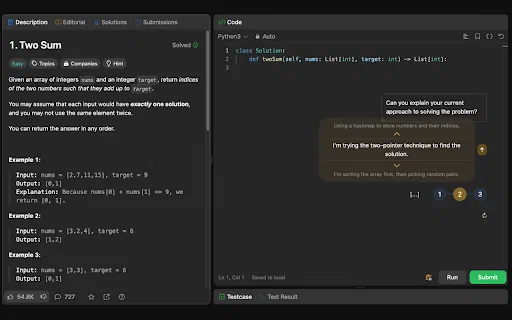
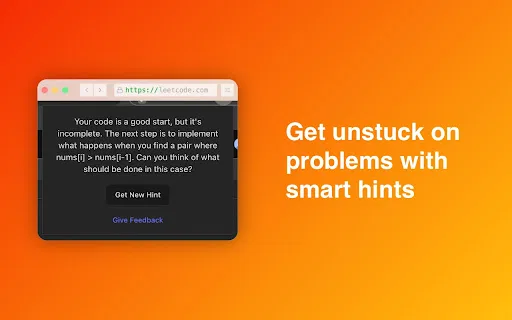
Leetcoach is a free Chrome extension that adds a ChatGPT chat window directly to LeetCode. It automatically knows which problem you are working on and what your current solution looks like, so you can discuss your approach and get instant feedback without copy-pasting code into a separate chat tab. The window sits in the bottom-right corner with a minimal interface, letting you use the assistant as much or as little as you like.