Tự động hóa trình duyệt và máy tính mã nguồn mở, chạy hoàn toàn trên máy của bạn
So sánh sản phẩm AI trong 459 quy trình bằng lưu lượng ước tính, tính năng và các lựa chọn thay thế.
“Visual Programming” · Lập trình & Phát triển·16 kết quả
Bắt đầu lại
Tự động hóa trình duyệt và máy tính mã nguồn mở, chạy hoàn toàn trên máy của bạn

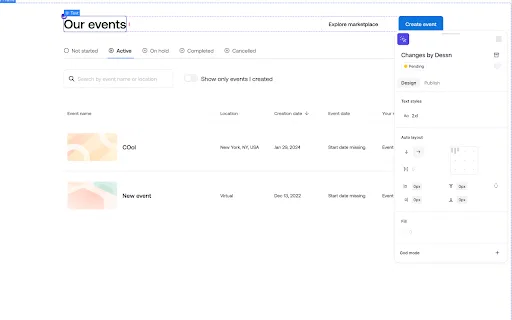
Thiết kế trực tiếp trên mã nguồn production, trên canvas dùng chung

Hiển thị hình ảnh và video YouTube ngay trong ChatGPT và các GPT

Kiểm thử hồi quy ghi–phát bằng AI kèm so sánh giao diện trực quan

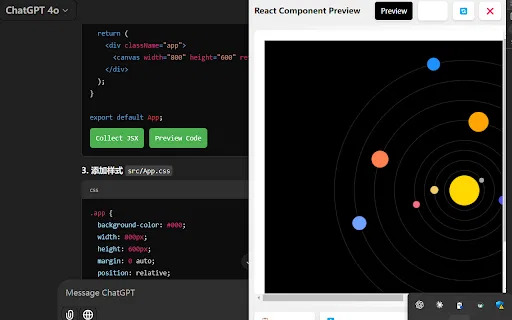
AI Code Preview is a free Chrome extension for developers who work with AI coding assistants. It detects code blocks in AI responses and renders them in a live preview supporting HTML, CSS, JavaScript, React components, and Vue single-file components, with one-click copy and download.

JDoodle for Chrome is a free browser extension that adds a lightweight IDE to any webpage. Highlight a code snippet, right-click, and run it through JDoodle's cloud execution service without opening a new tab — with AI-powered language detection and a searchable history of everything you have executed.

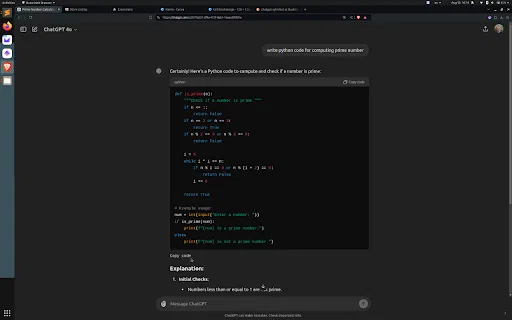
Sao chép khối mã ChatGPT từ phía dưới, không cần cuộn trang

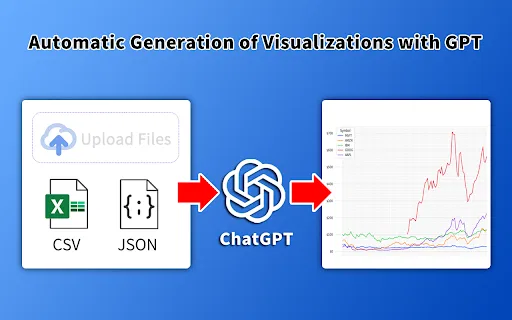
Biến dữ liệu bảng tính thành biểu đồ và infographic với AI

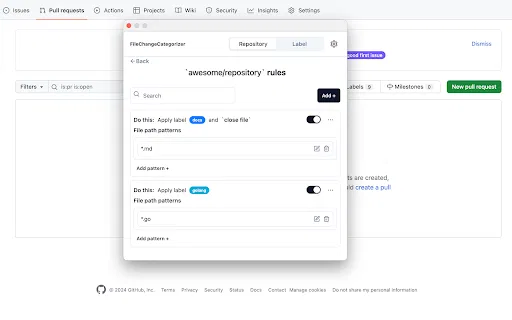
FileChangeCategorizer is a lightweight Chrome extension that adds automatic file categorization to GitHub commit histories and pull request diffs. You define the rules once, and every changed file gets grouped and labelled the moment you open a pull request, so large diffs stop looking like an undifferentiated wall of paths.

Axiom is a no-code browser automation and web scraping platform. Build bots visually by clicking and typing on any website, write them in Puppeteer or Playwright, or describe what you want to Claude and let it assemble the bot. Run automations in the cloud or on your own machine, with scheduling, proxies and run recording included.

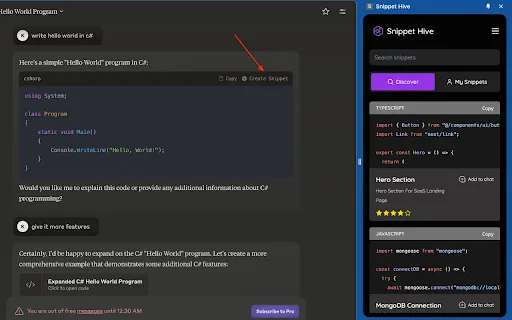
Lưu, tìm kiếm và tái sử dụng đoạn mã do AI tạo ngay trên trình duyệt.

Biến đoạn mã Claude thành dự án tải về chạy được ngay

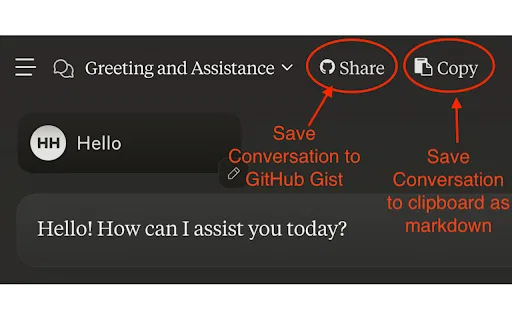
Sao lưu hội thoại Claude lên GitHub Gist chỉ với một cú nhấp

Biến mọi ảnh chụp thành wireframe chỉnh sửa được trong vài giây

Nhấp chuột phải vào bất kỳ phần tử nào để sao chép XPath ngay lập tức

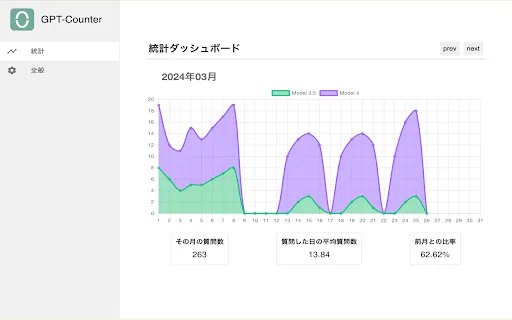
Tiện ích Chrome giới hạn và trực quan hóa mức độ phụ thuộc vào ChatGPT