



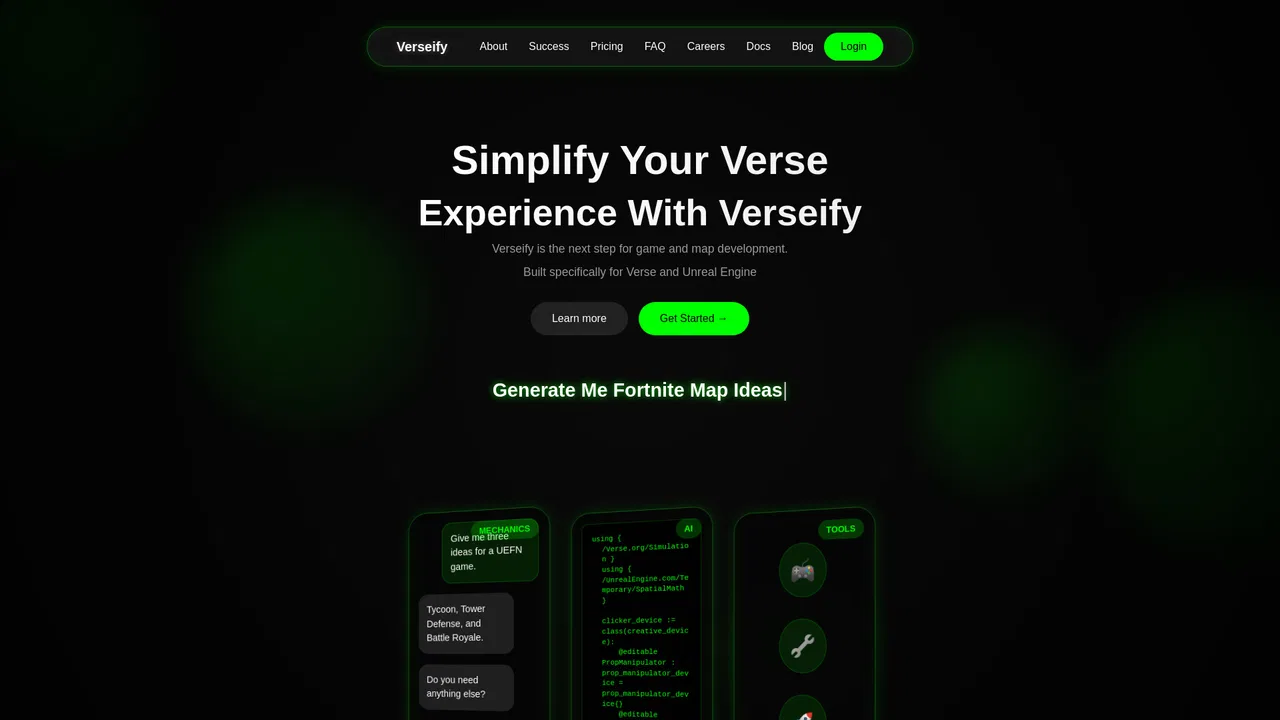
Lớp trí tuệ AI cho nhà sáng tạo UEFN của Fortnite
AI tạo mã nguồnĐiểm biên tập: 3.8
Trả phí
So sánh sản phẩm AI trong 459 quy trình bằng lưu lượng ước tính, tính năng và các lựa chọn thay thế.
“Code Refactoring”·1.501 kết quả
Bắt đầu lạiLớp trí tuệ AI cho nhà sáng tạo UEFN của Fortnite

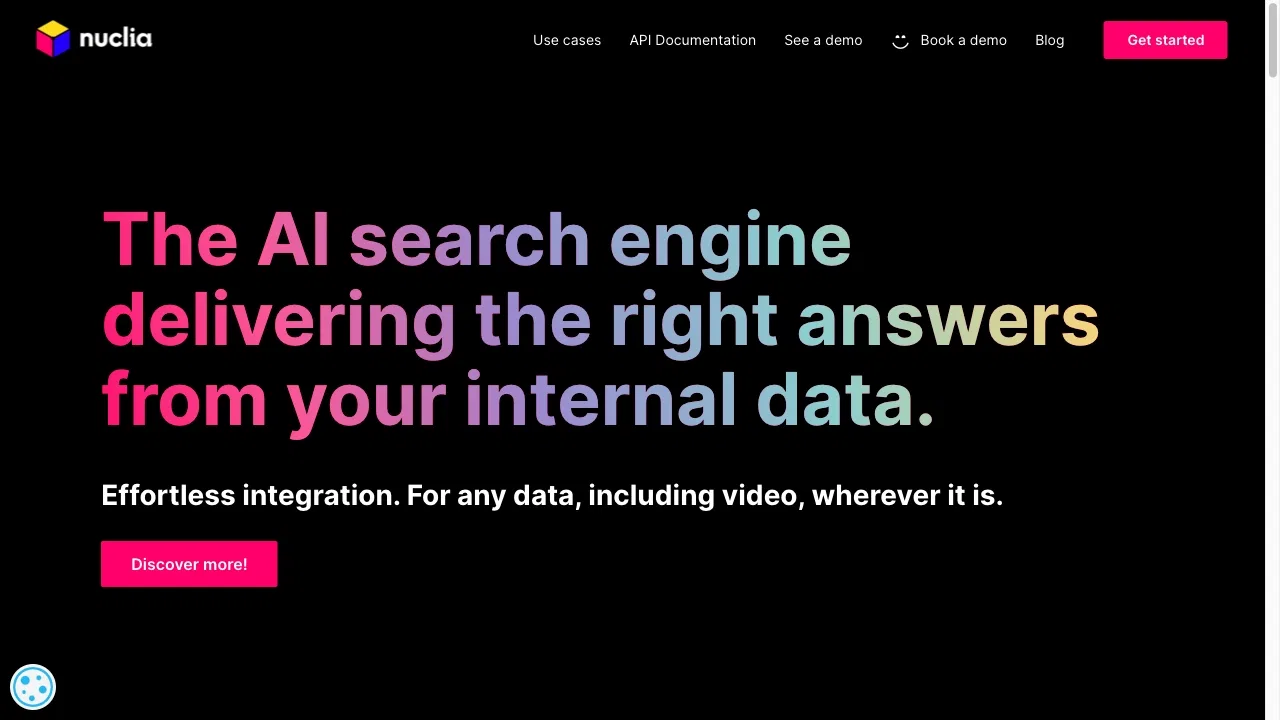
Progress Agentic RAG (formerly Nuclia) is an agentic knowledge layer that turns enterprise documents, media and web content into source-cited AI answers for search, assistants and agents. It supports 30+ file formats and 40+ LLMs from one governed ingestion pipeline.
Progress Agentic RAG (formerly Nuclia) is an agentic knowledge layer that turns enterprise documents, media and web content into source-cited AI answers for search, assistants and agents. It supports 30+ file formats and 40+ LLMs from one governed ingestion pipeline.
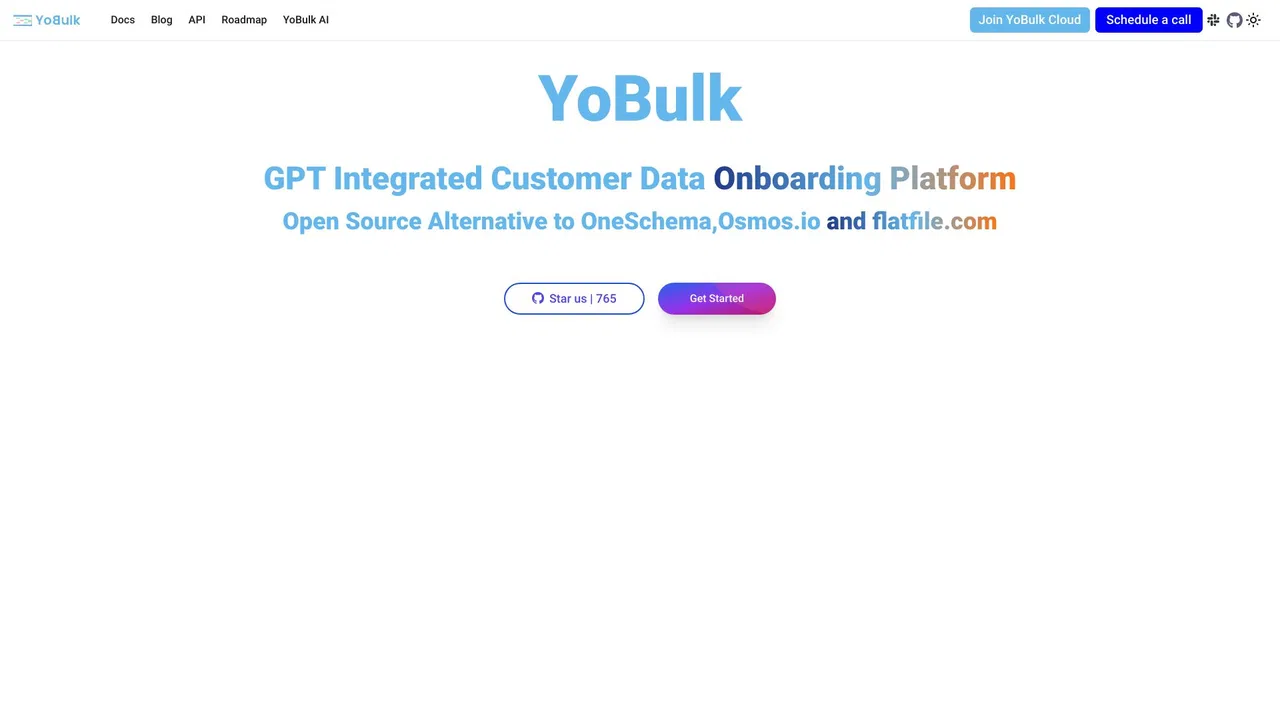
Công cụ nhập CSV mã nguồn mở hỗ trợ AI cho SaaS và sử dụng độc lập

Quy tắc nghiệp vụ mà các coding agent của bạn tuân theo, được kiểm tra trên mỗi pull request
Quy tắc nghiệp vụ mà các coding agent của bạn tuân theo, được kiểm tra trên mỗi pull request
Khám phá hơn 90.000 Agent Skills cho Claude Code, Codex và Cursor
Khám phá hơn 90.000 Agent Skills cho Claude Code, Codex và Cursor

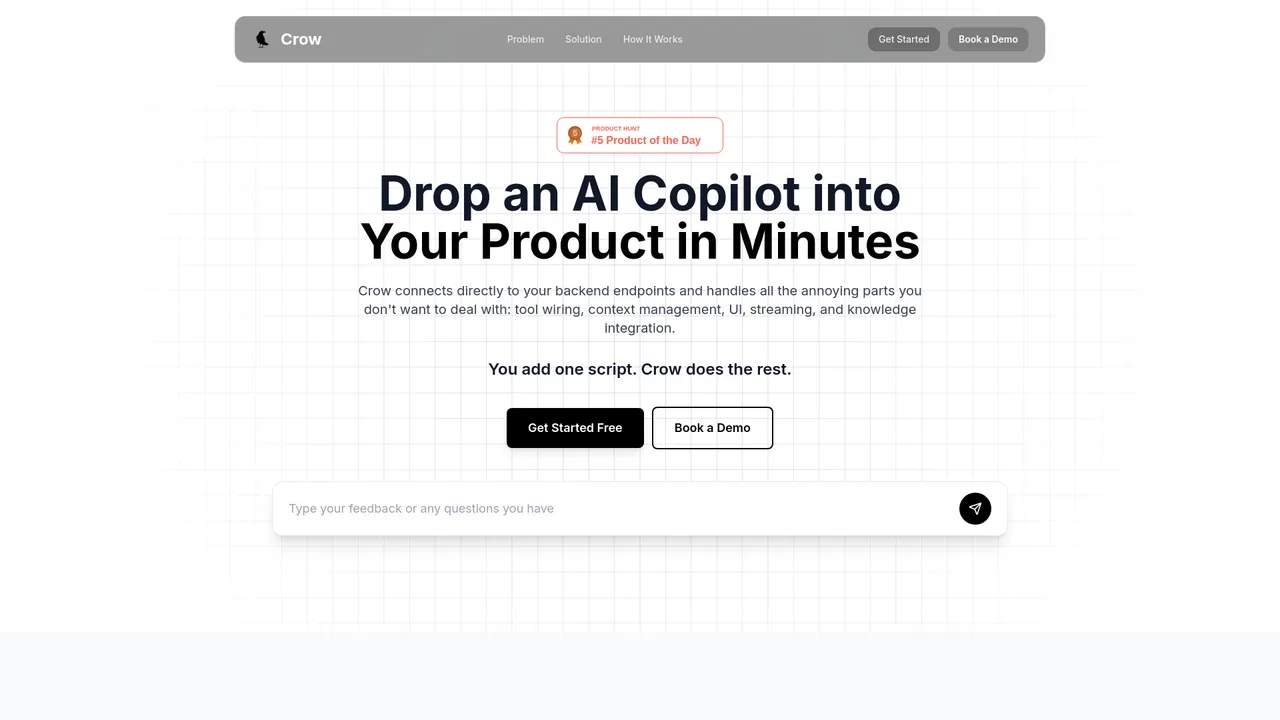
Turnstone (served from usecrow.org) is a Mac app that gives you a team of persistent AI agents running on the AI subscriptions you already pay for, like ChatGPT, Claude, Grok, or Cursor.
Turnstone (served from usecrow.org) is a Mac app that gives you a team of persistent AI agents running on the AI subscriptions you already pay for, like ChatGPT, Claude, Grok, or Cursor.

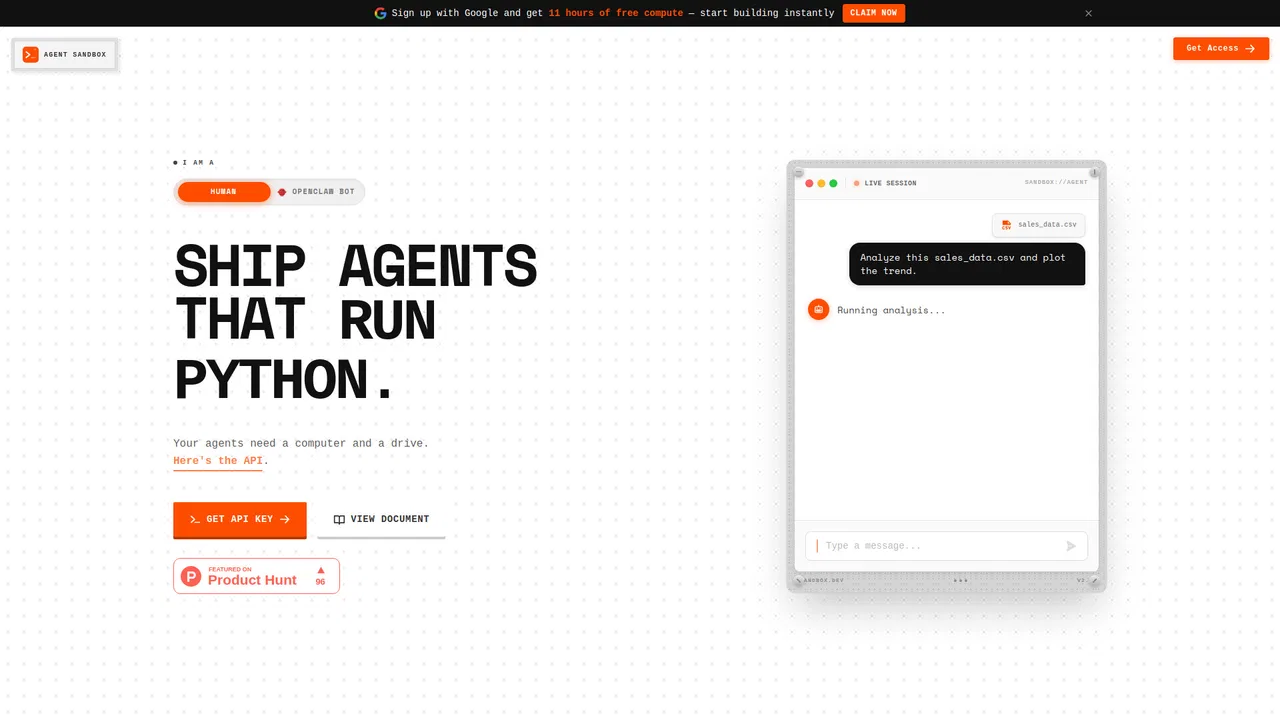
API thực thi Python và Bash an toàn cho AI agent
API thực thi Python và Bash an toàn cho AI agent
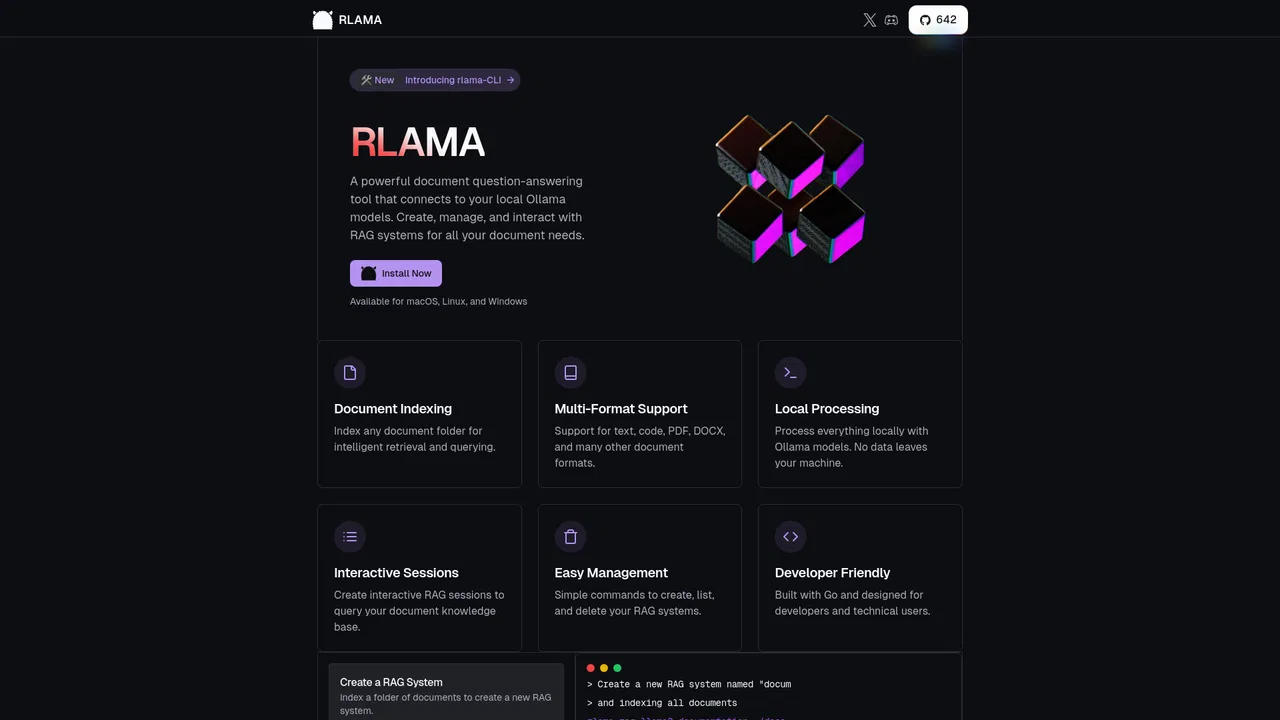
Xây dựng hệ thống RAG cục bộ và đội AI agent ngay trong terminal
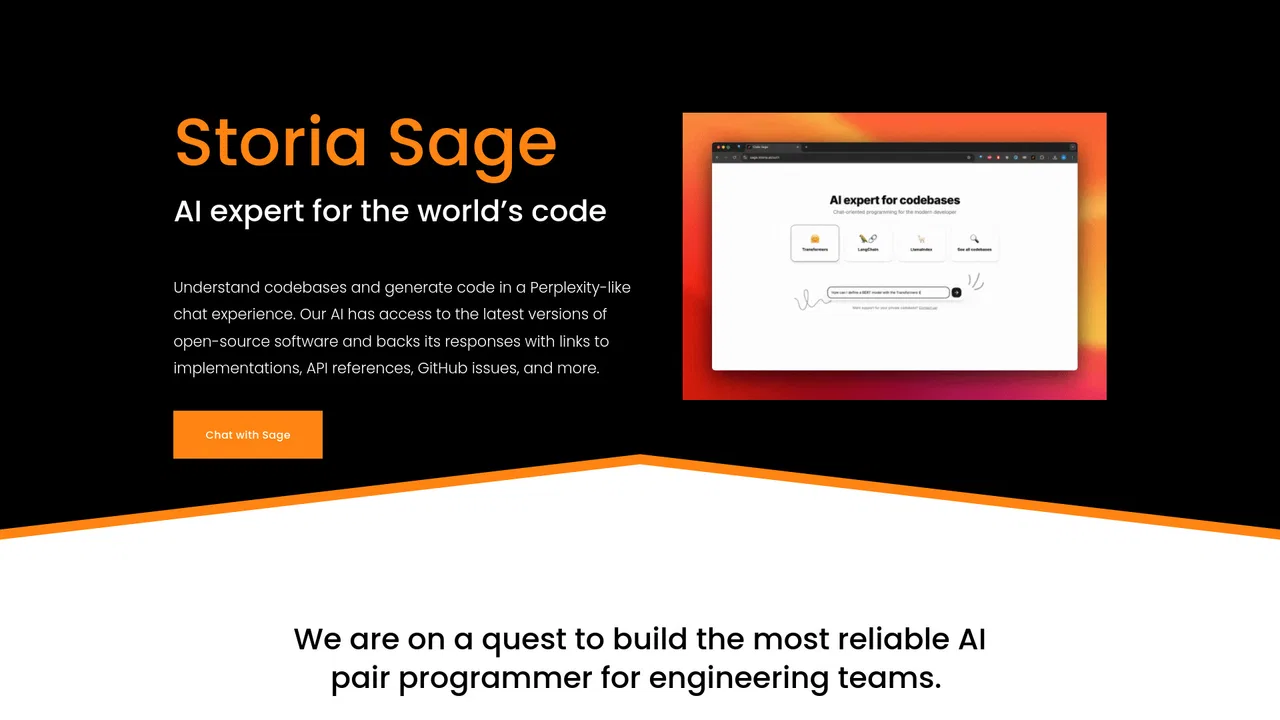
Trợ lý AI thực sự hiểu cơ sở mã của bạn

Lập trình lặp với ChatGPT, rồi giao kết quả dưới dạng pull request trên GitHub.
Lập trình lặp với ChatGPT, rồi giao kết quả dưới dạng pull request trên GitHub.
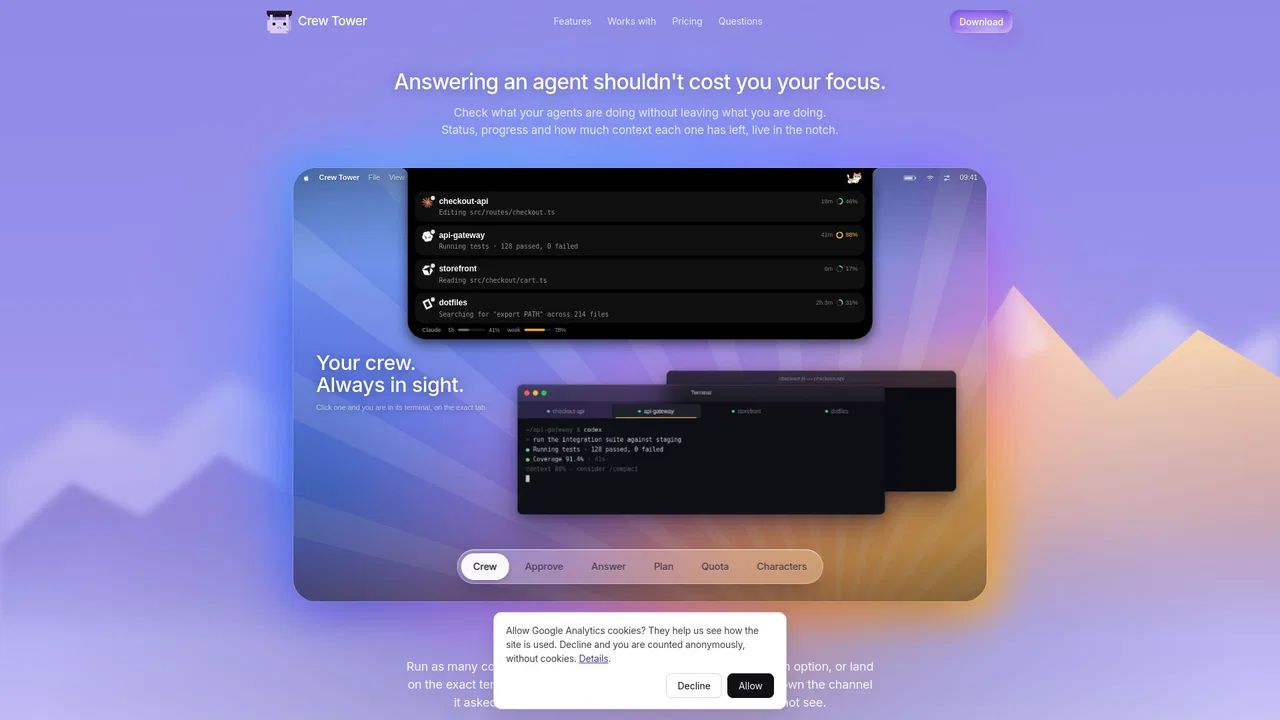
Đưa các agent lập trình AI vào notch trên Mac — theo dõi tiến độ, phê duyệt lệnh, trả lời câu hỏi
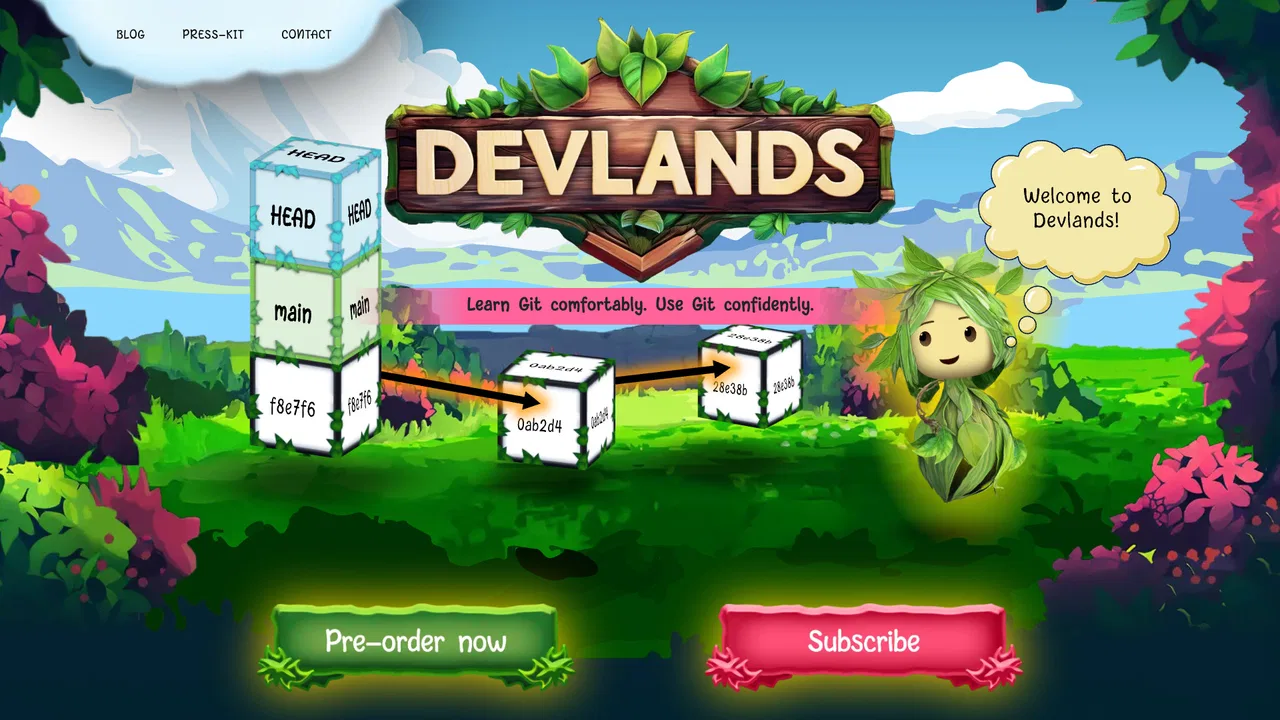
Học Git bằng cách bước đi trong cơ sở mã ở thế giới voxel 3D
Học Git bằng cách bước đi trong cơ sở mã ở thế giới voxel 3D
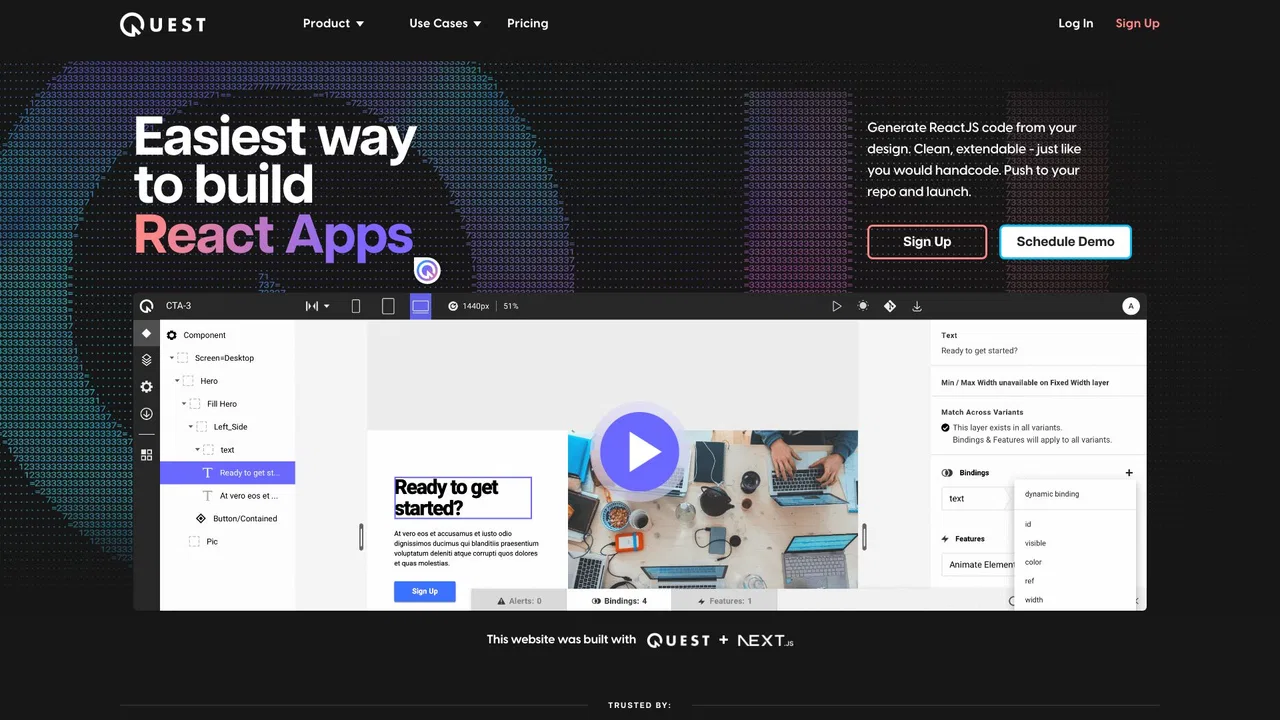
Biến thiết kế Figma thành trang web responsive có thể xuất bản mà không cần viết code
Biến thiết kế Figma thành trang web responsive có thể xuất bản mà không cần viết code

Đặt câu hỏi cho bất kỳ kho GitHub nào và nhận câu trả lời dựa trên mã nguồn.

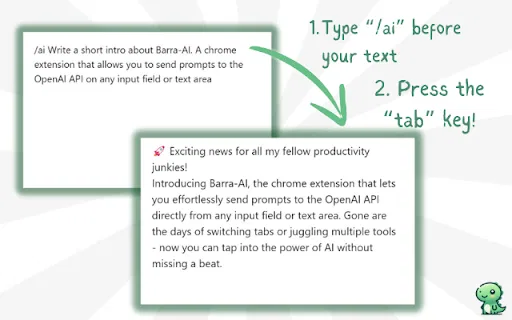
Gọi AI trong mọi ô nhập liệu bằng lệnh gạch chéo

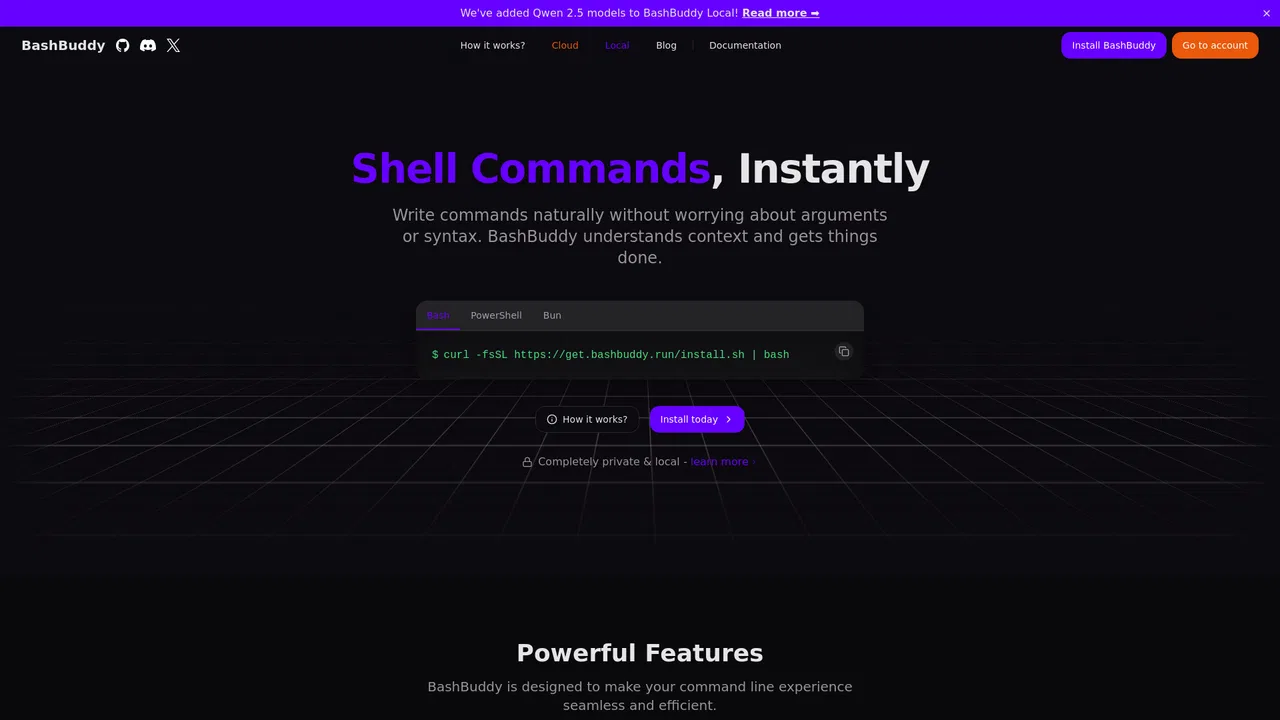
Viết lệnh một cách tự nhiên, không cần bận tâm về tham số

Tiện ích dòng lệnh với AI cho cơ sở dữ liệu, script và shell
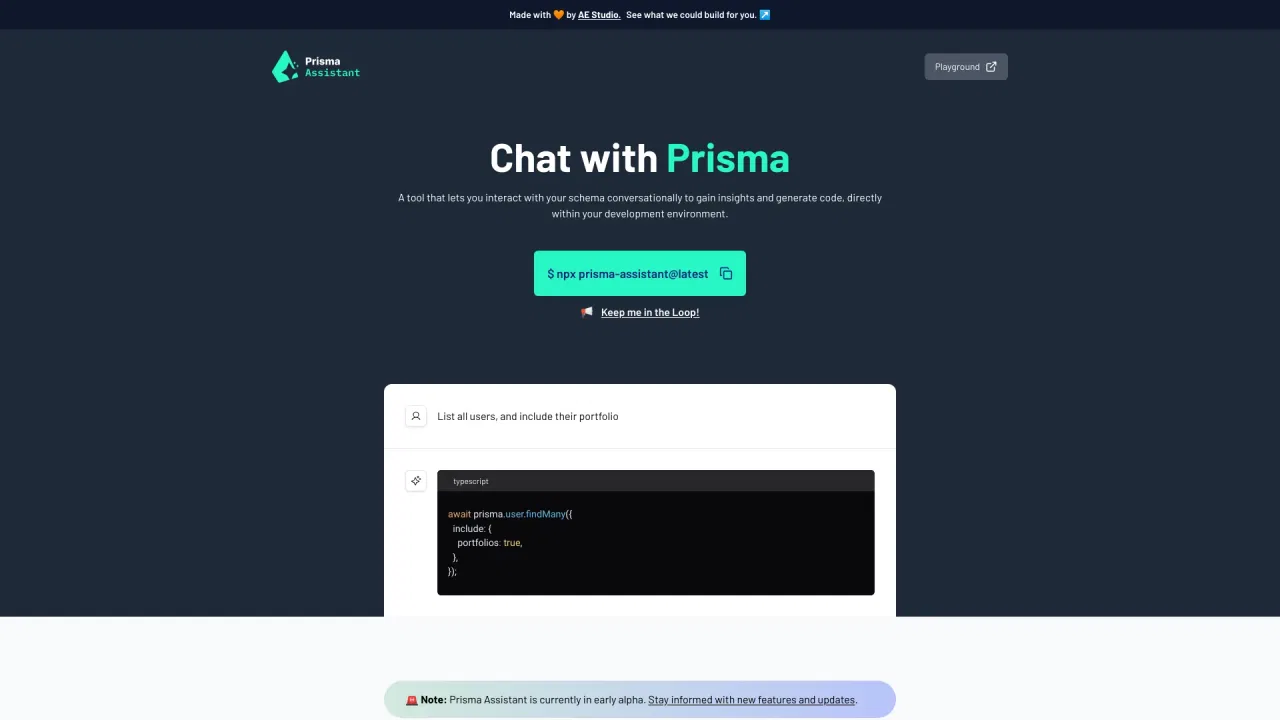
Trò chuyện với schema Prisma để sinh truy vấn và mã

Không gian SQL miễn phí có AI hỗ trợ để kết nối và quản lý cơ sở dữ liệu
Không gian SQL miễn phí có AI hỗ trợ để kết nối và quản lý cơ sở dữ liệu
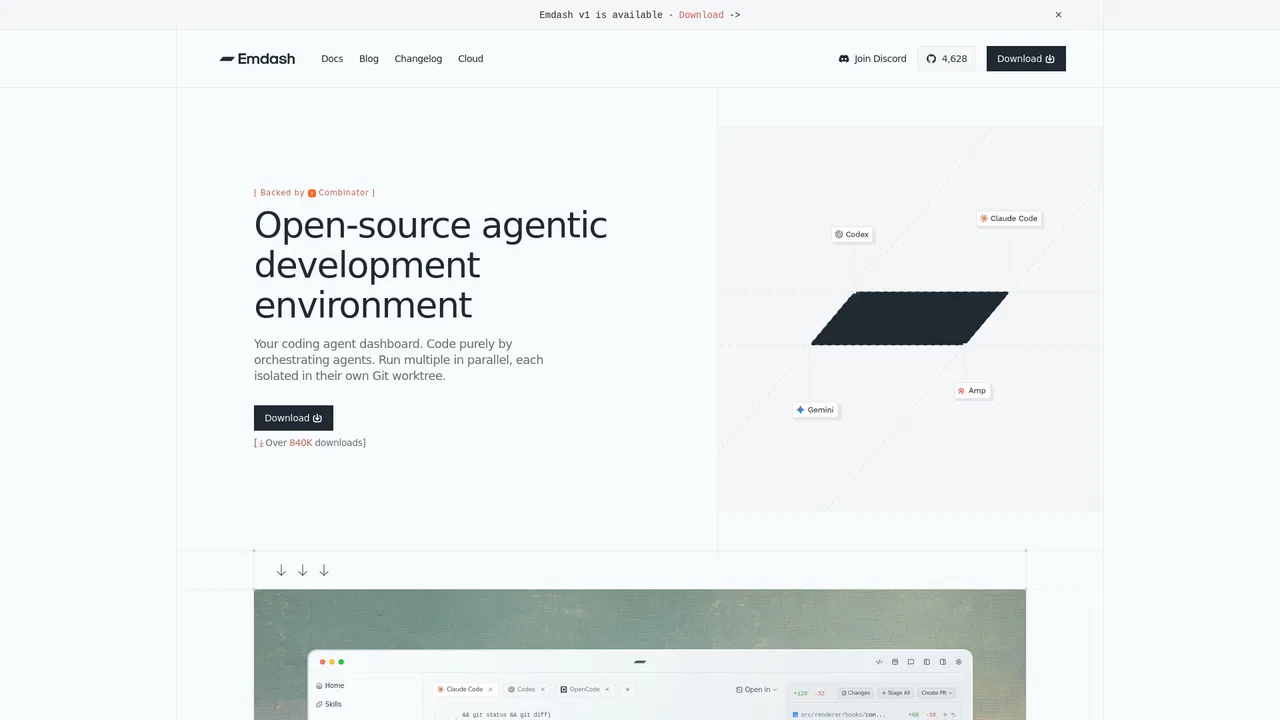
Chạy các agent lập trình cho cả nhóm, trên đám mây hoặc máy chủ riêng

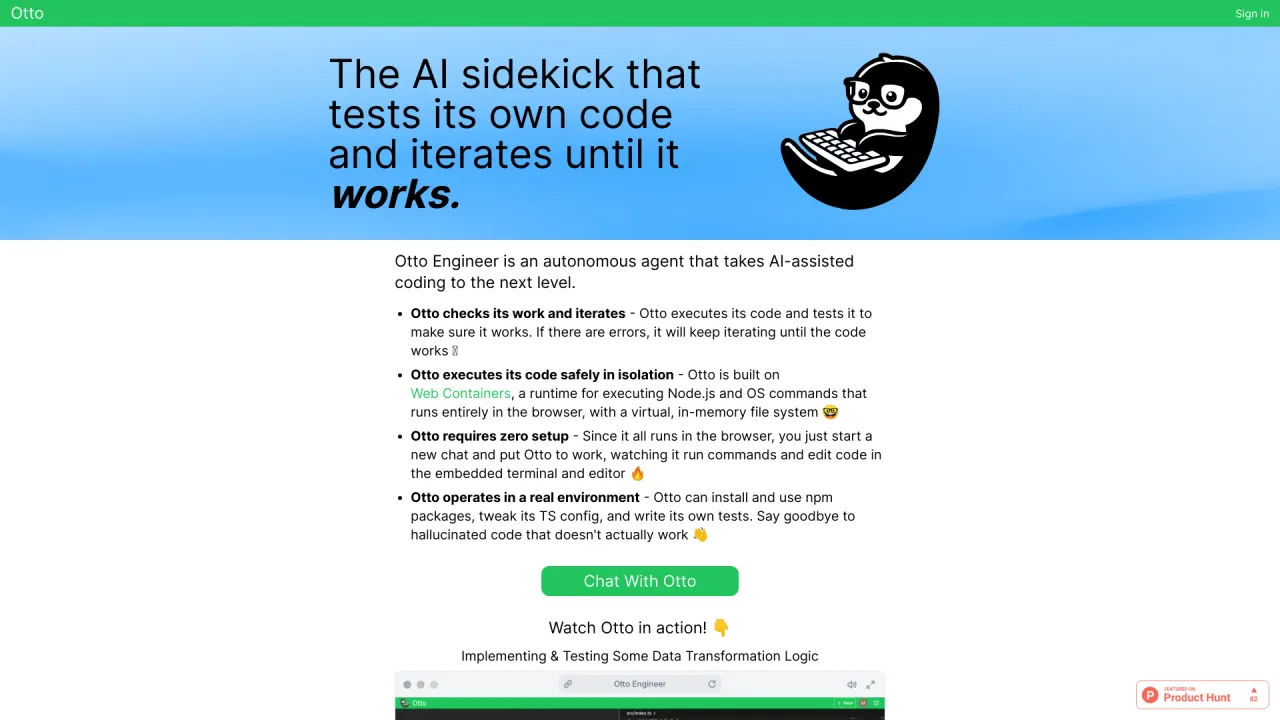
Otto Engineer is a free autonomous AI coding sidekick that works on your code inside isolated web containers. It plans changes, writes and edits code, runs the project, checks the results, and iterates until the task works.
Otto Engineer is a free autonomous AI coding sidekick that works on your code inside isolated web containers. It plans changes, writes and edits code, runs the project, checks the results, and iterates until the task works.

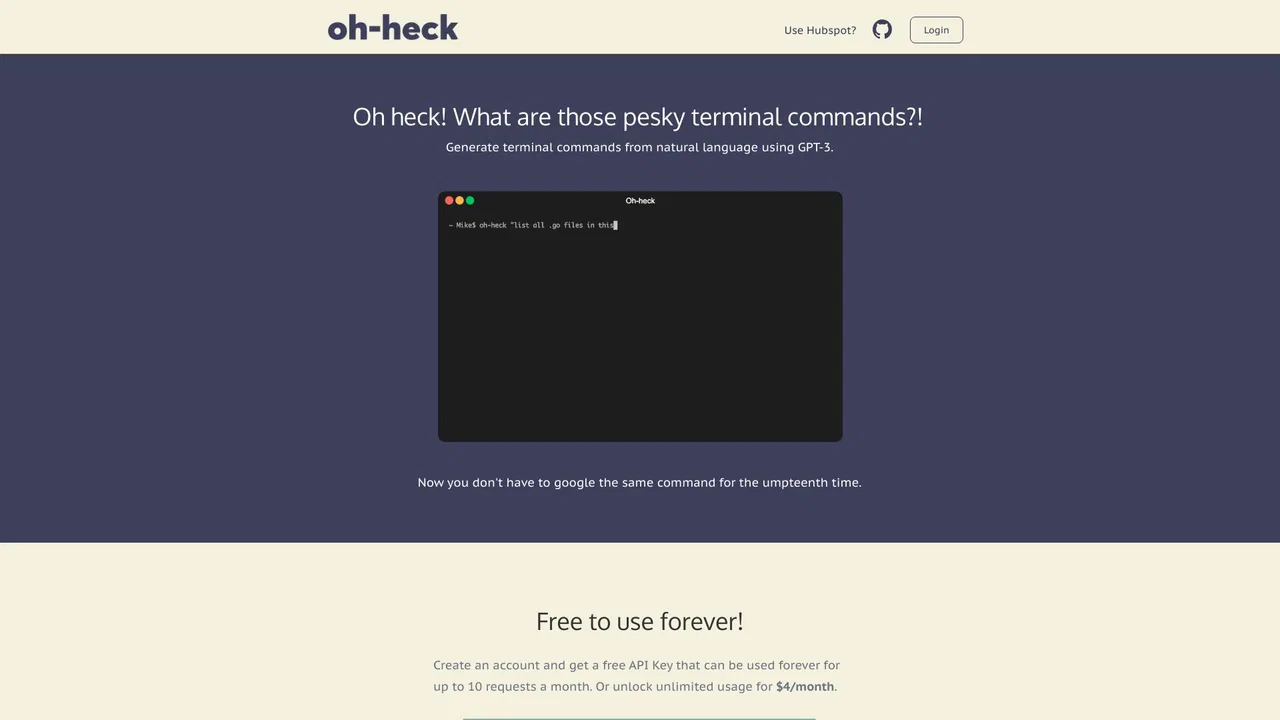
Oh-heck (/ˌoʊˈhɛk/) is a command-line utility that turns plain-English questions into ready-to-run terminal commands. Instead of searching the web for the right flags and syntax, you describe what you want to do, and the tool asks an AI model for its best guess at the command. You then confirm with a simple y/n prompt: accept it and the command is copied to your clipboard for pasting into your shell, or reject it and rephrase your question. Running the bare command with no arguments walks you through the same flow interactively, so you never have to memorise its own syntax.
Oh-heck (/ˌoʊˈhɛk/) is a command-line utility that turns plain-English questions into ready-to-run terminal commands. Instead of searching the web for the right flags and syntax, you describe what you want to do, and the tool asks an AI model for its best guess at the command. You then confirm with a simple y/n prompt: accept it and the command is copied to your clipboard for pasting into your shell, or reject it and rephrase your question. Running the bare command with no arguments walks you through the same flow interactively, so you never have to memorise its own syntax.

Ngôi nhà của lập trình AI miễn phí, được tài trợ bởi quảng cáo tặng thưởng tùy chọn
Ngôi nhà của lập trình AI miễn phí, được tài trợ bởi quảng cáo tặng thưởng tùy chọn

Không gian làm việc trên trình duyệt, cấu hình sẵn với tự động hóa và AI
Không gian làm việc trên trình duyệt, cấu hình sẵn với tự động hóa và AI