01
Grammarly官方原厂
5886.7万/月
专项更强提供实时语法纠错、语气校准、写作来源追踪与团队风格指南的跨平台 AI 写作助手。
AI Writing Assistants编辑评分:4.4免费增值43% 直接流量

免费增值
FormalizeIt 记录了 0 月访问量,月度环比增长为 —,定价为免费增值。Mailbutler Smart Assistant 记录了 47,200 月访问量,增长率为 -8.7%,定价为免费增值,免费试用,付费。

直接在收件箱中撰写、摘要与润色邮件的 AI 助手
| 维度 / 指标 |  | |
|---|---|---|
| 官方域名 | chromewebstore.google.com | mailbutler.io |
| 定价模式 | 免费增值 | 免费增值,免费试用,付费 |
| 月访问量 | 0 (0) | 4.72万 (47,200) |
| 月度环比流量变化 | 0 (—) | -4513 (-8.7%) |
| 主要市场与份额 | 🌐 全球 (—) | 🇺🇸 美国 (26.9%) |
| 直接访问 / 月 | 0 | 1.83万 |
| 用户评分 | 1.8 | 4.5 |
| 支持的平台 | 浏览器扩展 | 网站 |
用 OpenAI 把粗糙的 Gmail 草稿变成专业得体的邮件
按钮直接加入 Gmail 撰写窗口,无需切换标签页或复制粘贴,就能改写正在写的草稿。
改写以专业与尊重为目标,把生硬或过于随意的措辞调整为更适合同事、上级与客户的表达。
通过你自己的 API 凭据连接 OpenAI,用量成本透明且完全由你掌控。
除 API 密钥外没有需要配置的选项,也没有新的写作界面要学,它在熟悉的 Gmail 撰写框内工作。
直接在收件箱中撰写、摘要与润色邮件的 AI 助手
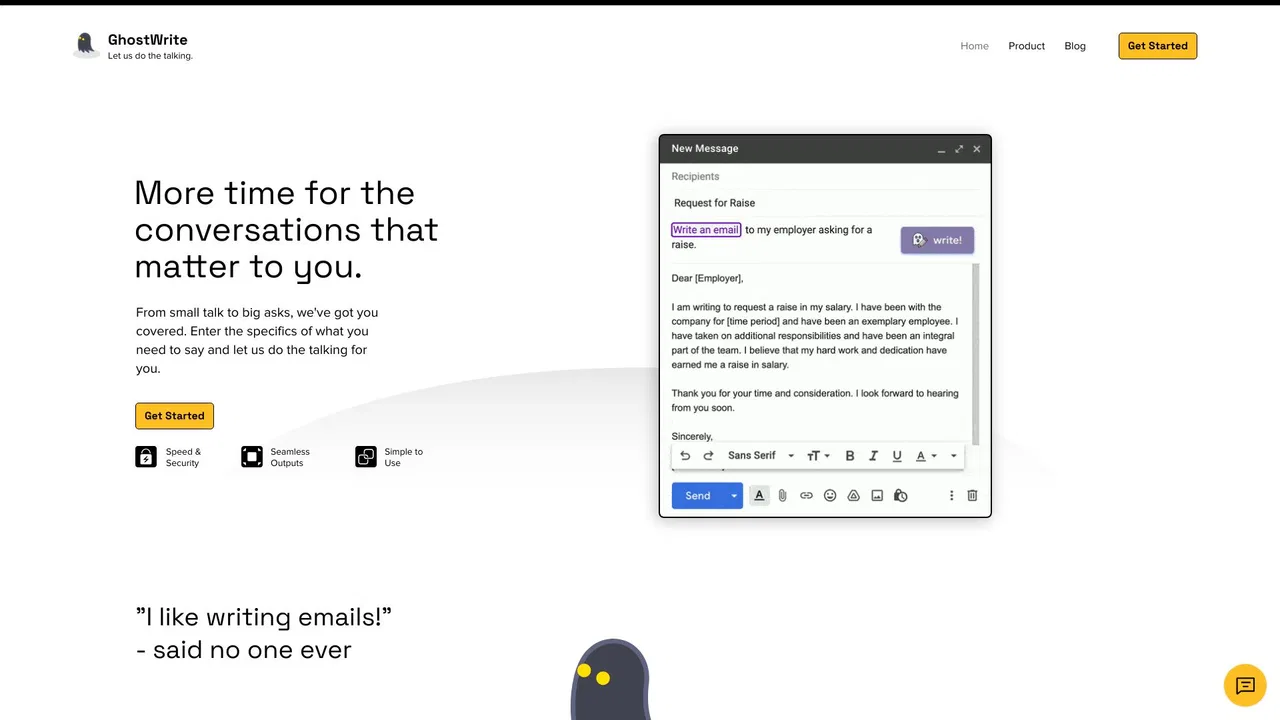
把几个关键词或要点变成一封完整可发送的邮件,并按积极、消极或中性语气生成回复。
把冗长的邮件往来浓缩为要点,让你快速掌握上下文并直接回复,无需逐封重读。
在你点击发送前,助手会重写并修正你的邮件语法、拼写与措辞。
结合跟进建议与打开、点击追踪,告诉你哪些邮件最紧急,并可代你起草跟进内容。
专项更强提供实时语法纠错、语气校准、写作来源追踪与团队风格指南的跨平台 AI 写作助手。
兼具智能体、邮件与文档的 AI 生产力套件

专项更强WriteMail.ai is an AI email writing assistant that turns a few rough key points into a polished, correctly toned email. It handles new messages as well as replies, supports dozens of languages, and offers tone, length and style controls plus a Chrome extension and desktop apps for getting drafts out of the browser faster.
专项更强WriteMail.ai is an AI email writing assistant that turns a few rough key points into a polished, correctly toned email. It handles new messages as well as replies, supports dozens of languages, and offers tone, length and style controls plus a Chrome extension and desktop apps for getting drafts out of the browser faster.
几秒内写出得体、语气到位的专业邮件

专项更强ParagraphAI is an AI writing assistant and keyboard that fixes grammar, drafts replies and generates polished text in 40+ languages across apps and devices.
专项更强ParagraphAI is an AI writing assistant and keyboard that fixes grammar, drafts replies and generates polished text in 40+ languages across apps and devices.
专项更强几秒写出得体、语气恰当的邮件——免费,直接在浏览器中使用
几秒内把草稿变成得体专业的邮件
专项更强在 Gmail 和 Outlook 中按你本人语气撰写邮件的 AI 助手
只给几条要点,AI 帮你写好整封邮件
专项更强在 Outlook 收件箱中运行 ChatGPT 提示词——摘要、高亮并分诊邮件
专项更强在 Outlook 收件箱中运行 ChatGPT 提示词——摘要、高亮并分诊邮件