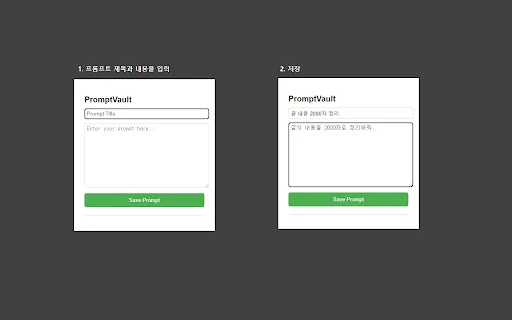
Save, version and reuse your GPT prompts — with a timeline for your daily notes too
Compare AI products across 459 workflows using traffic estimates, features, and alternatives.
“Version Control”·84 results
Start over
Save, version and reuse your GPT prompts — with a timeline for your daily notes too

Add track-changes editing to ChatGPT

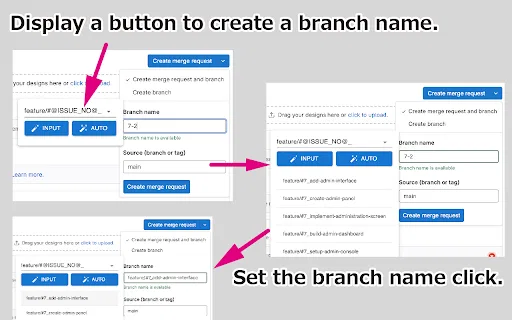
Generate clean branch names from GitLab and GitHub issue titles

AI semantic review that flags grammar, sensitive wording and compliance risks before you publish

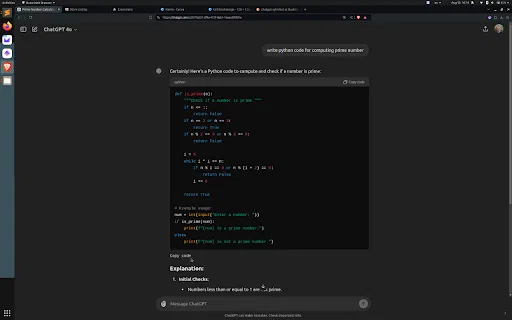
Copy ChatGPT code blocks from the bottom, no scrolling required

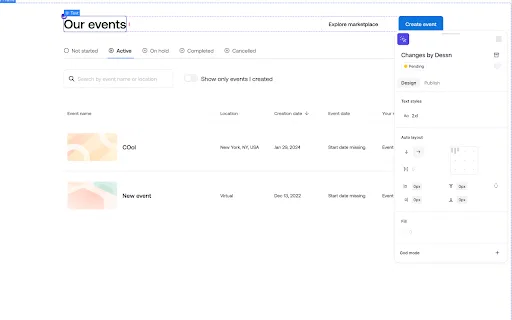
Design directly on your production codebase, on a shared canvas

Bundle a GitHub repo into one file and drop it into Claude Projects

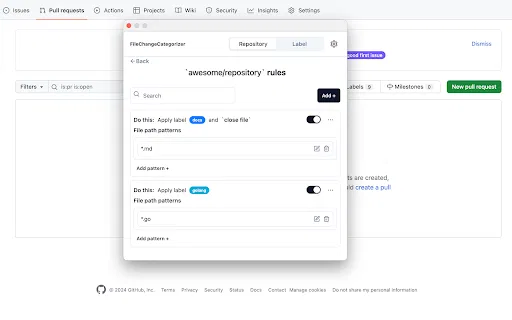
Auto-label GitHub pull request and commit files with rule-based categories

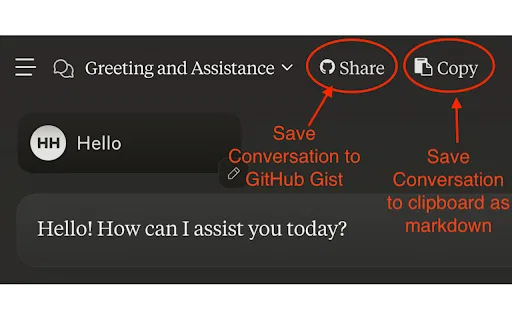
Back up Claude conversations to GitHub Gists in one click

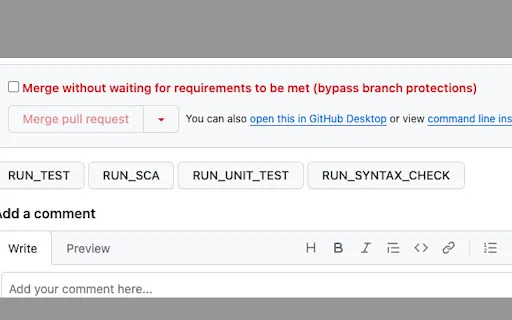
One-click pipeline-trigger comments for GitHub pull requests

Store and reuse prompts across every major LLM

Turn Claude code snippets into ready-to-run project downloads

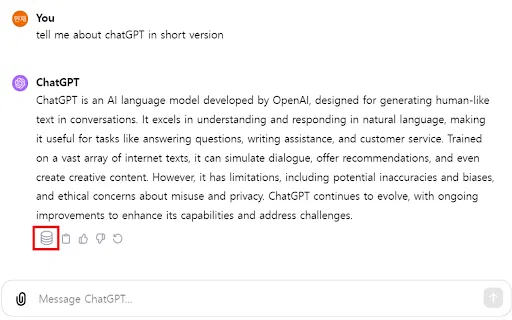
Save, edit, and export your ChatGPT conversations as local Markdown notes

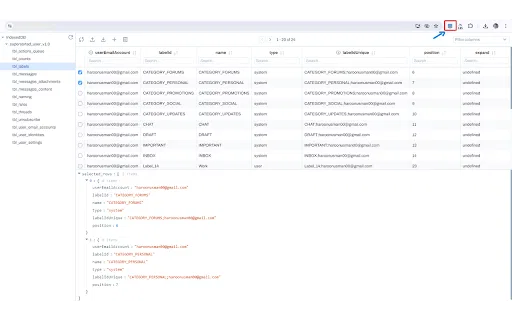
Browse, edit and export IndexedDB from a clean drawer panel

Extract image and document metadata straight from any web page

Chrome extension and side panel for saving, tagging and reusing prompts across ChatGPT, Claude and Gemini

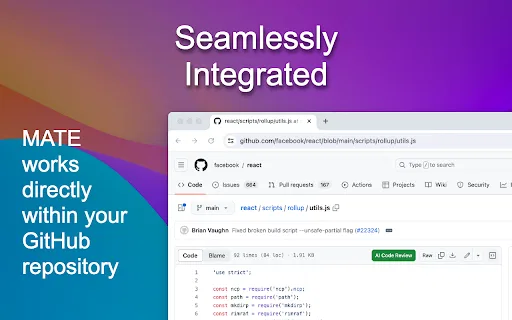
Free AI code reviews, right inside your GitHub files

Save, cite, and share ChatGPT, Claude, Gemini and Meta conversations with one click.

Instantly copy Civitai model download links from any model page

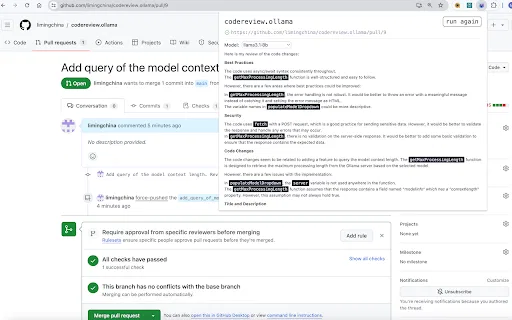
Automate GitHub pull request and GitLab merge request reviews with local LLMs

Free, open-source browser extension for building a searchable personal AI prompt library

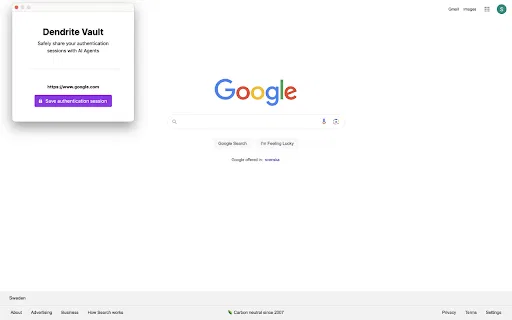
Let AI agents use your authenticated browser sessions

ChatGPT/文心一言 To 语雀 is a Chrome extension that turns your AI conversations into durable, shareable documents. It exports ChatGPT chats to PDF, PNG, JSON or Markdown, copies content straight to the clipboard, and pushes both ChatGPT and Baidu Yiyan (文心一言) sessions into Yuque (语雀) knowledge base with a single click.

Factobi Automation is a Chrome extension that lets the iFact or Factobi Studio automation platforms record and replay browser sequences, so AI-agent workflows can drive Chrome.