
809.7K/mo
Free AI object and watermark remover, no login required
AI EraserEditorial score: 4.2Free53% direct

809.7K/mo
Free AI object and watermark remover, no login required
Free
Compare AI products across 459 workflows using traffic estimates, features, and alternatives.
“Text Remover”·1,126 results
Start overFree AI object and watermark remover, no login required
Free AI object and watermark remover, no login required

Edit text inside images and screenshots with AI
Edit text inside images and screenshots with AI

Erase unwanted objects from photos in seconds — free and no signup
Erase unwanted objects from photos in seconds — free and no signup
Erase watermarks, logos and text from images, video and PDFs with AI
Erase watermarks, logos and text from images, video and PDFs with AI
Brush over anything you want gone, and it disappears in seconds
Brush over anything you want gone, and it disappears in seconds

Strip watermarks, logos, and text from any image in seconds
Strip watermarks, logos, and text from any image in seconds

Erase unwanted objects and people from video and photos in your browser
Erase unwanted objects and people from video and photos in your browser

RemoveFrom.Video is a browser-based AI video cleanup tool that erases burned-in text, captions, subtitles, watermarks, logos and unwanted objects from MP4, MOV and WEBM files. It rebuilds the background behind the removed element with AI inpainting instead of blurring or cropping the frame.
RemoveFrom.Video is a browser-based AI video cleanup tool that erases burned-in text, captions, subtitles, watermarks, logos and unwanted objects from MP4, MOV and WEBM files. It rebuilds the background behind the removed element with AI inpainting instead of blurring or cropping the frame.

AI handwriting removal for images, PDFs, and scanned documents
AI handwriting removal for images, PDFs, and scanned documents
Free browser photo editor for background removal, upscaling and object erasing
Free browser photo editor for background removal, upscaling and object erasing

Free AI photo editor for background removal, object erasing, and enhancement
Free AI photo editor for background removal, object erasing, and enhancement
Erase people, objects and watermarks from any photo in seconds
Erase people, objects and watermarks from any photo in seconds

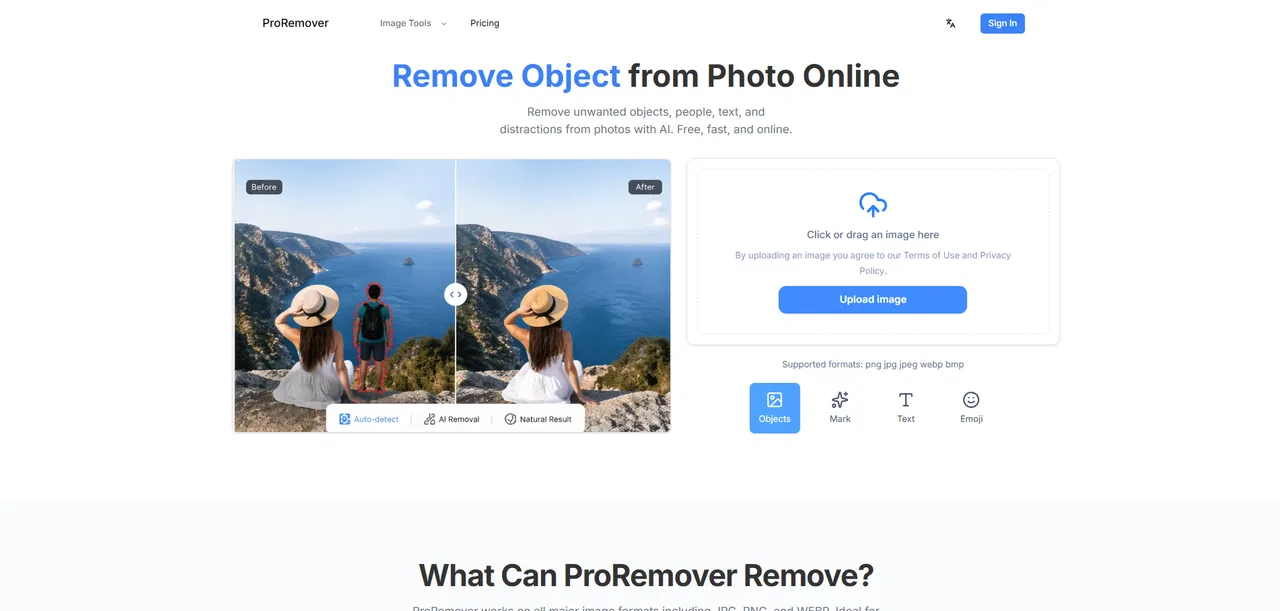
Remove objects, people, and text from photos online with AI.
Remove objects, people, and text from photos online with AI.

Edit, add and remove text in images with AI in a few clicks
Edit, add and remove text in images with AI in a few clicks
Erase text from any product or ad image in seconds — free AI text remover
Erase text from any product or ad image in seconds — free AI text remover
Remove image backgrounds in seconds, free and fully automated
Remove image backgrounds in seconds, free and fully automated

Remove watermarks from images and videos with AI in seconds
Remove watermarks from images and videos with AI in seconds

Erase watermarks, logos and stamps from photos and videos with AI inpainting
Erase watermarks, logos and stamps from photos and videos with AI inpainting

Instant AI background removal for high-resolution portraits, e-commerce product catalogs, and automated API workflows.
Instant AI background removal for high-resolution portraits, e-commerce product catalogs, and automated API workflows.
Remove objects, erase backgrounds and enhance photos with AI
Remove objects, erase backgrounds and enhance photos with AI
Edit, transform, and enhance photos with simple text prompts in your browser.
Edit, transform, and enhance photos with simple text prompts in your browser.
AI photo & video editing studio with background removal, enhancement, and generative models in one place
AI photo & video editing studio with background removal, enhancement, and generative models in one place
All-in-one AI video generator, timeline editor, and Seedance 2.5 studio for creators and marketers.
All-in-one AI video generator, timeline editor, and Seedance 2.5 studio for creators and marketers.

Strip hidden Unicode characters, byte-order marks and stray HTML attributes from AI text before you paste it into Word, Docs or your CMS.
Strip hidden Unicode characters, byte-order marks and stray HTML attributes from AI text before you paste it into Word, Docs or your CMS.