AI document parsing that turns PDFs and emails into structured data
Bank Statement Converters records 0 monthly visits with 0% month-over-month growth and Freemium pricing. DocsLoop records 860 monthly visits with -94.9% growth and Free Trial, Paid pricing.

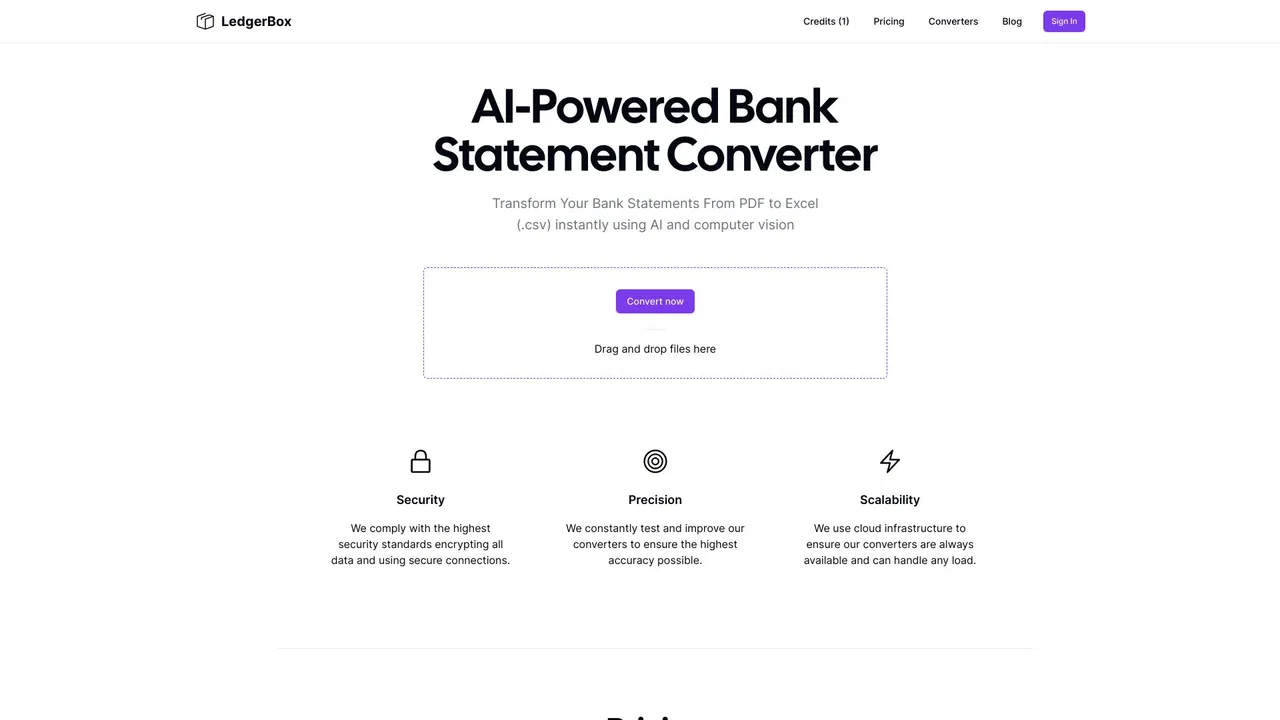
Turn PDF bank statements into reviewable Excel and CSV transactions
| Dimension / Metric | ![]() | |
|---|---|---|
| Official Domain | bankstatementconverters.net | docsloop.com |
| Pricing Model | Freemium | Free Trial, Paid |
| Monthly Visits | 0 (0) | 860 (860) |
| MoM Traffic Delta | 0 (0%) | -15.88K (-94.9%) |
| Primary Market & Share | 🌐 Global (—) | 🇺🇸 United States (100%) |
| Direct Visits / mo | 0 | 340 |
| User Rating | 4.2 | 4.1 |
| Supported Platforms | Website | Website |

Turn PDF bank statements into reviewable Excel and CSV transactions
Reads text-based PDFs as well as scanned pages and PNG, JPG or WebP images, keeping amounts numeric and exact to the cent instead of turning them into text.
Each extracted transaction is displayed next to the original page it came from, so you can compare rows with the source and correct anything that looks wrong before exporting.
The tool reconciles opening balance, money in and money out against the closing balance printed on the statement, and flags rows where the running balance breaks or a transaction appears twice.
Combine up to 20 statements into one spreadsheet, then export XLSX or UTF-8 CSV with one row per transaction, merged descriptions and an optional source-page column.
Turn PDF bank statements and invoices into clean Excel or CSV rows
No bank list or template needed. Each page is read as an image, so any bank's PDF layout can work; you get date, description, amount, category, bank name, account number, statement date and opening/closing balance.
Pull invoice number, issue and due date, vendor and customer with tax IDs, line items with quantity, unit price and total, and tax rate per line from supplier and customer invoices.
The tool un-wraps multi-line PDF rows, normalises dates to a single format such as YYYY-MM-DD, and keeps one signed Amount column so money in is positive and money out is negative.
Drop a PDF and get page one back in about 5–20 seconds without creating an account. Previews are processed in memory and never stored.

AI document parsing that turns PDFs and emails into structured data

Bank statement converter that checks its own work

Turn invoices into Excel with AI that flags what you should double-check

Turn PDF and scanned bank statements into balanced, import-ready CSV, Excel, QBO or OFX
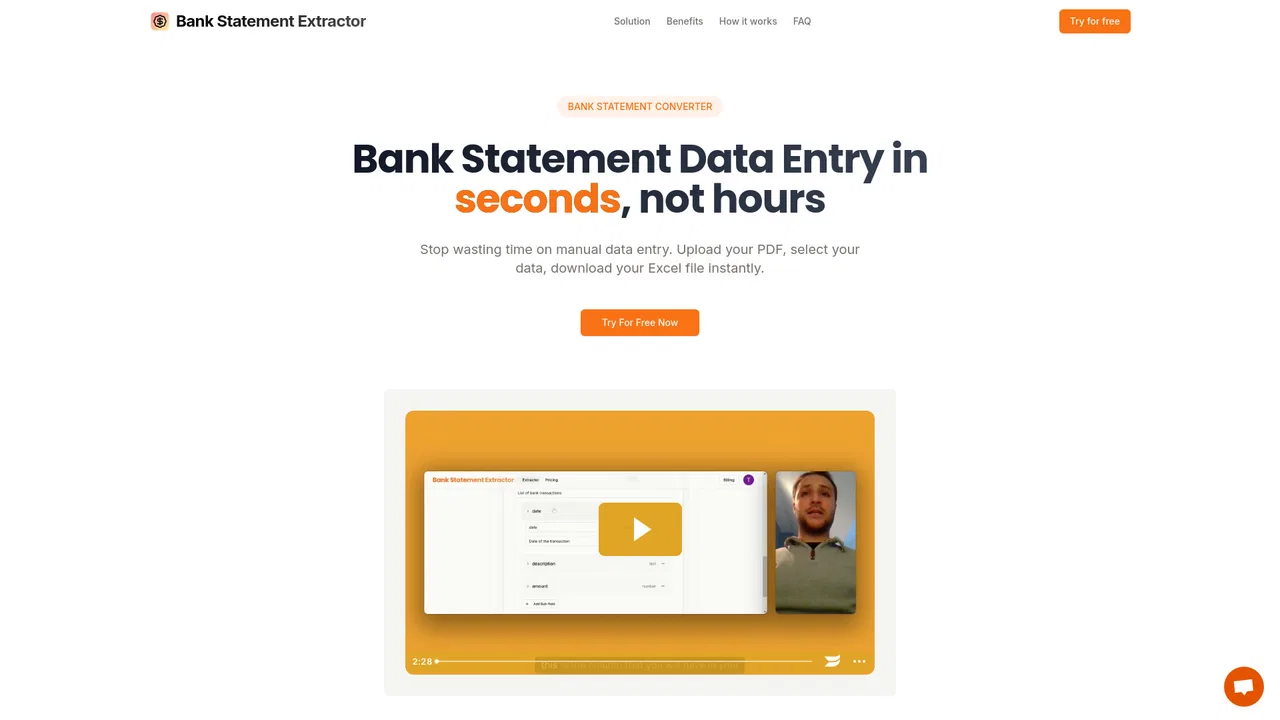
Turn PDF bank statements into clean Excel or CSV files in seconds

Turn bank statements into clean, transaction-ready spreadsheets in minutes

AI document data extraction and workflow automation for any file format
Turn PDF bank statements into reconciled Excel, CSV, or QuickBooks rows
Turn forms, receipts and invoices into clean Excel data
Convert any PDF bank statement into clean Excel and CSV in seconds
SpecialistTurn PDF bank statements into clean CSV files in seconds