01
484/mo
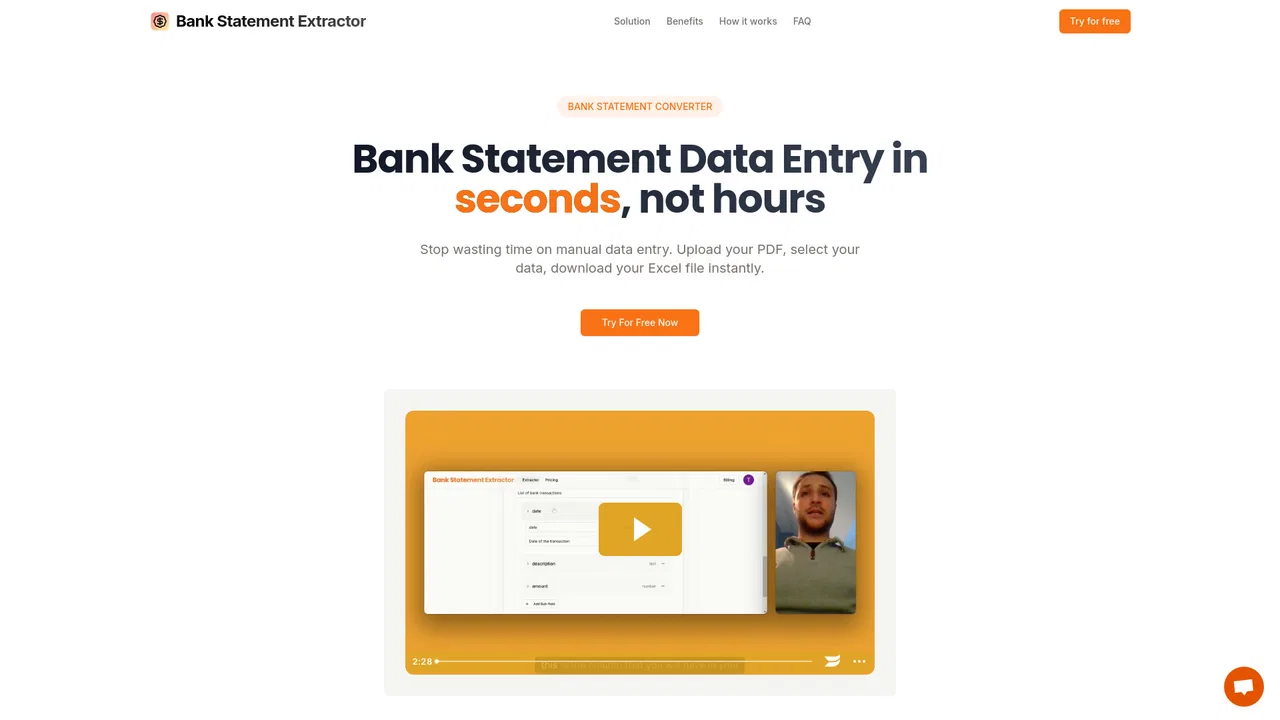
Convert any PDF bank statement into clean Excel and CSV in seconds
AI Document ExtractionEditorial score: 4.1Free Trial42% direct
484/mo
Convert any PDF bank statement into clean Excel and CSV in seconds
Free Trial

Turn PDF bank statements into reviewable Excel and CSV transactions

This is our editors' assessment out of 5, not an average of user ratings. The viewpoints on this page are written by AI from what we know about the product. They are not customer reviews.
According to OpenAITools.app telemetry verified on 2026-11-11, Bank Statement Converters (bankstatementconverters.net) is an AI platform indexed under AI Document Extraction generating 0 monthly visits with a month-over-month traffic delta of +0 (0%). Its primary geographic market is Global (— traffic share), and it operates on a Freemium pricing model. Top competing alternatives by monthly volume include Bank Statement Extractor (484 visits/mo), Rocket Statements (6.9K visits/mo), CapyParse (10.68K visits/mo).
Saved me hours of tedious manual data entry.
Review step actually catches duplicate entries before exporting to Excel.
Clean CSV export.
A lifesaver for monthly bookkeeping.
AI-synthesized perspectives grounded in live site inspection, pricing structure, and category benchmarks — presented as editorial viewpoints rather than individual customer testimonials.
Reads text-based PDFs as well as scanned pages and PNG, JPG or WebP images, keeping amounts numeric and exact to the cent instead of turning them into text.
Each extracted transaction is displayed next to the original page it came from, so you can compare rows with the source and correct anything that looks wrong before exporting.
The tool reconciles opening balance, money in and money out against the closing balance printed on the statement, and flags rows where the running balance breaks or a transaction appears twice.
Combine up to 20 statements into one spreadsheet, then export XLSX or UTF-8 CSV with one row per transaction, merged descriptions and an optional source-page column.
No bank login is required, support staff cannot open your files without permission, and guest uploads are deleted one hour after conversion.
Most people who need a bank statement converter face the same problem: the bank only provides a PDF, while the accountant or bookkeeping system needs rows. Manual retyping is slow, and a fast conversion that silently drops a line or flips a debit into a credit is worse than no conversion at all. Bank Statement Converters therefore places a review workspace in the middle of the workflow rather than treating verification as an afterthought.
Uploading is straightforward. You can drop a text-based PDF, a scanned statement, or a PNG, JPG or WebP image, and the tool shows the page count before anything is charged. Converters for PDF-to-Excel and PDF-to-CSV are provided as dedicated entry points, and a batch mode combines up to 20 statements into a single spreadsheet. Scanned pages are read from the page image, so downloaded PDFs from online banking produce the cleanest results while blurry photos need extra checking.
Once extraction finishes, every row is presented next to the page it came from. Amounts are kept exact to the cent, dates follow a consistent format, descriptions split across lines are merged, and an optional source-page column lets you trace any row. The balance check adds up money in and money out and compares the result with the opening and closing balances printed on the statement; when the totals differ, the affected rows are flagged so you decide what to change. Page-based pricing is transparent, failed pages are never charged, and no bank login is ever required.
Convert a client's statements every month, verify each row against the source page, and export a single clean spreadsheet ready for the client's accounts.
Export a CSV with a single signed amount column so money out appears as negative numbers, the layout both QuickBooks Online and Xero accept for imports.
Keep a source-page reference for every row so any figure in the final workbook can be traced back to the statement it came from.
Turn a year of statements into a spreadsheet with numeric amounts, then analyse cash flow, categories or recurring charges directly.
Side-by-side telemetry comparison of competing AI tools in the same primary category
| Rank | AI Tool | Monthly Visits | MoM Growth | Direct traffic share | Pricing | Head-to-Head |
|---|---|---|---|---|---|---|
| ● | Bank Statement Converters | 0 | 0% | — | Freemium | Current |
| 1 | Bank Statement Extractor | 484 | -66.7% | 42% direct | Free Trial | vs Bank Statement Extractor |
| 2 | Rocket Statements | 6.9K | -18.9% | 39% direct | Free Trial, Paid | vs Rocket Statements |
| 3 | CapyParse | 10.68K | -10.6% | 40% direct | Freemium, Free Trial, Paid, Contact for Pricing | vs CapyParse |
| 4 | DocuClipper | 78.73K | +19.7% | 52% direct | Free Trial, Contact for Pricing | vs DocuClipper |
| 5 | InvoiceDataExtraction.com | 43.04K | -8.5% | 41% direct | Freemium, Paid | vs InvoiceDataExtraction.com |
| 6 | StatementSheet | 10.67K | -4.2% | 40% direct | Paid, Contact for Pricing | vs StatementSheet |
Convert any PDF bank statement into clean Excel and CSV in seconds
Convert any PDF bank statement into clean Excel and CSV in seconds

Turn bank statements into clean, transaction-ready spreadsheets in minutes
Turn bank statements into clean, transaction-ready spreadsheets in minutes

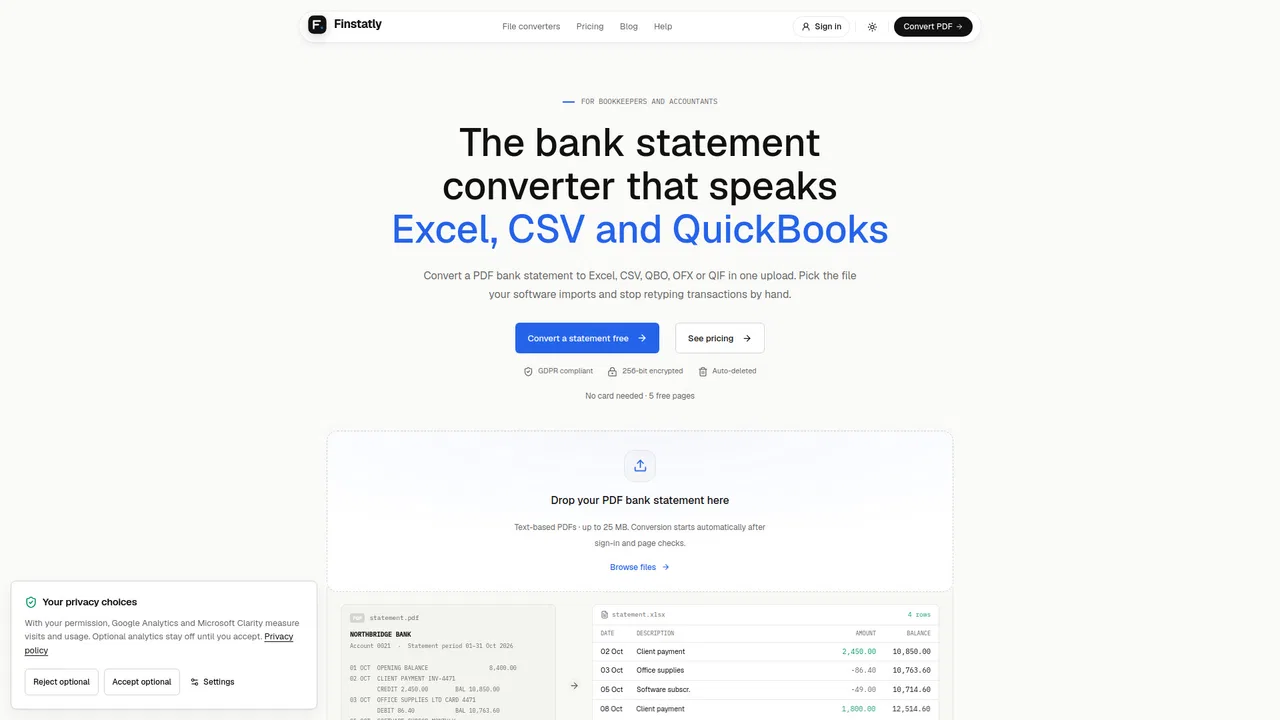
Turn PDF and scanned bank statements into balanced, import-ready CSV, Excel, QBO or OFX
Turn PDF and scanned bank statements into balanced, import-ready CSV, Excel, QBO or OFX

Bank statement converter that checks its own work
Bank statement converter that checks its own work

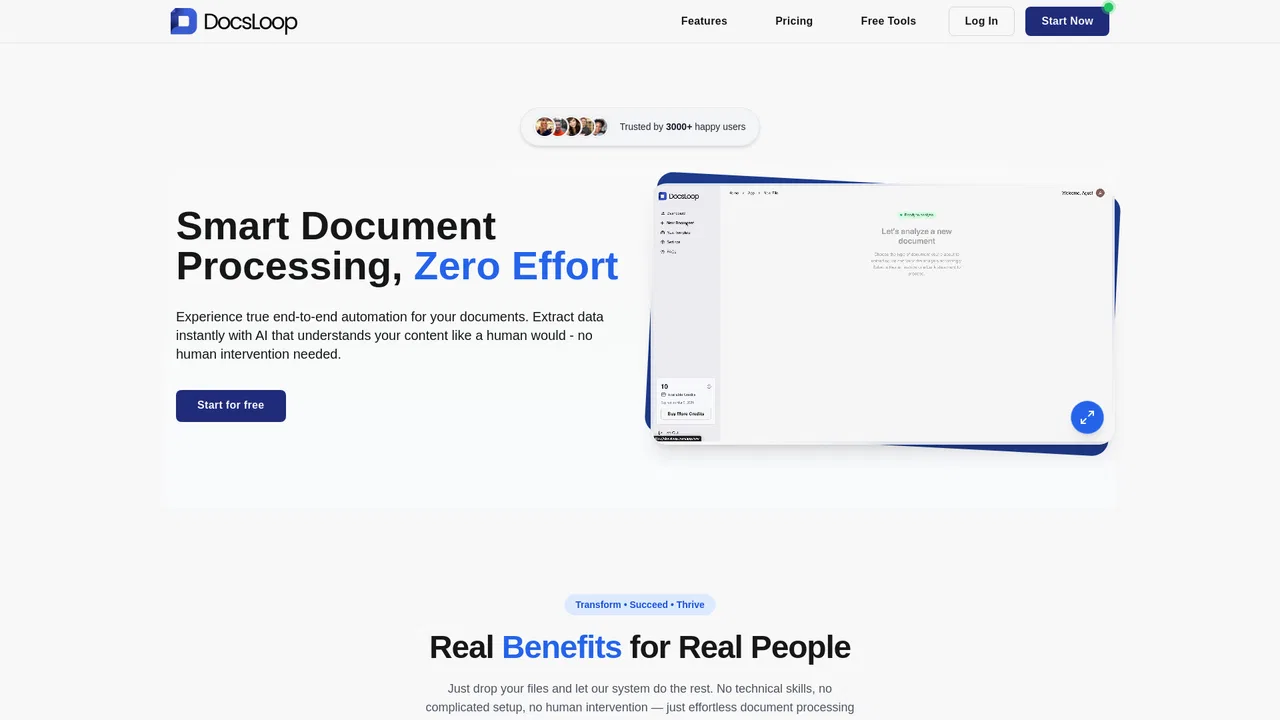
Turn invoices into Excel with AI that flags what you should double-check
Turn invoices into Excel with AI that flags what you should double-check
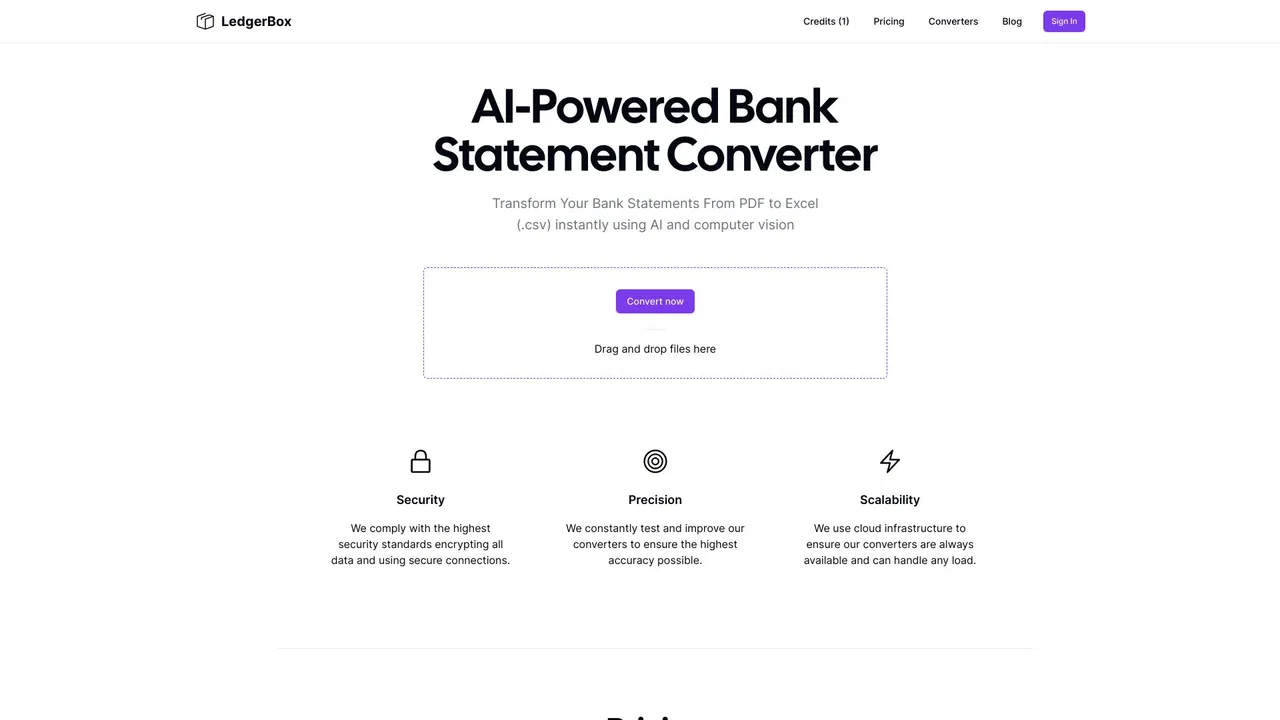
Turn PDF bank statements into clean Excel or CSV files in seconds
Turn PDF bank statements and invoices into clean Excel or CSV rows
Turn PDF bank statements and invoices into clean Excel or CSV rows
Turn PDF bank statements into clean CSV files in seconds
Turn PDF bank statements into clean CSV files in seconds
Turn PDF bank statements into reconciled Excel, CSV, or QuickBooks rows
Turn PDF bank statements into reconciled Excel, CSV, or QuickBooks rows

Convert PDF bank statements to Excel, CSV and accounting imports in seconds
Convert PDF bank statements to Excel, CSV and accounting imports in seconds
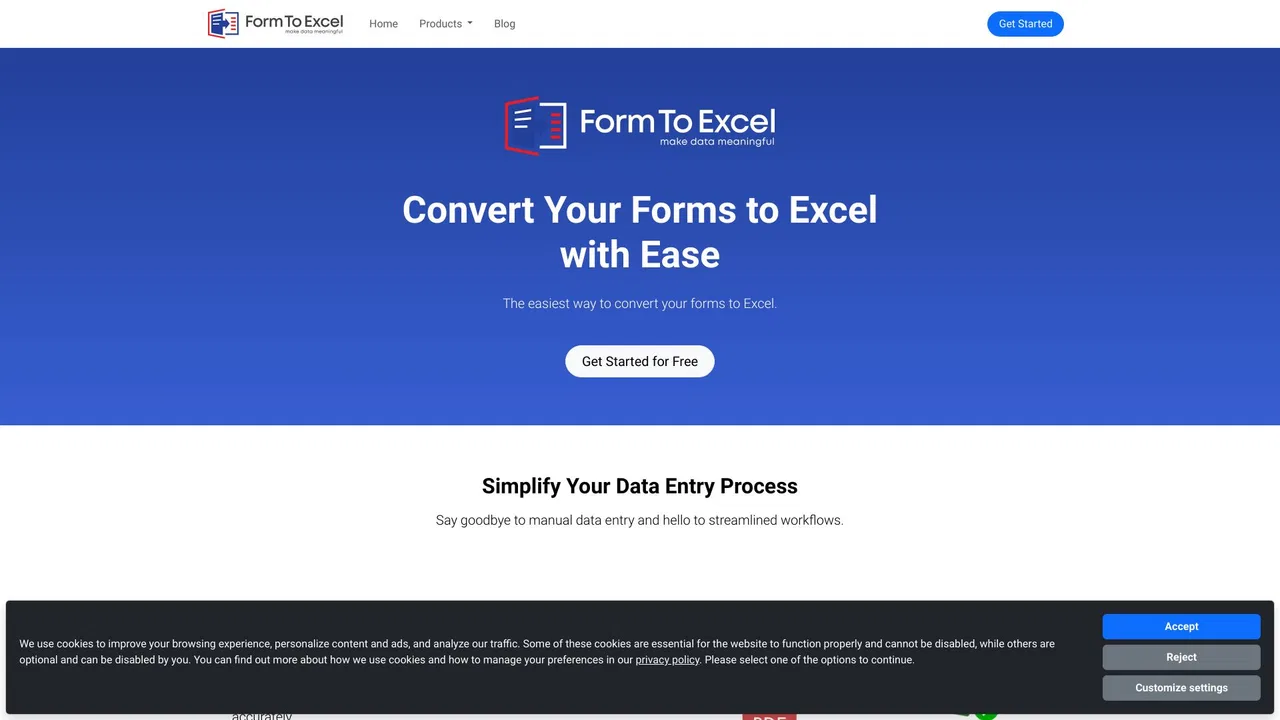
Turn forms, receipts and invoices into clean Excel data
Turn forms, receipts and invoices into clean Excel data