01
201.6K/mo
Jupyter-native AI agent that writes, runs, and debugs your notebook code
AI Code AssistantEditorial score: 4.5Freemium+5.6%

201.6K/mo+5.6%
Jupyter-native AI agent that writes, runs, and debugs your notebook code
Freemium
ExcelMaster.ai records 46,640 monthly visits with +2% month-over-month growth and Freemium, Free Trial pricing. Sheeter.ai records 8,264 monthly visits with +14.8% growth and Paid pricing.
An autonomous AI agent that writes, runs, and verifies Excel formulas, VBA, and Python inside your workbook

Turn plain-English requests into ready-to-paste Excel and Google Sheets formulas
| Dimension / Metric | | |
|---|---|---|
| Official Domain | excelmaster.ai | sheeter.ai |
| Pricing Model | Freemium, Free Trial | Paid |
| Monthly Visits | 46.64K (46,640) | 8.26K (8,264) |
| MoM Traffic Delta | +901 (+2%) | +1.07K (+14.8%) |
| Primary Market & Share | 🇮🇳 India (12.5%) | 🇺🇸 United States (50.8%) |
| Direct Visits / mo | 4.75K | 3.23K |
| User Rating | 4.4 | 3.7 |
| Supported Platforms | Website | Website |
An autonomous AI agent that writes, runs, and verifies Excel formulas, VBA, and Python inside your workbook
Describe what you want in plain language and the agent writes VBA or Python, runs it in your workbook, and lets you watch results appear cell by cell, including multi-step task chaining.
The agent reads your actual sheet names, columns, merged-cell layout, named ranges and cross-sheet references, producing code that fits your file rather than generic templates.
Every operation starts with an automatic backup, supports one-click restore to any checkpoint, detects errors, retries automatically and logs every change for audit.
See the agent's live reasoning, a code preview before execution, and verification after each step, all alongside your spreadsheet rather than in a separate chat window.
Turn plain-English requests into ready-to-paste Excel and Google Sheets formulas
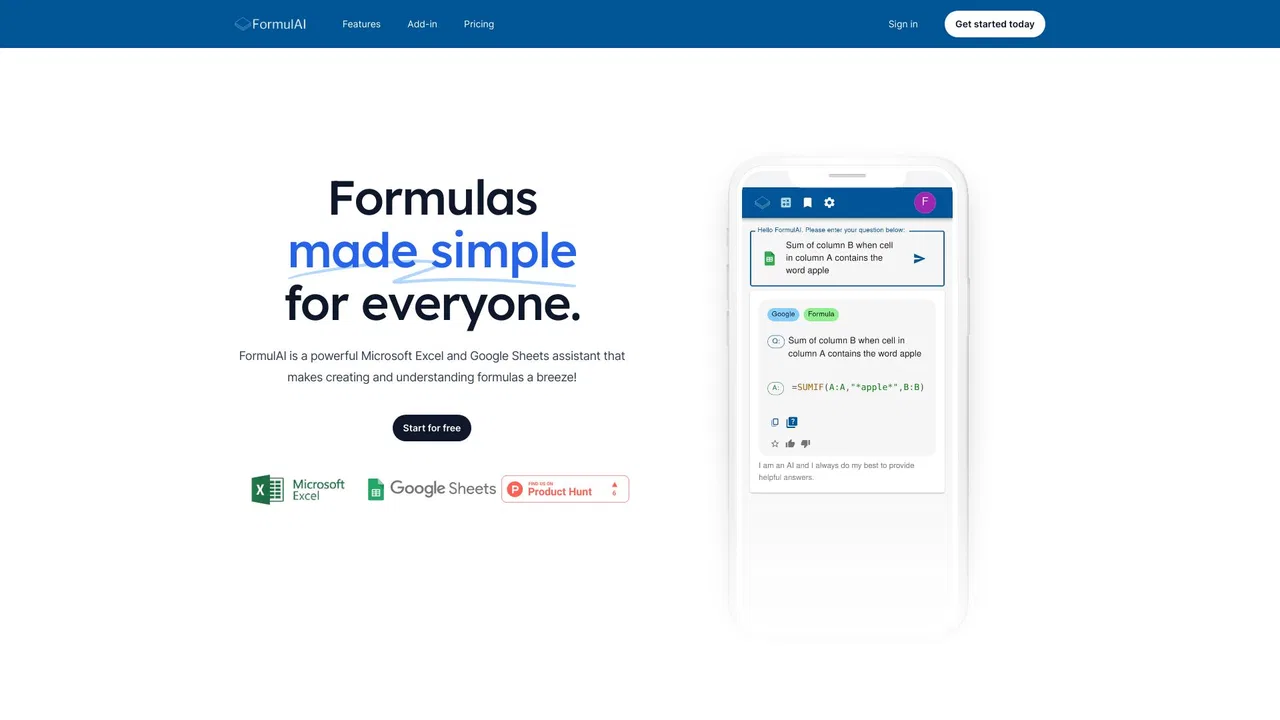
Describe the calculation you need in everyday words and receive a paste-ready Excel or Google Sheets formula.
Paste an unfamiliar formula and get a plain-language breakdown of what each part does.
Extra generators cover Google Sheets specifics, App Script, VBA and regular expressions.
Copy results manually or use the add-on to insert generated formulas directly into your sheet.
Jupyter-native AI agent that writes, runs, and debugs your notebook code
Jupyter-native AI agent that writes, runs, and debugs your notebook code

Free / Open-sourceAI spreadsheet agent for Excel and Google Sheets
Free / Open-sourceAI spreadsheet agent for Excel and Google Sheets

ChatGPT inside Google Sheets and Excel, with no API keys required
ChatGPT inside Google Sheets and Excel, with no API keys required
Free / Open-sourceAI spreadsheet assistant for formulas, pivots and analysis
Free / Open-sourceAI spreadsheet assistant for formulas, pivots and analysis

Free / Open-sourceAgentic AI workspace for spreadsheets, docs and business data

Free / Open-sourceAI data analyst that turns plain-English questions into charts, dashboards and clean spreadsheets
Free / Open-sourceAI data analyst that turns plain-English questions into charts, dashboards and clean spreadsheets

Free / Open-sourceThe AI-native spreadsheet that talks to your databases
Free / Open-sourceThe AI-native spreadsheet that talks to your databases

Free / Open-sourceTurn plain-English instructions into Excel and Google Sheets formulas in seconds
Free / Open-sourceTurn plain-English instructions into Excel and Google Sheets formulas in seconds

Free / Open-sourceExcel and Google Sheets tutorials, free templates and an AI add-on in one place
Free / Open-sourceExcel and Google Sheets tutorials, free templates and an AI add-on in one place

Free / Open-sourceDescribe it in plain English, get the working spreadsheet formula
Free / Open-sourceDescribe it in plain English, get the working spreadsheet formula
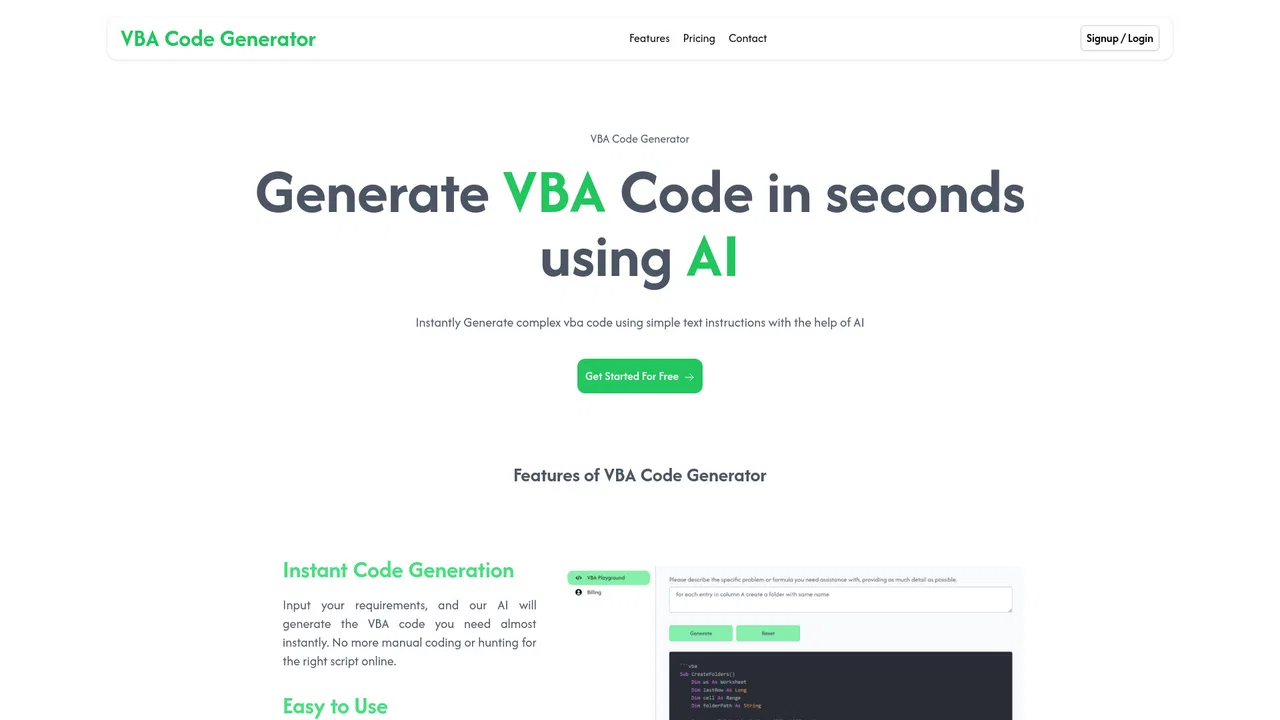
Describe your task, get ready-to-use Excel VBA macro code
Describe your task, get ready-to-use Excel VBA macro code
AI for Excel finance teams can trust with the numbers
AI for Excel finance teams can trust with the numbers