Turn plain-English instructions into Excel and Google Sheets formulas in seconds
An autonomous AI agent that writes, runs, and verifies Excel formulas, VBA, and Python inside your workbook
Estimated monthly website visits
Similarweb estimates for this domain, not active users. Only available observation months are shown; collection date is separate from the traffic period.
Collected Nov 11, 2026

This is our editors' assessment out of 5, not an average of user ratings. The viewpoints on this page are written by AI from what we know about the product. They are not customer reviews.
According to OpenAITools.app telemetry verified on 2026-11-11, ExcelMaster.ai (excelmaster.ai) is an AI platform indexed under AI Excel Formula Generator generating 46.64K monthly visits with a month-over-month traffic delta of +901 (+2%). Its primary geographic market is India (12.5% traffic share), and it operates on a Freemium, Free Trial pricing model. Top competing alternatives by monthly volume include AI Excel Bot (28.2K visits/mo), GPTExcel (120.86K visits/mo), FormulasHQ (12.58K visits/mo).
Saved me hours of debugging messy VBA macros.
The automatic workbook backup feature gives me peace of mind.
Handles complex merged cell tables surprisingly well.
Windows only for now which is a bummer.
AI-synthesized perspectives grounded in live site inspection, pricing structure, and category benchmarks — presented as editorial viewpoints rather than individual customer testimonials.
Describe what you want in plain language and the agent writes VBA or Python, runs it in your workbook, and lets you watch results appear cell by cell, including multi-step task chaining.
The agent reads your actual sheet names, columns, merged-cell layout, named ranges and cross-sheet references, producing code that fits your file rather than generic templates.
Every operation starts with an automatic backup, supports one-click restore to any checkpoint, detects errors, retries automatically and logs every change for audit.
See the agent's live reasoning, a code preview before execution, and verification after each step, all alongside your spreadsheet rather than in a separate chat window.
Companion free tools handle Excel/Word/PDF conversion, merging, splitting, repair, unlocking and data cleaning for everyday file chores.
ExcelMaster.ai is a Windows add-in that embeds an AI agent directly in Excel. Rather than only suggesting a formula to copy and paste, the agent inspects your real workbook - merged cells, irregular tables, named ranges, cross-sheet references and conditional formatting - and writes code that matches that structure. It can generate complete VBA modules and Python scripts, run them safely with an automatic backup, create charts and pivot tables, and clean or transform datasets, with a retry-and-rollback mechanism when something goes wrong.
The product emphasises transparency and control. A sidebar shows the agent's reasoning, a preview of the code before execution, and a screenshot-style verification after each step, while a full trace log provides an audit trail. Every operation is preceded by an automatic backup, so you can restore any checkpoint; failed tasks are detected and automatically retried.
Beyond the agent, ExcelMaster.ai bundles free utility tools (Excel converter, merger, splitter, PDF conversion, data cleaner and more) and a blog of practical Excel and AI content. It targets analysts, finance teams and anyone who does repetitive spreadsheet work, and offers a free trial so users can test the agent on their own files before subscribing.
Ask the agent to construct a DCF or 5-year projection from existing revenue data; it creates the forecast, WACC, terminal value and sensitivity tables with live formulas.
Instruct it to standardise date formats, remove duplicates and flag missing values across thousands of rows in one command, with backup before any edits.
Automate repetitive formatting and analysis tasks by describing them in natural language instead of recording or writing macros yourself.
Produce full VBA modules or Python automation scripts that understand your workbook layout, then review the code preview before running them.
Side-by-side telemetry comparison of competing AI tools in the same primary category
| Rank | AI Tool | Monthly Visits | MoM Growth | Direct traffic share | Pricing | Head-to-Head |
|---|---|---|---|---|---|---|
| ● | ExcelMaster.ai | 46.64K | +2% | 10% direct | Freemium, Free Trial | Current |
| 1 | AI Excel Bot | 28.2K | -18.2% | 41% direct | Freemium | vs AI Excel Bot |
| 2 | GPTExcel | 120.86K | -14.8% | 31% direct | Freemium | vs GPTExcel |
| 3 | FormulasHQ | 12.58K | +4.2% | 40% direct | Freemium | vs FormulasHQ |
| 4 | Ajelix | 107.75K | -9.3% | 21% direct | Freemium | vs Ajelix |
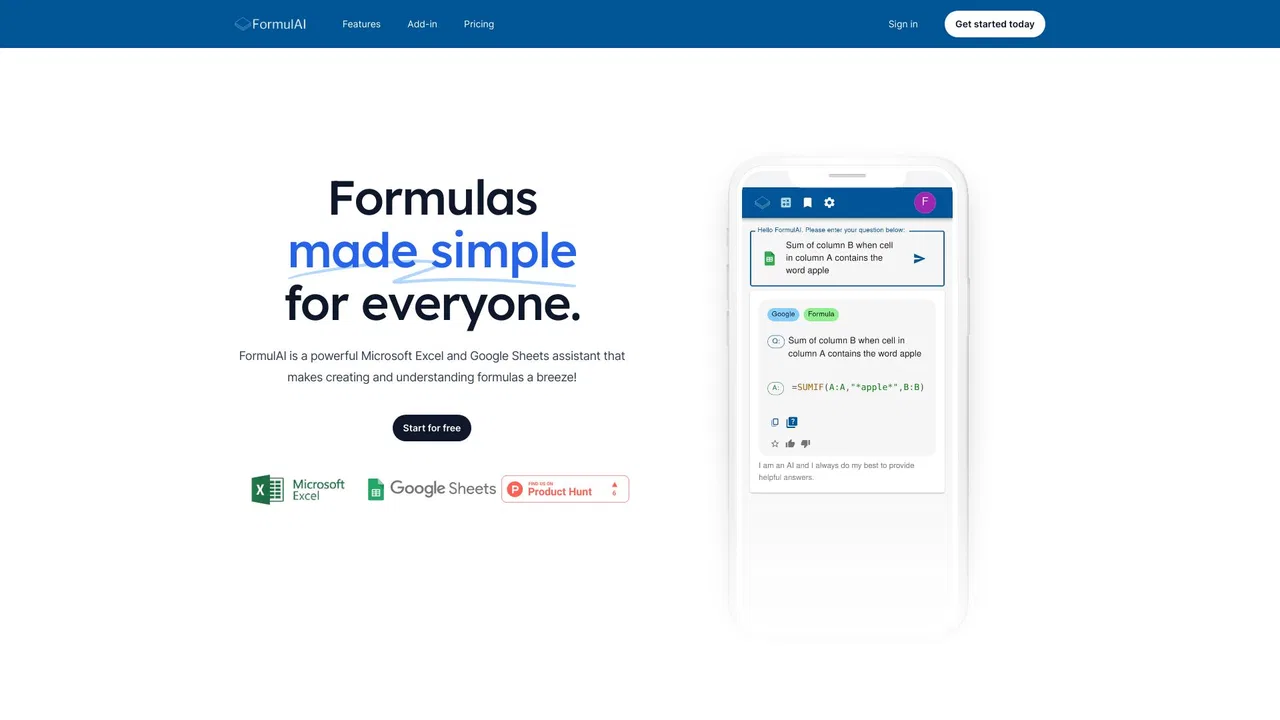
| 5 | FormulAI | 2.08K | -35.8% | 40% direct | Freemium | vs FormulAI |
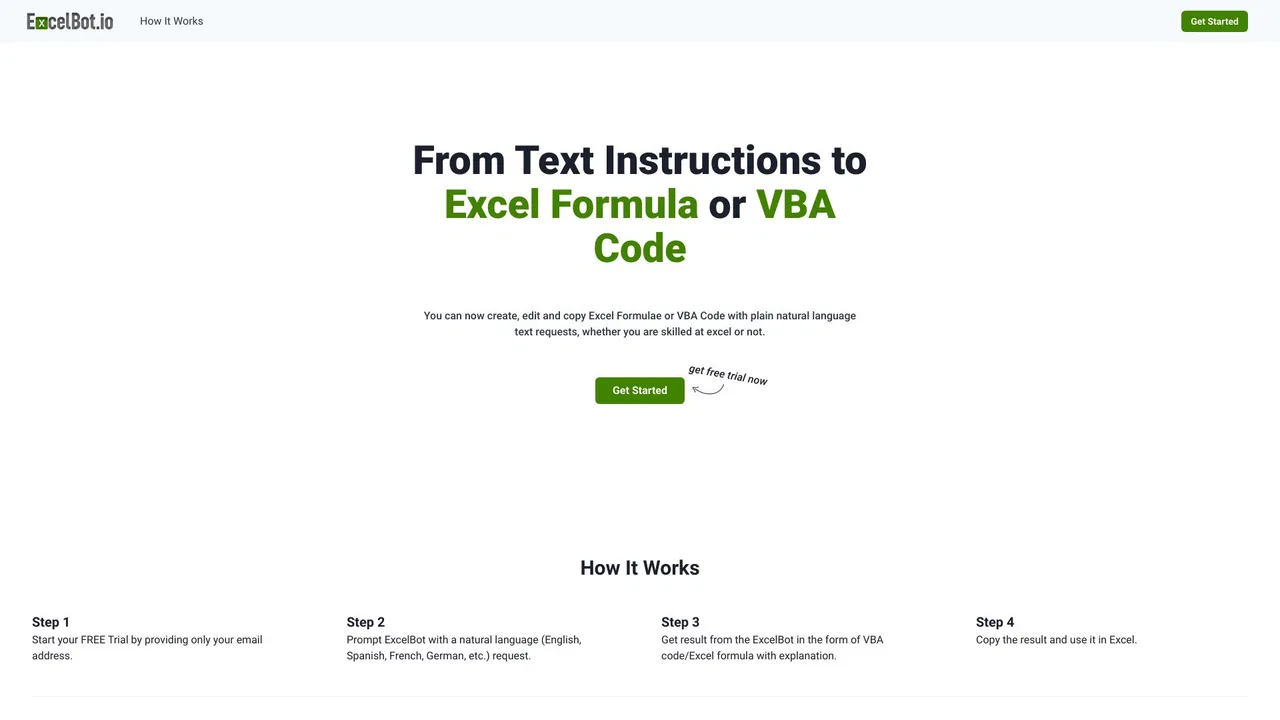
| 6 | ExcelBot | 685 | -75.4% | 39% direct | Paid | vs ExcelBot |

Turn plain-English instructions into Excel and Google Sheets formulas in seconds
AI spreadsheet assistant for formulas, pivots and analysis

Describe it in plain English, get the working spreadsheet formula

Agentic AI workspace for spreadsheets, docs and business data
AI for Excel finance teams can trust with the numbers

Describe it in plain English, get working Excel formulas and VBA instantly

ChatGPT inside Google Sheets and Excel, with no API keys required

AI data analyst that turns plain-English questions into charts, dashboards and clean spreadsheets

SpecialistTurn plain-English requests into ready-to-paste Excel and Google Sheets formulas
Jupyter-native AI agent that writes, runs, and debugs your notebook code

AI spreadsheet agent for Excel and Google Sheets

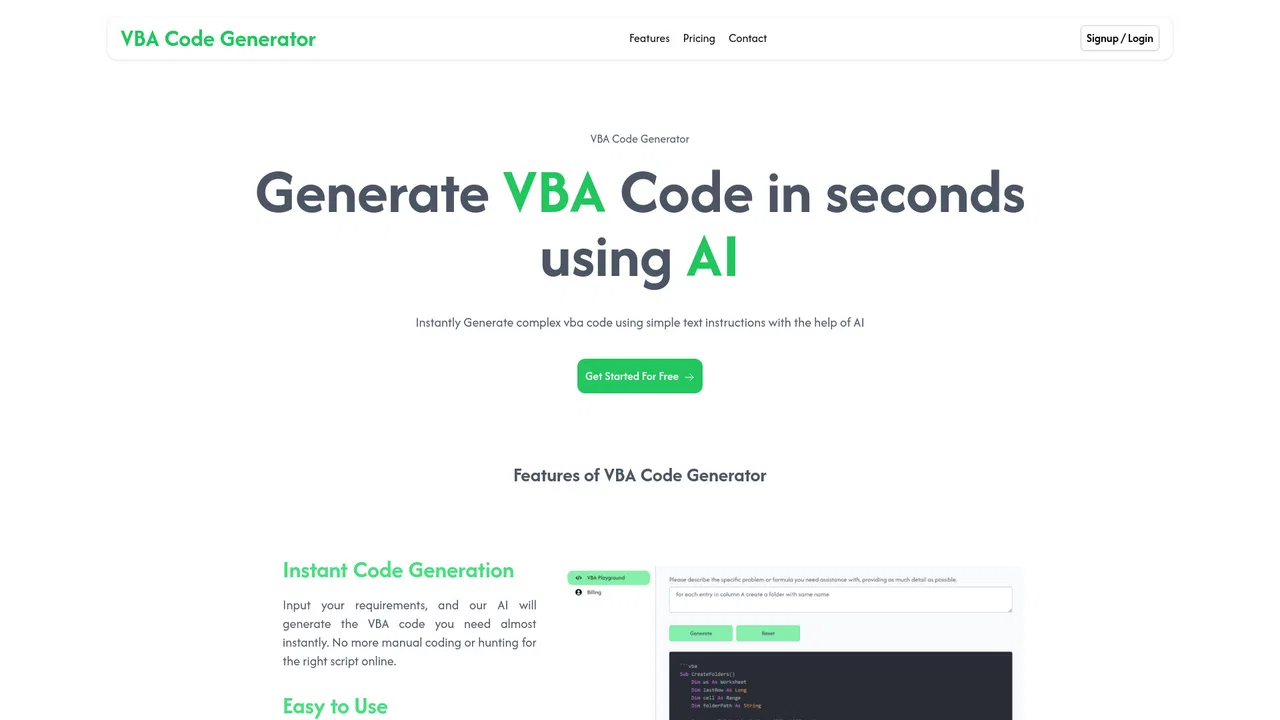
Describe your task, get ready-to-use Excel VBA macro code