01
78.7K/mo
Bank statement converter that checks its own work
AI Document ExtractionEditorial score: 4.4Free Trial, Contact for Pricing+19.7%

78.7K/mo+19.7%
Bank statement converter that checks its own work
Free Trial, Contact for Pricing
Finstatly records 0 monthly visits with 0% month-over-month growth and Freemium pricing. StatementSheet records 10,667 monthly visits with -4.2% growth and Paid, Contact for Pricing pricing.

Convert PDF bank statements to Excel, CSV and accounting imports in seconds
Turn PDF bank statements into clean Excel or CSV files in seconds
| Dimension / Metric | | |
|---|---|---|
| Official Domain | finstatly.com | statementsheet.com |
| Pricing Model | Freemium | Paid, Contact for Pricing |
| Monthly Visits | 0 (0) | 10.67K (10,667) |
| MoM Traffic Delta | 0 (0%) | -473 (-4.2%) |
| Primary Market & Share | 🌐 Global (—) | 🇺🇸 United States (28.5%) |
| Direct Visits / mo | 0 | 4.27K |
| User Rating | 4.2 | 4.5 |
| Supported Platforms | Website | Website |
Convert PDF bank statements to Excel, CSV and accounting imports in seconds
Upload a PDF bank statement and get one row per transaction, with Debit, Credit and Balance columns ready to check or edit.
Export directly in the formats accounting software reads, so transactions land in the books without a reformatting step.
The site notes support for statements from Chase, Bank of America, Wells Fargo and 1,000+ other banks.
Start with a free signup allowance and then choose a monthly or annual plan, topping up with page credits as needed.
Turn PDF bank statements into clean Excel or CSV files in seconds
Drop in any PDF bank statement, from one to eighty pages, and get structured transaction rows back in seconds.
Pick .xlsx to analyse in a spreadsheet or .csv to import into accounting software — both from the same upload, with identical columns.
Amounts become real numbers and dates become real Excel dates, so SUM, sorting and pivot tables work the moment the file opens.
CSV output uses UTF-8 encoding with a consistent delimiter and clean header, recognised by import wizards in QuickBooks, Sage and Xero.
Bank statement converter that checks its own work
Bank statement converter that checks its own work

Turn invoices into Excel with AI that flags what you should double-check
Turn invoices into Excel with AI that flags what you should double-check

AI bookkeeping that keeps receipts, invoices and statements organized automatically
AI bookkeeping that keeps receipts, invoices and statements organized automatically

Turn PDF and scanned bank statements into balanced, import-ready CSV, Excel, QBO or OFX
Turn PDF and scanned bank statements into balanced, import-ready CSV, Excel, QBO or OFX

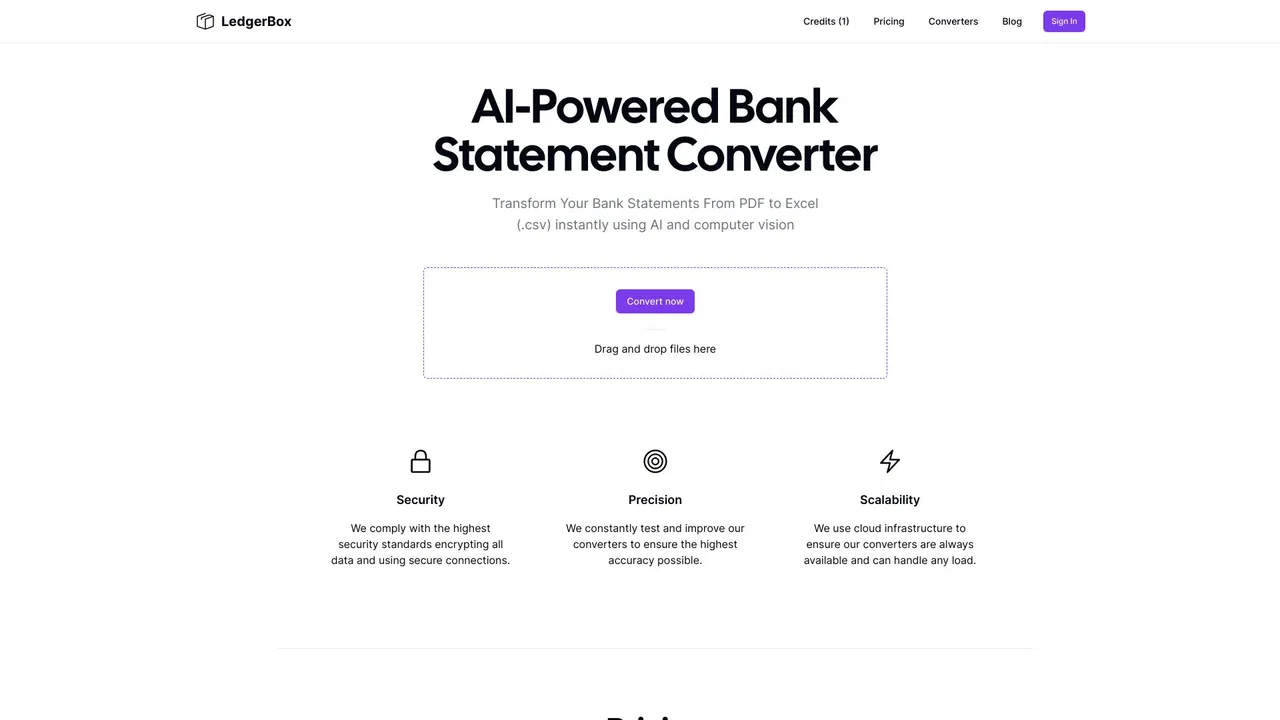
Turn bank statements into clean, transaction-ready spreadsheets in minutes
Turn bank statements into clean, transaction-ready spreadsheets in minutes
Turn PDF bank statements into reconciled Excel, CSV, or QuickBooks rows
Turn PDF bank statements into reconciled Excel, CSV, or QuickBooks rows
Turn forms, receipts and invoices into clean Excel data
Turn forms, receipts and invoices into clean Excel data
Turn PDF bank statements and invoices into clean Excel or CSV rows
Turn PDF bank statements and invoices into clean Excel or CSV rows
Convert any PDF bank statement into clean Excel and CSV in seconds
Convert any PDF bank statement into clean Excel and CSV in seconds
SpecialistTurn PDF bank statements into clean CSV files in seconds
SpecialistTurn PDF bank statements into clean CSV files in seconds

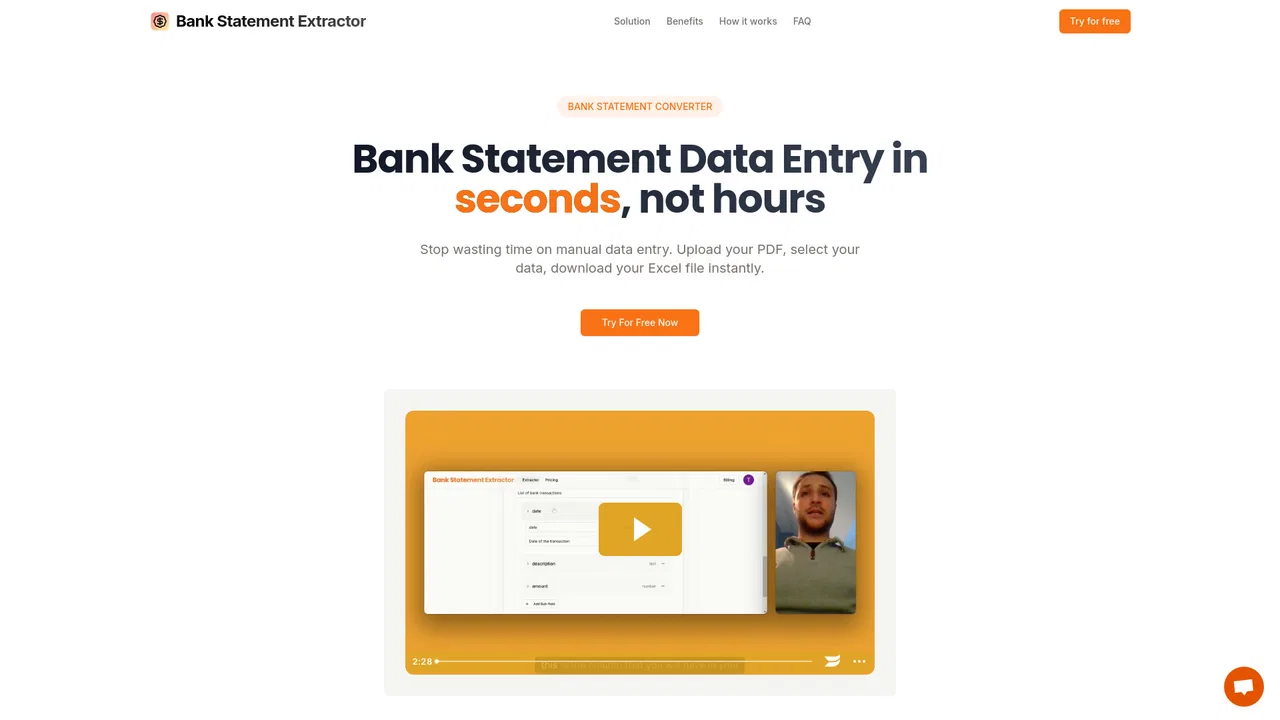
SpecialistTurn PDF bank statements into reviewable Excel and CSV transactions
SpecialistTurn PDF bank statements into reviewable Excel and CSV transactions