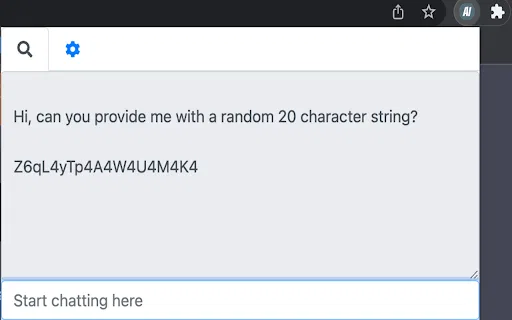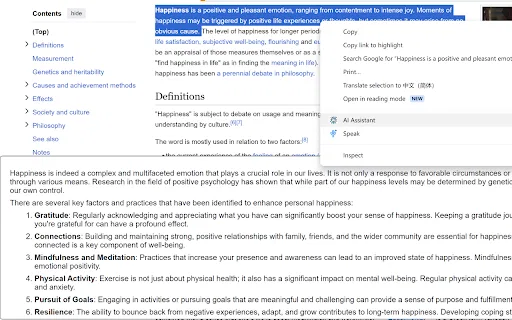
AI Browser Assistant is a lightweight Chrome extension that puts OpenAI models one right-click away. Select text on any page and use the context menu to summarize, translate, complete, respond to, or explain it, or open the built-in chat panel for free-form questions. It works with your own OpenAI API key and lets you change the model and other options in its settings.

에디터가 매긴 5점 만점 평가이며, 사용자 평점의 평균이 아닙니다. 이 페이지의 관점들은 제품 정보를 바탕으로 AI가 정리한 것이며, 실제 사용자 후기가 아닙니다.
2026-11-11에 검증된 OpenAITools.app 텔레메트리에 따르면, AI Browser Assistant(chromewebstore.google.com)은(는) AI 어시스턴트에 색인된 AI 플랫폼으로 월 0회 방문을 기록 중이며, 전월 대비 트래픽 변화량은 +0(0.0%)입니다. 주요 지리적 시장은 글로벌(트래픽 점유율 —)이며, 무료+유료, 유료 가격 모델로 운영됩니다. 월간 트래픽 기준 주요 경쟁 대안으로는 Sider (월 264.47만회 방문), Merlin AI (월 138.26만회 방문), Monica (월 451.28만회 방문) 등이 있습니다.
우클릭 요약 기능 깔끔함.
API 키 직접 넣어야 해서 귀찮음.
실제 사이트 점검, 요금 구조, 동일 카테고리 기준을 바탕으로 AI가 재구성한 참고 관점이며 개별 실사용자의 후기가 아닙니다.
Highlight text on any page, right-click, and choose summarize, translate, complete, respond, or explain without leaving the tab.
Open a small chat window inside the extension for questions that need back-and-forth conversation with the AI model.
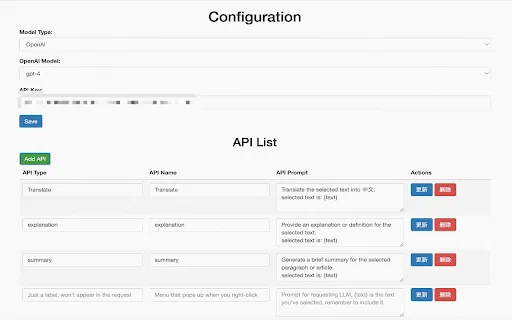
Add your own OpenAI API key once in the settings; requests are sent under your account, so you control usage.
Change the underlying model and adjust extension preferences from the options page to match how you like to work.
The developer states the extension does not collect or sell user data, keeping the workflow local to your browser and your own API credentials.
AI Browser Assistant is a lightweight Chrome extension that puts OpenAI models one right-click away. Select text on any page and use the context menu to summarize, translate, complete, respond to, or explain it, or open the built-in chat panel for free-form questions. It works with your own OpenAI API key and lets you change the model and other options in its settings.
Highlight a paragraph of a paper or textbook and get a plain-language summary or explanation in the same page.
Select an incoming message, use the respond action to get a draft, then edit it in place instead of opening a separate chat tool.
Translate a highlighted sentence or paragraph on the page you are already reading, with no tab hopping.
Use the complete and explain actions to finish a thought or unpack awkward phrasing while drafting in a browser-based editor.
동일한 주요 카테고리에 속한 경쟁 AI 도구의 나란히 보는 텔레메트리 비교
| 순위 | AI 도구 | 월간 방문 수 | 전월 대비 성장률 | 직접 유입 비중 | 가격 | 일대일 비교 |
|---|---|---|---|---|---|---|
| ● | AI Browser Assistant | 0 | — | — | 무료+유료, 유료 | 현재 도구 |
| 1 | Sider | 264.47만 | -10.6% | 직접 유입 64% | 무료+유료 | vs Sider |
| 2 | Merlin AI | 138.26만 | +13.1% | 직접 유입 50% | 무료+유료 | vs Merlin AI |
| 3 | Monica | 451.28만 | -11.3% | 직접 유입 55% | 무료+유료 | vs Monica |
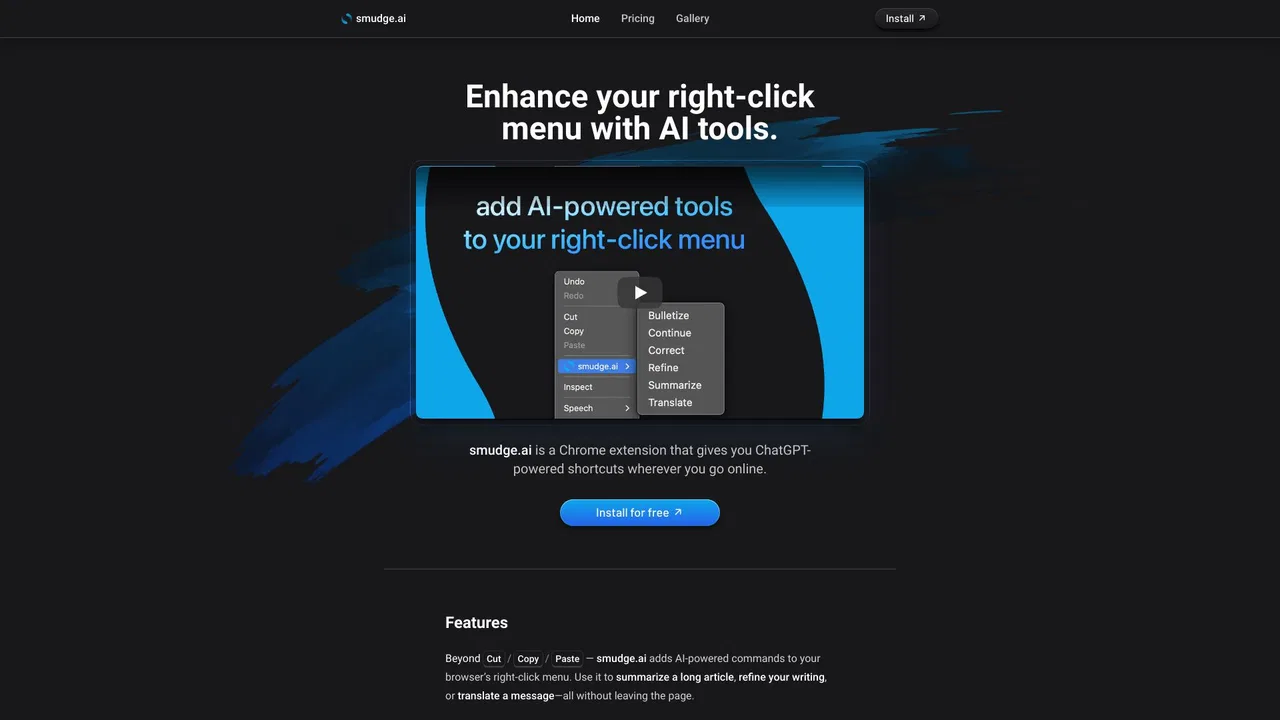
| 4 | smudge.ai | 466 | -86.9% | 직접 유입 39% | 무료+유료, 유료 | vs smudge.ai |
| 5 | HARPA AI | 53.75만 | +99.3% | 직접 유입 76% | 무료+유료 | vs HARPA AI |
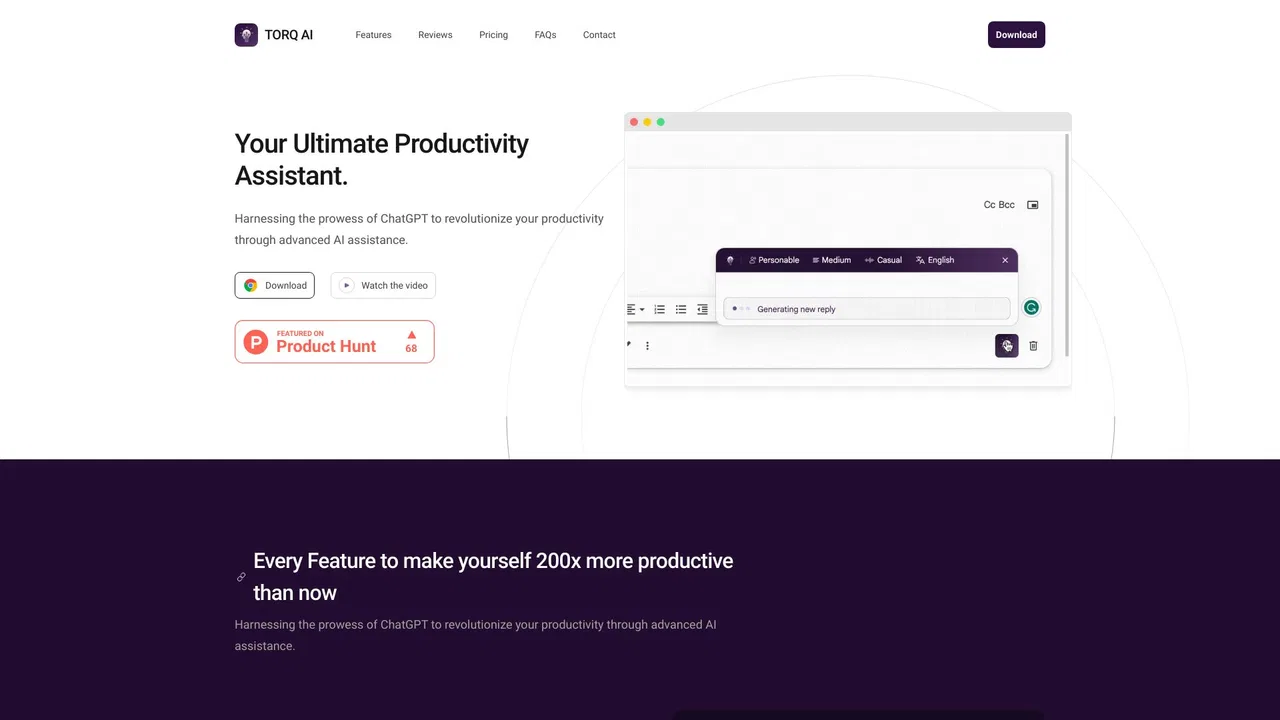
| 6 | Torq AI | 1.1천 | -19.2% | 직접 유입 39% | 무료 | vs Torq AI |
Torq AI is a free Chrome extension that brings ChatGPT-style assistance into everyday browsing. It generates emails and replies in one click, processes and analyzes selected text, translates page content into your preferred language, and combines chat with Google Search results — all without leaving the tab you are working in.
브라우저 어디서나 클릭 한 번으로 Grok 호출
내 Azure OpenAI 키로 모든 페이지를 요약·번역·질문
모든 웹페이지에서 질문·작성·번역을 돕는 AI 사이드바