487.2만/월+0.8%
무료 온라인 OCR로 이미지를 바로 편집 가능한 텍스트로
무료+유료
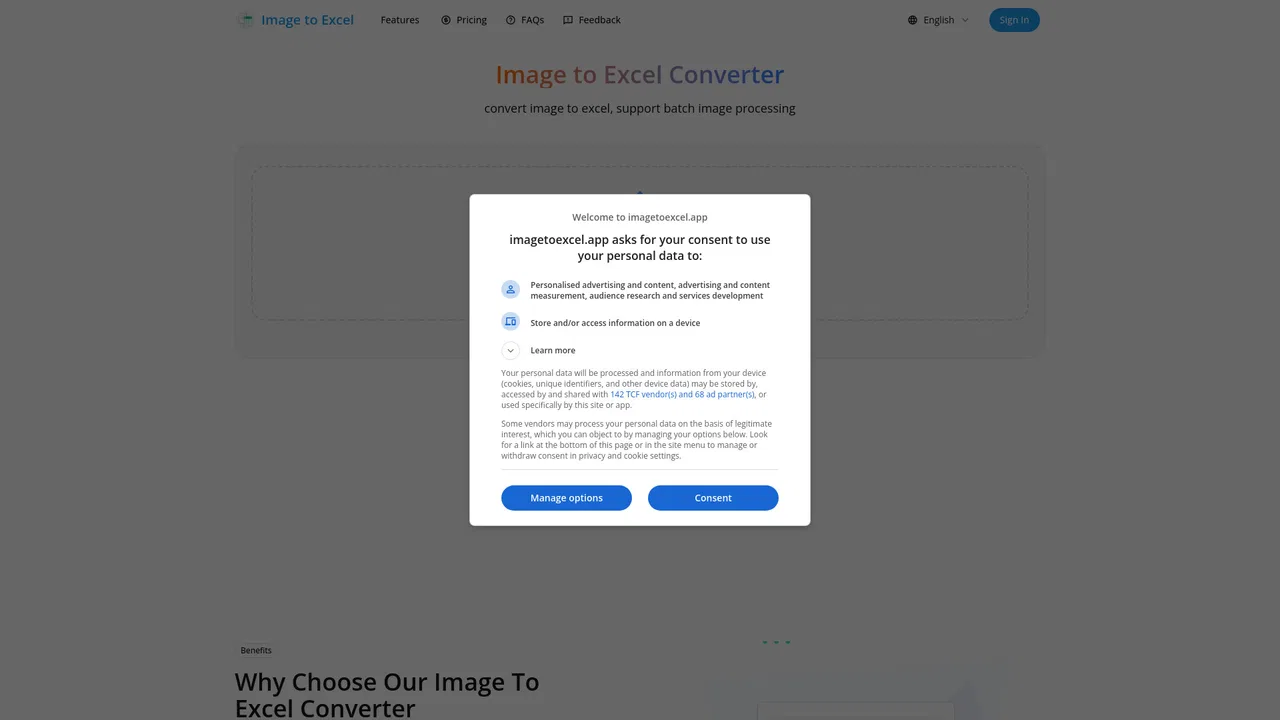
Image to Excel is an online converter that turns photos, screenshots and scans of tables into editable spreadsheets. Upload an image, let the AI detect the rows, columns and headers, review the result in your browser, and download it as an .xlsx file — no signup required to start.
월간 웹사이트 방문 수 추정치
이 도메인의 Similarweb 추정치이며 활성 사용자 수가 아닙니다. 관측 데이터가 있는 월만 표시하며 수집일과 집계 월을 구분합니다.
수집일 2026. 11. 11.
에디터가 매긴 5점 만점 평가이며, 사용자 평점의 평균이 아닙니다. 이 페이지의 관점들은 제품 정보를 바탕으로 AI가 정리한 것이며, 실제 사용자 후기가 아닙니다.
2026-11-11에 검증된 OpenAITools.app 텔레메트리에 따르면, Image to Excel(imagetoexcel.app)은(는) AI OCR에 색인된 AI 플랫폼으로 월 2.34천회 방문을 기록 중이며, 전월 대비 트래픽 변화량은 +138(+6.3%)입니다. 주요 지리적 시장은 미국(트래픽 점유율 59.8%)이며, 무료+유료, 유료 가격 모델로 운영됩니다. 월간 트래픽 기준 주요 경쟁 대안으로는 Image to Text (월 487.18만회 방문), OLOCR (월 5.29만회 방문), JPG to Text (월 42.5만회 방문) 등이 있습니다.
이미지 속 표를 엑셀로 바로 뽑아주니 대박 편하네요.
복잡한 표는 수정이 좀 필요합니다.
최고.
실제 사이트 점검, 요금 구조, 동일 카테고리 기준을 바탕으로 AI가 재구성한 참고 관점이며 개별 실사용자의 후기가 아닙니다.
Upload a photo, screenshot, scan or printed table and the AI finds the table and recognizes its rows, columns and headers for you.
The result keeps the original table structure, so your data lands in proper cells rather than a jumbled block of text.
Check and correct any cell directly in your browser before you download — no spreadsheet skills needed.
Download the finished table as an .xlsx file and continue in Excel, Google Sheets or any spreadsheet app.
Companion tools handle handwritten notes, plain image-to-text OCR and PDF tables from the same place.
Image to Excel is an online converter that turns photos, screenshots and scans of tables into editable spreadsheets. Upload an image, let the AI detect the rows, columns and headers, review the result in your browser, and download it as an .xlsx file — no signup required to start.
Digitize printed financial tables or report figures into a spreadsheet ready for analysis and charting, without retyping every number.
Take a photo of a stock count or inventory sheet and get a sortable, filterable spreadsheet you can keep updating as things change.
Turn supplier or product price lists from photos or printouts into Excel, ready for comparison and updating.
Extract data tables from academic papers and reports so you can work with the numbers in your own analysis tools.
동일한 주요 카테고리에 속한 경쟁 AI 도구의 나란히 보는 텔레메트리 비교
| 순위 | AI 도구 | 월간 방문 수 | 전월 대비 성장률 | 직접 유입 비중 | 가격 | 일대일 비교 |
|---|---|---|---|---|---|---|
| ● | Image to Excel | 2.34천 | +6.3% | 직접 유입 39% | 무료+유료, 유료 | 현재 도구 |
| 1 | Image to Text | 487.18만 | +0.8% | 직접 유입 25% | 무료+유료 | vs Image to Text |
| 2 | OLOCR | 5.29만 | +45% | 직접 유입 39% | 무료 | vs OLOCR |
| 3 | JPG to Text | 42.5만 | -13.4% | 직접 유입 14% | 무료+유료 | vs JPG to Text |
| 4 | 이미지 텍스트 변환기 | 18.15만 | -15.6% | 직접 유입 46% | 무료+유료 | vs 이미지 텍스트 변환기 |
| 5 | Image to Text CC | 30.83만 | +0.6% | 직접 유입 21% | 무료+유료 | vs Image to Text CC |
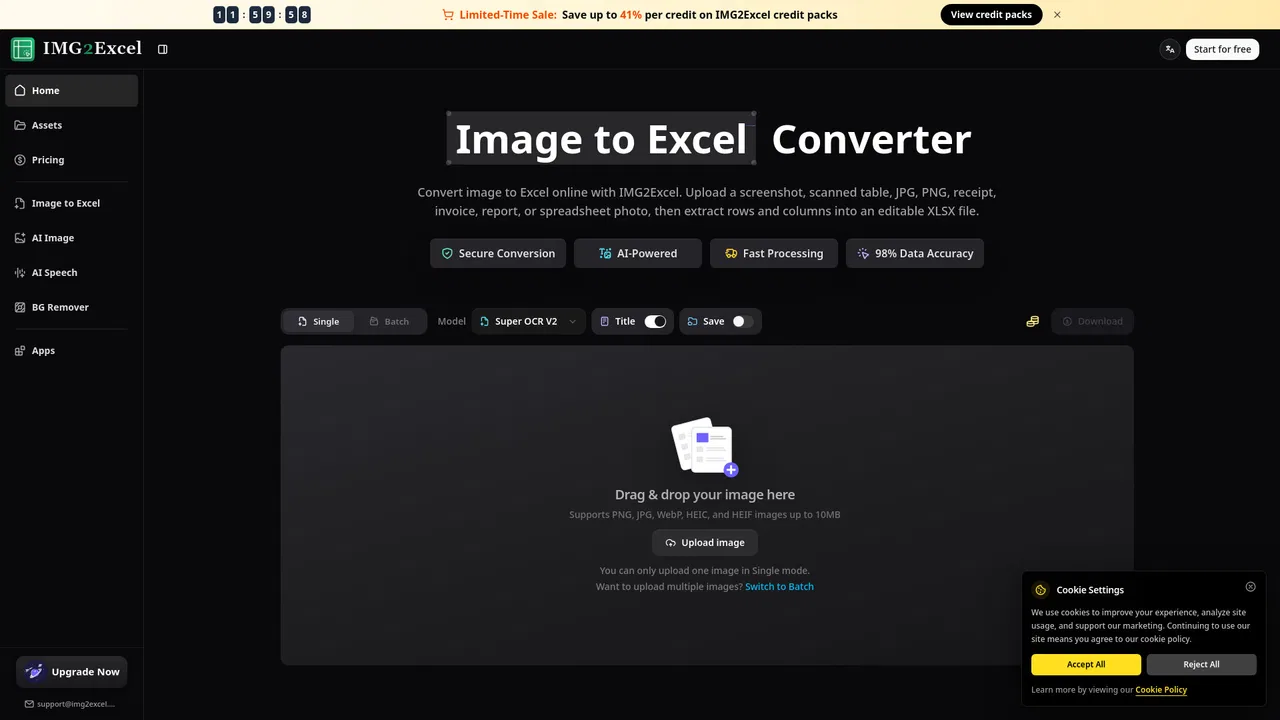
| 6 | IMG2Excel | 1.12천 | 0% | 직접 유입 27% | 무료+유료, 무료 체험, 유료 | vs IMG2Excel |
무료 온라인 OCR로 이미지를 바로 편집 가능한 텍스트로
JPG·PNG·스캔 이미지를 편집 가능한 텍스트로 바꾸는 무료 온라인 OCR
특화 강점사진, 스크린샷, 스캔본을 편집 가능한 텍스트로 바꾸는 무료 온라인 OCR
이미지와 스캔본을 편집 가능한 텍스트로 바꾸는 무료 온라인 OCR

특화 강점스크린샷, 스캔본, 표 사진을 편집 가능한 Excel로 변환
특화 강점스크린샷, 스캔본, 표 사진을 편집 가능한 Excel로 변환
특화 강점OCR로 이미지, 스캔본, 손글씨에서 편집 가능한 텍스트 추출
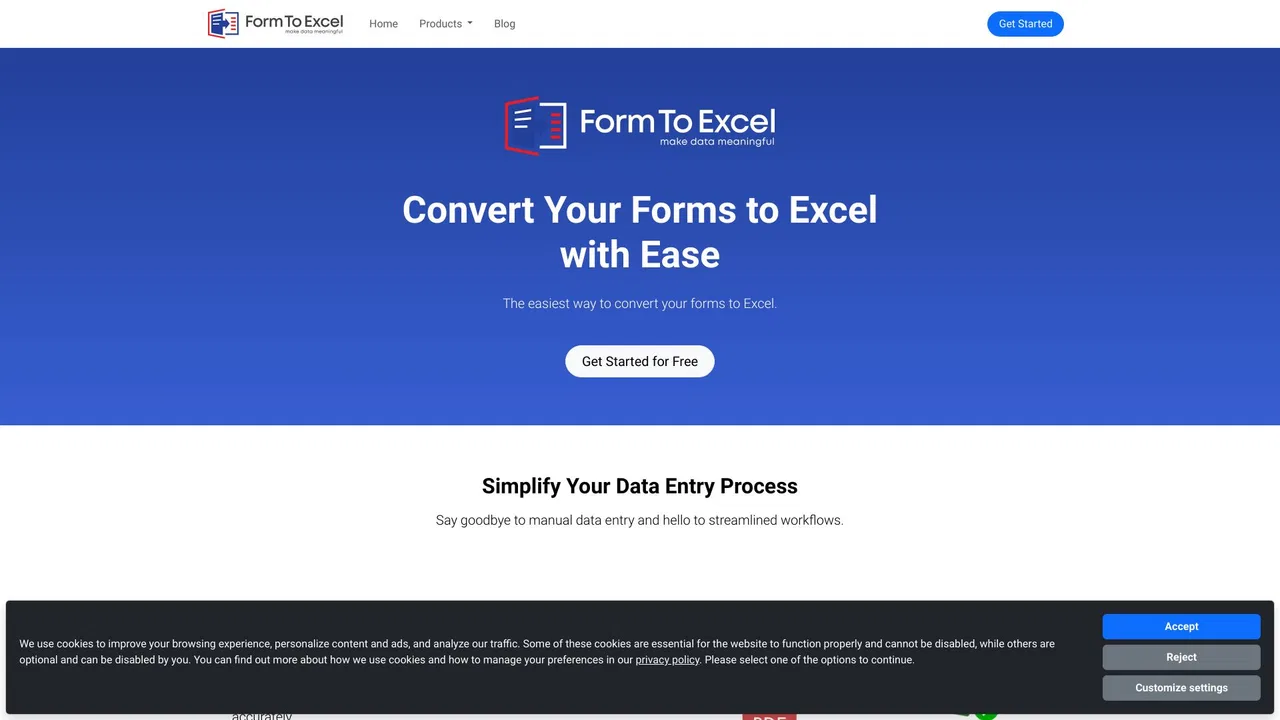
양식·영수증·청구서를 깔끔한 Excel 데이터로
이미지·스캔·손글씨를 편집 가능한 텍스트로 바꾸는 무료 AI OCR

AI로 송장을 Excel로 바꾸고, 확인이 필요한 값을 표시합니다
AI로 송장을 Excel로 바꾸고, 확인이 필요한 값을 표시합니다
PDF와 이미지에 갇힌 표를 편집 가능한 스프레드시트로 변환