01
2.6M/mo
AI sidebar and browser agent for reading, writing and research
AI AssistantEditorial score: 4.5Freemium64% direct

2.6M/mo
AI sidebar and browser agent for reading, writing and research
Freemium

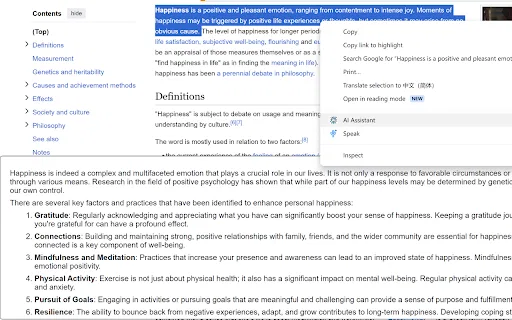
Summarize, translate, and explain any highlighted text from your right-click menu.
This is our editors' assessment out of 5, not an average of user ratings. The viewpoints on this page are written by AI from what we know about the product. They are not customer reviews.
According to OpenAITools.app telemetry verified on 2026-11-11, AI Browser Assistant (chromewebstore.google.com) is an AI platform indexed under AI Assistant generating 0 monthly visits with a month-over-month traffic delta of +0 (0.0%). Its primary geographic market is Global (— traffic share), and it operates on a Freemium, Paid pricing model. Top competing alternatives by monthly volume include Sider (2.64M visits/mo), Merlin AI (1.38M visits/mo), Monica (4.51M visits/mo).
Super quick right click summaries without tab switching.
Needs manual API key setup which turns off casual users.
Clean extension footprint.
Stopped working after recent Chrome update.
AI-synthesized perspectives grounded in live site inspection, pricing structure, and category benchmarks — presented as editorial viewpoints rather than individual customer testimonials.
Highlight text on any page, right-click, and choose summarize, translate, complete, respond, or explain without leaving the tab.
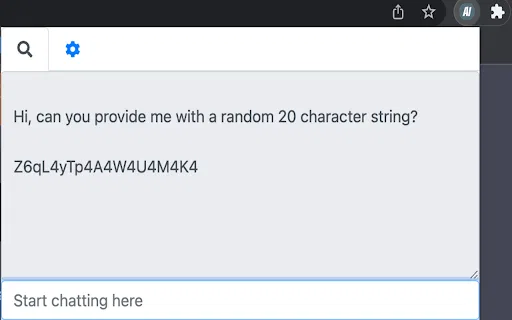
Open a small chat window inside the extension for questions that need back-and-forth conversation with the AI model.
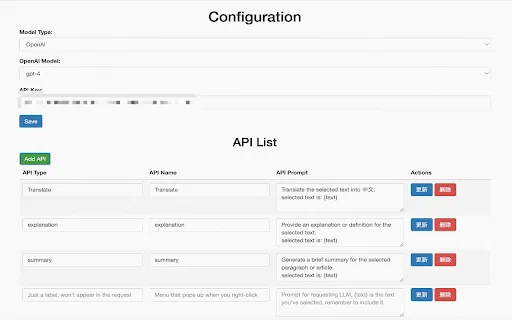
Add your own OpenAI API key once in the settings; requests are sent under your account, so you control usage.
Change the underlying model and adjust extension preferences from the options page to match how you like to work.
The developer states the extension does not collect or sell user data, keeping the workflow local to your browser and your own API credentials.
AI Browser Assistant takes a very narrow, practical approach to AI in the browser: it removes copy-paste friction. Anywhere a text selection is possible — a long article, an email draft, a forum answer, a contract clause — you can right-click and send that selection to an OpenAI model. The fixed actions cover the most repetitive reading and writing chores: condensing a wall of text, translating a passage, finishing a sentence you started, drafting a reply, or getting a plain-language explanation of something technical.
The extension is deliberately minimal in scope. It is not a marketing suite or a content studio; it is a context-menu helper plus a small chat panel. Installation is the standard Chrome Web Store flow, and the main piece of setup is pasting your own OpenAI API key into the options page, where you can also adjust the model and other preferences. Because you bring your own key, your usage and any costs are billed directly by OpenAI rather than through the extension.
The listing shows a very small install base and a last update in January 2023 (version 0.0.1), so it should be treated as a simple utility rather than an actively developed product. It still performs the task it advertises, and it is useful if you already have an OpenAI key and want quick, in-page AI actions without opening another tab.
Highlight a paragraph of a paper or textbook and get a plain-language summary or explanation in the same page.
Select an incoming message, use the respond action to get a draft, then edit it in place instead of opening a separate chat tool.
Translate a highlighted sentence or paragraph on the page you are already reading, with no tab hopping.
Use the complete and explain actions to finish a thought or unpack awkward phrasing while drafting in a browser-based editor.
Side-by-side telemetry comparison of competing AI tools in the same primary category
| Rank | AI Tool | Monthly Visits | MoM Growth | Direct traffic share | Pricing | Head-to-Head |
|---|---|---|---|---|---|---|
| ● | AI Browser Assistant | 0 | — | — | Freemium, Paid | Current |
| 1 | Sider | 2.64M | -10.6% | 64% direct | Freemium | vs Sider |
| 2 | Merlin AI | 1.38M | +13.1% | 50% direct | Freemium | vs Merlin AI |
| 3 | Monica | 4.51M | -11.3% | 55% direct | Freemium | vs Monica |
| 4 | smudge.ai | 466 | -86.9% | 39% direct | Freemium, Paid | vs smudge.ai |
| 5 | HARPA AI | 537.46K | +99.3% | 76% direct | Freemium | vs HARPA AI |
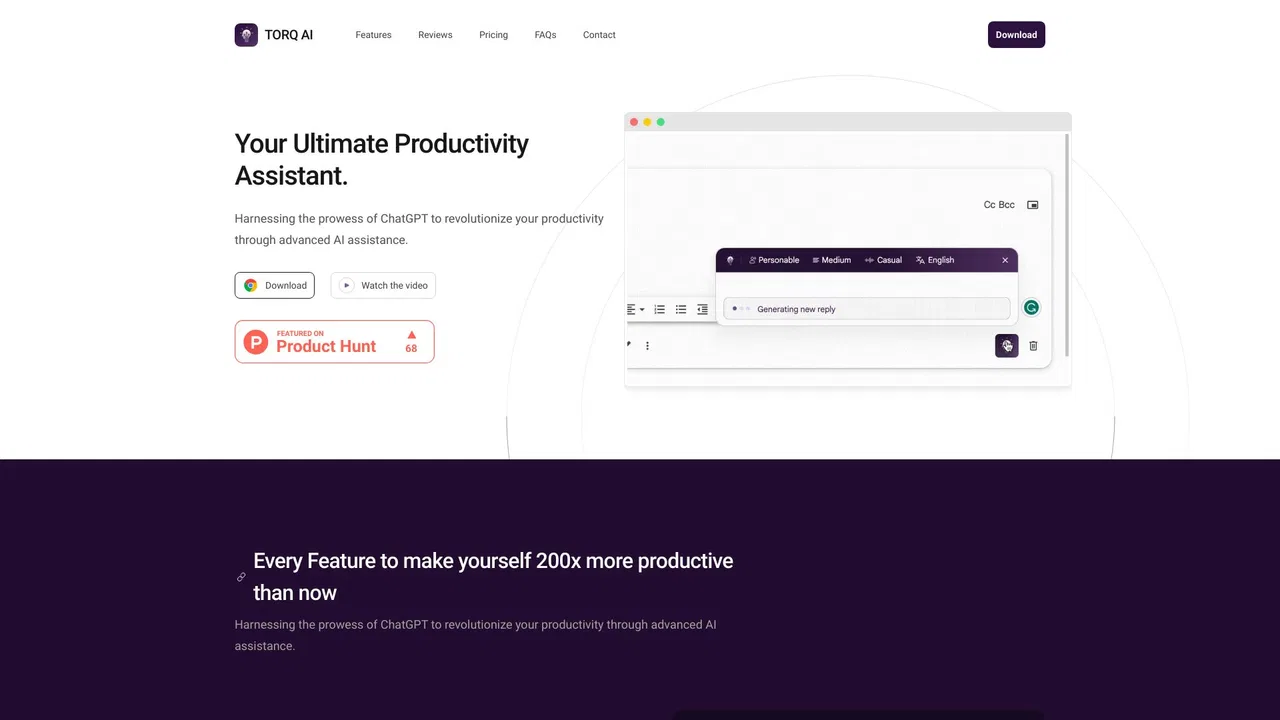
| 6 | Torq AI | 1.1K | -19.2% | 39% direct | Free | vs Torq AI |
AI sidebar and browser agent for reading, writing and research
AI sidebar and browser agent for reading, writing and research
One-click AI assistant for browsing, writing and research
One-click AI assistant for browsing, writing and research

All-in-one AI assistant across web, browser, desktop and mobile
All-in-one AI assistant across web, browser, desktop and mobile
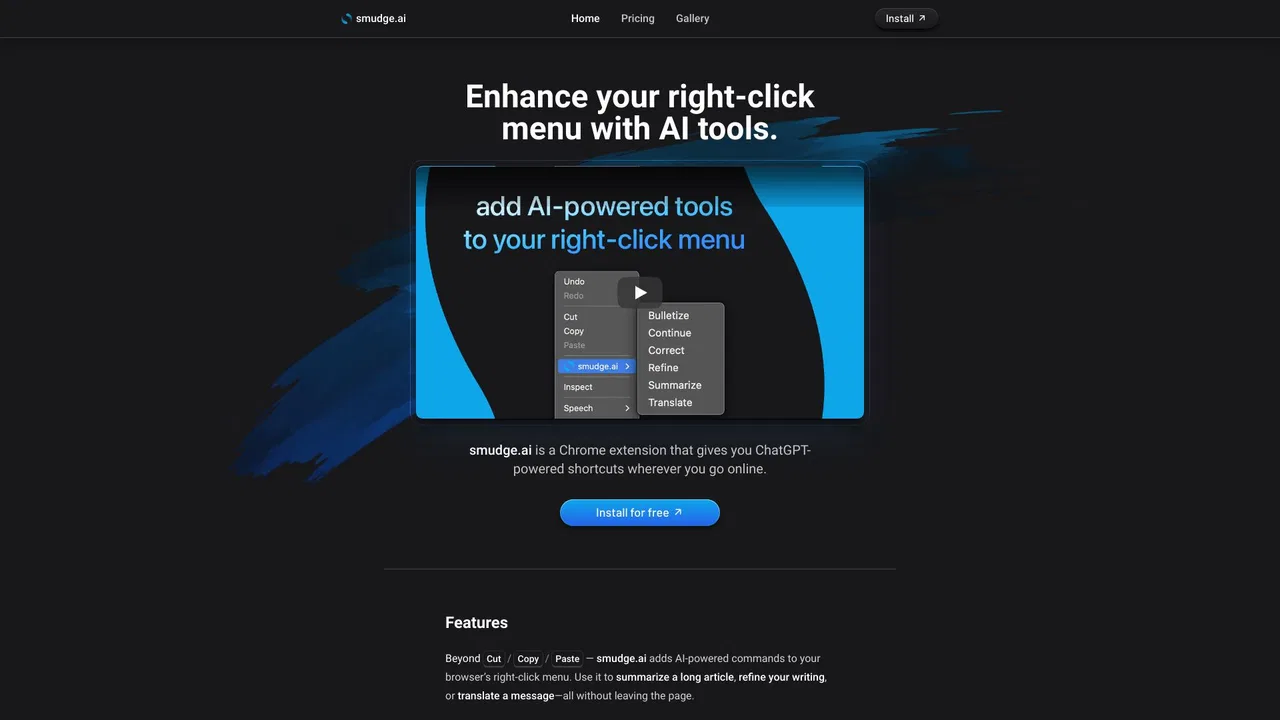
ChatGPT-powered shortcuts in your browser's right-click menu
ChatGPT-powered shortcuts in your browser's right-click menu
One browser agent that combines every major AI model with web automation
A free Chrome extension for one-click email drafting, text analysis, and AI-assisted browsing
A free Chrome extension for one-click email drafting, text analysis, and AI-assisted browsing

A Mac browser built for focus, with an AI companion called Airis
A Mac browser built for focus, with an AI companion called Airis

Free / Open-sourceTurn your right-click menu into a free AI assistant for any text on the web
Free / Open-sourceTurn your right-click menu into a free AI assistant for any text on the web
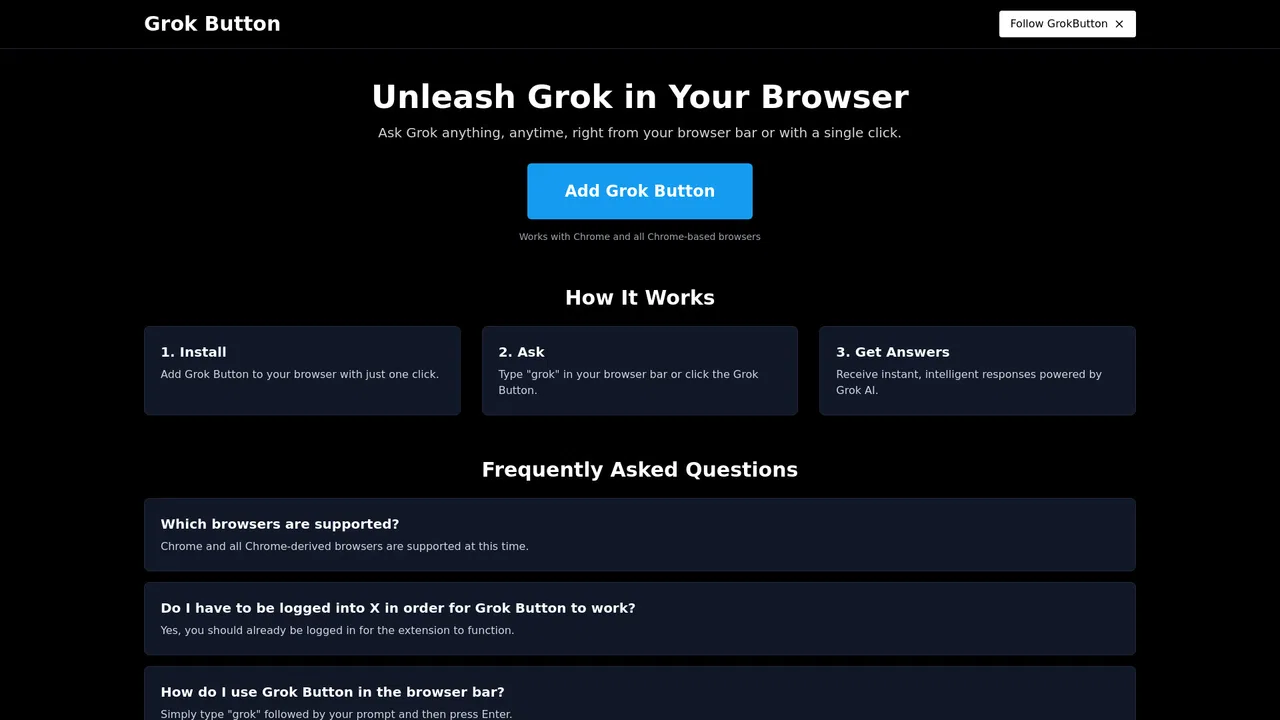
One-click Grok access from anywhere in your browser
One-click Grok access from anywhere in your browser

Summarize, translate and ask questions on any page with your own Azure OpenAI key
Summarize, translate and ask questions on any page with your own Azure OpenAI key
Summarize, bookmark and write with AI right in your browser
Summarize, bookmark and write with AI right in your browser

An AI sidebar that answers, writes and translates on any web page
An AI sidebar that answers, writes and translates on any web page