01
2.4M/mo
Bilingual AI translation for websites, documents, video and images
AI TranslateEditorial score: 4.6Freemium, Free Trial75% direct

2.4M/mo
Bilingual AI translation for websites, documents, video and images
Freemium, Free Trial

One-click AI parallel translation for any website and YouTube

This is our editors' assessment out of 5, not an average of user ratings. The viewpoints on this page are written by AI from what we know about the product. They are not customer reviews.
According to OpenAITools.app telemetry verified on 2026-11-11, BiRead - Bilingual Reading (chromewebstore.google.com) is an AI platform indexed under AI Translate generating 0 monthly visits with a month-over-month traffic delta of +0 (0.0%). Its primary geographic market is Global (— traffic share), and it operates on a Free pricing model. Top competing alternatives by monthly volume include Immersive Translate (2.39M visits/mo), BiRead - Bilingual Subtitles (13.66K visits/mo), Transor (2.71K visits/mo).
Parallel view is a game changer for reading foreign news.
Extremely handy for YouTube bilingual subs.
Clean layout, doesn't break page formatting.
Best translator extension I've tried.
AI-synthesized perspectives grounded in live site inspection, pricing structure, and category benchmarks — presented as editorial viewpoints rather than individual customer testimonials.
One-click parallel translation: converts the visible text of nearly any website into an original-plus-translation view instead of replacing the page
Learning mode: extra guidance aimed at readers who are actively studying the page's language rather than just skimming it
Bilingual YouTube subtitles: shows original and translated captions together while watching videos
AI-driven translation quality: uses AI models to handle context, phrasing and less literal expressions better than word-by-word engines
Multi-language support: works with many target languages, with the extension interface itself localized into nine languages
BiRead is a browser extension built around one idea: instead of replacing the page you are reading with a translation, it shows both languages together. A single click converts the visible text of almost any website into a parallel view where the original wording sits alongside an AI translation, so you can follow the meaning without losing the source phrasing.
Beyond full-page translation, BiRead adds a learning mode aimed at people actively acquiring a foreign language, plus bilingual subtitles for YouTube videos. Because the translation is produced by AI models rather than a fixed phrasebook, output reads more naturally and adapts to context such as idioms, headlines and forum slang. It supports a broad set of target languages, with the extension interface offered in nine languages.
The extension is distributed through the Chrome Web Store, where it holds a perfect 5.0 rating from a modest but consistent user base and reports roughly 6,000 installs. It is free to install, with optional in-app purchases for heavier use. For readers who regularly work through foreign-language documentation, news or video, BiRead keeps the original and the translation in the same view rather than making you switch between tabs or tools.
Work through foreign-language news or blogs with the original wording kept visible, so new vocabulary and sentence patterns stay anchored to real context.
Read technical docs, standards or papers published in another language without bouncing between the page and a separate translation tool.
Follow YouTube videos in an unfamiliar language using parallel subtitles that keep the spoken original and your language on screen together.
Compare an AI translation against the source wording directly on the page to judge whether the meaning survived.
Side-by-side telemetry comparison of competing AI tools in the same primary category
| Rank | AI Tool | Monthly Visits | MoM Growth | Direct traffic share | Pricing | Head-to-Head |
|---|---|---|---|---|---|---|
| ● | BiRead - Bilingual Reading | 0 | — | — | Free | Current |
| 1 | Immersive Translate | 2.39M | -9.4% | 75% direct | Freemium, Free Trial | vs Immersive Translate |
| 2 | BiRead - Bilingual Subtitles | 13.66K | -15.8% | 40% direct | Freemium | vs BiRead - Bilingual Subtitles |
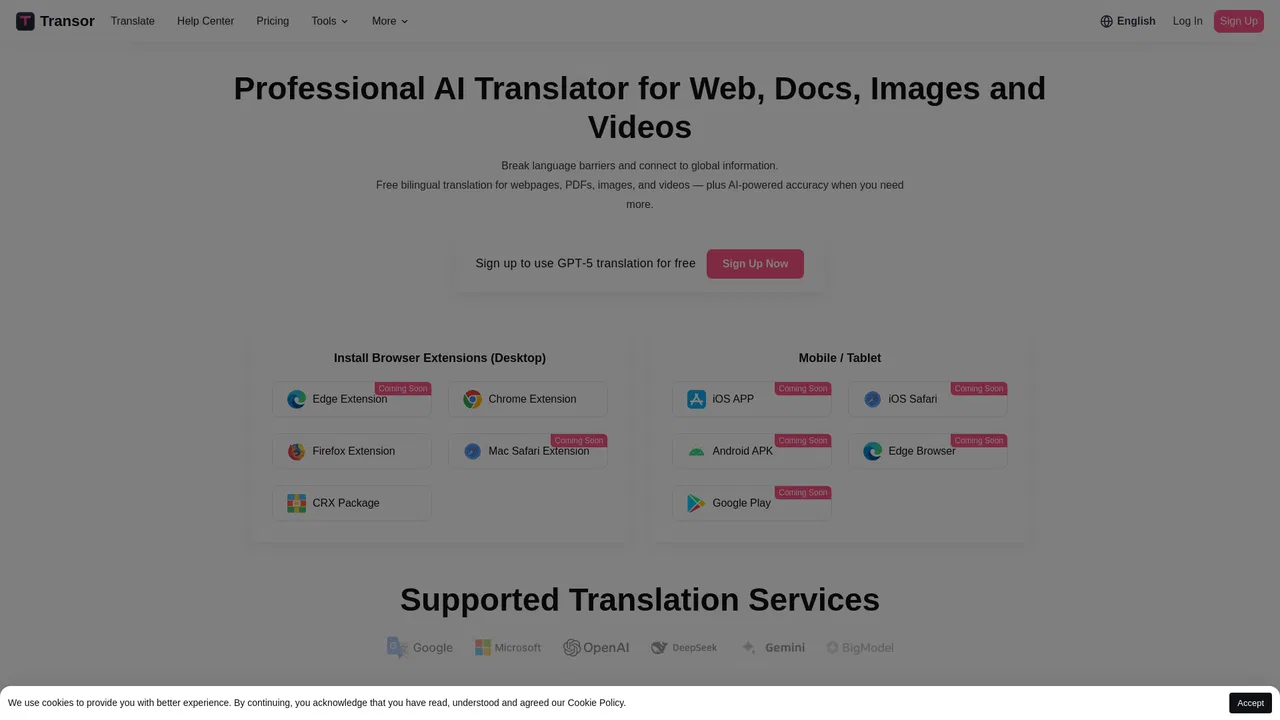
| 3 | Transor | 2.71K | +126.2% | 40% direct | Freemium | vs Transor |
| 4 | Trancy | 438.75K | -57.6% | 76% direct | Freemium, Free Trial | vs Trancy |
| 5 | AutoDub | 65.65K | +21% | 31% direct | Free | vs AutoDub |
| 6 | Lufe AI Translator | 104.66K | -3.5% | 38% direct | Freemium | vs Lufe AI Translator |
Bilingual AI translation for websites, documents, video and images
Bilingual AI translation for websites, documents, video and images
Bilingual subtitles and translated pages wherever you read or watch
Bilingual subtitles and translated pages wherever you read or watch

Read the web, documents and video in two languages at once
Read the web, documents and video in two languages at once
An AI language learning assistant with bilingual subtitles, immersive translation, and vocabulary practice
An AI language learning assistant with bilingual subtitles, immersive translation, and vocabulary practice
AI dubbing and bilingual subtitles for any YouTube video
AI dubbing and bilingual subtitles for any YouTube video
AI bilingual translator for web pages, PDFs, and images
AI bilingual translator for web pages, PDFs, and images
Learn languages with dual subtitles and a hover dictionary in any video
Learn languages with dual subtitles and a hover dictionary in any video
Free bilingual browser extension that translates any page with the AI engine you choose
Free bilingual browser extension that translates any page with the AI engine you choose
Learn languages from Netflix, YouTube, and real-world texts with dual subtitles and AI
Learn languages from Netflix, YouTube, and real-world texts with dual subtitles and AI
AI sidebar and browser agent for reading, writing and research
AI sidebar and browser agent for reading, writing and research

AI video learning assistant for YouTube and Netflix subtitles
AI video learning assistant for YouTube and Netflix subtitles
AI language learning built into every page you read
AI language learning built into every page you read