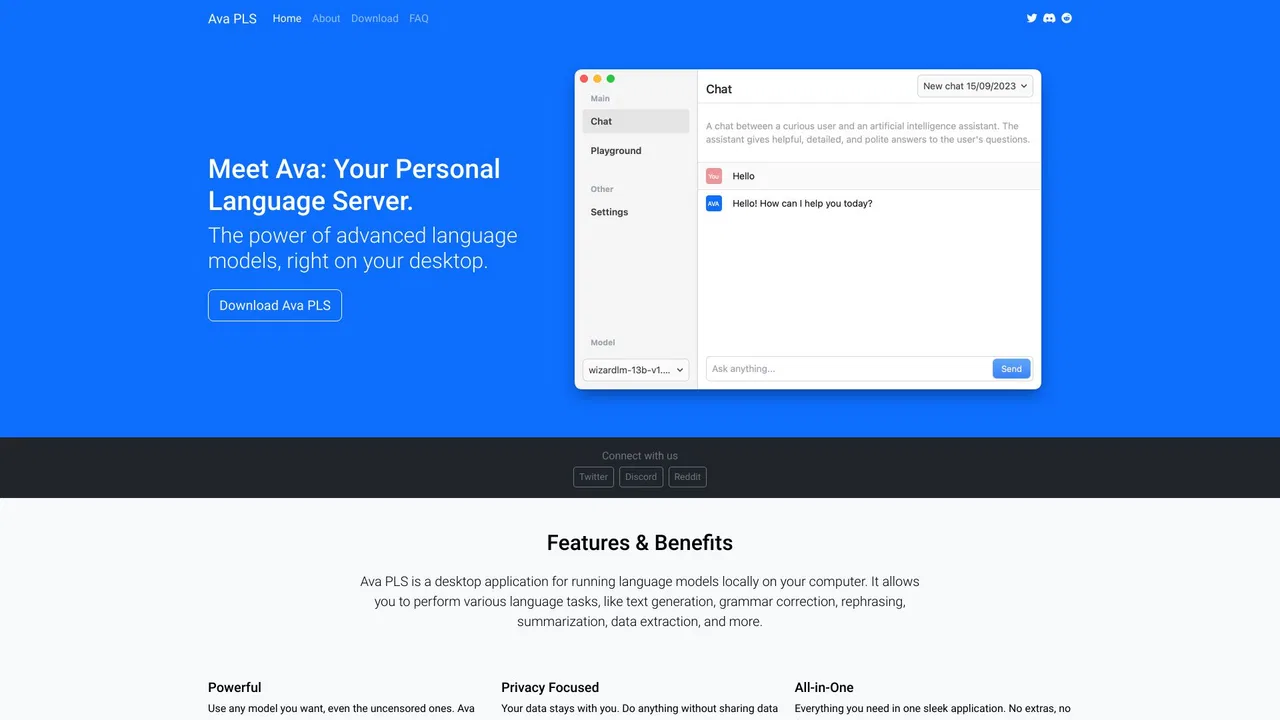
Free / Open-sourceExecutes open-source models locally via CLI rather than just checking hardware compatibility.

Check which local AI models your GPU or Mac can actually run
Estimated monthly website visits
Similarweb estimates for this domain, not active users. Only available observation months are shown; collection date is separate from the traffic period.
Collected Nov 11, 2026

This is our editors' assessment out of 5, not an average of user ratings. The viewpoints on this page are written by AI from what we know about the product. They are not customer reviews.
According to OpenAITools.app telemetry verified on 2026-11-11, CanIRun.ai (canirun.ai) is an AI platform indexed under AI Models generating 284.89K monthly visits with a month-over-month traffic delta of -71.68K (-20.1%). Its primary geographic market is China (15.1% traffic share), and it operates on a Free pricing model. Top competing alternatives by monthly volume include Ollama (9.42M visits/mo), Jan (291.89K visits/mo), local.ai (6.01K visits/mo).
Saved me from downloading a 40GB model that my GPU would choke on.
GPU detection worked instantly on my Mac.
Simple and incredibly useful for local AI nerds.
Clean interface, accurate VRAM estimates.
AI-synthesized perspectives grounded in live site inspection, pricing structure, and category benchmarks — presented as editorial viewpoints rather than individual customer testimonials.
The site attempts to detect the visitor's GPU or Mac model in the browser and use those specs to judge which models will run comfortably.
Models are bucketed into S, A, B, C, D and F grades so you can instantly see whether something will run comfortably, be a tight fit, or be too heavy.
Filter by task (text and coding, image, video, decision), maker, and licence to narrow thousands of options to what your hardware actually supports.
Each model page lists VRAM needs, context length, quantisation options from Q2_K up to F16, parameter count and architecture, plus benchmark-style scores.
Browse devices, compare hardware, and use the playground and tier list views to understand how a given GPU or laptop stacks up for local inference.
Running large language models and diffusion models locally is mostly a memory question, and CanIRun.ai answers it directly in the browser. It attempts to detect your GPU or Mac, reads its memory, bandwidth, core count and RAM, and then ranks the open models in its catalogue by how comfortably they should fit. Instead of guessing whether a 20B model will run on a mid-range card, you get a graded verdict.
The catalogue is organised by task — text and coding, image, video and decision models — and by maker, licence and parameter count. Each entry records VRAM requirements, context length, supported quantisations from aggressive Q2_K up through F16, architecture details such as dense versus mixture-of-experts with active parameter counts, and comparative scores. Model pages summarise what each one is good at, from Qwen and Llama families to FLUX, Wan and Hunyuan video models.
Beyond the single-model verdict, CanIRun.ai includes device browsing, side-by-side comparison and a tier list, so you can evaluate a whole laptop or desktop configuration rather than one GPU. There is also a playground and a regularly updated model index, which makes it useful as a reference for buyers as well as for people who already own the hardware.
Verify whether a specific 27B or 30B model will run comfortably before committing to a multi-gigabyte download.
See which open image and video generation models fit on a single consumer GPU, including the quantisation level needed.
Evaluate how much VRAM a configuration needs for a given class of models, using device comparison and tier list views.
Look up VRAM, context length and quantisation requirements when setting up local inference or choosing between dense and MoE options.
Side-by-side telemetry comparison of competing AI tools in the same primary category
| Rank | AI Tool | Monthly Visits | MoM Growth | Direct traffic share | Pricing | Head-to-Head |
|---|---|---|---|---|---|---|
| ● | CanIRun.ai | 284.89K | -20.1% | 48% direct | Free | Current |
| 1 | Ollama Executes open-source models locally via CLI rather than just checking hardware compatibility. | 9.42M | +4.3% | 43% direct | Free, Freemium, Paid | vs Ollama |
| 2 | Jan Runs LLMs directly on desktop hardware with a friendly GUI instead of just ranking compatible models. | 291.89K | -9.6% | 36% direct | Free | vs Jan |
| 3 | local.ai Provides a native desktop playground to verify and run open-weight models locally. | 6.01K | +8.6% | 39% direct | Free | vs local.ai |
| 4 | Open WebUI Offers a full self-hosted chat interface for local models rather than a hardware checker utility. | 804.53K | -2.8% | 37% direct | Freemium | vs Open WebUI |
| 5 | Pinokio Installs and runs open-source AI applications with one click instead of predicting hardware capability. | 4.59K | -33.6% | 40% direct | Free | vs Pinokio |
| 6 | Lemonade Serves multimodal local AI models locally on your system rather than analyzing hardware specs. | 96.23K | -34.4% | 31% direct | Free | vs Lemonade |
Free / Open-sourceExecutes open-source models locally via CLI rather than just checking hardware compatibility.
Free / Open-sourceRuns LLMs directly on desktop hardware with a friendly GUI instead of just ranking compatible models.

Free / Open-sourceProvides a native desktop playground to verify and run open-weight models locally.

Free / Open-sourceOffers a full self-hosted chat interface for local models rather than a hardware checker utility.
SpecialistInstalls and runs open-source AI applications with one click instead of predicting hardware capability.
Free / Open-sourceServes multimodal local AI models locally on your system rather than analyzing hardware specs.

Free / Open-sourceProvides a simple desktop GUI for running local models via llama.cpp.
SpecialistFocuses on local RAG and document chat rather than general hardware compatibility checking.
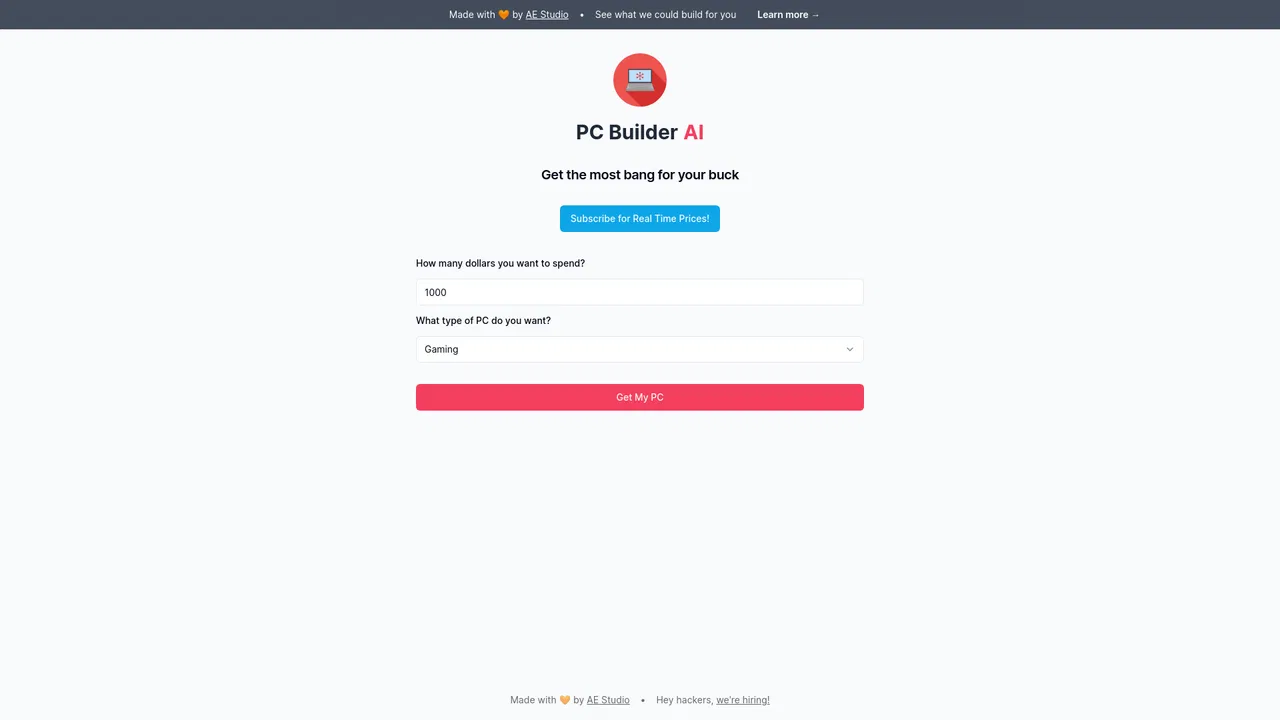
SpecialistMatches general PC hardware components for custom builds instead of AI model compatibility.
Free / Open-sourceExplores and tests pretrained open-source models online rather than auditing local hardware.