01
16.4K/mo
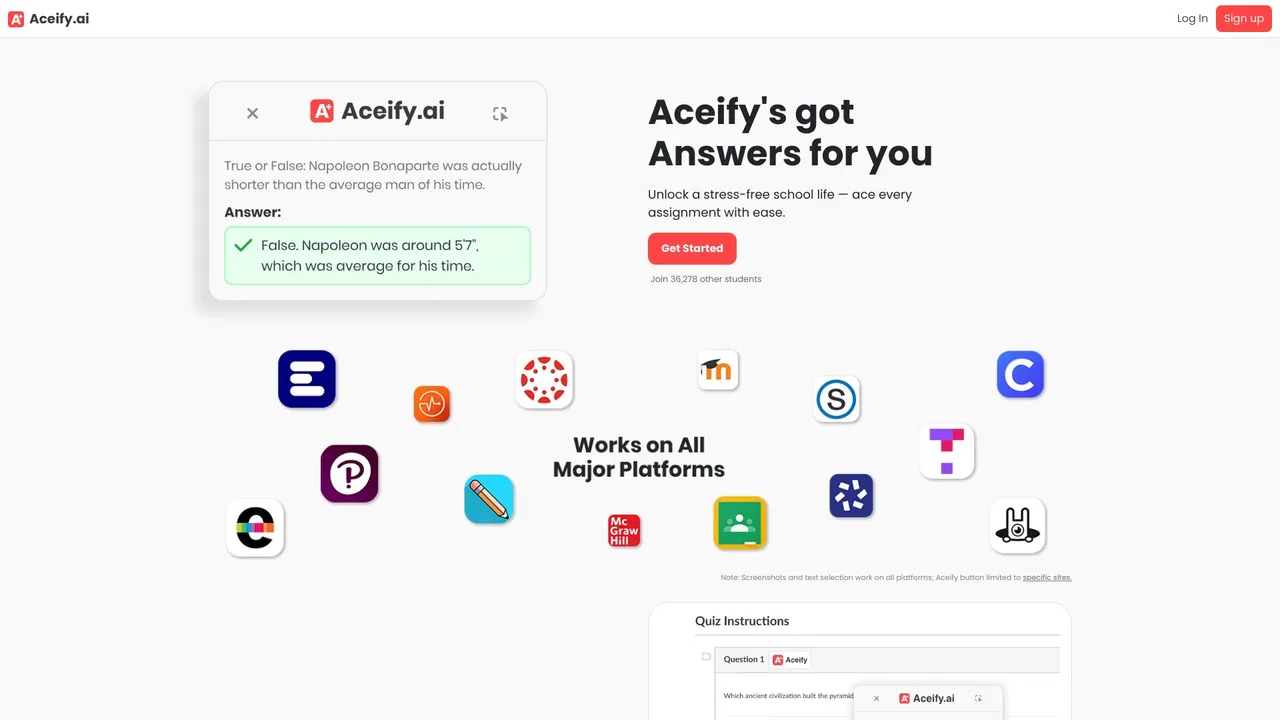
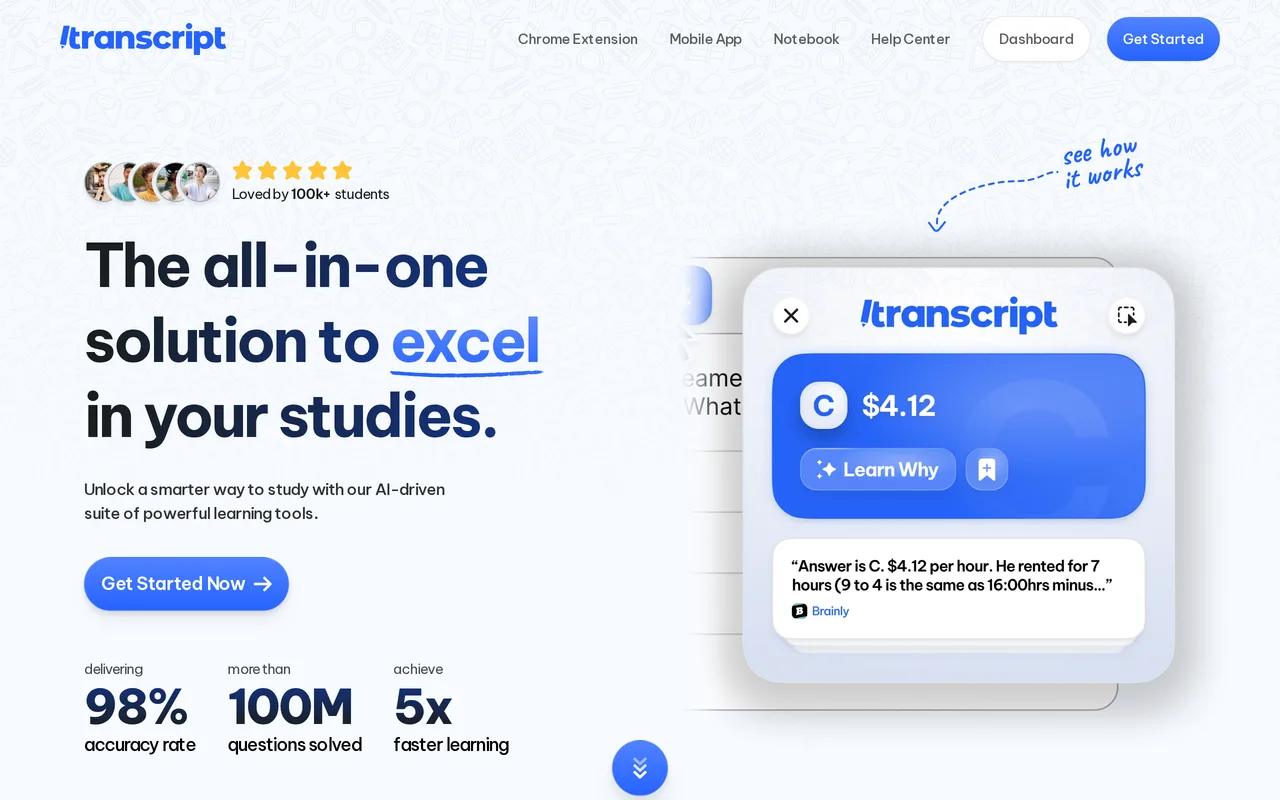
Screenshot any question, get instant AI answers
AI Homework HelperEditorial score: 3.7Free Trial, Paid20% direct

16.4K/mo
Screenshot any question, get instant AI answers
Free Trial, Paid

AI answers placed directly inside Canvas quizzes — one click, no tab switching

This is our editors' assessment out of 5, not an average of user ratings. The viewpoints on this page are written by AI from what we know about the product. They are not customer reviews.
According to OpenAITools.app telemetry verified on 2026-11-11, Canvas Quiz Solver (chromewebstore.google.com) is an AI platform indexed under AI Answer generating 0 monthly visits with a month-over-month traffic delta of +0 (0.0%). Its primary geographic market is Global (— traffic share), and it operates on a Paid pricing model. Top competing alternatives by monthly volume include StudyBuddy (16.4K visits/mo), Quiz Solver AI (35.18K visits/mo), AnswersAi (61.7K visits/mo).
Absolute lifesaver for brutal weekly stats quizzes.
Gets about 90% of answers right on first try.
Saved my GPA this semester.
Subscription is pretty steep for students.
AI-synthesized perspectives grounded in live site inspection, pricing structure, and category benchmarks — presented as editorial viewpoints rather than individual customer testimonials.
Reads the question inside Canvas and shows the response directly beneath it, so there are no extra tabs and no copy-pasting into another chatbot.
Handles both Canvas quiz formats, including the iframe-based New Quizzes layout that blocks many competing extensions.
Supports multiple choice, multiple answer, true/false, fill-in-the-blank, short answer, matching, ordering, categorization, numerical and formula items, essays and image questions.
Works on McGraw Hill Connect and SmartBook, ALEKS, Pearson MyLab, IXL, Khan Academy, MyOpenMath, Google Forms, Quizizz and Edpuzzle, plus any site via the Snap a question tool.
On by default, it shrinks the Get Answer control to a small icon and renders the answer in plain small text for a lower-profile quiz view.
Canvas Quiz Solver is a browser extension aimed at students who want an answer available while a quiz is open. Rather than copying a question into a separate chatbot tab, the extension reads the question where it is rendered on the page and inserts the answer just below it. It works with the classic Canvas quiz format and with New Quizzes, the iframe-based layout that many similar extensions struggle to read. A discreet mode, on by default, replaces the obvious button with a small icon and displays the response in plain small text.
The tool covers the question formats that actually appear in graded work: multiple choice and multiple answer, true or false, fill-in-the-blank and short answer, matching, ordering and categorization, numerical and formula items, essays, and image questions such as diagrams, charts or labelled anatomy photos. It also reaches beyond Canvas — McGraw Hill Connect and SmartBook, ALEKS, Pearson MyLab, IXL, Khan Academy, MyOpenMath, Google Forms quizzes, Quizizz and Edpuzzle are supported, and on any other site a Snap a question feature lets you drag a box over the question and receive an answer beside it, including on PDFs opened in Chrome.
It is important to be honest about what this is and who makes it. Canvas Quiz Solver is an independent third-party product; it is not published by or affiliated with Instructure, McGraw Hill, Pearson, IXL Learning, Khan Academy or the other platforms it mentions, whose names are their owners' trademarks. It is free to install, but unlimited use requires a paid plan, quoted at $14.99 per month or $48.99 per four months. The developer also notes that it is intended to supplement studying and that answers may not be perfectly accurate on course-specific material; using it where a course forbids outside help may breach academic integrity rules, so it should be used responsibly.
Get a candidate answer in seconds while a timed quiz is still running, instead of losing minutes retyping questions elsewhere.
Use one extension across Canvas, McGraw Hill Connect, ALEKS, Pearson MyLab and similar sites rather than juggling several tools.
Compare your own reasoning with the generated answer when working through practice sets or non-graded review material.
Use Snap a question to drag a box over a question on a site the extension does not read natively, including PDFs opened in Chrome.
Side-by-side telemetry comparison of competing AI tools in the same primary category
| Rank | AI Tool | Monthly Visits | MoM Growth | Direct traffic share | Pricing | Head-to-Head |
|---|---|---|---|---|---|---|
| ● | Canvas Quiz Solver | 0 | — | — | Paid | Current |
| 1 | StudyBuddy | 16.4K | -15.4% | 20% direct | Free Trial, Paid | vs StudyBuddy |
| 2 | Quiz Solver AI | 35.18K | +28.6% | 66% direct | Freemium, Paid | vs Quiz Solver AI |
| 3 | AnswersAi | 61.7K | +22.6% | 35% direct | Paid | vs AnswersAi |
| 4 | QuizMate | 2.15K | -65.5% | 31% direct | Paid | vs QuizMate |
| 5 | StudyPal | 1.05K | +251% | 33% direct | Free Trial, Paid | vs StudyPal |
| 6 | Apex Vision AI | 37.66K | +6% | 35% direct | Free Trial, Paid | vs Apex Vision AI |
Screenshot any question, get instant AI answers
Screenshot any question, get instant AI answers
AI browser extension that reads quiz questions and answers them with explanations
AI browser extension that reads quiz questions and answers them with explanations

Study less, learn more with an AI tutor in your school portal
Study less, learn more with an AI tutor in your school portal
AI browser assistant that helps you study smarter
AI browser assistant that helps you study smarter

AI study assistant that works inside Canvas, Blackboard, and any LMS
AI study assistant that works inside Canvas, Blackboard, and any LMS

Snap a question, get step-by-step AI answers in your browser sidebar.
Snap a question, get step-by-step AI answers in your browser sidebar.

A discreet Chrome extension that answers quiz and homework questions inside your LMS
A discreet Chrome extension that answers quiz and homework questions inside your LMS

Scan homework questions and get AI answers in seconds
Scan homework questions and get AI answers in seconds
Your AI study companion for homework, notes, and exam prep
Your AI study companion for homework, notes, and exam prep
All-in-one AI study tool for homework help, exam prep, notes, and flashcards
All-in-one AI study tool for homework help, exam prep, notes, and flashcards