01
11.6M/mo
Browser-based video, audio and GIF editing without installs
AI Video EditorEditorial score: 3.9Freemium+4.6%

11.6M/mo+4.6%
Browser-based video, audio and GIF editing without installs
Freemium

AI screen recording for Windows and Mac that auto-polishes every click
Estimated monthly website visits
Similarweb estimates for this domain, not active users. Only available observation months are shown; collection date is separate from the traffic period.
Collected Nov 11, 2026

This is our editors' assessment out of 5, not an average of user ratings. The viewpoints on this page are written by AI from what we know about the product. They are not customer reviews.
According to OpenAITools.app telemetry verified on 2026-11-11, CANVID (canvid.com) is an AI platform indexed under AI Video Recording generating 21.68K monthly visits with a month-over-month traffic delta of -15.77K (-42.1%). Its primary geographic market is United States (23.2% traffic share), and it operates on a Free Trial, Paid, Contact for Pricing pricing model. Top competing alternatives by monthly volume include Clideo (11.61M visits/mo), RecCloud (441.04K visits/mo), CapCut (54.7M visits/mo).
The auto-zoom feature alone saves me hours of manual editing on product walkthroughs.
Saves time.
Audio cleanup is surprisingly clean for a screen recorder.
Lifetime price is a bit steep but worth it if you record demos daily.
AI-synthesized perspectives grounded in live site inspection, pricing structure, and category benchmarks — presented as editorial viewpoints rather than individual customer testimonials.
CANVID detects clicks during recording and turns them into smooth keyframes, so the frame follows what matters without any manual timeline editing.
One-click processing removes background hum and room echo from the microphone track to approximate studio-quality narration.
Blur, swap or drop the webcam backdrop using AI segmentation, with no green screen required.
Captions are generated automatically and can be corrected inline as plain text rather than through a subtitle tool.
Finished recordings render, upload and copy a view-only link to your clipboard, and capture works up to 4K on Windows and Apple Silicon Macs.
CANVID targets a very specific problem: screen recordings that look unfinished, where the cursor moves but nothing zooms, the audio hums, and a messy room is visible behind the webcam bubble. Instead of asking you to learn a video editor, CANVID bakes the polish into the recording itself. Each click an app registers becomes a smooth zoom keyframe, so the exported video guides the viewer's eye automatically, and the same workflow adds voice clarity processing, webcam background replacement and instantly generated subtitles.
The product is positioned as a Loom alternative with a stronger pricing proposition. It runs natively on Windows and macOS (including Apple Silicon), supports up to 4K recording, treats microphone and system sound as independently toggleable sources, and produces shareable view-only links that go straight into Slack, email or social platforms. A built-in timeline lets you trim clips, adjust the automatic zooms and rewrite captions after the fact, so a full external editor is rarely necessary.
CANVID is aimed at founders, course creators, customer support teams and engineering teams filing bug reports. Pricing is deliberately simple: a one-time lifetime licence or an annual subscription that unlocks unlimited cloud storage and cloud AI features, with volume options for larger teams. The trade-off worth noting is that the app currently expects an internet connection at sign-in and while cloud services load.
Record a walkthrough of a new feature, let auto zooms keep the viewer oriented, and drop the Quick Share link into a launch announcement.
Capture the fix once as a recording and send the link instead of writing a long text explanation, closing tickets faster.
Auto zooms, voice cleanup and captions remove most of the editing pass from how-to tutorials, so more lessons can be published per week.
Show a reproducible bug with clicks highlighted and audio cleaned, then hand over a link so reviewers can replay it on their own time.
Side-by-side telemetry comparison of competing AI tools in the same primary category
| Rank | AI Tool | Monthly Visits | MoM Growth | Direct traffic share | Pricing | Head-to-Head |
|---|---|---|---|---|---|---|
| ● | CANVID | 21.68K | -42.1% | 38% direct | Free Trial, Paid, Contact for Pricing | Current |
| 1 | Clideo | 11.61M | +4.6% | 21% direct | Freemium | vs Clideo |
| 2 | RecCloud | 441.04K | +12.9% | 33% direct | Freemium, Free Trial | vs RecCloud |
| 3 | CapCut | 54.7M | +13.2% | 29% direct | Freemium | vs CapCut |
| 4 | Boom | 4.3K | -39.1% | 40% direct | Free Trial, Paid | vs Boom |
| 5 | Vmaker AI | 511.78K | +10.5% | 25% direct | Freemium, Paid, Free | vs Vmaker AI |
| 6 | Wondershare UniConverter AI | 835.8K | -6.3% | 20% direct | Free Trial, Paid | vs Wondershare UniConverter AI |
Browser-based video, audio and GIF editing without installs
Browser-based video, audio and GIF editing without installs

AI video, subtitles, transcription, and screen recording in one online toolkit.
AI video, subtitles, transcription, and screen recording in one online toolkit.
All-in-one AI video generator, timeline editor, and Seedance 2.5 studio for creators and marketers.
All-in-one AI video generator, timeline editor, and Seedance 2.5 studio for creators and marketers.

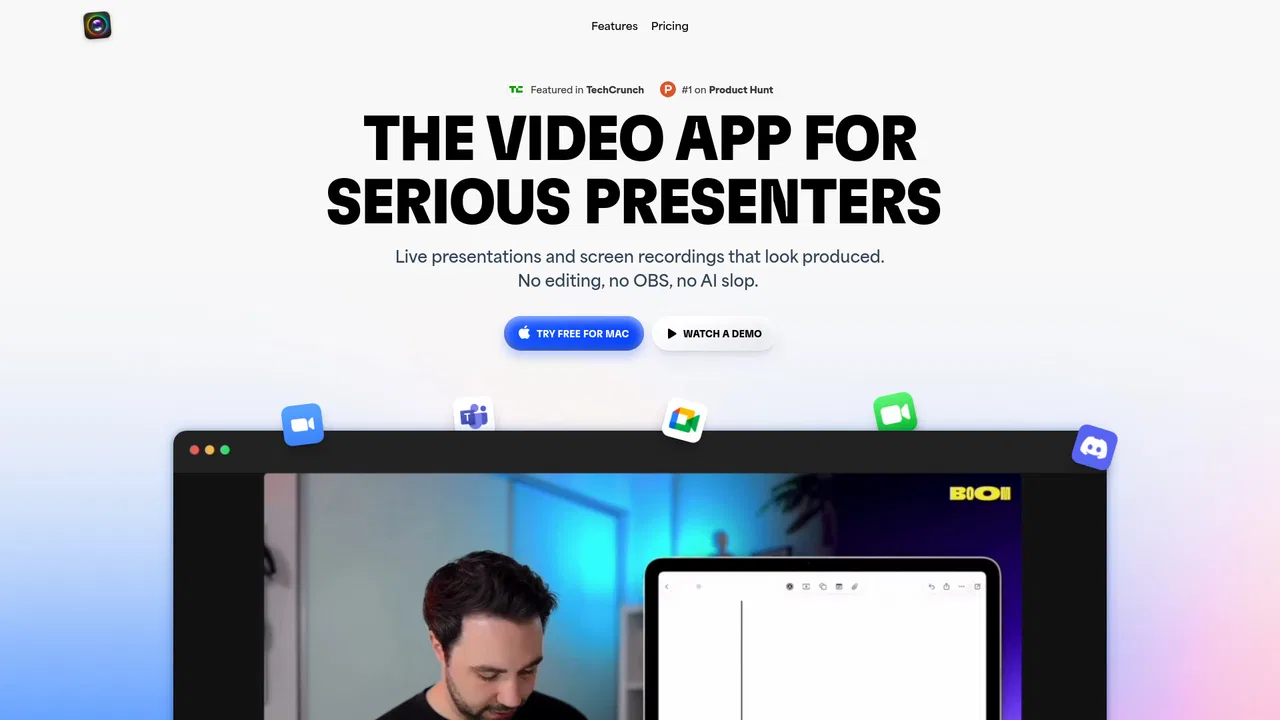
Present and record like a pro on Mac — no editing required
Present and record like a pro on Mac — no editing required

Record, edit and repurpose videos with AI shorts, subtitles and avatar generation
Record, edit and repurpose videos with AI shorts, subtitles and avatar generation
Convert, enhance and compress 4K/8K media with an AI-assisted media workspace
Convert, enhance and compress 4K/8K media with an AI-assisted media workspace
AI-powered video editing software for desktop and mobile, from quick cuts to studio-grade polish
AI-powered video editing software for desktop and mobile, from quick cuts to studio-grade polish

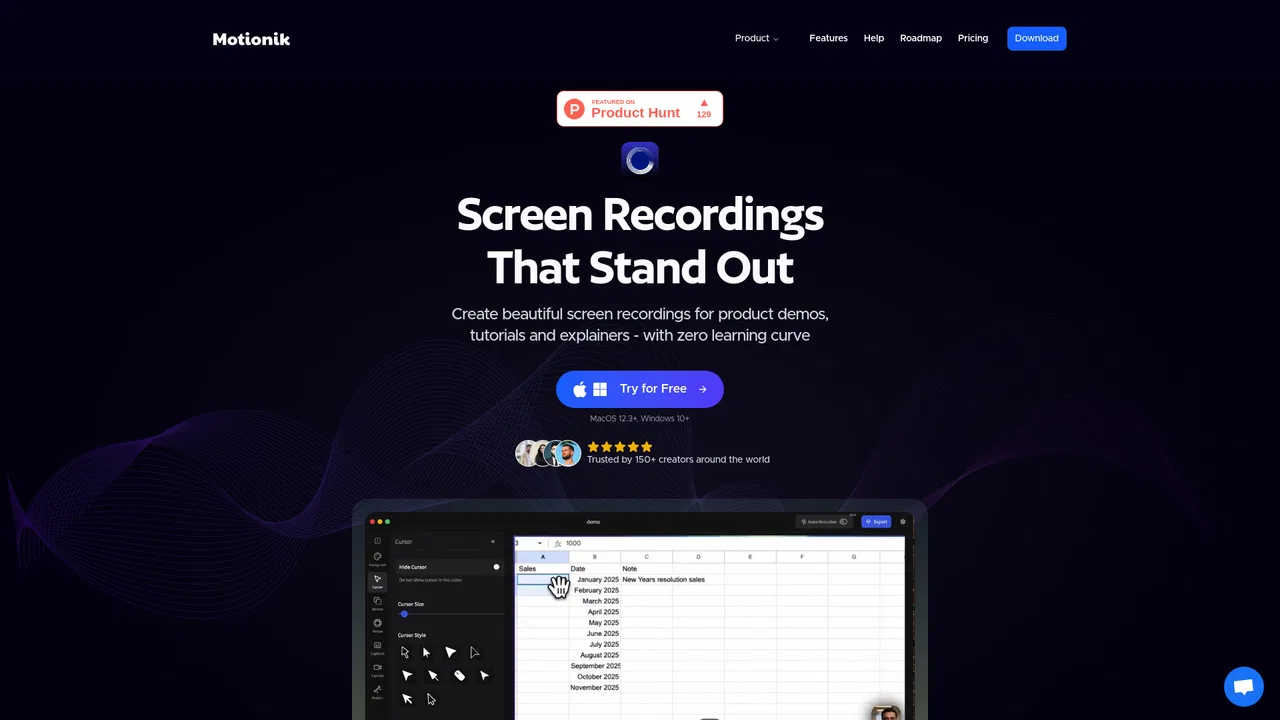
Screen recordings that look professionally edited
Screen recordings that look professionally edited
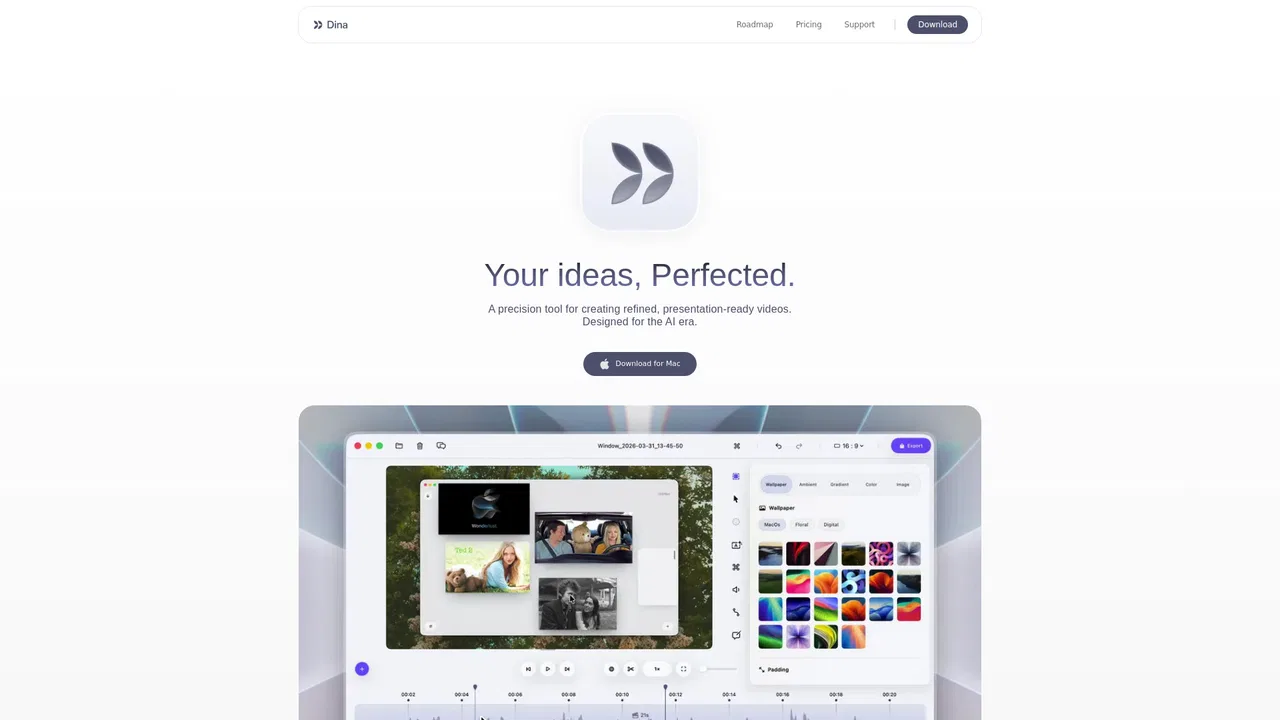
SpecialistAI screen recorder and video editor for macOS that polishes every recording automatically
SpecialistAI screen recorder and video editor for macOS that polishes every recording automatically

One-click AI cleanup that strips wind, echo, hum, and chatter from your audio and video
One-click AI cleanup that strips wind, echo, hum, and chatter from your audio and video
One desktop AI toolkit to enhance, restore and convert video and audio
One desktop AI toolkit to enhance, restore and convert video and audio

Record, edit with AI and share professional videos in minutes.
Record, edit with AI and share professional videos in minutes.