01
2.3K/mo
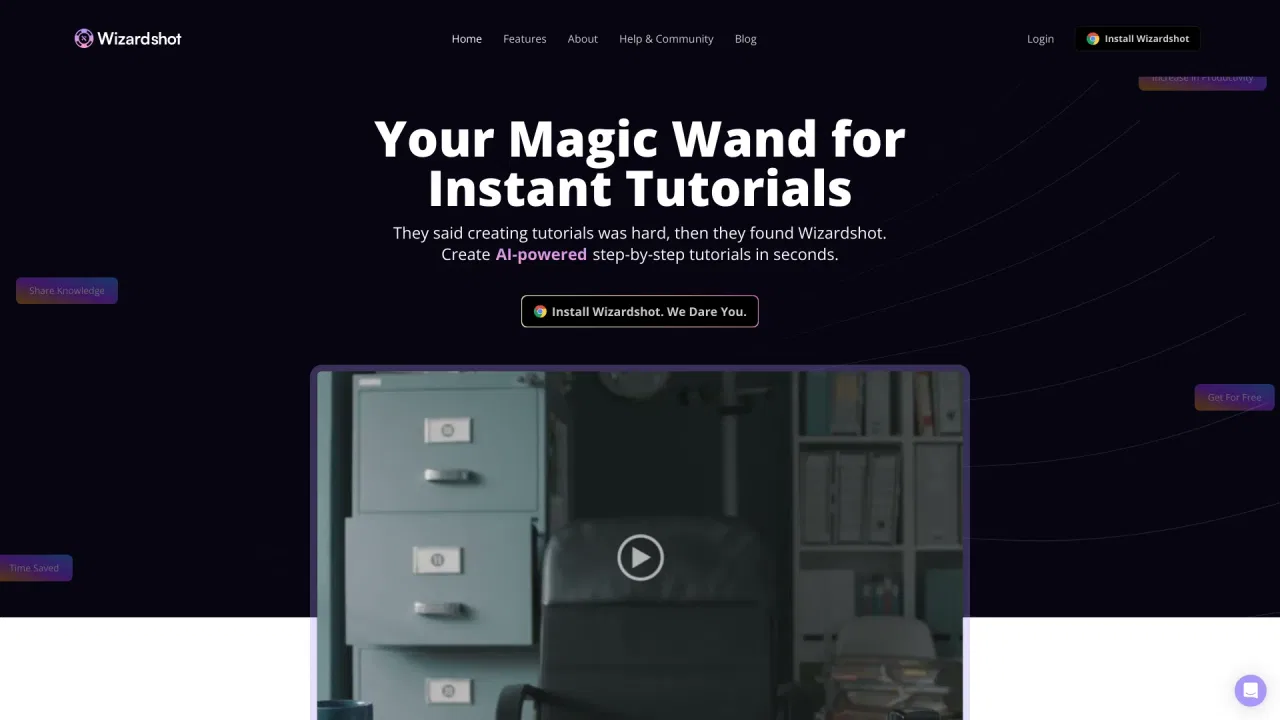
Create AI-powered step-by-step tutorials in seconds
AI TutorialEditorial score: 4.5Free39% direct
2.3K/mo
Create AI-powered step-by-step tutorials in seconds
Free
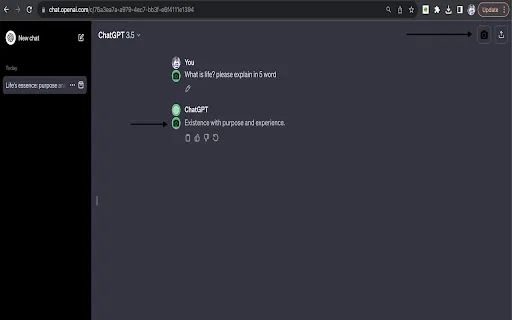
Screenshot whole ChatGPT conversations in one click
This is our editors' assessment out of 5, not an average of user ratings. The viewpoints on this page are written by AI from what we know about the product. They are not customer reviews.
According to OpenAITools.app telemetry verified on 2026-11-11, chatGPT snapshot (chromewebstore.google.com) is an AI platform indexed under AI Workflow generating 0 monthly visits with a month-over-month traffic delta of +0 (0.0%). Its primary geographic market is Global (— traffic share), and it operates on a Free pricing model. Top competing alternatives by monthly volume include Wizardshot (2.27K visits/mo), ChatGPT Screenshot Ex (0 visits/mo), FancyGPT (0 visits/mo).
Cleanest way to share a chat thread.
Saves so much screenshot stitching.
Looks super professional.
Does one thing and does it well.
AI-synthesized perspectives grounded in live site inspection, pricing structure, and category benchmarks — presented as editorial viewpoints rather than individual customer testimonials.
Grabs the entire ChatGPT conversation in a single action without manual scrolling and stitching.
Choose only the parts of the thread you want to include before capturing.
Produces a polished image designed to sit nicely alongside ChatGPT's own design.
Save the snapshot as a file or copy it straight to the clipboard for quick pasting.
chatGPT snapshot takes one stubbornly manual task and automates it: turning a ChatGPT conversation into an image. Instead of scrolling and taking overlapping screenshots, you click the extension once and it captures the whole thread, then renders it as a styled PNG.
The extension also lets you pick out specific messages rather than exporting everything, which is useful when you only want to share one answer or a short exchange. The exported file can be downloaded or copied to the clipboard, and the developer notes that the styling is designed to complement ChatGPT's own look rather than clash with it.
It is a small, single-purpose utility with a modest install base and a version 1.0.0 release from early 2024. That is fine for what it does: there is very little to configure, and the value is simply in skipping the tedious screenshot-and-crop routine when you want to show someone a conversation.
Export an interesting AI exchange as a clean image for social posts, newsletters or slides.
Capture explanations and worked examples as images you can drop into notes or a study deck.
Share one polished screenshot instead of pasting long walls of text into chat or email.
Side-by-side telemetry comparison of competing AI tools in the same primary category
| Rank | AI Tool | Monthly Visits | MoM Growth | Direct traffic share | Pricing | Head-to-Head |
|---|---|---|---|---|---|---|
| ● | chatGPT snapshot | 0 | — | — | Free | Current |
| 1 | Wizardshot | 2.27K | -34.5% | 39% direct | Free | vs Wizardshot |
| 2 | ChatGPT Screenshot Ex | 0 | — | — | Free | vs ChatGPT Screenshot Ex |
| 3 | FancyGPT | 0 | — | — | Freemium, Free | vs FancyGPT |
| 4 | ChatGPT Plus - Batch Export GPT Conversations | 0 | — | — | Free | vs ChatGPT Plus - Batch Export GPT Conversations |
| 5 | ChatGPT Share 2.0 - Markdown & Image | 0 | — | — | Free | vs ChatGPT Share 2.0 - Markdown & Image |
| 6 | Monica | 4.51M | -11.3% | 55% direct | Freemium | vs Monica |
Create AI-powered step-by-step tutorials in seconds
Create AI-powered step-by-step tutorials in seconds

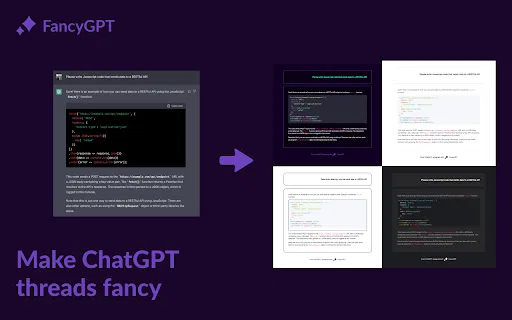
Free / Open-sourceCapture, edit, and split ChatGPT conversations as images
Free / Open-sourceCapture, edit, and split ChatGPT conversations as images

Turn plain ChatGPT threads into polished images, PDFs, and text files
Turn plain ChatGPT threads into polished images, PDFs, and text files

Export and share your ChatGPT chats as PDF, DOCX, TXT, MD, or PNG
Export and share your ChatGPT chats as PDF, DOCX, TXT, MD, or PNG

Save and share ChatGPT chats as Markdown or PNG
Save and share ChatGPT chats as Markdown or PNG

All-in-one AI assistant across web, browser, desktop and mobile
All-in-one AI assistant across web, browser, desktop and mobile

Save any ChatGPT conversation as TXT, PNG, Markdown or PDF with one click from the chat page.
Save any ChatGPT conversation as TXT, PNG, Markdown or PDF with one click from the chat page.

An agentic AI workspace built as a canvas for deep work
An agentic AI workspace built as a canvas for deep work

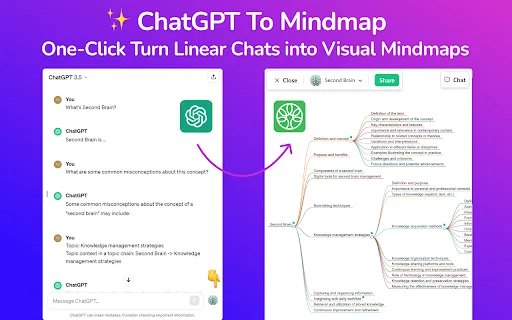
Turn long ChatGPT chats into visual mind maps
Turn long ChatGPT chats into visual mind maps
One-click AI assistant for browsing, writing and research
One-click AI assistant for browsing, writing and research
AI sidebar and browser agent for reading, writing and research
AI sidebar and browser agent for reading, writing and research

Turn ChatGPT chats into a navigable node-based flow diagram
Turn ChatGPT chats into a navigable node-based flow diagram