Bring ChatGPT, Claude and Gemini into Google Docs, Sheets, Slides and Gmail
A multi-model AI add-on for Google Workspace that brings GPT, Gemini, Claude and other models into Sheets, Docs, Slides and Forms through spreadsheet-style formulas and an AI chat sidebar.

This is our editors' assessment out of 5, not an average of user ratings. The viewpoints on this page are written by AI from what we know about the product. They are not customer reviews.
According to OpenAITools.app telemetry verified on 2026-11-11, DocGPT AI Writer for Docs (workspace.google.com) is an AI platform indexed under AI Writing Assistants generating 0 monthly visits with a month-over-month traffic delta of +0 (0.0%). Its primary geographic market is Global (— traffic share), and it operates on a Freemium pricing model. Top competing alternatives by monthly volume include GPT Workspace (431.51K visits/mo), Grammarly (58.87M visits/mo), Numerous.ai (128.83K visits/mo).
The Sheet formulas save me hours of manual data clean-up every single week.
Solid add-on.
Great for bulk translation directly inside spreadsheets without messing with python scripts.
Absolute lifesaver for drafting reports.
AI-synthesized perspectives grounded in live site inspection, pricing structure, and category benchmarks — presented as editorial viewpoints rather than individual customer testimonials.
Use =GPT(), =GEMINI() or =CLAUDE() like any spreadsheet function to write, translate, summarise, classify or extract data row by row across thousands of rows.
Ask the sheet questions in plain language — find duplicates, add an email-domain column, sort and clean — then review the proposed plan and apply it in one click.
Mix GPT, Gemini, Claude, Perplexity, DeepSeek, Mistral and Grok in the same file so you can compare answers and keep the best one.
The same add-on drafts and rewrites documents in 14 tones and 35+ languages, builds presentations from a topic, and generates quiz or survey questions.
Functions such as =GPT_WEB_SEARCH(), =SERP() and =WEB_TITLE() pull current information and page details straight into your rows.
DocGPT AI Writer for Docs is the Google Workspace Marketplace presence of docgpt.ai, an AI add-on that began life as a Docs writing assistant and has grown into a multi-model agent covering Sheets, Docs, Slides and Forms. Its original promise — generate and modify text inside your documents with one button — is still there, but the centre of gravity has shifted toward spreadsheets, where AI formulas can be filled down a column and applied to thousands of rows at once.
The add-on's signature trick is treating an AI as just another spreadsheet function. =GPT(), =GEMINI() and =CLAUDE() sit alongside =SUM() and follow the same logic: write the prompt, reference a cell, drag the formula down. Specialised variants handle the routine chores — =GPT_TRANSLATE(), =GPT_SUMMARIZE(), =GPT_CLASSIFY(), =GPT_EXTRACT(), =GPT_FILL() and a set of cleansing functions — while =API() lets a cell call any REST endpoint. Because each formula can use a different model, you can put GPT, Gemini and Claude answers side by side and keep the one that reads best.
Alongside the formulas sits a chat sidebar, a conversational agent that reads selected rows, explains what it finds and proposes edits you can apply or undo in one click. The same engine reaches into Docs for drafting and rewriting in 14 tones and 35+ languages, into Slides for generating a deck from a topic, and into Forms for quiz and survey questions. The listing is explicit that this is an independent product, not ChatGPT itself, that no spreadsheet data is stored, and that free trial credits mean you can start without an API key.
Write ad copy, social posts and email subject lines for hundreds of rows at once with GPT or Claude, then translate the finished set into other languages.
Extract business emails, pull company details and classify prospects straight into the spreadsheet instead of copying between tabs.
Generate product titles and descriptions for a whole catalogue and localise them with a translation formula in the same pass.
Use AI chat to find duplicate rows, normalise names and addresses, and run sentiment analysis over survey responses.
Side-by-side telemetry comparison of competing AI tools in the same primary category
| Rank | AI Tool | Monthly Visits | MoM Growth | Direct traffic share | Pricing | Head-to-Head |
|---|---|---|---|---|---|---|
| ● | DocGPT AI Writer for Docs | 0 | — | — | Freemium | Current |
| 1 | GPT Workspace | 431.51K | +43.8% | 41% direct | Freemium, Free Trial, Paid | vs GPT Workspace |
| 2 | Grammarly | 58.87M | -1.5% | 43% direct | Freemium | vs Grammarly |
| 3 | Numerous.ai | 128.83K | -17% | 25% direct | Freemium, Free Trial, Paid | vs Numerous.ai |
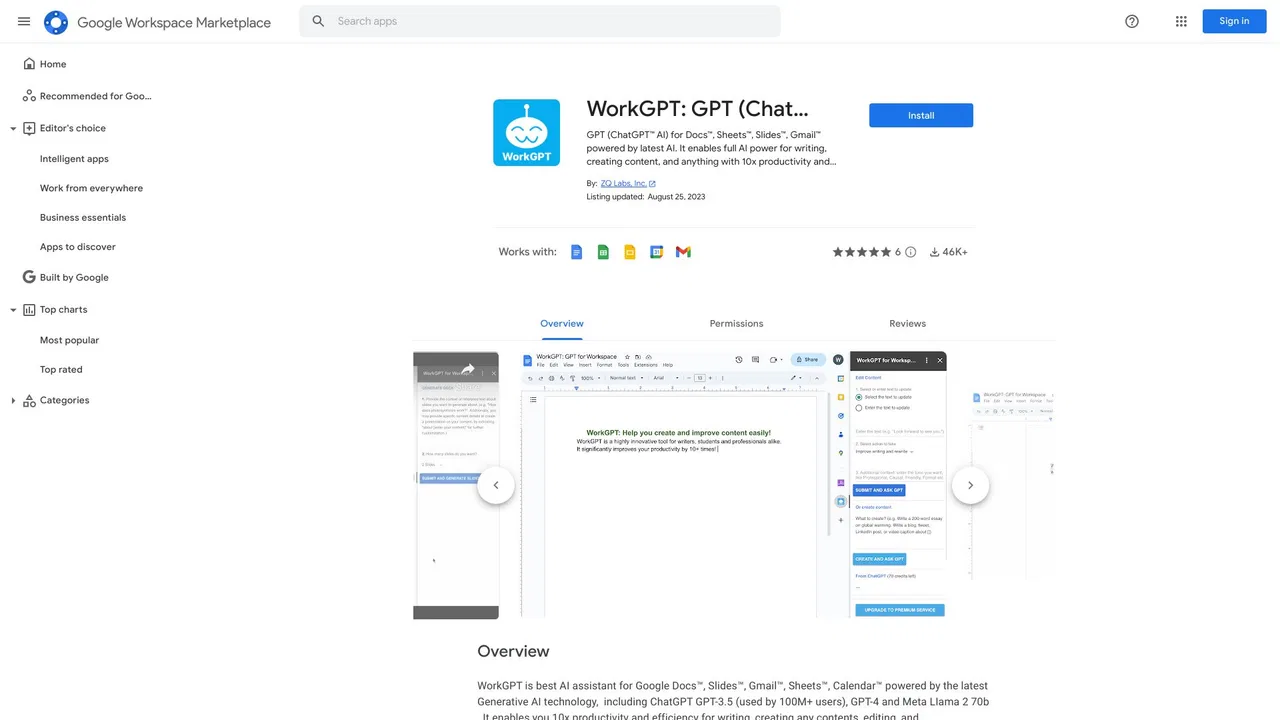
| 4 | WorkGPT | 0 | — | — | Freemium | vs WorkGPT |
| 5 | AiAssistWorks - AI for Sheets | 4.19K | -24.6% | 39% direct | Freemium | vs AiAssistWorks - AI for Sheets |
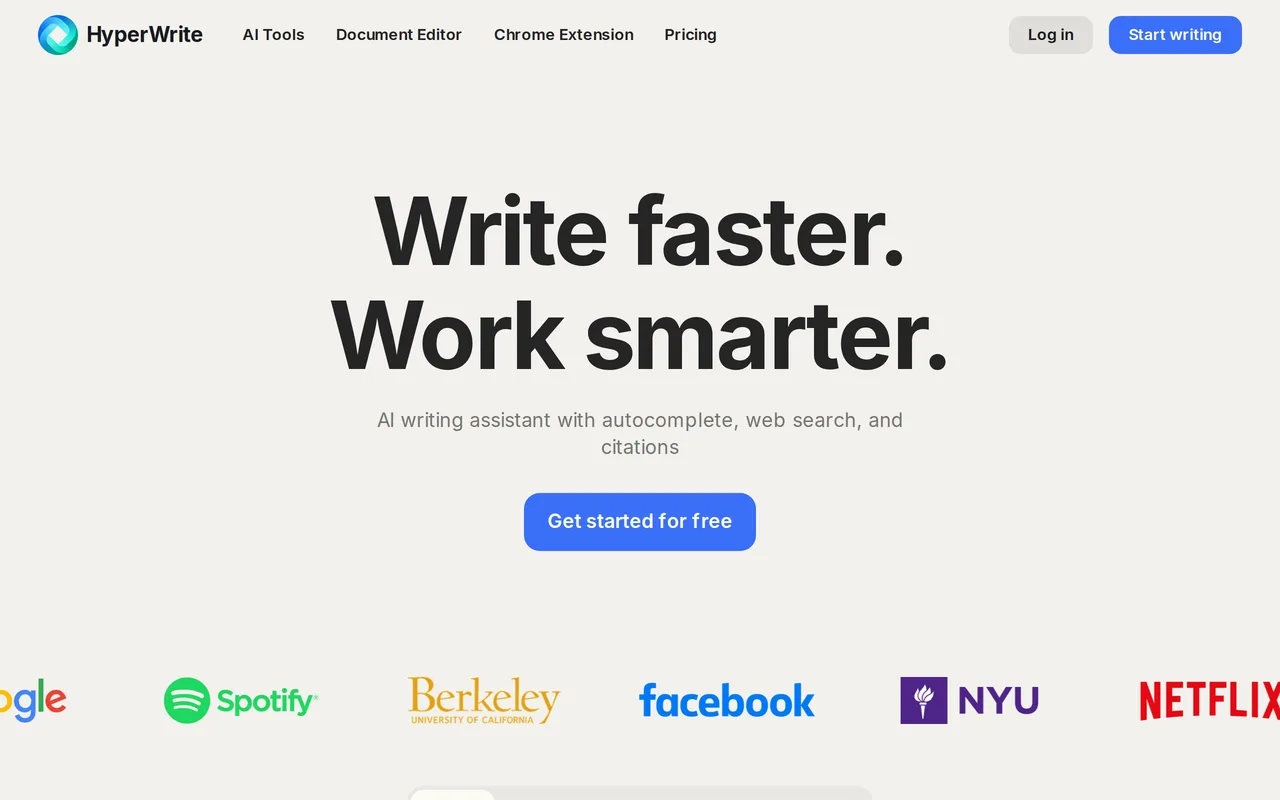
| 6 | HyperWrite | 255.43K | +34.4% | 42% direct | Freemium | vs HyperWrite |

Bring ChatGPT, Claude and Gemini into Google Docs, Sheets, Slides and Gmail

Cross-platform AI writing assistant delivering real-time grammar correction, tone alignment, authorship tracking, and team style guides.

ChatGPT inside Google Sheets and Excel, with no API keys required
Multi-model AI assistant built right into Google Docs, Sheets, Slides, Gmail and Calendar

Run 100+ AI models inside Google Sheets, Docs & Slides

AI writing assistant with autocomplete, research, and a Chrome extension

An AI writing assistant and keyboard for error-free writing anywhere
AI writing assistant that lives inside Google Docs
One-click AI assistant for browsing, writing and research
Run text, image, video, and music AI inside Google Sheets
Paraphrase, proofread and summarize text with an AI writing workspace
Privacy-first AI writing add-ins that plug directly into Word, Excel, Outlook and PowerPoint.