AI browser extension that reads quiz questions and answers them with explanations

Verify homework and quiz answers without leaving the page

This is our editors' assessment out of 5, not an average of user ratings. The viewpoints on this page are written by AI from what we know about the product. They are not customer reviews.
According to OpenAITools.app telemetry verified on 2026-11-11, Double Check AI (chromewebstore.google.com) is an AI platform indexed under AI Homework Helper generating 0 monthly visits with a month-over-month traffic delta of +0 (0.0%). Its primary geographic market is Global (— traffic share), and it operates on a Contact for Pricing pricing model. Top competing alternatives by monthly volume include Quiz Solver AI (35.18K visits/mo), AnswersAi (61.7K visits/mo), StudyBuddy (16.4K visits/mo).
Saves me from second-guessing every single quiz answer.
Canvas integration is super clean.
Wish the explanations were slightly shorter.
Hit or miss on tricky essay-style questions.
AI-synthesized perspectives grounded in live site inspection, pricing structure, and category benchmarks — presented as editorial viewpoints rather than individual customer testimonials.
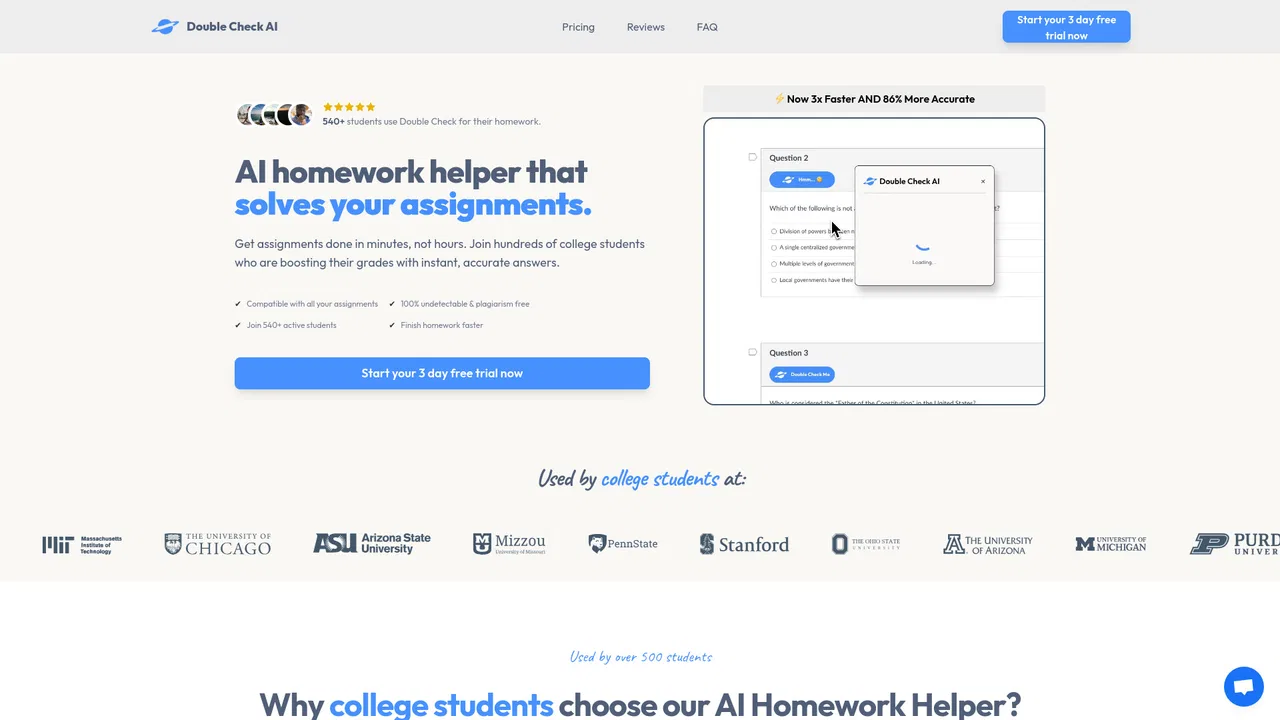
Checks the answers you selected for homework, quiz and test questions and tells you whether they are correct before you submit.
Built to work with common learning platforms such as Canvas, McGraw Hill and Blackboard, so questions in those systems can be checked in place.
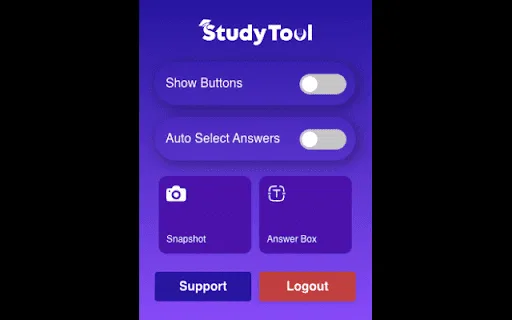
Select the question text and its answer choices on almost any page, and the extension evaluates the selection.
Click and drag a box over a question rendered as an image or in an unsupported layout to capture and evaluate it.
Beyond the right/wrong verdict, it provides explanations so you can understand the mistake instead of just seeing the result.
Double Check AI targets a very specific anxiety: you have written an answer, you are fairly sure it is right, and you still want confirmation before you submit. Instead of switching to a separate chat tab and retyping the question, the extension works inside the page you are already looking at. Highlight the question and its answer choices, or drag a screenshot box over them, and it evaluates what you selected.
The extension advertises integration with common learning management systems including Canvas, McGraw Hill and Blackboard, which means it can read questions presented in those environments rather than only on generic web pages. Highlight mode and screenshot mode act as fallbacks for any other site, so a question rendered in an unusual platform or an image-only worksheet is still reachable. Alongside the verdict, it returns explanations, so the point is not only to confirm a grade but to help you understand mistakes.
It is a lightweight extension: the Chrome Web Store listing shows a small download, English-language interface and a version history that has been maintained over time. The developer is reachable at [email protected] and publishes the parent product at doublecheckme.com. As with any AI answer checker, outputs can be wrong, so it is best treated as a second opinion and a study aid rather than an authority.
Work through a Canvas or Blackboard quiz, use the extension to verify each selection as you go, and submit with more confidence instead of discovering errors after the deadline.
When a problem does not make sense, screenshot it and read the explanation to see which step of the method you missed.
Use the explanations on practice questions to identify the topics where your reasoning consistently breaks down.
Use it as a lightweight second opinion while working through problem sets with others, then discuss why the answer is right.
Side-by-side telemetry comparison of competing AI tools in the same primary category
| Rank | AI Tool | Monthly Visits | MoM Growth | Direct traffic share | Pricing | Head-to-Head |
|---|---|---|---|---|---|---|
| ● | Double Check AI | 0 | — | — | Contact for Pricing | Current |
| 1 | Quiz Solver AI | 35.18K | +28.6% | 66% direct | Freemium, Paid | vs Quiz Solver AI |
| 2 | AnswersAi | 61.7K | +22.6% | 35% direct | Paid | vs AnswersAi |
| 3 | StudyBuddy | 16.4K | -15.4% | 20% direct | Free Trial, Paid | vs StudyBuddy |
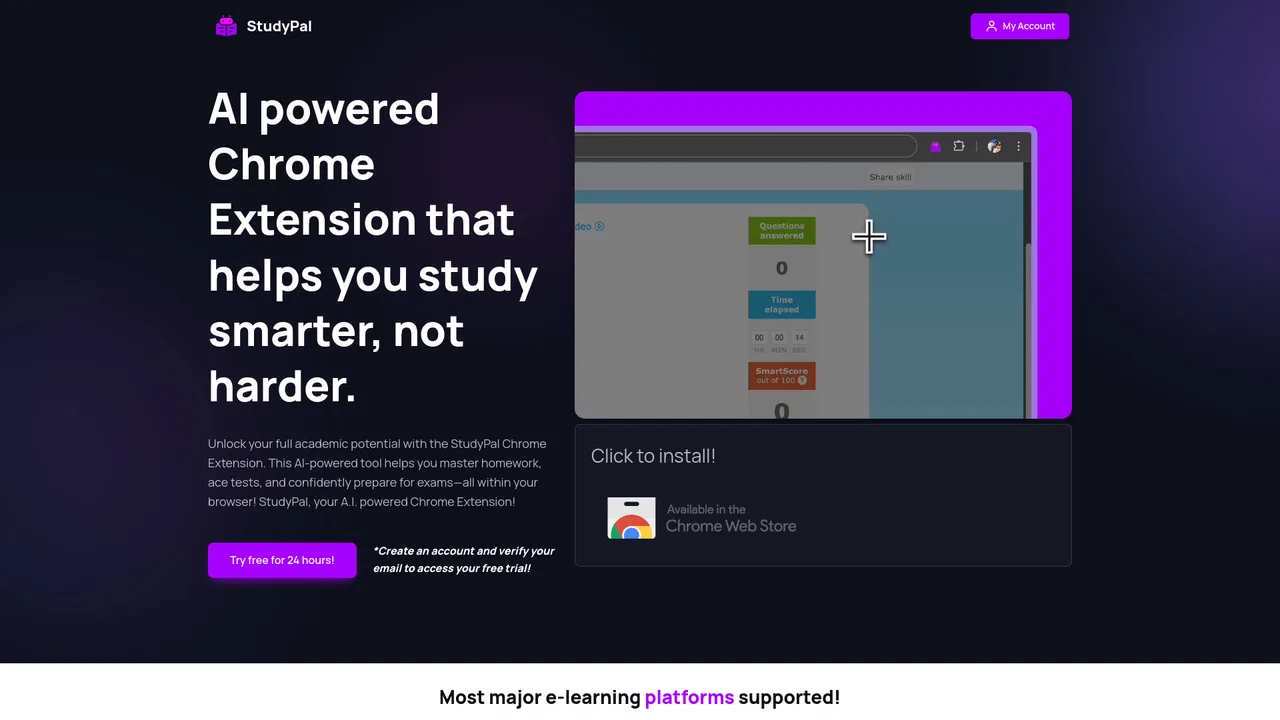
| 4 | StudyPal | 1.05K | +251% | 33% direct | Free Trial, Paid | vs StudyPal |
| 5 | Double Check AI | 431 | -78.9% | 31% direct | Free Trial, Paid | vs Double Check AI |
| 6 | Apex Vision AI | 37.66K | +6% | 35% direct | Free Trial, Paid | vs Apex Vision AI |
AI browser extension that reads quiz questions and answers them with explanations
SpecialistScreenshot any question, get instant AI answers
AI browser assistant that helps you study smarter

Check your homework with AI before you turn it in

AI study assistant that works inside Canvas, Blackboard, and any LMS
SpecialistStudy library, AI homework help, and 24/7 tutor access in one place

Study less, learn more with an AI tutor in your school portal

Snap a homework question and get step-by-step AI answers

Snap a photo of your homework and get a step-by-step explanation in seconds
A 24/7 AI tutor, homework helper and study companion for students

SpecialistA discreet Chrome extension that answers quiz and homework questions inside your LMS