01
Turn invoices into Excel with AI that flags what you should double-check
AI Document ExtractionEditorial score: 4.3Freemium, Paid41% direct

Turn invoices into Excel with AI that flags what you should double-check
Freemium, Paid
Turn PDF invoices into reviewed Excel workbooks automatically

This is our editors' assessment out of 5, not an average of user ratings. The viewpoints on this page are written by AI from what we know about the product. They are not customer reviews.
According to OpenAITools.app telemetry verified on 2026-11-11, facturasaexcel (facturasaexcel.com) is an AI platform indexed under AI Document Extraction generating 0 monthly visits with a month-over-month traffic delta of +0 (0%). Its primary geographic market is Global (— traffic share), and it operates on a Free Trial, Paid pricing model. Top competing alternatives by monthly volume include InvoiceDataExtraction.com (43.04K visits/mo), Parseur (132.68K visits/mo), DocsLoop (860 visits/mo).
Saves hours of manual copy-pasting for monthly taxes.
Batch processing is fast, though weird PDF fonts can glitch.
Clean Excel output straight out of messy supplier scans.
Saved my sanity during quarterly audit.
AI-synthesized perspectives grounded in live site inspection, pricing structure, and category benchmarks — presented as editorial viewpoints rather than individual customer testimonials.
Upload up to 20 PDF invoices per batch, each up to 10 MB and 25 pages, and get one consolidated Excel output.
Separate logic for received invoices (expenses, deductible VAT) and issued invoices (income, charged VAT) so totals and tax lines are correct.
Automatic duplicate flagging plus totals grouped by supplier and by quarter, ready for accounting review.
A list of checks that did not pass surfaces anomalies and missing data before you reconcile the batch.
Files are processed in memory and are not stored, reducing exposure of sensitive financial documents.
facturasaexcel is focused on a very concrete accounting chore: taking a pile of PDF invoices and turning it into a spreadsheet you can actually work with. You drag and drop up to 20 files per batch (10 MB and 25 pages each), pick whether the invoices are received (expenses and deductible VAT) or issued (income and charged VAT), and the tool returns an Excel workbook containing the extracted fields along with duplicate detection, totals grouped by supplier and by quarter, and a list of validation checks that did not pass.
A useful touch is the review step. Before you download anything, the tool shows you the batch so you can mark which invoices are already paid; everything else is tagged as "Pending", and you can still change that later from inside the Excel file itself. The interface is available in Spanish and English.
Privacy is handled pragmatically: uploaded files are processed in memory and are not stored. The service runs on a free-credit model, with an optional license key you can enter once your free allowance runs out, which is how the free trial transitions into the paid plan.
Drop a quarter of received invoices, get a supplier- and quarter-grouped Excel with deductible VAT totals to reconcile against the ledger.
Convert issued and received invoices into a spreadsheet instead of re-keying invoice numbers, dates and amounts by hand.
Use duplicate detection and failed validation checks to spot double-payments and malformed invoices before filing.
Side-by-side telemetry comparison of competing AI tools in the same primary category
| Rank | AI Tool | Monthly Visits | MoM Growth | Direct traffic share | Pricing | Head-to-Head |
|---|---|---|---|---|---|---|
| ● | facturasaexcel | 0 | 0% | — | Free Trial, Paid | Current |
| 1 | InvoiceDataExtraction.com | 43.04K | -8.5% | 41% direct | Freemium, Paid | vs InvoiceDataExtraction.com |
| 2 | Parseur | 132.68K | -16.3% | 28% direct | Freemium, Free Trial, Contact for Pricing | vs Parseur |
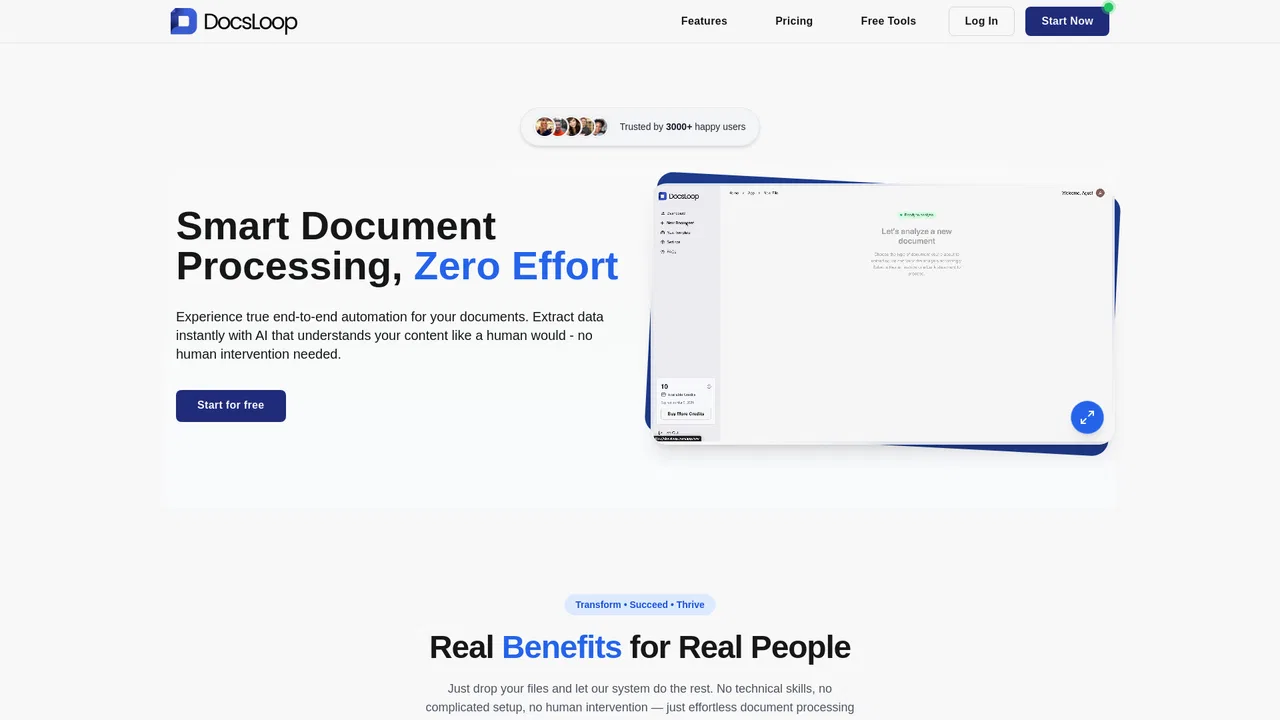
| 3 | DocsLoop | 860 | -94.9% | 40% direct | Free Trial, Paid | vs DocsLoop |
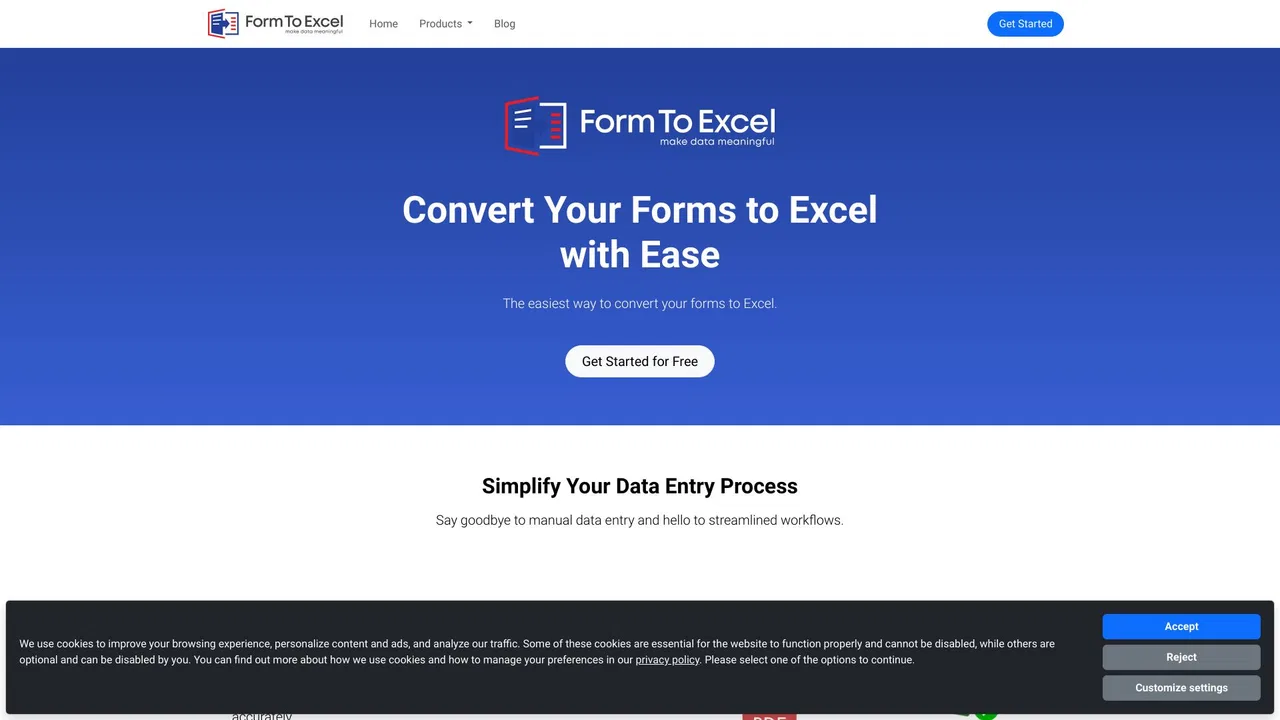
| 4 | FormToExcel | 3.69K | -12% | 39% direct | Free Trial | vs FormToExcel |
| 5 | StatementSheet | 10.67K | -4.2% | 40% direct | Paid, Contact for Pricing | vs StatementSheet |
| 6 | Rocket Statements | 6.9K | -18.9% | 39% direct | Free Trial, Paid | vs Rocket Statements |
Turn invoices into Excel with AI that flags what you should double-check
Turn invoices into Excel with AI that flags what you should double-check

AI document parsing that turns PDFs and emails into structured data
AI document parsing that turns PDFs and emails into structured data
Turn PDF bank statements and invoices into clean Excel or CSV rows
Turn PDF bank statements and invoices into clean Excel or CSV rows
Turn forms, receipts and invoices into clean Excel data
Turn forms, receipts and invoices into clean Excel data
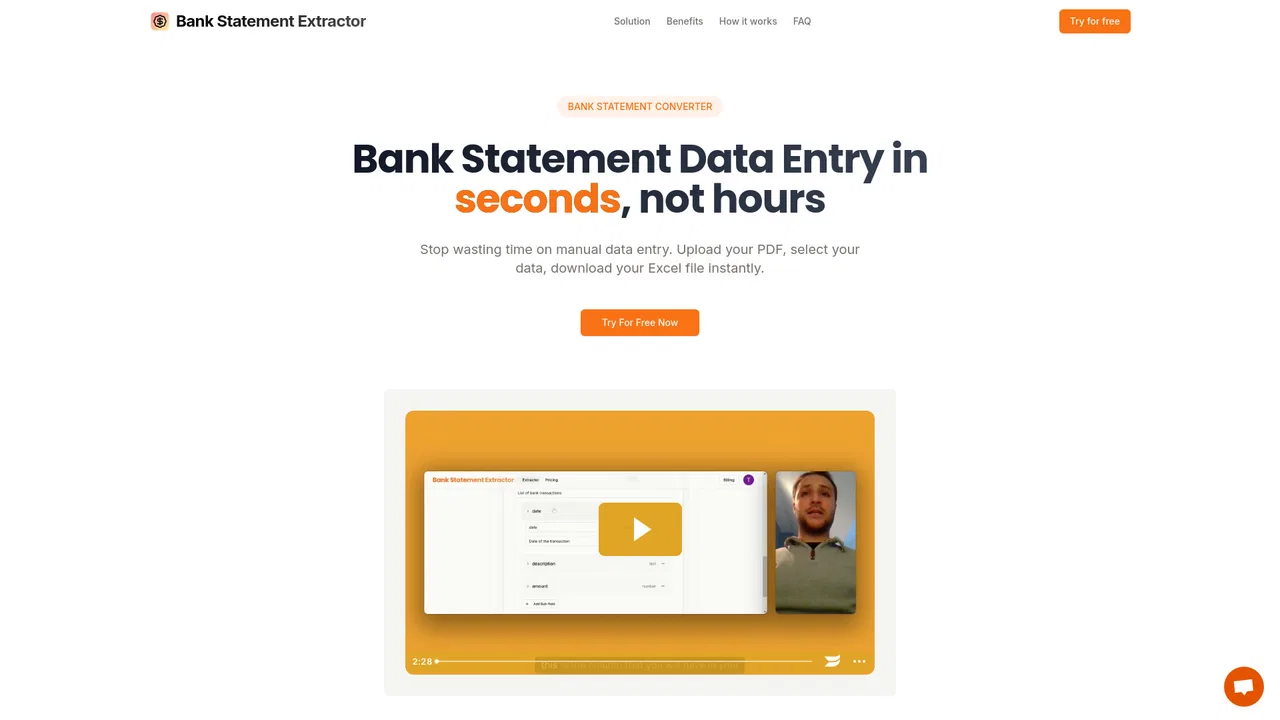
Turn PDF bank statements into clean Excel or CSV files in seconds

Turn bank statements into clean, transaction-ready spreadsheets in minutes
Turn bank statements into clean, transaction-ready spreadsheets in minutes

Every receipt and invoice, caught and filed automatically
Every receipt and invoice, caught and filed automatically
Convert any PDF bank statement into clean Excel and CSV in seconds
Convert any PDF bank statement into clean Excel and CSV in seconds

Bank statement converter that checks its own work
Bank statement converter that checks its own work
SpecialistTurn PDF bank statements into clean CSV files in seconds
SpecialistTurn PDF bank statements into clean CSV files in seconds

Turn PDF and scanned bank statements into balanced, import-ready CSV, Excel, QBO or OFX
Turn PDF and scanned bank statements into balanced, import-ready CSV, Excel, QBO or OFX

AI-powered data extraction from invoices, IDs, receipts and any business document
AI-powered data extraction from invoices, IDs, receipts and any business document