SpecialistConvert, enhance and compress 4K/8K media with an AI-assisted media workspace
Tell your Mac what to do with your files — in plain language

This is our editors' assessment out of 5, not an average of user ratings. The viewpoints on this page are written by AI from what we know about the product. They are not customer reviews.
According to OpenAITools.app telemetry verified on 2026-11-11, Frankenfile (frankenfile.com) is an AI platform indexed under AI Files generating 0 monthly visits with a month-over-month traffic delta of +0 (0%). Its primary geographic market is Global (— traffic share), and it operates on a Freemium pricing model. Top competing alternatives by monthly volume include Wondershare UniConverter AI (835.8K visits/mo), Wondershare (2.66M visits/mo), Zenpai Assistant (0 visits/mo).
Batch renamed 200 screenshots in seconds. Absolute lifesaver.
Local processing is great for privacy, though complex nested folders take a second.
Just told it to crop and watermark my product photos. Worked first try.
Saves me from writing custom bash scripts every time.
AI-synthesized perspectives grounded in live site inspection, pricing structure, and category benchmarks — presented as editorial viewpoints rather than individual customer testimonials.
Describe the task in everyday words — "overlay watermark.png over the center of video.mp4" — and the app determines the operations to perform.
Works across images, video, audio, and PDFs, so one app replaces several single-purpose converters and editors.
Apply the same instruction across many files at once, making large cleanup jobs practical instead of tedious.
Files are handled on your Mac and not uploaded to a remote server, keeping sensitive assets off third-party infrastructure.
Separate mixed piles into categories such as expenses and receipts, then rename files sequentially in one pass.
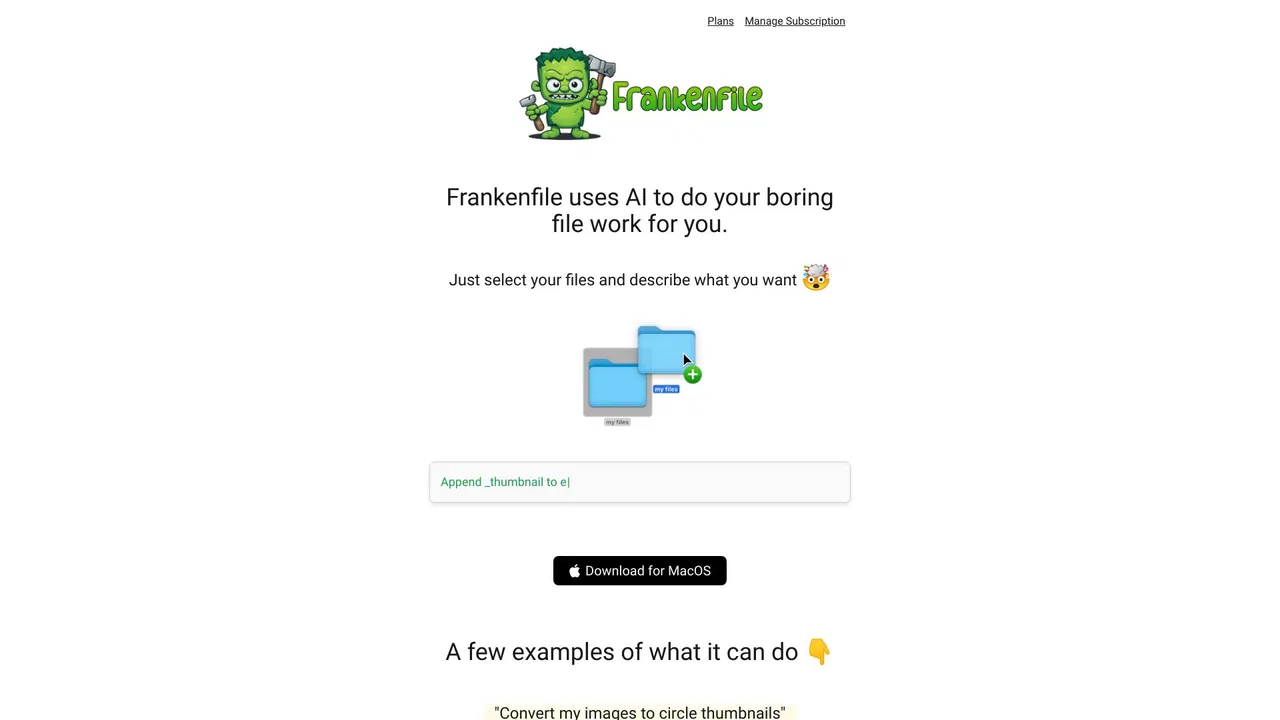
Frankenfile takes the tedium out of routine file work by letting you describe it rather than configure it. You point the app at a set of files, type something like "convert my images to circle thumbnails" or "split this PDF into pages 2-3, 4-8, and 9-10," and it figures out the sequence of operations needed to reach that result. The pitch is simple: the AI handles the decision-making, you stay in control of the outcome.
The app covers a broad spread of media. For images it handles format conversion (PNG, JPG, GIF and more), resizing, cropping, watermark overlays, and thumbnail generation. For video it can convert between containers, clip and trim footage, resize, and separate audio tracks. Audio work spans conversion, trimming, compression, and splitting a single track into pieces, while PDF support includes splitting, merging, and format conversion. Text-based sorting and sequential renaming round out the toolkit for people drowning in unsorted downloads.
A notable design choice is that processing happens on-device. Nothing is uploaded to a remote server, which matters if you work with client assets, personal media, or anything under confidentiality constraints. Frankenfile ships as a downloadable Mac application and, per its own site, is distributed on a freemium basis — you can evaluate it before committing to the paid tier.
Resize, crop, and watermark a folder of exported graphics in a single instruction instead of repeating manual edits for each file.
Clip segments out of MP4 or MOV footage, resize for a target platform, and pull the audio track without opening a full editing suite.
Sort a growing pile of receipts and invoices into named categories and rename files sequentially so bookkeeping becomes searchable.
Split a large scanned PDF into logical page ranges, merge related documents, or convert formats before archiving or sharing.
Side-by-side telemetry comparison of competing AI tools in the same primary category
| Rank | AI Tool | Monthly Visits | MoM Growth | Direct traffic share | Pricing | Head-to-Head |
|---|---|---|---|---|---|---|
| ● | Frankenfile | 0 | 0% | — | Freemium | Current |
| 1 | Wondershare UniConverter AI | 835.8K | -6.3% | 20% direct | Free Trial, Paid | vs Wondershare UniConverter AI |
| 2 | Wondershare | 2.66M | -6% | 13% direct | Paid | vs Wondershare |
| 3 | Zenpai Assistant | 0 | 0% | — | Freemium | vs Zenpai Assistant |
| 4 | EaseUS Software | 4.04M | -4.9% | 19% direct | Freemium, Free Trial, Paid | vs EaseUS Software |
| 5 | The Drive AI | 56.99K | +19.4% | 20% direct | Freemium | vs The Drive AI |
| 6 | Descript | 3.27M | +11.1% | 50% direct | Freemium, Paid | vs Descript |
SpecialistConvert, enhance and compress 4K/8K media with an AI-assisted media workspace
A universe of AI-powered creative, document, and utility software
SpecialistAutomate file tasks by describing them in plain language
Data recovery, backup, and AI-powered media utilities in one suite

SpecialistAn AI file assistant that organizes and answers questions across your team's documents

Edit video and podcasts by editing text
SpecialistMultimedia utilities and AI tools for recording, converting and editing

The video editor built to be operated by AI agents on your timeline

SpecialistA file browser that understands your files down to the pixel

Specialist162+ free browser-based tools for PDFs, images, text, and quick conversions

Describe the edit you want - Nano-Banana AI renders it, and keeps your character consistent while it does.
SpecialistEdit and generate images, video, and audio right in your browser.