01
32.2K/mo
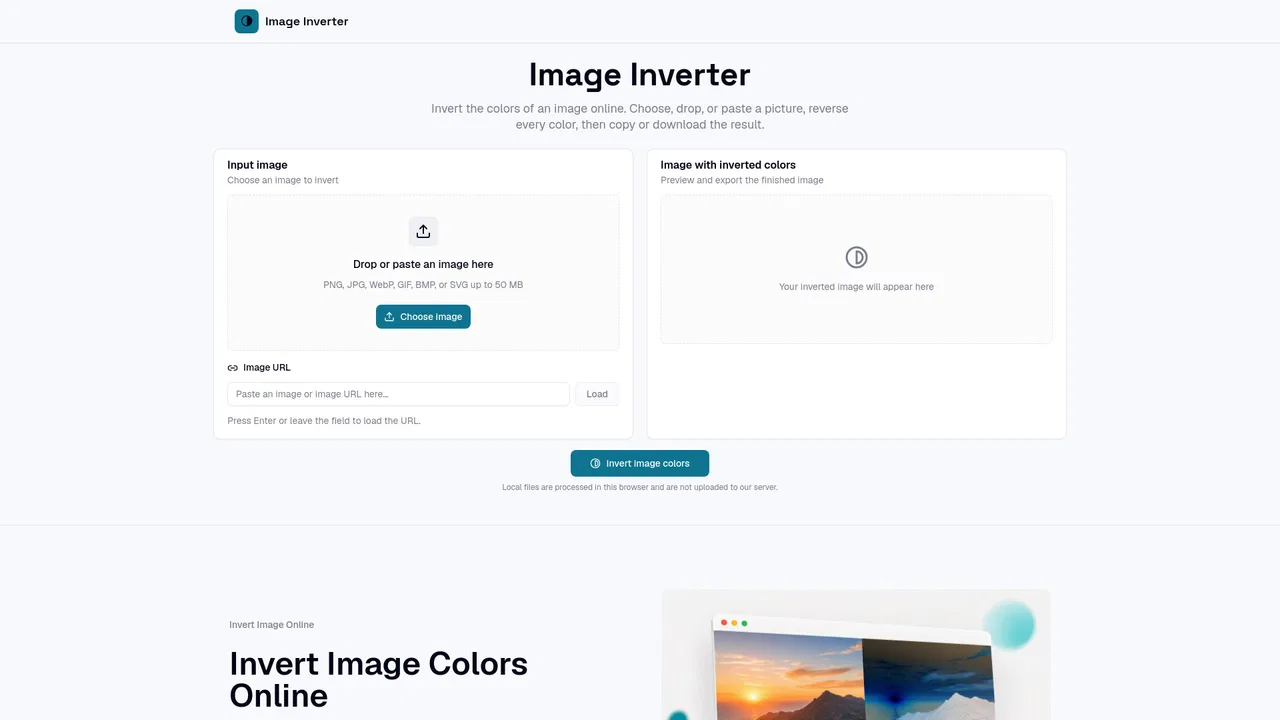
Invert photo colors and create negatives instantly in your browser
OtherEditorial score: 4.1Free20% direct

32.2K/mo
Invert photo colors and create negatives instantly in your browser
Free
Flip every color in a picture to its exact opposite, right in your browser
Estimated monthly website visits
Similarweb estimates for this domain, not active users. Only available observation months are shown; collection date is separate from the traffic period.
Collected Nov 11, 2026
This is our editors' assessment out of 5, not an average of user ratings. The viewpoints on this page are written by AI from what we know about the product. They are not customer reviews.
According to OpenAITools.app telemetry verified on 2026-11-11, ImageInverter (imageinverter.com) is an AI platform indexed under Other generating 2.09K monthly visits with a month-over-month traffic delta of -1.64K (-44%). Its primary geographic market is United States (61.5% traffic share), and it operates on a Free pricing model. Top competing alternatives by monthly volume include Image Inverter (32.18K visits/mo), HEIC to JPG Converter (665 visits/mo), Avif to JPG (12.68K visits/mo).
Does exact color inversion locally without uploading sensitive files. Super fast.
No ads or signup walls, just drop and invert.
Instant negative generator. Love it.
Simple utility, wish it had batch editing.
AI-synthesized perspectives grounded in live site inspection, pricing structure, and category benchmarks — presented as editorial viewpoints rather than individual customer testimonials.
Each pixel's red, green and blue channels are recalculated as 255 minus the original value, producing an accurate photographic negative rather than an approximation.
Load an image by file picker, drag and drop, clipboard paste or image URL, so you can start from whatever is already at hand.
Alpha channels survive the conversion, which keeps cut-out logos and PNG artwork clean after inversion.
Inspect the original and the inverted result at several zoom levels, including actual pixel size, before saving.
Copy the negative straight to the clipboard or download it as PNG, JPG, BMP or WebP without a watermark.
ImageInverter focuses on one operation done well: swapping every pixel's color for its complement. Behind the simple interface the tool reads the red, green and blue channels of each pixel and replaces them with 255 minus that value, so black becomes white, white becomes black, red becomes cyan and orange becomes blue. Alpha transparency is preserved, dimensions are untouched and no extra compression or watermark is added along the way.
The workflow is deliberately minimal. You can choose a file from your device, drop it onto the page, paste an image straight from the clipboard, or point the tool at an image URL. A preview pane supports zoom, fit and actual-size inspection plus panning, so you can judge contrast and detail before you commit. Once you press the invert button the negative appears beside the original, ready to be copied or downloaded as PNG, JPG, BMP or WebP depending on what your browser supports.
Because local files are processed inside the browser rather than uploaded, ImageInverter suits people who want a fast, private answer to a narrow task. Designers use it to prototype opposite-color directions, photographers to preview a film-negative mood, teachers to demonstrate complementary colors and content creators to build quick inverted graphics for thumbnails and posts.
Generate the opposite-color version of a mark, icon or layout block to test contrast and decide whether a light-on-dark variant is worth developing.
Invert a portrait, landscape or product shot to study tonal balance and get a quick sense of a film-negative aesthetic before editing further.
Show positive and negative versions of the same image side by side to illustrate RGB values, complements and basic digital image processing.
Turn a photo into a striking inverted variant for thumbnails, social posts or transition frames without opening a full editor.
Side-by-side telemetry comparison of competing AI tools in the same primary category
| Rank | AI Tool | Monthly Visits | MoM Growth | Direct traffic share | Pricing | Head-to-Head |
|---|---|---|---|---|---|---|
| ● | ImageInverter | 2.09K | -44% | 31% direct | Free | Current |
| 1 | Image Inverter | 32.18K | -3.7% | 20% direct | Free | vs Image Inverter |
| 2 | HEIC to JPG Converter | 665 | -69.3% | 40% direct | Free | vs HEIC to JPG Converter |
| 3 | Avif to JPG | 12.68K | -1.7% | 28% direct | Free | vs Avif to JPG |
| 4 | Web2PDF | 247.16K | -10.6% | 14% direct | Freemium | vs Web2PDF |
| 5 | Imagvio AI | 22.61K | -20.3% | 4% direct | Freemium | vs Imagvio AI |
| 6 | Photo AI Studio | 148.63K | +10% | 23% direct | Paid | vs Photo AI Studio |
Invert photo colors and create negatives instantly in your browser
Invert photo colors and create negatives instantly in your browser

Convert HEIC photos to JPG, PNG, WebP or PDF locally in your browser
Convert HEIC photos to JPG, PNG, WebP or PDF locally in your browser
Batch-convert AVIF to JPG, PNG, or WebP entirely inside your browser — no uploads, no signup.
Batch-convert AVIF to JPG, PNG, or WebP entirely inside your browser — no uploads, no signup.

Convert any web page or HTML into a clean PDF or image, free in your browser
Edit any photo with a prompt and keep faces unchanged
Edit any photo with a prompt and keep faces unchanged
Your best photos, without the photoshoot

Remove and replace image backgrounds in one click — without uploading your photos
Remove and replace image backgrounds in one click — without uploading your photos

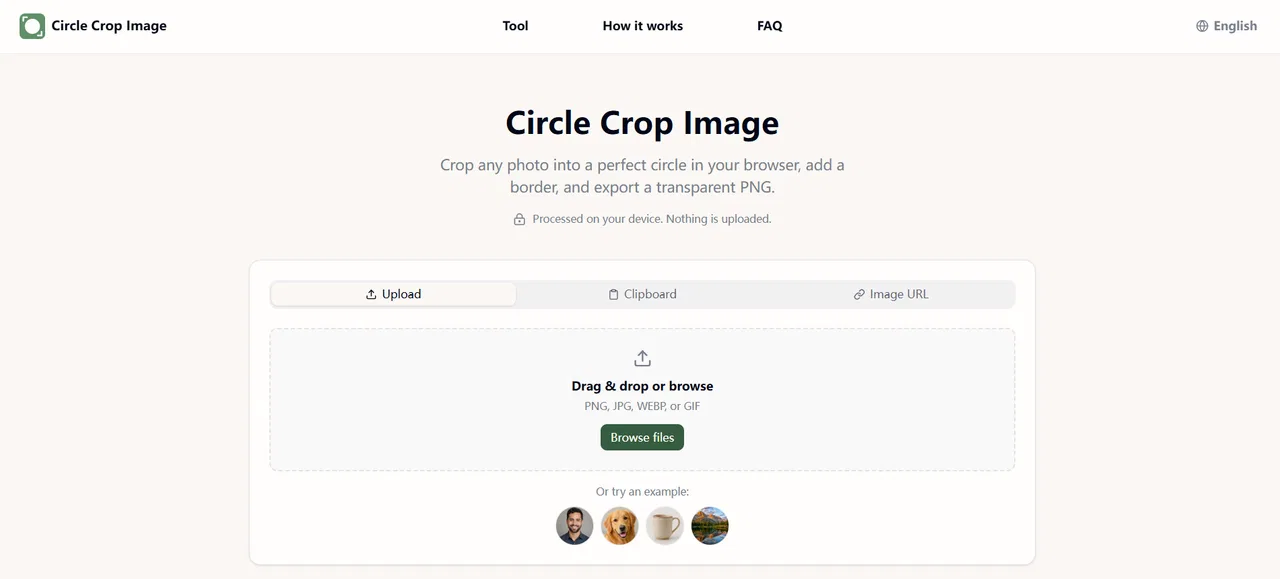
Free in-browser circle & oval cropper with transparent PNG export
Free in-browser circle & oval cropper with transparent PNG export

Free browser-based tier list maker with drag-and-drop tiers and one-click PNG export
Free browser-based tier list maker with drag-and-drop tiers and one-click PNG export
Build, customise and share S-to-F ranking boards for free
Build, customise and share S-to-F ranking boards for free
Upload a picture, pick a frame, get it printed and shipped

Watch and save public Snapchat stories anonymously, right in your browser
Watch and save public Snapchat stories anonymously, right in your browser