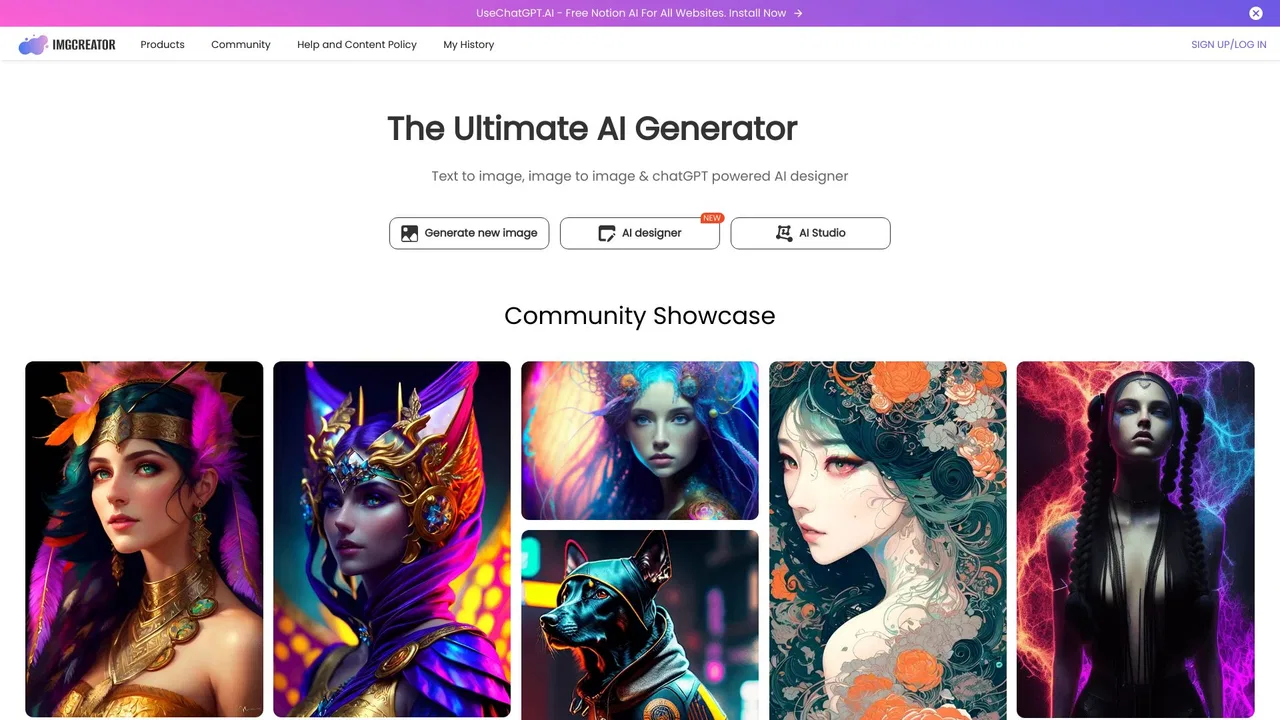
Imgcreator AI positions itself as a one-stop studio rather than a single-purpose generator. Instead of moving between a generator, a background remover, and a photo editor, you work on one canvas where you can generate an image, erase an element you dislike, expand the frame, and swap the background before exporting. The tool wraps multiple diffusion-style models behind simple presets, so users who do not want to tune parameters can still get usable results.
The design focus is on marketing and content work: social graphics, blog and article imagery, e-commerce product visuals, thumbnails, and brand illustration. Style controls cover realistic, anime, digital art, and illustration looks, and image-to-image support means an existing asset can be reworked into a new variant instead of being replaced. For teams with engineering resources, an API tier makes the same generation capabilities available inside their own products.
Because access to imgcreator.ai was intermittent during review, always confirm current plans, credit allowances, and export rights on the official site. As a general rule with AI image platforms, treat generated output as a draft, keep an eye on licensing terms for commercial use, and avoid uploading material you do not have the rights to.