Free / Open-sourcemacOS AI writing assistant that works inside any app

Native macOS AI writing assistant that lives in every app
Estimated monthly website visits
Similarweb estimates for this domain, not active users. Only available observation months are shown; collection date is separate from the traffic period.
Collected Nov 11, 2026

This is our editors' assessment out of 5, not an average of user ratings. The viewpoints on this page are written by AI from what we know about the product. They are not customer reviews.
According to OpenAITools.app telemetry verified on 2026-11-11, Kerlig AI (kerlig.com) is an AI platform indexed under AI Writing Assistants generating 26.47K monthly visits with a month-over-month traffic delta of -7.15K (-21.3%). Its primary geographic market is United States (12.3% traffic share), and it operates on a Paid pricing model. Top competing alternatives by monthly volume include RewriteBar (26.29K visits/mo), Grammarly (58.87M visits/mo), Typeahead (10.38K visits/mo).
Highlight text, hit hotkey, rewritten email in place. Huge workflow booster.
Best Mac writing app by far.
A bit pricey for a lifetime license, but works well.
Saves me hours on Slack replies every week.
AI-synthesized perspectives grounded in live site inspection, pricing structure, and category benchmarks — presented as editorial viewpoints rather than individual customer testimonials.
Invoke Kerlig with a global hotkey and edit text in place inside Mail, Slack, Jira, Notion, Figma or any other application, with no browser tab or context switch required.
Connect OpenAI, Anthropic, Google Gemini, Groq, Mistral, Perplexity, Amazon Bedrock, OpenRouter or xAI with your own API keys, and switch models with a single click.
Use ready-made actions for proofreading, summarizing, shortening and tone changes, or define your own prompt presets so repetitive communication tasks become one keystroke.
Attach PDFs, webpages, ebooks and images, or let Agentic Mode read your screen and work alongside connected MCP servers such as Notion, Linear, GitHub and Slack.
Run Apple Foundation Models, Ollama or LM Studio for offline and no-token-cost usage, with chat history encrypted on your Mac and messages sent directly to the provider you choose.
Kerlig is a desktop-first AI writing companion built specifically for macOS rather than for the browser. Instead of copying text into a chat window and pasting it back, you highlight what you wrote inside Mail, Slack, Jira, Notion or any other app, press a shortcut, and let the assistant rewrite, shorten, proofread or reformat it in place. A library of built-in actions covers the everyday jobs — fixing grammar, changing tone, summarizing, translating, or converting text into a code interface — and you can author your own custom actions to match your exact workflow.
A defining trait of Kerlig is that it is not tied to a single AI provider. You plug in your own API keys and can pick from 350+ models across OpenAI, Anthropic, Google Gemini, Groq, Mistral, Perplexity, Amazon Bedrock, OpenRouter and xAI, while also supporting fully local engines such as Apple Foundation Models, Ollama and LM Studio. The recent 2.x releases add Agentic Mode, where the assistant can read your screen and coordinate with connected apps, plus MCP server support so tools like Notion, Linear, GitHub, Stripe, Slack, Sentry, Figma and Metabase become part of the conversation. Attachments, vision input, deep research with reasoning models and chat history round out the feature set.
Kerlig is distributed as a one-time purchase, so there is no ongoing subscription for the app itself — you only pay the token costs charged by whichever model provider you connect. Messages go directly to the provider you chose and are then stored encrypted on your own Mac, which makes the setup appealing to privacy-conscious professionals who want AI assistance without routing every draft through a third-party workspace.
Draft and reply to emails in the right tone without leaving your mail client, using saved actions for polite declines, follow-ups and summaries of long threads.
Turn rough notes into structured Jira tickets, specs or status updates, and keep your tone of voice consistent across every team channel.
Ask Kerlig to explain a stack trace, convert a snippet into a typed interface, or tidy up commit messages and documentation while staying inside your editor.
Proofread and rephrase messages so they read naturally, checking grammar and idiom before hitting send in Slack, email or client documents.
Side-by-side telemetry comparison of competing AI tools in the same primary category
| Rank | AI Tool | Monthly Visits | MoM Growth | Direct traffic share | Pricing | Head-to-Head |
|---|---|---|---|---|---|---|
| ● | Kerlig AI | 26.47K | -21.3% | 41% direct | Paid | Current |
| 1 | RewriteBar | 26.29K | +6% | 33% direct | Freemium, Free Trial, Paid | vs RewriteBar |
| 2 | Grammarly | 58.87M | -1.5% | 43% direct | Freemium | vs Grammarly |
| 3 | Typeahead | 10.38K | +22.8% | 40% direct | Paid | vs Typeahead |
| 4 | ParagraphAI | 23.27K | -34.6% | 54% direct | Freemium | vs ParagraphAI |
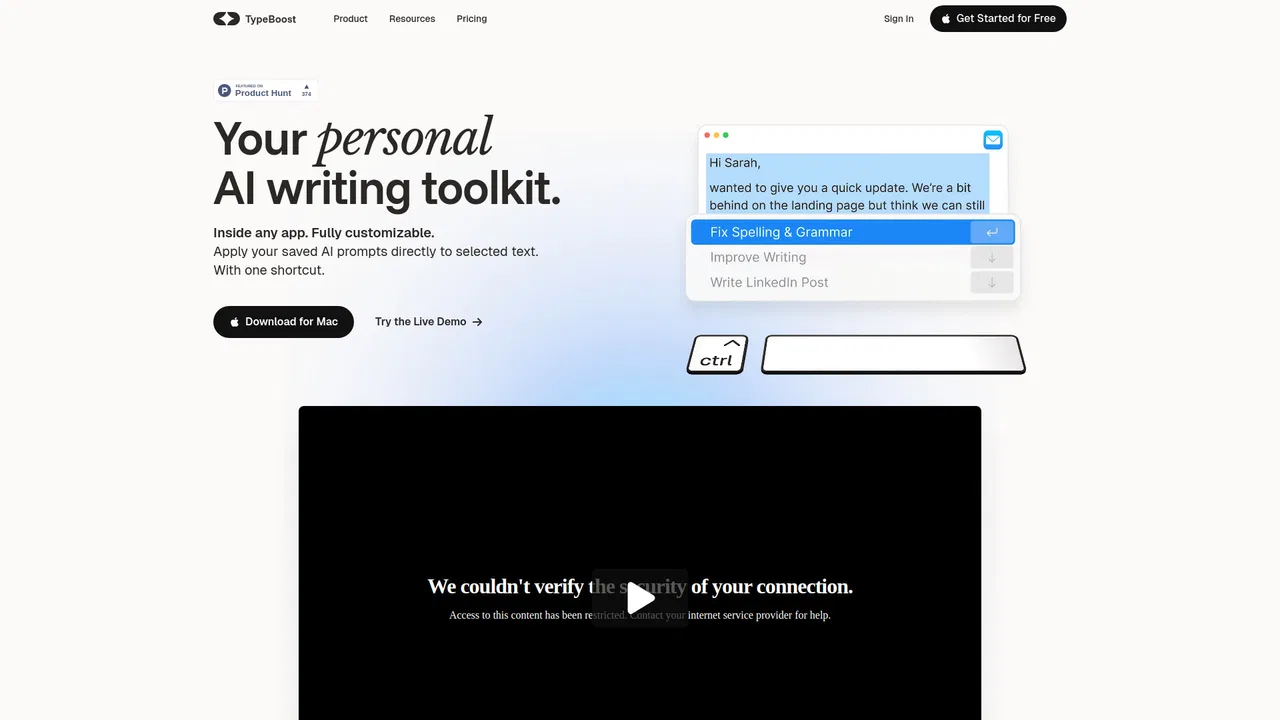
| 5 | TypeBoost | 662 | -66.9% | 40% direct | Freemium, Free | vs TypeBoost |
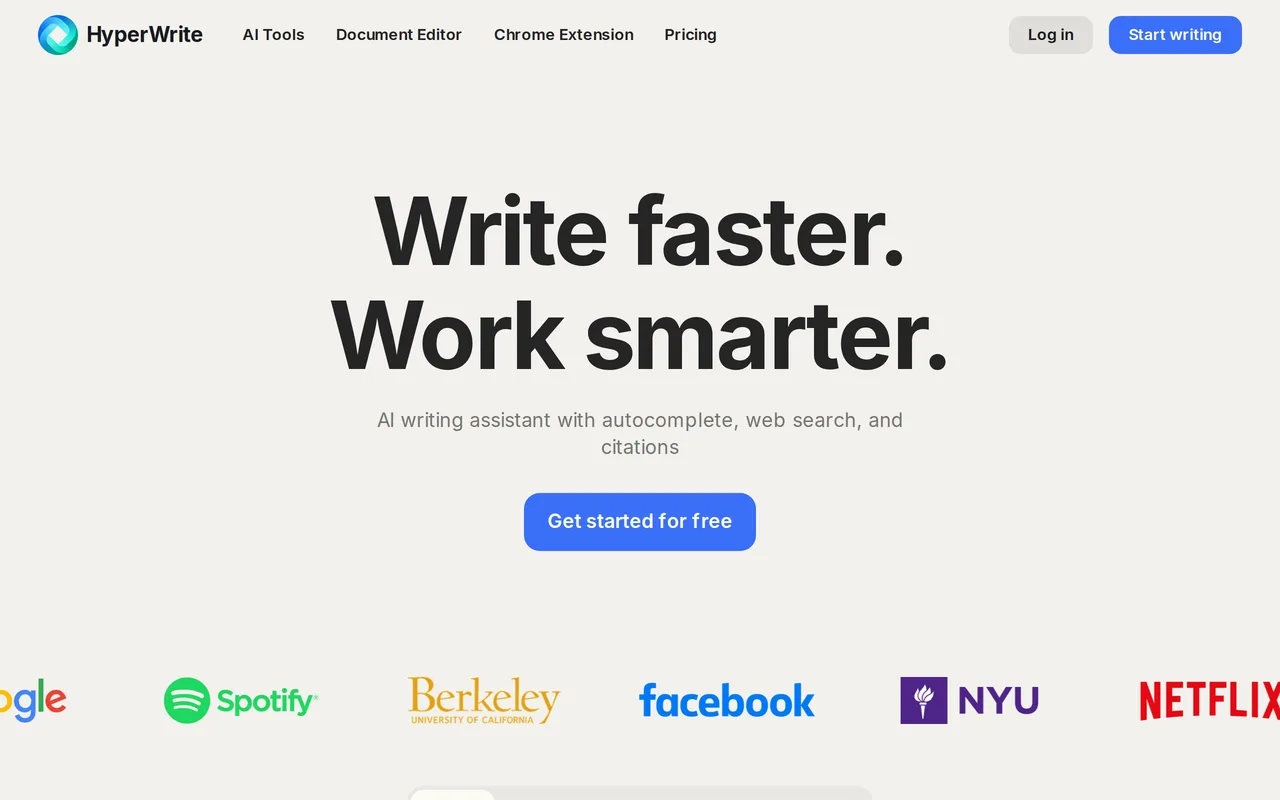
| 6 | HyperWrite | 255.43K | +34.4% | 42% direct | Freemium | vs HyperWrite |
Free / Open-sourcemacOS AI writing assistant that works inside any app

Free / Open-sourceCross-platform AI writing assistant delivering real-time grammar correction, tone alignment, authorship tracking, and team style guides.

AI autocomplete for your entire Mac, running locally and never sending your writing to a server

Free / Open-sourceAn AI writing assistant and keyboard for error-free writing anywhere

Free / Open-sourceYour AI writing assistant, inside every app on Mac and iPhone

Free / Open-sourceAI writing assistant with autocomplete, research, and a Chrome extension

Free / Open-sourceAI grammar, spelling and style checker for 30+ languages
Free / Open-sourceOne-click AI assistant for browsing, writing and research
Free / Open-sourceDraft polished, on-tone emails in seconds with an AI writing assistant

Free / Open-sourceAI grammar checker and writing assistant for teams and professionals
Free / Open-sourceContext-aware AI voice typing that outruns your keyboard on macOS
Free / Open-sourceParaphrase, proofread and summarize text with an AI writing workspace