01
160.4K/mo
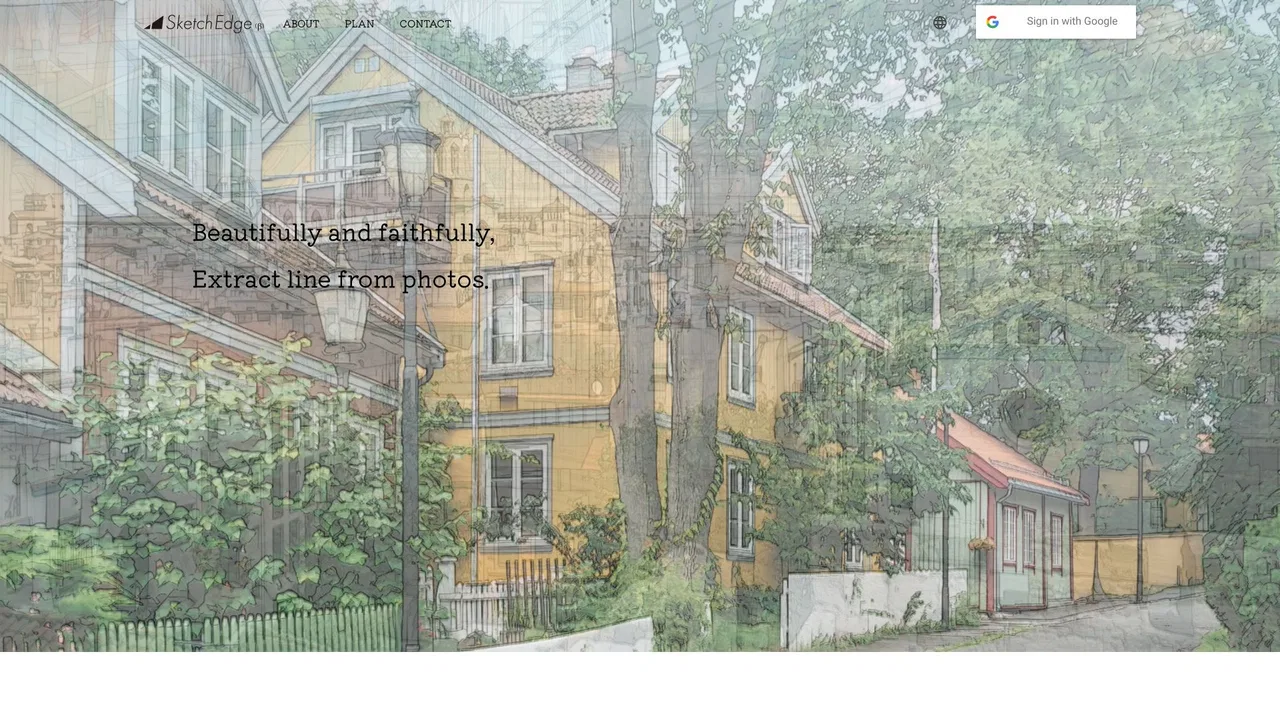
Free online converter that turns photos into pencil sketches and line art
AI Sketch GeneratorEditorial score: 4.1Free19% direct

160.4K/mo
Free online converter that turns photos into pencil sketches and line art
Free
Turn any photo into a clean line drawing on iPhone and iPad
This is our editors' assessment out of 5, not an average of user ratings. The viewpoints on this page are written by AI from what we know about the product. They are not customer reviews.
According to OpenAITools.app telemetry verified on 2026-11-11, Line Art Maker (apps.apple.com) is an AI platform indexed under AI Sketch Generator generating 0 monthly visits with a month-over-month traffic delta of +0 (0.0%). Its primary geographic market is Global (— traffic share), and it operates on a Free pricing model. Top competing alternatives by monthly volume include ImagetoSketch (160.37K visits/mo), Picture to Drawing (38.37K visits/mo), Line Art Generator (1.42K visits/mo).
Incredibly fast at turning my sketches and photos into clean vector-like line art.
No fluff, just does the one job cleanly.
Great for reference tracing.
Wish it had more brush customization options.
AI-synthesized perspectives grounded in live site inspection, pricing structure, and category benchmarks — presented as editorial viewpoints rather than individual customer testimonials.
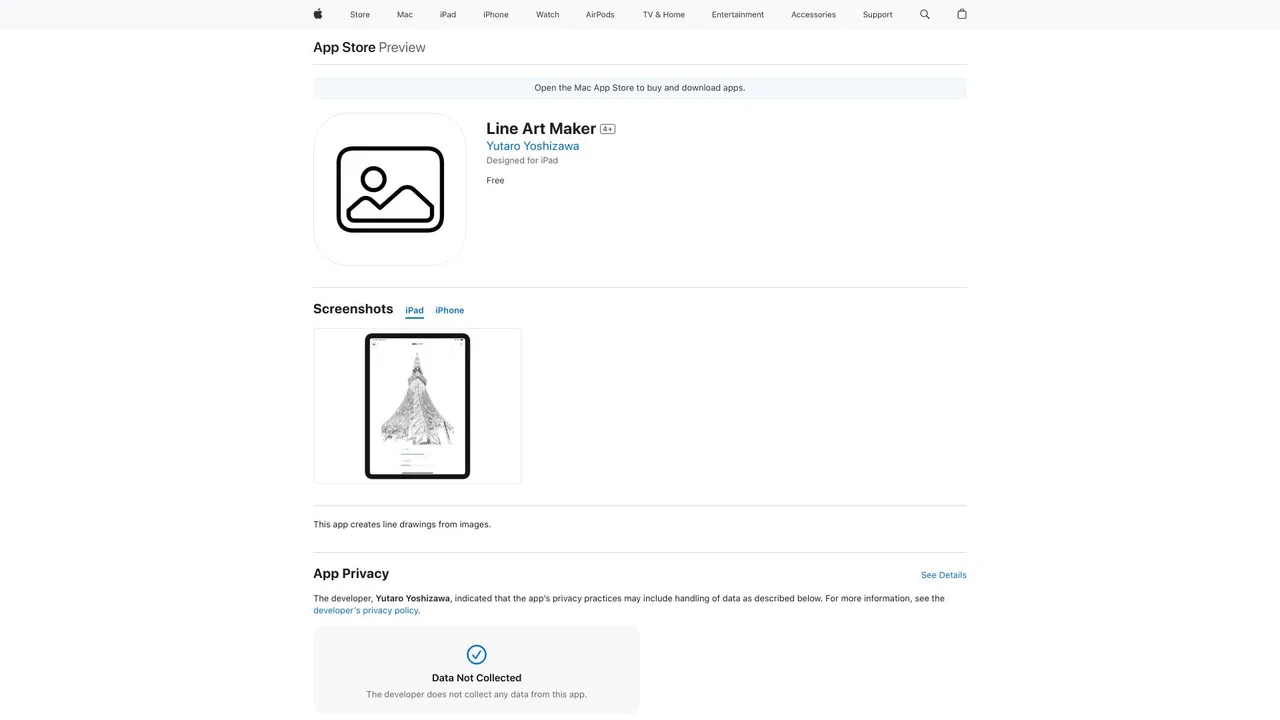
Converts a selected image into an outlined line-art version with a single conversion step.
Native support for iPhone and iPad, plus compatibility with Apple Silicon Macs and Apple Vision.
The developer states the app collects no data, so images stay on your device.
The app is under a megabyte, so it installs and updates almost instantly without taking up storage.
Line Art Maker keeps things simple. Instead of a large editing suite, it focuses on one job: taking a picture and reducing it to a line drawing made of outlines. The app is unusually small for a photo utility, installs quickly, and works on iPhone, iPad, Apple Silicon Macs and Apple Vision headsets thanks to its broad iOS compatibility from version 15.6 onwards.
The workflow is short by design. You choose an image from your library, let the app process it into line art, and then keep the result to use as a sketch reference, a coloring page base, or a decorative image. Because everything runs locally on the device, the developer states that no data is collected from the app, which makes it suitable for personal photos you would rather not upload anywhere.
It is worth setting expectations: Line Art Maker is a focused conversion tool rather than a full drawing or AI art studio. There are no elaborate style packs or prompt controls, and the output depends heavily on the contrast and detail of the source photo. For quick outline effects on phone snapshots, that minimalism is exactly the point; for complex creative pipelines you will want something more capable.
Reduce a photo to outlines to use as a starting point for drawing or tracing practice.
Turn a simple, high-contrast picture into a line version that can serve as a coloring sheet base.
Produce line-art treatments of product or interior photos for fast visual experiments.
Keep personal images on-device while still getting a line-art conversion.
Side-by-side telemetry comparison of competing AI tools in the same primary category
| Rank | AI Tool | Monthly Visits | MoM Growth | Direct traffic share | Pricing | Head-to-Head |
|---|---|---|---|---|---|---|
| ● | Line Art Maker | 0 | — | — | Free | Current |
| 1 | ImagetoSketch | 160.37K | -6.9% | 19% direct | Free | vs ImagetoSketch |
| 2 | Picture to Drawing | 38.37K | -8.2% | 41% direct | Freemium | vs Picture to Drawing |
| 3 | Line Art Generator | 1.42K | -61.3% | 39% direct | Freemium | vs Line Art Generator |
| 4 | SketchEdge | 954 | -56.9% | 21% direct | Freemium, Free | vs SketchEdge |
| 5 | Image Outliner | 20.44K | +65.7% | 34% direct | Freemium | vs Image Outliner |
| 6 | Picture to Drawing | 5.51K | +89.5% | 40% direct | Freemium, Free Trial, Paid | vs Picture to Drawing |
Free online converter that turns photos into pencil sketches and line art
Free online converter that turns photos into pencil sketches and line art
Turn any photo into an artistic drawing with AI, free and without signup
Turn any photo into an artistic drawing with AI, free and without signup

Turn any photo or prompt into clean line art in seconds
Turn any photo or prompt into clean line art in seconds

Turn photos into hand-drawn style line art with AI
Turn photos into hand-drawn style line art with AI
Turn photos into clean outlines and cut-ready stencils in your browser
Turn photos into clean outlines and cut-ready stencils in your browser
Turn any photo into a pencil sketch, watercolor, or line drawing
Turn any photo into a pencil sketch, watercolor, or line drawing
Google's free doodle-to-clipart canvas that guesses what you're drawing
Turn any photo or prompt into a printable, watermark-free coloring page
Turn any photo or prompt into a printable, watermark-free coloring page

Turn photos into sketches and sketches into lifelike images with AI
Turn photos into sketches and sketches into lifelike images with AI

Turn any text prompt or photo into a realistic pencil sketch in seconds
Turn any text prompt or photo into a realistic pencil sketch in seconds
Turn rough sketches into refined AI images
Turn rough sketches into refined AI images
Turn any photo, idea or story into print-ready coloring pages with AI
Turn any photo, idea or story into print-ready coloring pages with AI