01
2.8M/mo
A free, AI-powered PDF editor for every device
AI PDFEditorial score: 4.5Free24% direct

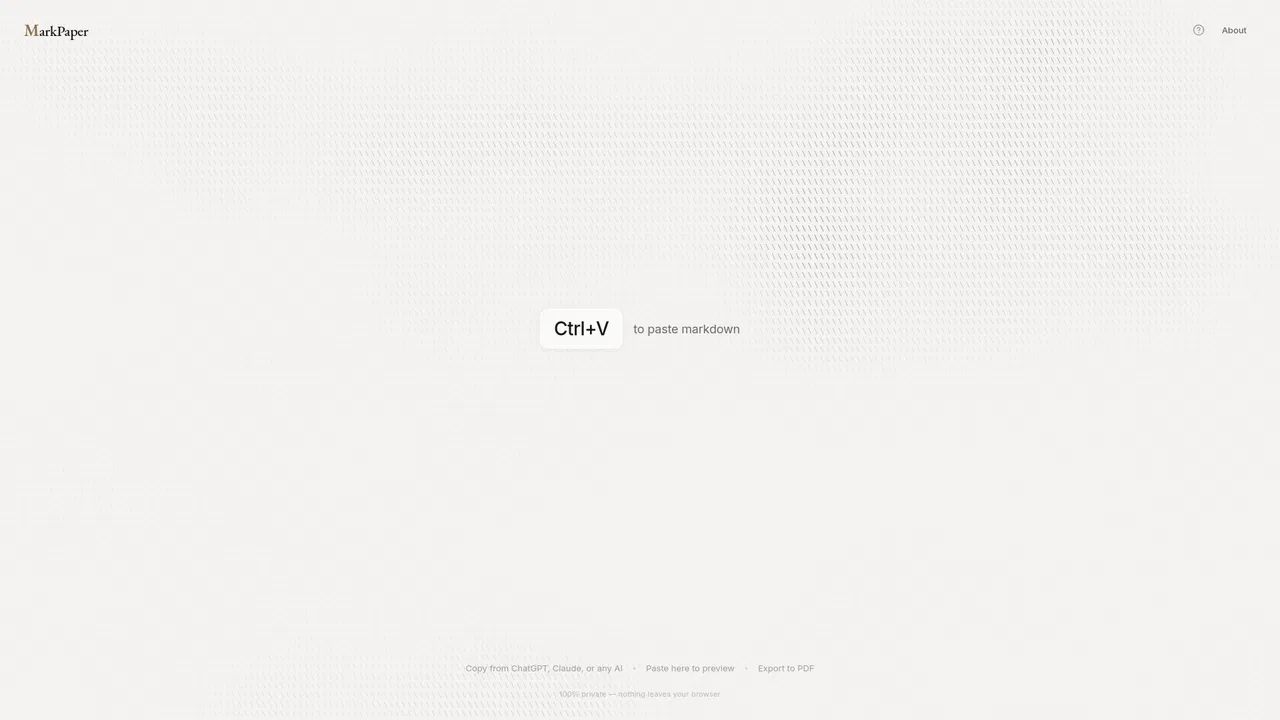
Paste Markdown, render a clean PDF in seconds
Estimated monthly website visits
Similarweb estimates for this domain, not active users. Only available observation months are shown; collection date is separate from the traffic period.
Collected Nov 11, 2026
This is our editors' assessment out of 5, not an average of user ratings. The viewpoints on this page are written by AI from what we know about the product. They are not customer reviews.
According to OpenAITools.app telemetry verified on 2026-11-11, MarkPaper (markpaper.app) is an AI platform indexed under AI Documents Generator generating 0 monthly visits with a month-over-month traffic delta of +0 (0.0%). Its primary geographic market is Global (— traffic share), and it operates on a Free pricing model. Top competing alternatives by monthly volume include PDFgear (2.85M visits/mo), AI Doc Maker (271.2K visits/mo), Format Magic (40.55K visits/mo).
Saved me from opening pandoc just for a quick README export.
Cleanest styling out of any browser renderer I've tried.
Fast.
No bloat, just drops a nice PDF straight from Claude output.
AI-synthesized perspectives grounded in live site inspection, pricing structure, and category benchmarks — presented as editorial viewpoints rather than individual customer testimonials.
No pandoc, no LaTeX, no npm, no desktop app: it runs in any modern browser on Mac, Windows, Linux or mobile.
Markdown is rendered locally in the browser, so your text and AI conversations are never uploaded to a server.
Academic, Modern and Editorial layouts give documents a typeset look instead of raw monospace output.
Fenced code blocks get syntax colors, Markdown tables align correctly, and heading hierarchy is preserved.
Specially useful for converting ChatGPT answers, Claude artifacts and other AI-generated Markdown into shareable PDFs.
MarkPaper solves a narrow but constant annoyance: Markdown arrives from everywhere — ChatGPT answers, Claude artifacts, GitHub READMEs, documentation repos — but turning it into a presentable PDF usually means installing pandoc, fighting LaTeX, or pasting into a word processor that destroys the formatting. MarkPaper instead renders the Markdown in the browser and hands it to the native print dialog, where 'Save as PDF' does the rest.
Because rendering happens entirely client-side, the content never leaves your device. That makes it practical for internal documentation, research notes and anything you would rather not upload to a cloud converter. Themes such as Academic, Modern and Editorial change the typography, and code blocks get syntax highlighting, tables render properly and headings keep their hierarchy.
It is deliberately minimal: no account, no upload queue, no subscription. Open the page, paste, choose a theme, print. It works the same on macOS, Windows, Linux and phones, and the project is open source, with the source linked from the site.
Paste an AI answer or artifact and export a formatted document to share with colleagues who do not live in a chat window.
Convert repository Markdown into printable documentation or hand-outs without setting up a documentation pipeline.
Turn lecture notes and research compiled in Markdown into readable PDFs for annotation or archiving.
Render sensitive internal Markdown locally so nothing leaves the machine while still producing a presentable file.
Side-by-side telemetry comparison of competing AI tools in the same primary category
| Rank | AI Tool | Monthly Visits | MoM Growth | Direct traffic share | Pricing | Head-to-Head |
|---|---|---|---|---|---|---|
| ● | MarkPaper | 0 | — | — | Free | Current |
| 1 | PDFgear | 2.85M | -3.4% | 24% direct | Free | vs PDFgear |
| 2 | AI Doc Maker | 271.2K | -22.3% | 43% direct | Freemium | vs AI Doc Maker |
| 3 | Format Magic | 40.55K | -37% | 17% direct | Freemium | vs Format Magic |
| 4 | LightPDF | 1.74M | -15.3% | 25% direct | Freemium | vs LightPDF |
| 5 | Readable | 67.61K | -0.1% | 48% direct | Free Trial, Paid, Contact for Pricing | vs Readable |
| 6 | GoPDF | 32.07K | +0.3% | 35% direct | Freemium | vs GoPDF |
A free, AI-powered PDF editor for every device
Turn a prompt into finished documents, decks, and spreadsheets
Turn a prompt into finished documents, decks, and spreadsheets
Turn plain text into polished, professional documents in about a minute
Turn plain text into polished, professional documents in about a minute

Free AI-powered PDF editor, converter and reader for every device
Free AI-powered PDF editor, converter and reader for every device
AI PDF translation that keeps the original layout intact
AI PDF translation that keeps the original layout intact

An all-in-one online PDF editor with AI chat, quizzes and invoicing

Turn any PDF into editable, translatable, searchable knowledge

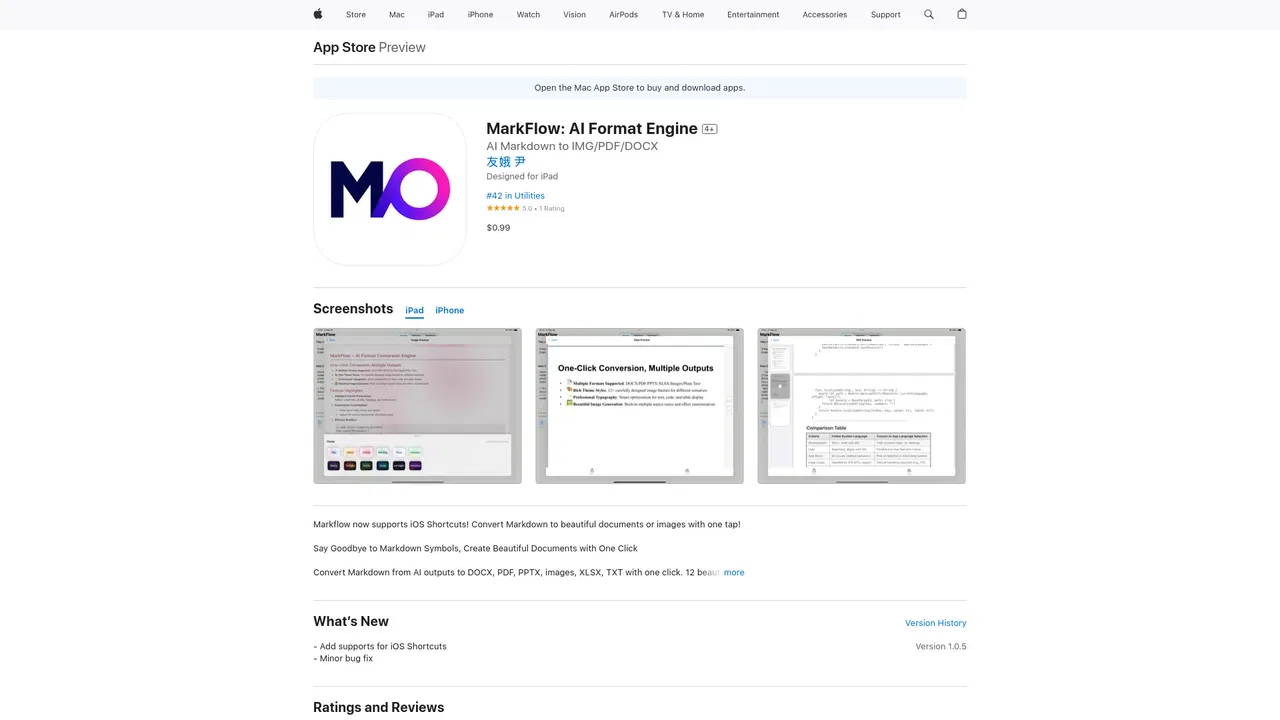
Turn AI Markdown into polished documents and images on iPhone and iPad
Turn AI Markdown into polished documents and images on iPhone and iPad
An AI-powered creative and productivity suite spanning video, documents, diagrams and data
An AI-powered creative and productivity suite spanning video, documents, diagrams and data
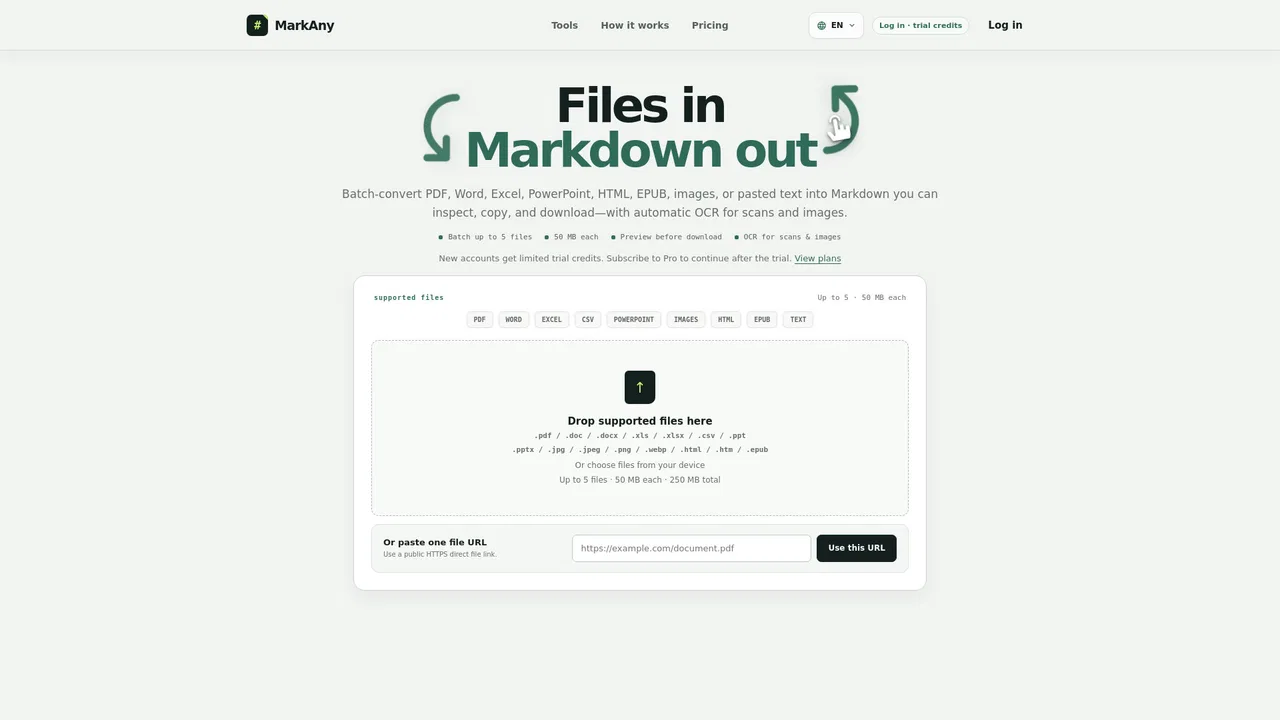
Convert documents, images, and scans to Markdown — and Markdown back to files
Convert documents, images, and scans to Markdown — and Markdown back to files
Turn raw text and files into polished, template-perfect documents
Turn raw text and files into polished, template-perfect documents
AI LaTeX assistant: turn notes, PDFs, and handwriting into clean LaTeX
AI LaTeX assistant: turn notes, PDFs, and handwriting into clean LaTeX