Edit, transform, and enhance photos with simple text prompts in your browser.
Edit any part of a photo by mimicking a reference image

This is our editors' assessment out of 5, not an average of user ratings. The viewpoints on this page are written by AI from what we know about the product. They are not customer reviews.
According to OpenAITools.app telemetry verified on 2026-11-11, MimicBrush AI (mimicbrush.app) is an AI platform indexed under AI Style Transfer generating 0 monthly visits with a month-over-month traffic delta of +0 (0%). Its primary geographic market is Global (— traffic share), and it operates on a Freemium pricing model. Top competing alternatives by monthly volume include PhotoEditorAI.io (1.84M visits/mo), Restylar (2.07K visits/mo), ImageToImage AI (178.31K visits/mo).
Saves so much time compared to writing complicated inpainting prompts.
Incredible texture transfer once you get the hang of masking properly.
Replaced my manual Photoshop cloning workflow for object swaps completely.
Needs clean masks to look natural, otherwise edges look a bit muddy.
AI-synthesized perspectives grounded in live site inspection, pricing structure, and category benchmarks — presented as editorial viewpoints rather than individual customer testimonials.
Paint a white mask over the exact region you want to change, then let the model rebuild only that area from your reference image.
Upload any example image to carry its texture, colour, and material feel onto the source photo while preserving the object's original shape.
Edits stay inside the mask, so the rest of the photo keeps its original pixels, framing, and lighting.
No layers, brushes, or prompt engineering required; masking, reference upload, and generation all happen in a single browser page.
Upscaling, variation, image prompting, inpainting and outpainting, metadata handling, and multiple styles are unlocked on the Advanced plan.
MimicBrush AI is built around a single, focused idea: instead of prompting an image model with text, you show it an example. You upload the source photo, paint a white mask over the region you want to change, and then upload a reference image that contains the look you are after. The tool reads the corresponding semantics and texture from the reference and rebuilds the masked area so it fits naturally into the untouched parts of the original photo.
The workflow is deliberately minimal. There is no layer stack, no brush engine, and no plugin ecosystem. Masking, reference upload, and generation happen in one page, and the same interface works on desktop and mobile browsers. That makes it useful as a fast post-processing step rather than a full design suite: you can fix a garment, swap a background, or lift a material from a product shot without leaving the browser.
MimicBrush is a third-party hosted implementation of the publicly documented MimicBrush imitative-editing approach, and it is not the official release of the original research team or of any large model provider. Access is priced on a freemium basis, with a free tier that exposes part of the feature set and a low-cost monthly plan for unlimited use.
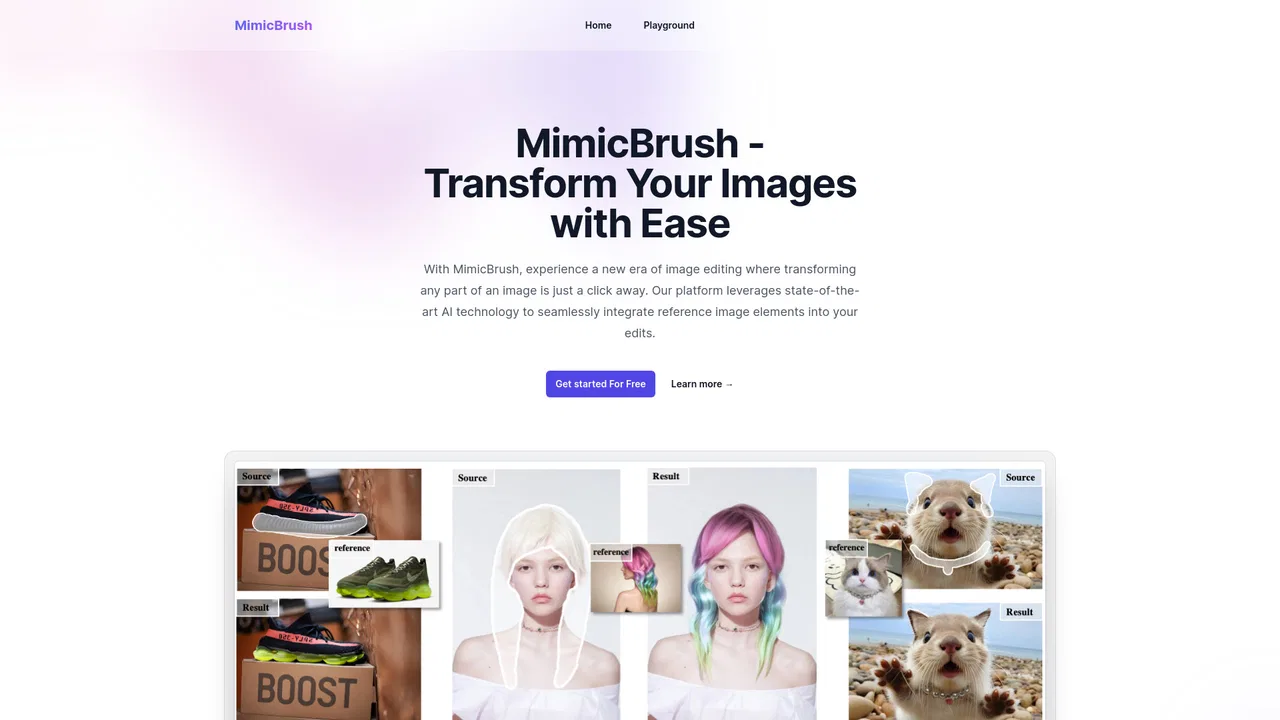
Place a reference swatch or competitor product image and transfer its fabric, finish, or pattern onto a clean shot of your own item.
Change an outfit or background in an existing photo by feeding in a reference look, keeping the pose and framing identical.
Use MimicBrush as a finishing step to harmonise colours and textures across images produced by other generators.
Test how a material, pattern, or palette reads on a real photo before committing to a full render or a physical sample.
Side-by-side telemetry comparison of competing AI tools in the same primary category
| Rank | AI Tool | Monthly Visits | MoM Growth | Direct traffic share | Pricing | Head-to-Head |
|---|---|---|---|---|---|---|
| ● | MimicBrush AI | 0 | 0% | — | Freemium | Current |
| 1 | PhotoEditorAI.io | 1.84M | +16.7% | 65% direct | Freemium, Contact for Pricing | vs PhotoEditorAI.io |
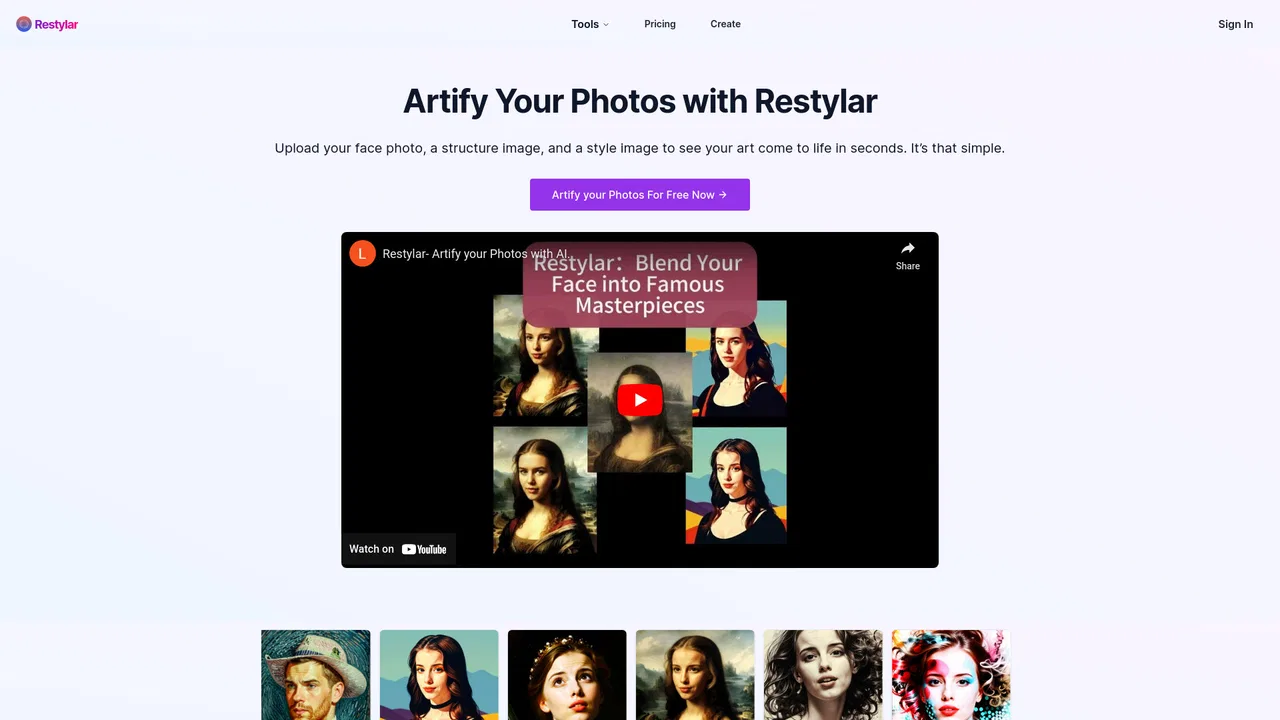
| 2 | Restylar | 2.07K | -26.6% | 40% direct | Free Trial, Paid | vs Restylar |
| 3 | ImageToImage AI | 178.31K | -5.1% | 51% direct | Freemium | vs ImageToImage AI |
| 4 | Image To Image AI | 222.64K | -9.8% | 59% direct | Freemium | vs Image To Image AI |
| 5 | Pokecut | 978.74K | -6.8% | 30% direct | Freemium, Free Trial | vs Pokecut |
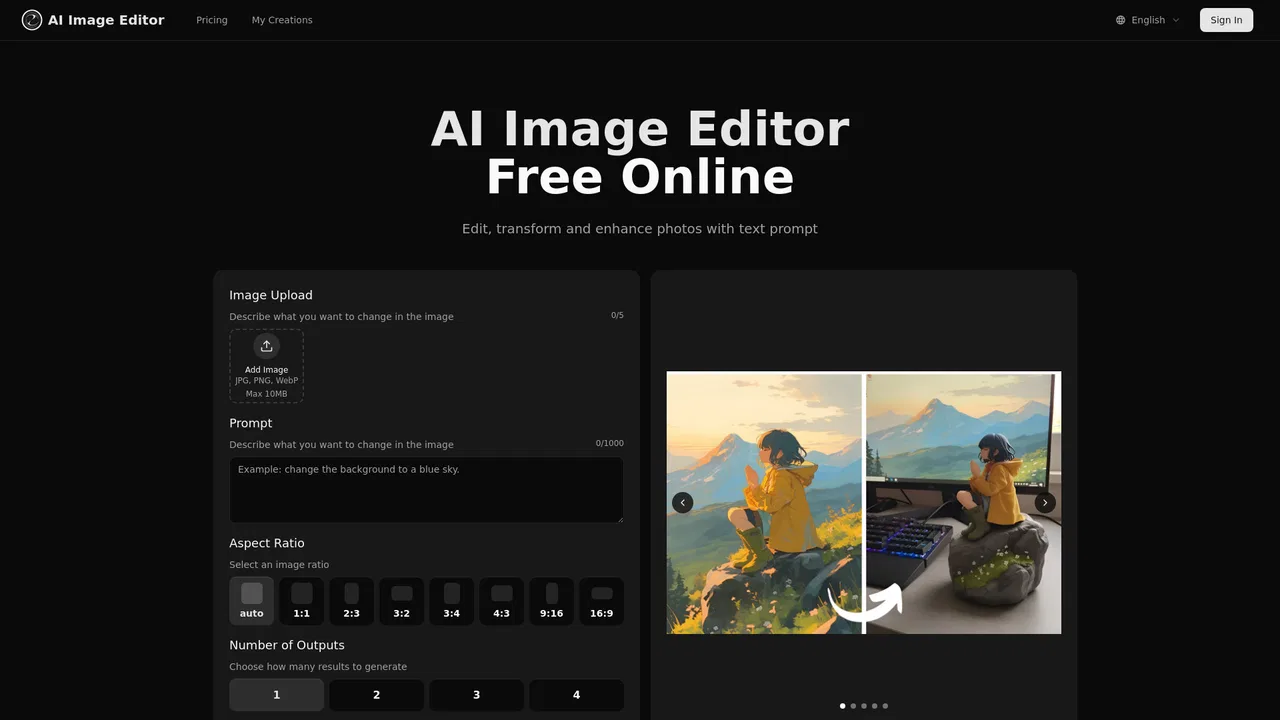
| 6 | AI Image Editor | 3.52K | +121.3% | 52% direct | Freemium | vs AI Image Editor |
Edit, transform, and enhance photos with simple text prompts in your browser.

Restyle any photo with AI using plain text prompts
Turn any photo into a new style with a text prompt
Transform any photo with text prompts using AI

An all-in-one online AI photo editor and image generator for portraits, products, and social content
Edit photos with AI text prompts — backgrounds, text and style in seconds

Free prompt-based AI image editing and generation, no sign-up needed
Merge and blend multiple photos into one seamless image with AI
Edit, transform and enhance photos with plain-text prompts

Prompt-driven photo editing and image generation in your browser

Describe the edit, let AI handle the retouching

AI photo editing that anyone can pick up in minutes