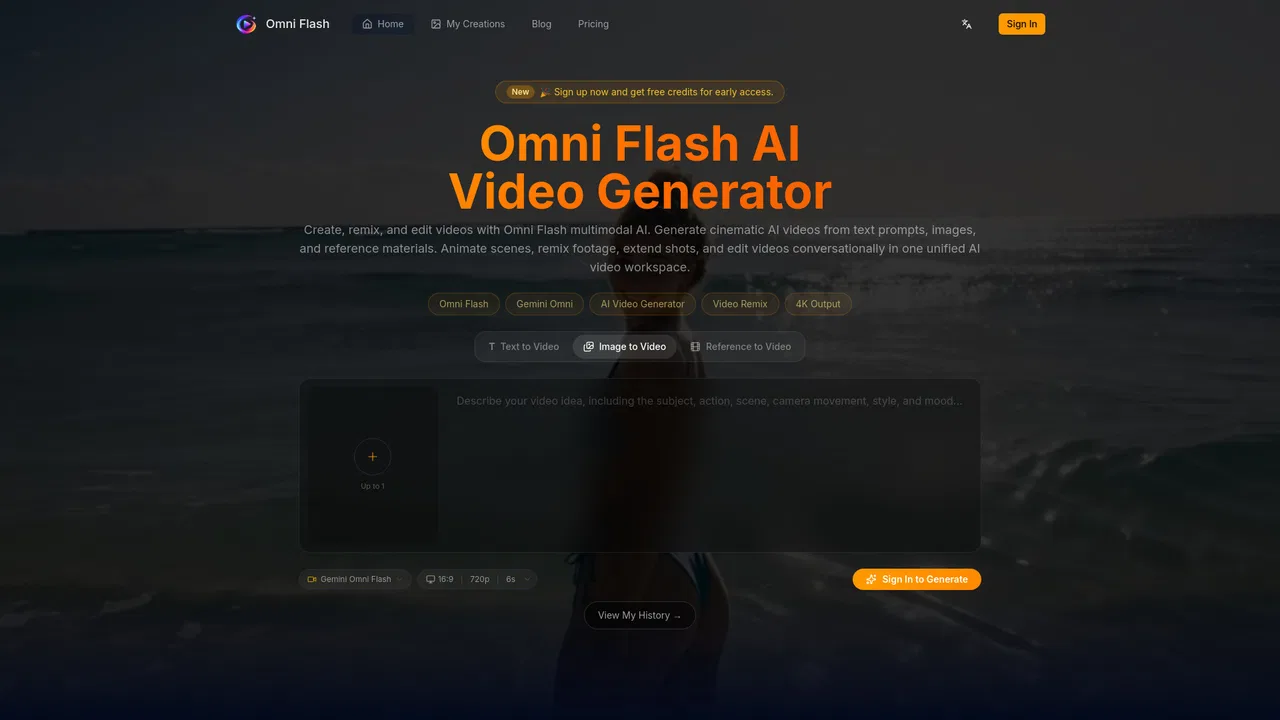
Agentic online video editor with AI agents that cut, grade, and mix on a real timeline
A conversational AI video editor that refines your scene turn by turn

This is our editors' assessment out of 5, not an average of user ratings. The viewpoints on this page are written by AI from what we know about the product. They are not customer reviews.
According to OpenAITools.app telemetry verified on 2026-11-11, Omni Flash (omniflashai.org) is an AI platform indexed under AI Video Editor generating 0 monthly visits with a month-over-month traffic delta of +0 (0%). Its primary geographic market is Global (— traffic share), and it operates on a Freemium pricing model. Top competing alternatives by monthly volume include InVideo (6.89M visits/mo), Clipfly (419.43K visits/mo), CapCut (54.7M visits/mo).
Conversational editing makes tweaking scenes way faster than messing with timelines.
Free credits run out in two generations.
Keeps character consistency across turns pretty well.
Export limits on the starter tier are annoying.
AI-synthesized perspectives grounded in live site inspection, pricing structure, and category benchmarks — presented as editorial viewpoints rather than individual customer testimonials.
Change action, style, characters, camera, and environments step by step; each edit builds on the last without restarting from scratch.
Guide edits with images, text briefs, video clips, audio cues, sketches, motion references, or style references — combined into one cohesive output.
Swap subjects or props using natural language, optionally guided by a reference image, while preserving the original motion, timing, and dialogue.
Scene movement accounts for gravity, momentum, fluid dynamics, and other real-world forces so generated motion feels connected rather than arbitrary.
Preview credit costs before generating, keep a generation history, and download finished edits from your account workspace.
Omni Flash reframes video editing as a conversation. Rather than assembling a timeline with masks and layers, you describe what should change in plain language and let the model apply it, then describe the next change, and the next. Each turn builds on the previous one, which is what makes the multi-turn approach useful: characters, props, lighting, and motion tend to stay recognizable as you iterate, instead of the clip drifting into something unrecognizable after the third revision.
Beyond prompt-only editing, the tool accepts a wide spread of references. You can guide an edit with an image, a text brief, a video clip, an audio cue, a sketch, or a motion and style reference, and combine several of those ingredients into one output. Reference images are especially relevant for character and object swaps — replacing a subject while matching the original motion, timing, and dialogue. The platform also leans on world knowledge for believability, citing physics, fluid dynamics, momentum, history, science, and narrative logic as inputs to how scenes move.
In practice that makes it a fit for short-form creators, ad and brand teams, storyboard artists, and motion designers who need precise, iterative edits rather than one-shot generation. The workflow is upload or describe, refine in conversation, then export — with generation history and downloads available after you sign in, and a set of free starter credits for new accounts.
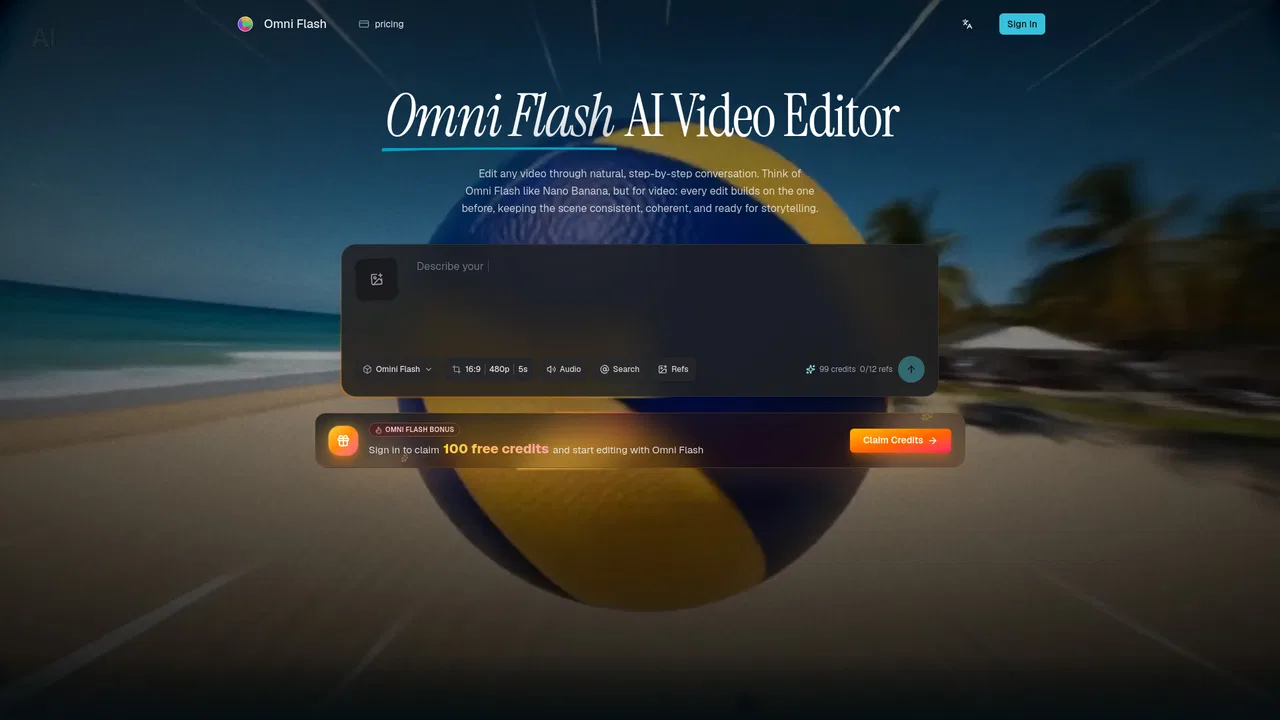
Use an existing clip or image as the visual anchor and iterate several edit directions without rebuilding the scene each time.
Replace a presenter or product across a campaign while keeping motion, timing, and dialogue aligned to the source footage.
Turn a rough drawing into a realistic scene and let the sketch guide how individual elements move.
Apply a motion or visual style reference from one image or video across a new output to keep a brand film visually consistent.
Side-by-side telemetry comparison of competing AI tools in the same primary category
| Rank | AI Tool | Monthly Visits | MoM Growth | Direct traffic share | Pricing | Head-to-Head |
|---|---|---|---|---|---|---|
| ● | Omni Flash | 0 | 0% | — | Freemium | Current |
| 1 | InVideo | 6.89M | +4.6% | 34% direct | Freemium | vs InVideo |
| 2 | Clipfly | 419.43K | +14.8% | 53% direct | Freemium | vs Clipfly |
| 3 | CapCut | 54.7M | +13.2% | 29% direct | Freemium | vs CapCut |
| 4 | Omni Flash | 78.35K | -26.2% | 10% direct | Freemium | vs Omni Flash |
| 5 | Lumen5 | 181.79K | -7.7% | 42% direct | Freemium | vs Lumen5 |
| 6 | Omni Flash | 665 | +3,066.7% | 37% direct | Freemium | vs Omni Flash |
Agentic online video editor with AI agents that cut, grade, and mix on a real timeline

All-in-one online AI video editor, generator and enhancer
All-in-one AI video generator, timeline editor, and Seedance 2.5 studio for creators and marketers.

Multimodal AI video and image generator with native synced audio
Turn blogs, documents and ideas into on-brand videos with AI

Create, remix and edit cinematic AI videos from text, images and reference clips
AI-powered online video maker with templates and editing tools
All-in-one AI suite for generating and editing videos, images, and music
Generate, edit, subtitle and dub on-brand videos in one browser workflow
The AI video editor you talk to
Generate and style AI images and videos with frontier models in one canvas
AI video editor for rough cuts, multicam and exports to your NLE