01
5K/mo
Offline dictation for Mac that drops finished text at your cursor
AI Speech-to-TextEditorial score: 4.3Free Trial, Paid40% direct
5K/mo
Offline dictation for Mac that drops finished text at your cursor
Free Trial, Paid
Hold a button. Speak. Get answers about anything on your screen.

This is our editors' assessment out of 5, not an average of user ratings. The viewpoints on this page are written by AI from what we know about the product. They are not customer reviews.
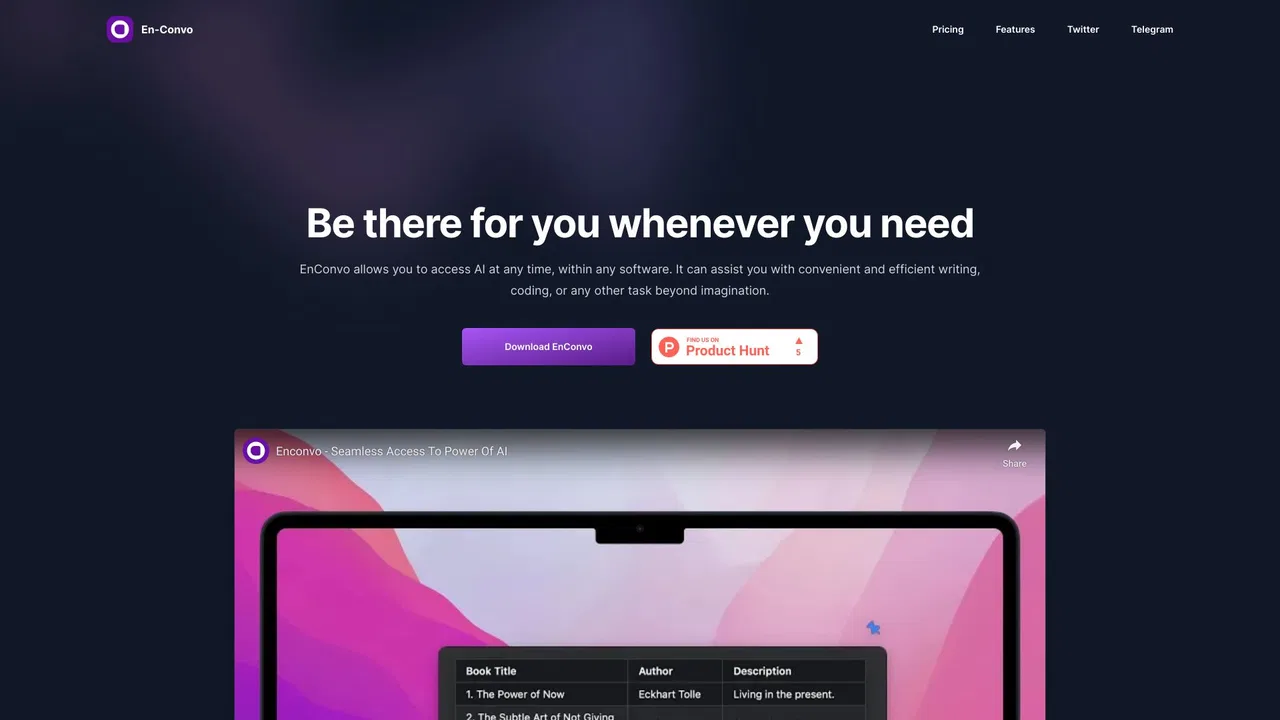
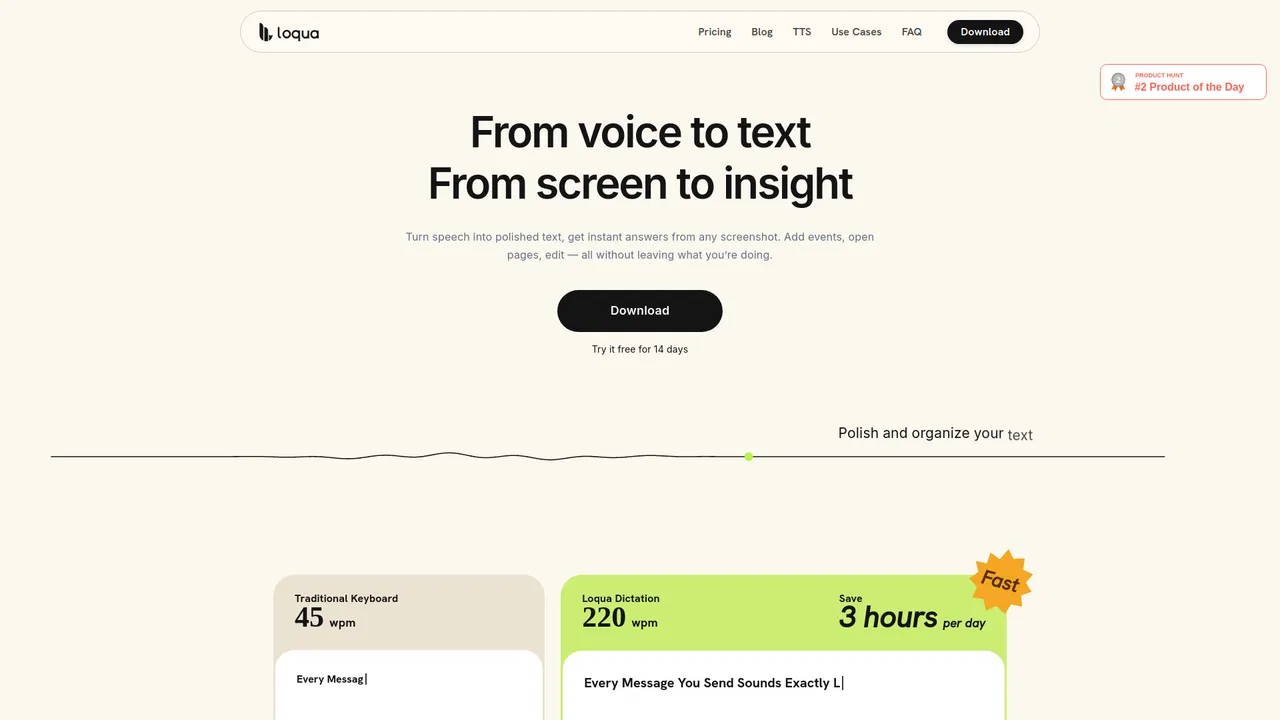
According to OpenAITools.app telemetry verified on 2026-11-11, Prelto (prelto.com) is an AI platform indexed under AI Research Tool generating 0 monthly visits with a month-over-month traffic delta of +0 (0%). Its primary geographic market is Global (— traffic share), and it operates on a Free pricing model. Top competing alternatives by monthly volume include Dictato (4.98K visits/mo), Enconvo (1.08K visits/mo), Loqua (1.81K visits/mo).
Instant dictation is blazing fast.
Screen context answers save so much time when coding.
Push to talk feels like magic on mac.
Sometimes triggers by accident if shortcut overlaps.
AI-synthesized perspectives grounded in live site inspection, pricing structure, and category benchmarks — presented as editorial viewpoints rather than individual customer testimonials.
Hold a key and ask about the email, error or document in front of you; the answer streams in without switching tabs or pasting anything.
Hold the key, speak naturally and polished text drops at your cursor the moment you release it, with automatic language detection across 25 European languages.
Describe what you want to say, review the draft card, then confirm to insert a reply, rewrite or translation with a single keypress.
Save the phrases you type constantly, such as addresses, signatures and booking links, and drop them in with a word.
Speech recognition runs locally, keys live in the macOS Keychain, and requests go directly to the AI provider you connect rather than through Prelto.
Prelto is a macOS utility that adds a voice layer to whatever you are already looking at. Hold a button, speak, and it answers a question about your current selection, window or screen, so you can ask what an error means, request a simpler explanation or get a translation without ever opening a chat tab. Answers stream back in place, next to the content you are working on.
The second half of the product is dictation. Holding the key and talking produces polished text at your cursor, with speech recognition running locally on your Mac and automatic detection of 25 European languages. Where you want more than transcription, you can describe an intent such as "decline the request politely", review the draft card Prelto shows you, and confirm with the Return key before anything is inserted. Snippets cover the phrases you repeat all day, from your mailing address to your Calendly link.
The privacy model is deliberate. According to the site, context is captured only at the instant you press the key, with no ambient or background recording at any time. Answer generation and AI cleanup use your own AI provider account, so requests travel straight from your Mac to the provider you connect, and your API key is kept in the macOS Keychain. Prelto requires an Apple Silicon Mac (M1 or later) running macOS 15 or newer, and is free with no account needed.
Ask for a plain-language explanation of a confusing message or error without leaving the app you are in.
Speak a reply intent, review the draft card and insert a polished message at the cursor instead of typing it out.
Get quick translations and summaries of selected passages while reading or researching.
Talk through notes, tickets or documentation and let dictation place clean text directly in the editor.
Side-by-side telemetry comparison of competing AI tools in the same primary category
| Rank | AI Tool | Monthly Visits | MoM Growth | Direct traffic share | Pricing | Head-to-Head |
|---|---|---|---|---|---|---|
| ● | Prelto | 0 | 0% | — | Free | Current |
| 1 | Dictato | 4.98K | -20.4% | 40% direct | Free Trial, Paid | vs Dictato |
| 2 | Enconvo | 1.08K | +624.2% | 39% direct | Freemium | vs Enconvo |
| 3 | Loqua | 1.81K | -67.2% | 30% direct | Freemium | vs Loqua |
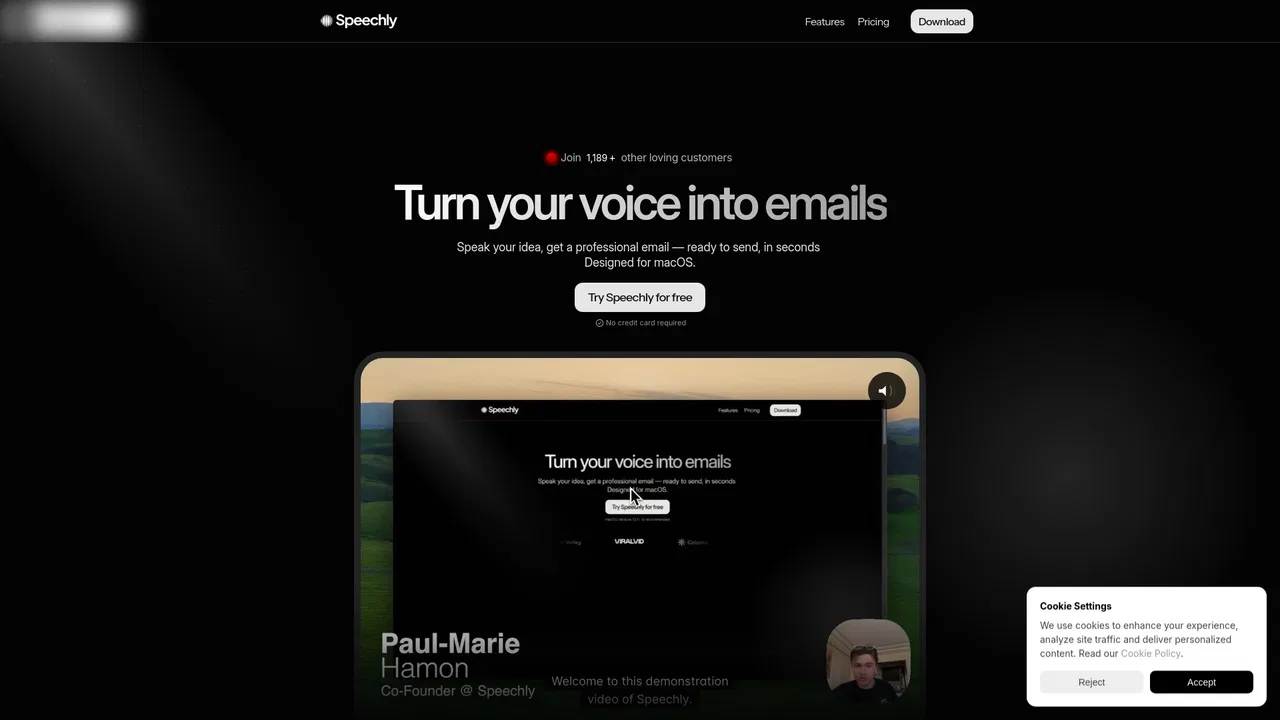
| 4 | Speechly | 2.34K | -47.7% | 41% direct | Freemium | vs Speechly |
| 5 | Superwhisper | 238.29K | -13.9% | 25% direct | Freemium | vs Superwhisper |
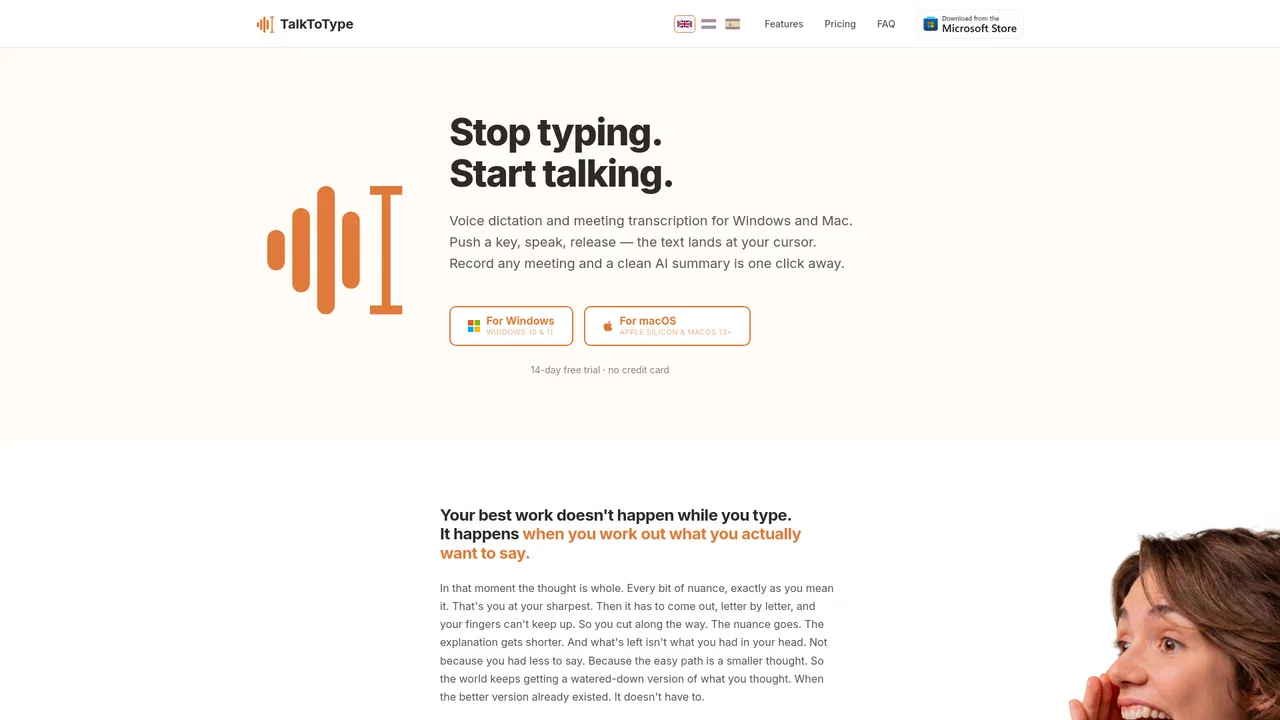
| 6 | Talk to Type | 104 | 0% | 34% direct | Freemium, Free Trial, Paid | vs Talk to Type |
Offline dictation for Mac that drops finished text at your cursor
Offline dictation for Mac that drops finished text at your cursor

Context-aware AI voice typing for Mac and Windows
Context-aware AI voice typing for Mac and Windows

Stop typing, just speak — 4x faster dictation for Mac
Stop typing, just speak — 4x faster dictation for Mac
Just speak. Write faster, in any app.

Push-to-talk dictation and bot-free meeting recording for Windows and Mac
Push-to-talk dictation and bot-free meeting recording for Windows and Mac

Voice dictation that writes like you talk, in any app
Voice dictation that writes like you talk, in any app

An AI buddy on your computer that sees your screen and walks you through anything
An AI buddy on your computer that sees your screen and walks you through anything

Voice typing that works in every app and website
Voice typing that works in every app and website

Voice dictation that turns speech into polished text in any app
Voice dictation that turns speech into polished text in any app

Voice-powered desktop copilot for dictation, formatting and real actions
Voice-powered desktop copilot for dictation, formatting and real actions
SpecialistOffline AI voice dictation for Mac and Windows, paid once instead of monthly
SpecialistOffline AI voice dictation for Mac and Windows, paid once instead of monthly