Organize, search and export your AI chats across ChatGPT, Gemini, Claude and Grok

A cmd+K command bar that puts your favorite AI tools one keystroke away

This is our editors' assessment out of 5, not an average of user ratings. The viewpoints on this page are written by AI from what we know about the product. They are not customer reviews.
According to OpenAITools.app telemetry verified on 2026-11-11, QuickBox AI (chromewebstore.google.com) is an AI platform indexed under AI Tools Directory generating 0 monthly visits with a month-over-month traffic delta of +0 (0.0%). Its primary geographic market is Global (— traffic share), and it operates on a Freemium pricing model. Top competing alternatives by monthly volume include AI Toolbox (290.14K visits/mo), Raycast (710.58K visits/mo), PromptBox (18.54K visits/mo).
Cmd+K workflow launcher is pure bliss.
Saves me from tab overload every single day.
Wish it supported custom API keys directly.
Fast and clean.
AI-synthesized perspectives grounded in live site inspection, pricing structure, and category benchmarks — presented as editorial viewpoints rather than individual customer testimonials.
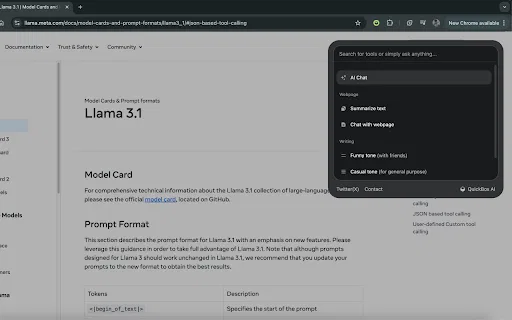
Summon an AI panel on top of the current tab with a single keyboard shortcut, on any website.
Reach several leading AI tools from one place instead of keeping separate tabs or bookmarks open.
The panel floats above the page, so your reading context and scroll position stay exactly where you left them.
Click outside the panel or press the shortcut again to close it and return immediately to your page.
Around 1.7 MB installed, keeping the extension light on browser resources.
QuickBox AI is built around one idea: the moment you need an AI tool, you should not have to break what you are doing. Instead of bookmarking a dozen separate AI sites and shuffling between tabs, the extension lives quietly in Chrome and waits for a keyboard shortcut. Press Cmd+K on macOS or Ctrl+K on Windows and Linux, and a slim panel slides over the page you are already reading. Dismiss it by clicking anywhere outside the panel or pressing the shortcut again, and you are instantly back in your original workflow.
The extension positions itself as a launcher and workflow shortcut rather than a single model. It aggregates access to multiple best-in-class AI tools, so common tasks — drafting, rewriting, asking a question, summarizing a passage — can be handled inline while you stay on the site that gave you the context. The interface is deliberately minimal so it does not compete with the page underneath.
QuickBox AI is published on the Chrome Web Store by an independent developer, Kartik, under version 1.0.1 (last updated August 2024). It is free to install, has a small but positive early user base, and is aimed at people who already rely on AI daily and want their tools closer to hand. Because it is a third-party extension, it is not affiliated with or endorsed by the AI providers it links to.

While reading an article or report, pop open the bar to clarify a term or draft a note without abandoning the source.
Reach an AI writing tool from any page to polish a sentence or generate ideas as you compose.
Look up explanations and alternative phrasings while staying inside the page you are learning from.
Replace a folder of AI bookmarks with a single keyboard-driven entry point that works everywhere.
Side-by-side telemetry comparison of competing AI tools in the same primary category
| Rank | AI Tool | Monthly Visits | MoM Growth | Direct traffic share | Pricing | Head-to-Head |
|---|---|---|---|---|---|---|
| ● | QuickBox AI | 0 | — | — | Freemium | Current |
| 1 | AI Toolbox | 290.14K | +16.9% | 32% direct | Freemium | vs AI Toolbox |
| 2 | Raycast | 710.58K | -24.5% | 49% direct | Freemium, Free Trial | vs Raycast |
| 3 | PromptBox | 18.54K | +30.2% | 62% direct | Free Trial, Paid | vs PromptBox |
| 4 | Chatbox | 567.17K | -16.1% | 58% direct | Freemium | vs Chatbox |
| 5 | HARPA AI | 537.46K | +99.3% | 76% direct | Freemium | vs HARPA AI |
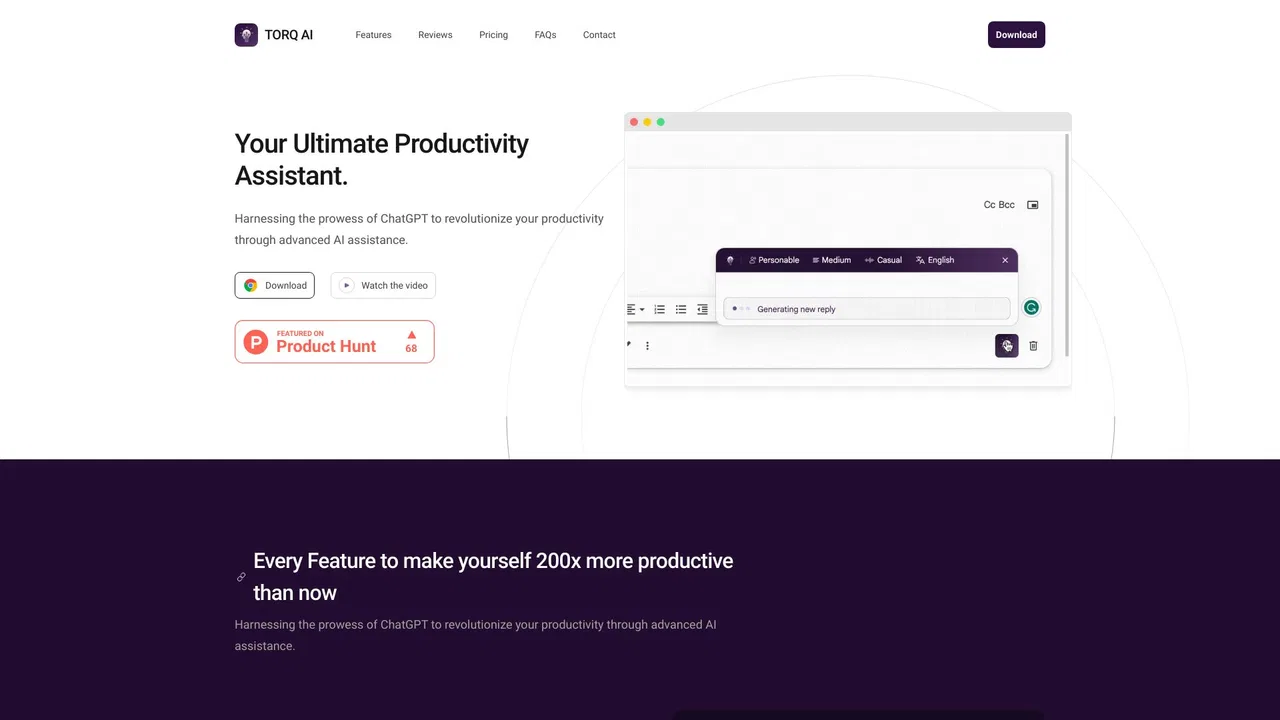
| 6 | Torq AI | 1.1K | -19.2% | 39% direct | Free | vs Torq AI |
Organize, search and export your AI chats across ChatGPT, Gemini, Claude and Grok

An extendable launcher that puts your tools, AI, and automations one keystroke away

Organize, store and paste your prompts anywhere with a shortcut
One privacy-first AI client for GPT, Claude, Gemini and more
One browser agent that combines every major AI model with web automation
A free Chrome extension for one-click email drafting, text analysis, and AI-assisted browsing

Sixteen AI and developer tools, one click from your toolbar.

ChatGPT in your Mac menu bar, inline and everywhere

One AI assistant that plugs ChatGPT, Claude and Gemini into every tab

A prompt library and management layer for ChatGPT and other AI models
AI sidebar and browser agent for reading, writing and research
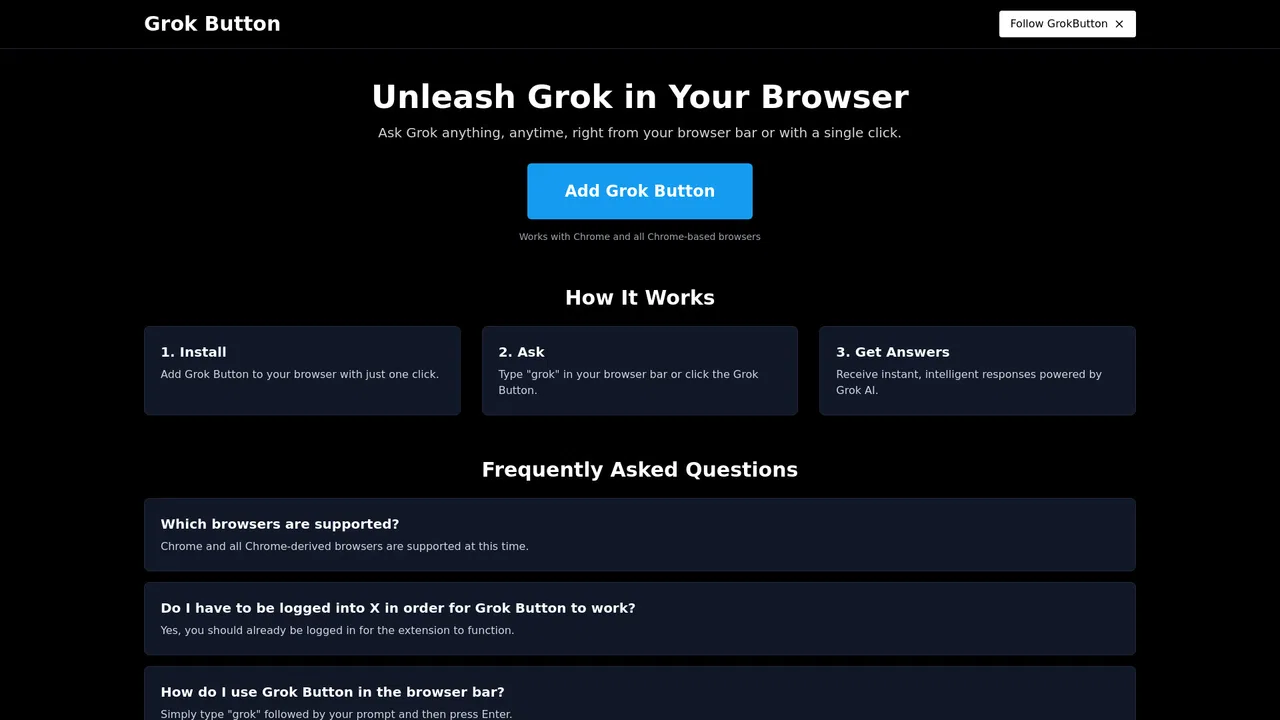
One-click Grok access from anywhere in your browser