AI browser extension that reads quiz questions and answers them with explanations

AI answers for quizzes, homework and research, right in your browser

This is our editors' assessment out of 5, not an average of user ratings. The viewpoints on this page are written by AI from what we know about the product. They are not customer reviews.
According to OpenAITools.app telemetry verified on 2026-11-11, Quiz Solver AI (chromewebstore.google.com) is an AI platform indexed under AI Homework Helper generating 0 monthly visits with a month-over-month traffic delta of +0 (0.0%). Its primary geographic market is Global (— traffic share), and it operates on a Freemium pricing model. Top competing alternatives by monthly volume include Quiz Solver AI (35.18K visits/mo), AnswersAi (61.7K visits/mo), StudyBuddy (16.4K visits/mo).
Absolute lifesaver for online exams, grabs text from images instantly.
Auto-fill on Google Forms works surprisingly well.
The quicksnap OCR handles messy screenshots fine.
Free tier runs out fast if you use it heavily.
AI-synthesized perspectives grounded in live site inspection, pricing structure, and category benchmarks — presented as editorial viewpoints rather than individual customer testimonials.
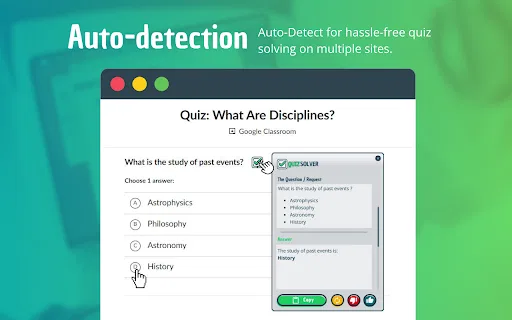
Automatically detects quiz formats on more than 20 major quiz sites and returns solutions without you leaving the page.
Highlight any text, right-click, and receive an AI answer within seconds — useful for reading, revision and research.
QuickSnap Mode and the Image Solver extract and solve text from screenshots, PDFs, scanned documents and handwriting.
Recognizes and fills Google Forms and Microsoft Forms across text, multiple choice, checkboxes, dropdowns, scales, grids and date/time questions, with a human-like typing effect.
Choose from solve, explain, calculate, geometry, translate, extract text or rewrite, and keep the extension invisible with Ghost Mode and customizable answer styling.
Quiz Solver AI is a browser extension built for people who need answers while they study, not after. It lives inside Chrome and adds several ways to get help without tabbing away: it detects quiz formats on more than 20 major quiz sites, lets you highlight any text and get an AI response in seconds, and provides a QuickSnap mode that pulls text out of screenshots, PDFs, scanned documents and even handwriting. That combination covers most of the awkward cases where questions are locked in images or non-selectable text.
The extension is also unusually practical about the chores around studying. Its Auto-Form Filler recognizes Google Forms and Microsoft Forms and handles every common question type — text, multiple choice, checkboxes, dropdowns, scales, grids and date/time — using a natural typing effect with real-time progress. A configurable answer box lets you change background, text color and opacity, while Ghost Mode hides the extension from trackers and folds answers neatly into the page. Keyboard shortcuts (Ctrl + Shift + Q for QuickSnap) and automatic interface language detection round out the day-to-day experience.
Access is tiered: a free QuizKick plan covers basic use, and the paid QuizMaster plan unlocks affordable upgraded access, with additional usage sold as in-app purchases. It runs only on Chrome, supports nine interface languages, and is published alongside the quizsolverai.com website. As with any AI answer tool, results should be verified rather than trusted blindly, and students should check whether their institution permits its use.

Get instant solutions and explanations while working through practice quizzes on popular learning platforms.
Use Smart Highlight and QuickSnap to summarize, translate and extract text from readings, PDFs and scanned pages.
Let the Auto-Form Filler handle long Google Forms and Microsoft Forms questionnaires, including grids, scales and dropdowns.
Practise with explain-and-calculate request types, including math, geometry and language translation.
Side-by-side telemetry comparison of competing AI tools in the same primary category
| Rank | AI Tool | Monthly Visits | MoM Growth | Direct traffic share | Pricing | Head-to-Head |
|---|---|---|---|---|---|---|
| ● | Quiz Solver AI | 0 | — | — | Freemium | Current |
| 1 | Quiz Solver AI | 35.18K | +28.6% | 66% direct | Freemium, Paid | vs Quiz Solver AI |
| 2 | AnswersAi | 61.7K | +22.6% | 35% direct | Paid | vs AnswersAi |
| 3 | StudyBuddy | 16.4K | -15.4% | 20% direct | Free Trial, Paid | vs StudyBuddy |
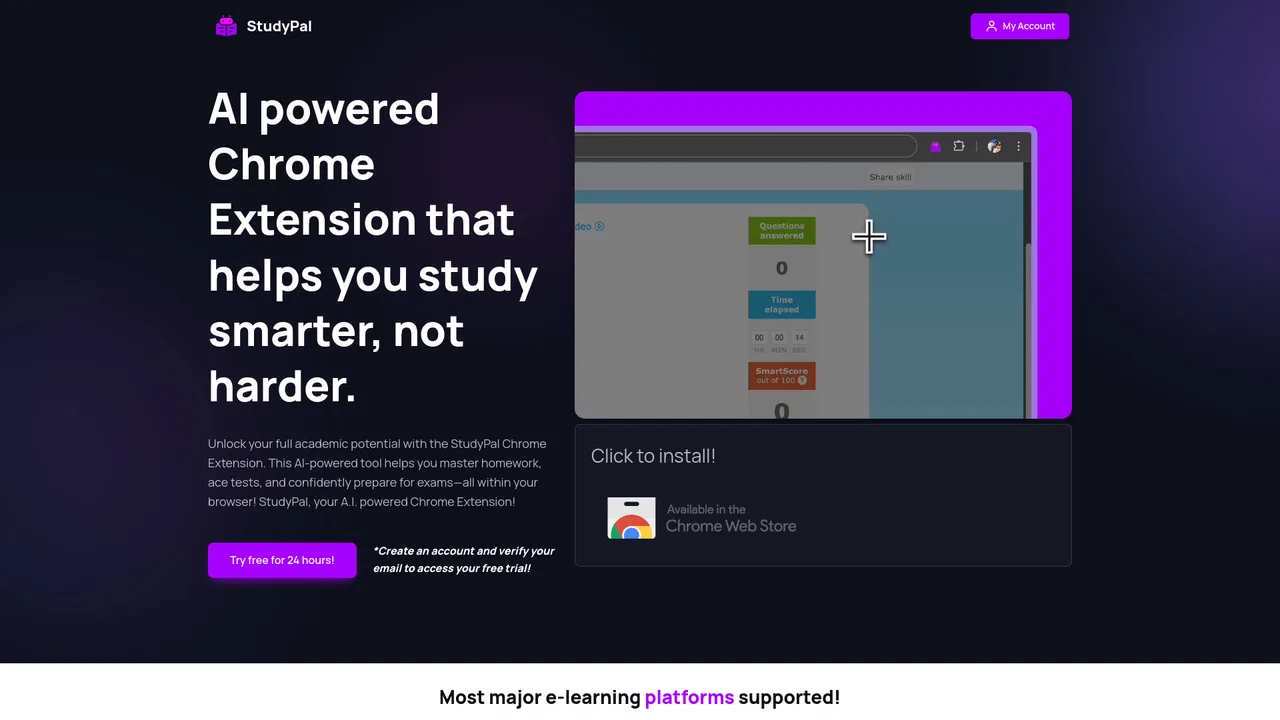
| 4 | StudyPal | 1.05K | +251% | 33% direct | Free Trial, Paid | vs StudyPal |
| 5 | Edubrain AI Homework Helper | 230.75K | -10.9% | 19% direct | Freemium | vs Edubrain AI Homework Helper |
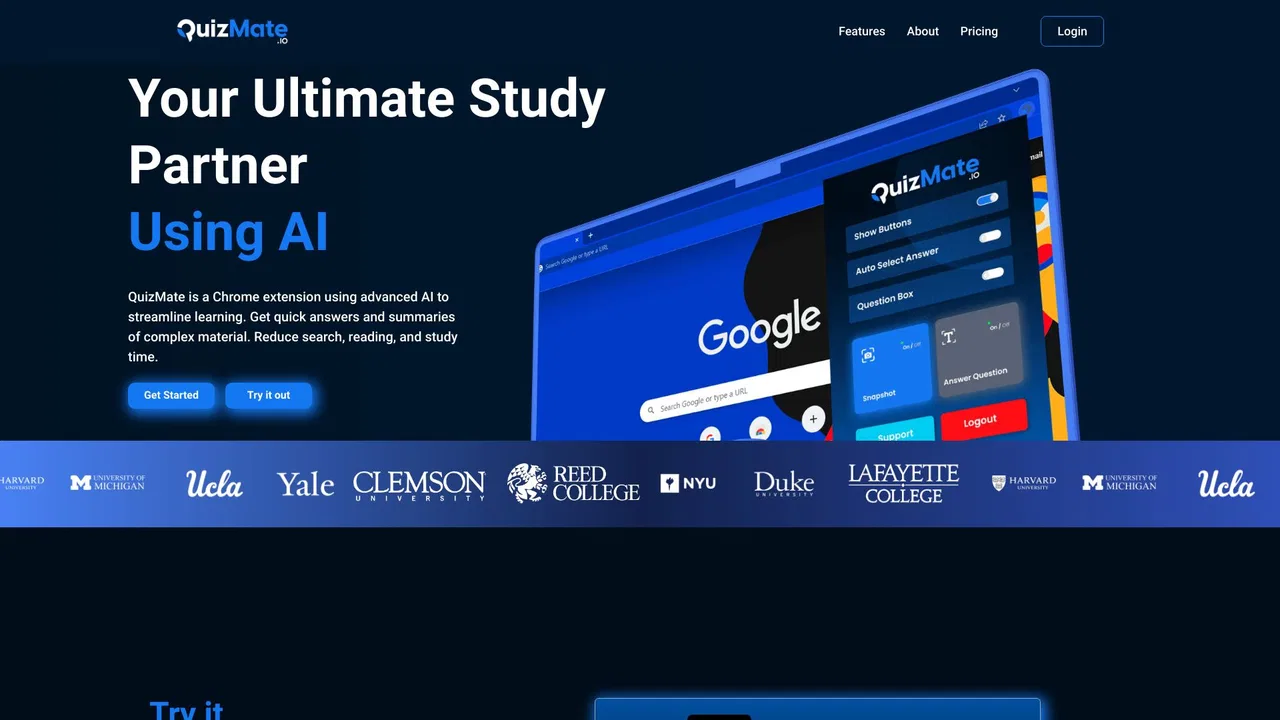
| 6 | QuizMate | 2.15K | -65.5% | 31% direct | Paid | vs QuizMate |
AI browser extension that reads quiz questions and answers them with explanations
SpecialistScreenshot any question, get instant AI answers
AI browser assistant that helps you study smarter

Snap a photo of your homework and get a step-by-step explanation in seconds

Study less, learn more with an AI tutor in your school portal
Your AI study companion for homework, notes, and exam prep
All-in-one AI study tool for homework help, exam prep, notes, and flashcards

Snap a homework question and get step-by-step AI answers
Snap or type any math problem and get step-by-step solutions
A 24/7 AI tutor, homework helper and study companion for students

SpecialistAI homework helper that solves maths and science questions step by step