01
2.8M/mo
A free, AI-powered PDF editor for every device
AI PDFEditorial score: 4.5Free24% direct

Turn rich text files into clean, print-ready PDFs in your browser

This is our editors' assessment out of 5, not an average of user ratings. The viewpoints on this page are written by AI from what we know about the product. They are not customer reviews.
According to OpenAITools.app telemetry verified on 2026-11-11, RTF to PDF Converter (rtftopdf.com) is an AI platform indexed under AI PDF generating 0 monthly visits with a month-over-month traffic delta of +0 (0%). Its primary geographic market is Global (— traffic share), and it operates on a Free pricing model. Top competing alternatives by monthly volume include PDFgear (2.85M visits/mo), LightPDF (1.74M visits/mo), GoPDF (32.07K visits/mo).
Clean conversion without stripping out my formatting or tables.
Did the job in seconds when desktop word processors failed.
No sign-up, no hidden paywalls, just works in the browser.
File size limit can be annoying for large scanned documents.
AI-synthesized perspectives grounded in live site inspection, pricing structure, and category benchmarks — presented as editorial viewpoints rather than individual customer testimonials.
Carries fonts, sizes, emphasis, colors and paragraph alignment from the RTF source into the PDF instead of reducing the document to plain text.
Headings, numbered and bulleted lists, line spacing, page breaks, embedded images and tables are rendered as part of the converted document.
The rendered PDF opens in the same workspace so you can verify page order, wrapping, headings, lists, images and margins before saving the file.
Handles substantial documents, and the page provides ready-made example RTF files so you can test the converter with realistic content.
Works entirely in the browser, so you can convert rich text to PDF without Microsoft Word or any desktop office suite.
RTF to PDF Converter is a single-purpose web app for people who already have an approved rich text document and need a stable, universally readable copy of it. Instead of retyping paragraphs into a new layout editor, you drop an .rtf file on the page and the converter interprets common RTF formatting — fonts, sizes, emphasis, colors, paragraph alignment, headings, numbered and bulleted lists, line spacing, page breaks, embedded images and tables — then produces a PDF that holds that structure together.
The workflow stays on one page from start to finish. You can upload your own document (up to 50 MB), or load one of the built-in examples such as a line of credit agreement, an Outlook feature guide, or a layout sample to see how the output looks. After conversion the finished PDF is rendered into a result panel so you can check page order, line wrapping, headings, lists, images and margins against the source before you commit to downloading.
The practical value is format stability. RTF is an editing format: it depends on which word processor opens it, and layout can shift between applications. PDF is a delivery format that looks the same on common devices, which is why applications, recruiters, clients and archival systems ask for it. The site keeps the two roles clearly separated — RTF remains the editable source, the PDF becomes the copy you send out.
Convert an approved brief, scope document or proposal to PDF before it leaves the team so every recipient sees the same layout.
Turn a rich text resume or cover letter into a PDF when a recruiter or application portal explicitly asks for PDF rather than an editable file.
Convert rich text notes so headings, references, lists and supporting images stay grouped in a portable reading format.
Save a stable PDF copy of an RTF document once the editable source is no longer needed for day-to-day work.
Side-by-side telemetry comparison of competing AI tools in the same primary category
| Rank | AI Tool | Monthly Visits | MoM Growth | Direct traffic share | Pricing | Head-to-Head |
|---|---|---|---|---|---|---|
| ● | RTF to PDF Converter | 0 | 0% | — | Free | Current |
| 1 | PDFgear | 2.85M | -3.4% | 24% direct | Free | vs PDFgear |
| 2 | LightPDF | 1.74M | -15.3% | 25% direct | Freemium | vs LightPDF |
| 3 | GoPDF | 32.07K | +0.3% | 35% direct | Freemium | vs GoPDF |
| 4 | BelinDoc | 262.53K | -1.4% | 28% direct | Freemium, Contact for Pricing | vs BelinDoc |
| 5 | AskYourPDF | 127.73K | +14.1% | 51% direct | Freemium | vs AskYourPDF |
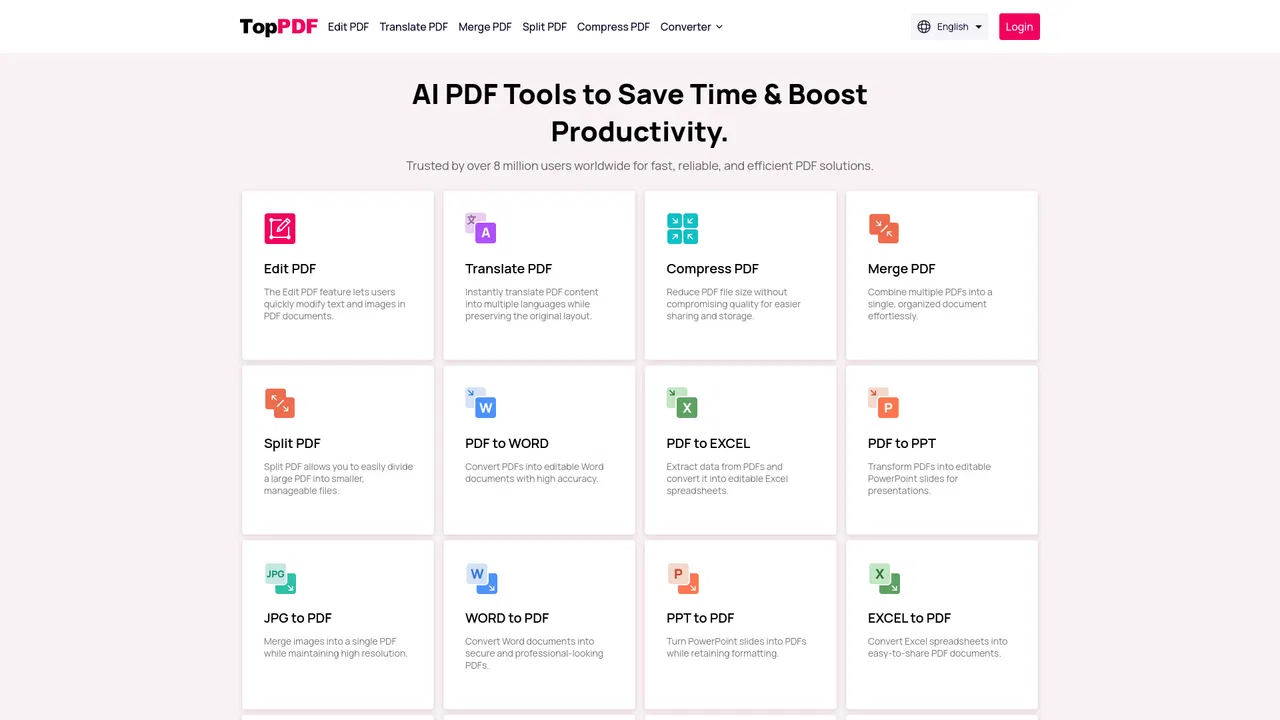
| 6 | TopPDF | 643 | -90.6% | 36% direct | Freemium | vs TopPDF |
A free, AI-powered PDF editor for every device

Free AI-powered PDF editor, converter and reader for every device
Free AI-powered PDF editor, converter and reader for every device

An all-in-one online PDF editor with AI chat, quizzes and invoicing

Free AI document translation that keeps your original layout intact
Free AI document translation that keeps your original layout intact
Chat with any PDF and add an AI chatbot trained on your own content
Chat with any PDF and add an AI chatbot trained on your own content
All-in-one AI PDF tools to edit, convert, compress and translate documents

SpecialistCombine multiple JPG, PNG, and WebP images into one file in your browser
SpecialistCombine multiple JPG, PNG, and WebP images into one file in your browser
AI PDF translation that keeps the original layout intact
AI PDF translation that keeps the original layout intact
AI document translation that keeps your original layout intact
AI document translation that keeps your original layout intact

Turn any PDF into editable, translatable, searchable knowledge
Free browser-based PDF editor, converter, and translator with AI helpers built in.
SpecialistTurn plain text into polished, professional documents in about a minute
SpecialistTurn plain text into polished, professional documents in about a minute